What does Facebook count as hate speech in 2026?
Facebook counts a post as hate speech when it attacks people for a protected characteristic, not when it is merely rude. Meta renamed the rule "Hateful Conduct" in January 2025, and the list of protected characteristics stayed close to the old one: race, ethnicity, national origin, disability, religious affiliation, caste, sexual orientation, sex, gender identity and serious disease. An attack means dehumanizing comparisons, claims of inferiority, calls for exclusion or segregation, slurs aimed at a group, and harmful stereotypes. A heated argument about immigration policy is not an attack; calling a nationality vermin is. The full wording sits in Meta's Hateful Conduct policy, and it is worth reading once before you file, because reviewers apply that text literally.
The January 2025 rewrite changed two things that matter for anyone trying to report hate speech on Facebook. Meta narrowed its automated sweeps to "the most serious and illegal" content and said it would act on less severe violations mainly after a user report (Meta newsroom, January 2025). It also loosened some rules around gender and sexual orientation in political and religious debate. So a racist comment that a classifier might once have removed on its own can now stay up until someone flags it. Your report is no longer a backup signal. Often it is the only one.
Your Reputation Solution is a reputation and account-recovery service that helps people and businesses document, report and escalate harmful content across Meta, Google, TikTok, X and YouTube. That includes coordinated hate aimed at one person or one company page.
How to report hate speech on Facebook, step by step
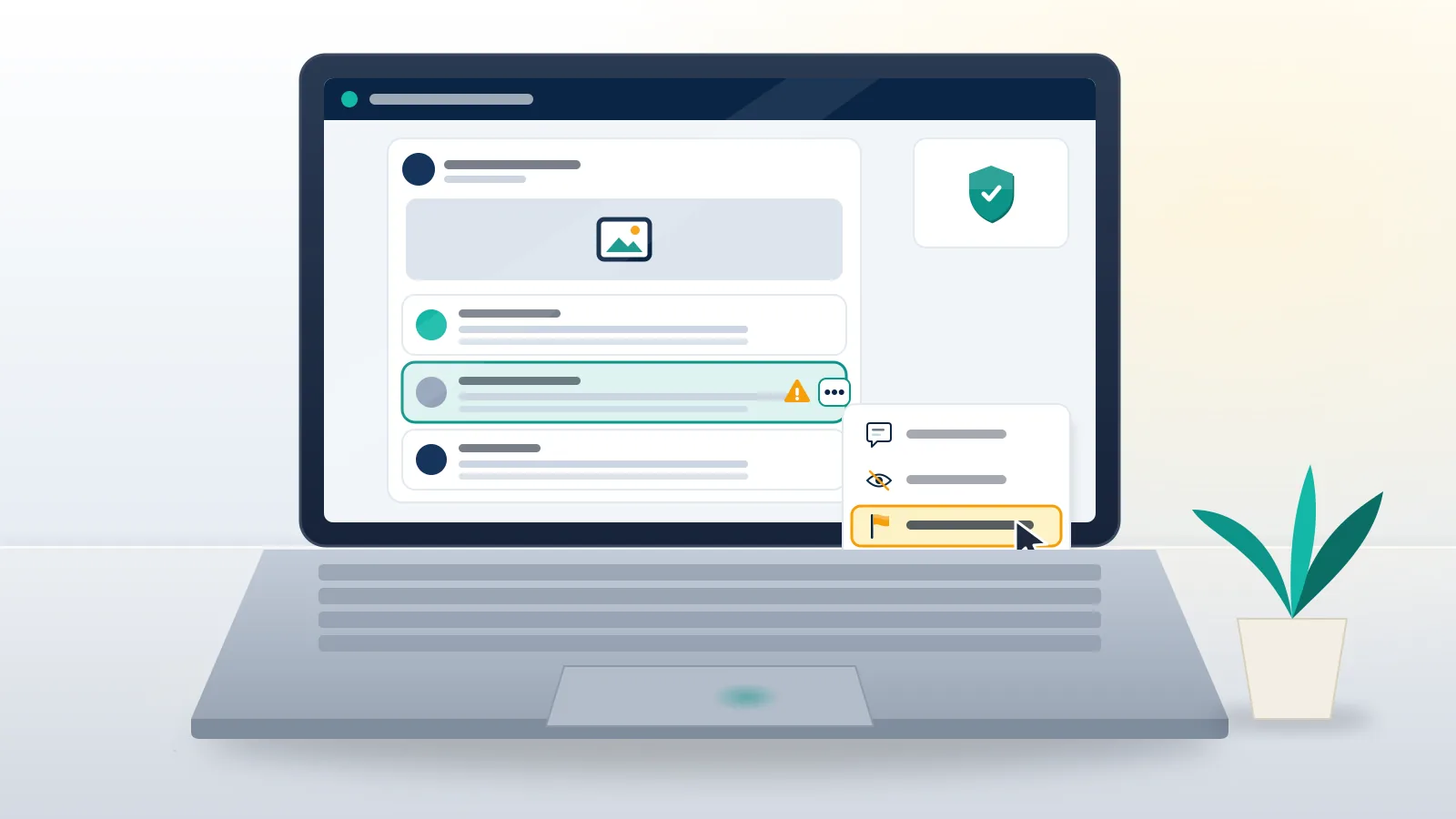
The Facebook report hate speech option is only two taps deep. The choices inside it are where most reports fail. Here is the flow as it appears in the Facebook app and on desktop as of October 2026:
- Find the exact item: the post, the single comment, the photo, the profile, the Page or the Messenger message. Report the item that contains the attack, not the whole thread.
- Tap the three dots (or press and hold a comment, or the message bubble in Messenger) and choose Report or Find support or report.
- Pick the hate-related reason. Depending on the app version it reads "Hate speech", "Hate speech or symbols" or sits under a broader violent-or-hateful heading.
- Choose the protected characteristic being attacked, such as race or ethnicity, religion, or sexual orientation.
- Submit, then check Support Inbox (Settings & privacy, Help & support) for the decision and its reference number.
That is the whole answer to "how do you report hate speech on Facebook". Reporting hate speech on Facebook through any other route, a Messenger chat with a stranger claiming to work for Meta, a "reporting service" asking for your login, is a scam.
A detail most guides skip: the person you report is not told who filed it. Meta keeps reporters anonymous for Community Standards reports. Intellectual-property complaints work differently, because the rights holder's name can be shared, and that difference becomes relevant further down.

How to report racist comments on Facebook
To report a racist comment on Facebook, press and hold the comment itself (on desktop, hover and click the three dots beside it), choose Report, pick hate speech and then race or ethnicity. Do this per comment. One report on the parent post does not cover thirty racist replies underneath it, and reviewers judge the item they are shown.
People searching how to report racism on Facebook usually face one of three situations, and each one needs a different move:
| Situation | Where to report | What helps the review |
|---|---|---|
| A stranger's racist comment under your post | The comment itself | Report, then hide or delete it on your own post after you screenshot it |
| A post or meme mocking an ethnic group | The post, reason: race or ethnicity | Note any coded slur or symbol in the optional text box when one is offered |
| A profile or Page built around racist content | The profile or Page | Report two or three of its worst posts as well, so the reviewer sees the pattern |
| Racist abuse in Messenger | The message, then block | Keep the chat; the message is evidence for police if it includes threats |
Before you report racism, Facebook lets you hide a comment on your own post at once, which stops it spreading during review. If you came here searching "report racist comment on Facebook", the short version is one report per comment, filed on the comment itself.
Coded language is the usual reason a report on racism comes back as "doesn't go against our Community Standards". Numbers, emoji combinations and in-group spellings slip past reviewers working at speed in a language that is not their first. When Facebook offers a free-text box, one plain sentence explaining the code ("the 1488 in this comment is a white-supremacist numeric code") does more than a paragraph of outrage.
When you report racism on Facebook in a group, file the report with Meta and also with the group admins. Admins can remove a member in seconds; Meta's queue can take days.
Does swearing or foul language count as hate speech?
No. Swearing alone does not break Facebook's rules, so a report for profanity with no target usually comes back unactioned. Profanity becomes reportable when it is aimed at someone: as bullying and harassment if it targets a private person, or as hate speech if the insult attacks a protected characteristic. That is why "how to report foul language on Facebook" has a split answer.
If you want to know how to report swearing on Facebook because it keeps landing on your own Page or posts, reporting is the slow tool. Page owners can switch on the Profanity filter and add Keyword blocking under the Page's moderation settings, which hides matching comments from everyone except the writer and their friends. On a personal post you can delete or hide the comment directly. Groups have keyword alerts for admins. Use those first, and keep reporting for the comments that target a person.
How to report Facebook for discrimination outside of posts
Discrimination on Facebook also shows up in places that are not ordinary posts: ads that exclude people from housing, jobs or credit, Marketplace sellers who refuse buyers by ethnicity, and Pages that run discriminatory hiring calls. Meta's advertising standards ban discrimination in ads, and US housing, employment and credit ads run under restricted targeting after a 2019 settlement and a 2022 agreement with the US Department of Justice (DOJ, June 2022).
To report Facebook for discrimination in an ad, tap the three dots on the ad, choose Report ad, and pick the closest reason offered. For a Marketplace listing or a seller's message, report the listing or the conversation. When the discrimination is illegal where you live (a landlord or employer turning someone away), the platform report is the smaller step. The regulator is the bigger one: in the US that is HUD or the EEOC, and most countries have an equality body that accepts screenshots as evidence.
What happens after a Facebook hate speech report?
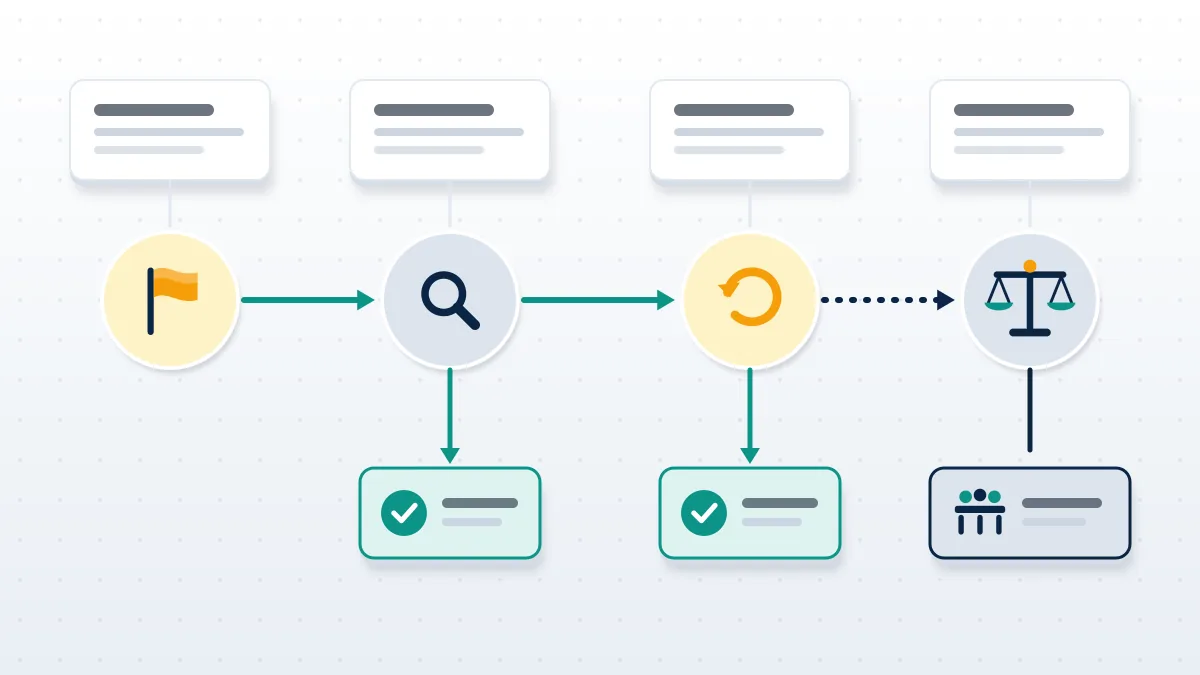
After a Facebook hate speech report, Meta's systems sort it, a reviewer or classifier compares the item to the Hateful Conduct policy, and you get a decision in Support Inbox. The decision has one of three shapes: removed, left up, or covered with a warning screen. Most simple reports get an answer within one to three days, though there is no published service level. When you report hate speech, Facebook shows you the outcome but not the reviewer's reasoning.
When we file these for clients at Your Reputation Solution, the pattern is consistent: a report naming the right characteristic and pointing at one clear attack tends to come back faster than a report on a long thread with a vague reason. The hate speech Facebook report form does not reward volume. Fifty friends reporting the same comment does not move it up the queue the way people assume, and organized reporting has its own risk, which the section on retaliation covers.
If Meta leaves the content up, you can ask for another review from the same Support Inbox entry. If the second review agrees with the first, the decision page usually shows a reference ID. With it you have 15 days to appeal to the Oversight Board, the independent panel that can overturn Meta. The Board takes only a small share of cases, so treat it as a long shot that also shapes policy. In the EU, the Digital Services Act adds certified out-of-court dispute bodies as another appeal route.
How to report someone on Facebook for hate speech when it is a pattern
To report someone on Facebook for hate speech, report the profile and then report their worst individual posts, because Meta removes accounts on accumulated violations rather than on one complaint about the person. A profile report alone asks the reviewer to judge a whole person, which rarely ends in removal. Each confirmed post adds a strike under Meta's restriction system, and repeated hateful conduct leads to feature limits and then disabling.
Before you file anything, collect the evidence. Screenshot every item with the date, the profile URL and the visible name, because removed content is gone from your view once Meta acts, and police or a lawyer will ask for it later. If threats arrived over WhatsApp too, back those chats up first; the walk-through on WhatsApp data recovery and what backups keep explains which copies survive a deleted chat.
The wider guide to reporting someone on Facebook for abuse in general covers harassment, scams and fake profiles. This page stays with hate and racism, where the reason category and the protected characteristic carry most of the weight.
When the threat is a crime
Hate speech that threatens violence is a police matter as well as a platform one. In the US most hateful speech is legal, but true threats and harassment are not. In the UK, the Online Safety Act puts duties on platforms, and threats remain criminal offences. Report to the police with your screenshots, then give Meta the police reference if they ask. In Australia, the eSafety Commissioner can order removal of serious adult cyber-abuse; our breakdown of negative content removal in Australia lists which eSafety scheme fits which harm. When a hate campaign turns into demands for money or intimate images, follow the playbook for blackmail and sextortion on Twitter, because the steps carry over to Facebook and Messenger.
When reporting turns into retaliation across your accounts
Coordinated hate rarely stays on one platform, and people who report it often become the next target. Your Reputation Solution sees the same sequence in many of these cases: the attackers move from Facebook to the victim's other accounts and try to get them banned, hijacked or impersonated. Here is what that looks like and where to go next.
Mass reports against you. Brigades report the person who reported them. If your channel goes down after a wave of false flags, read why YouTube bans an account or channel before you appeal. Organizing your own counter-brigade is a mistake, too: coordinated reporting can get the organizers flagged, and an X account suspended for inauthentic behavior is a common result.
Fake copyright complaints. Harassers file copyright notices because, unlike hate speech reports, they can force a takedown fast. Know the difference between a YouTube copyright claim vs strike, what happens under the YouTube 3 strikes rule, and how many copyright strikes TikTok allows before an account goes.
Account takeovers. Doxxing gives attackers enough to try password resets. If they get in, start with Google YouTube account recovery, then the steps to recover a hacked YouTube channel. A channel the attacker deleted may still be inside Google's restore window; see deleted YouTube channel recovery. On TikTok, the route to recover an old TikTok account after losing the login also applies to locked-out accounts. Hate groups often organize on Telegram, and a SIM swap there leaves victims needing Telegram account recovery without a verification code. Whether you can recover a Telegram account with your username or use Telegram account recovery with email depends on what you set up beforehand, and a wiped profile follows the rules to recover a deleted Telegram account.
Impersonation handles. Pile-ons often spawn copycat accounts using the target's name on Instagram. Claim your variants early: learn how to check Instagram username availability, and use an IG name checker for Instagram name availability while knowing what username checkers miss. If you see the message "this username is not available for use on Instagram", the handle may be held by an impostor, which is an impersonation report, not a purchase. Sellers who promise rare Instagram usernames work in a gray market. The rules on whether you can buy an IG username, and what tends to happen after you pay for an IG handle, explain why that route usually ends in a lost handle.
Content outside Facebook. Screenshots of the hate thread get reposted on forums and gossip sites, sometimes next to an old court record of the victim. The guide on how to remove negative content online, route by route maps each site type to its removal route, and the process to remove an arrest record from Google handles the search side.
Facing hate across several accounts at once? Your Reputation Solution reviews the case, files the platform reports and escalations, and tells you up front which pieces a platform is unlikely to remove. Send a free case review request with your screenshots and profile links. We never ask for your password.
What Your Reputation Solution will not do
Your Reputation Solution files and escalates reports; Meta makes the final decision on every one of them. Nobody outside Meta can force removal of a post that Meta judges to fall within its rules, and a provider claiming a guaranteed takedown of "any hate post in 24 hours" is selling something that does not exist. We also refuse three requests that come up often in this area:
- Mass-report campaigns. We do not organize brigades or bot reports against anyone, even accounts posting genuine hate. It breaks Meta's rules and puts your own account at risk.
- Removing lawful criticism. A harsh but non-hateful review or opinion about you or your business is not hate speech, and we will not file it as such.
- Account access. We never ask for your Facebook password or a login code. Anyone who does is attempting a takeover.
The limits of what any reporting service can achieve are set out on our disclaimer page. If your case is a single racist comment, the steps above are enough and you do not need to pay anyone.