What counts as an available Instagram username?
An Instagram username is available only when Instagram's own username field accepts it, because that field checks every account, including ones you can't see.
A username, or handle, is the unique @name that forms an account's address at instagram.com/name, and no two accounts can hold the same one at the same time. Availability is decided at the moment you save the name, not when you search for it. That distinction matters because three kinds of account hold a name without showing a normal profile: an account that is temporarily deactivated, an account whose deletion request is still inside its waiting period, and an account Instagram has disabled. Search hides all three, and a logged-out profile link shows a dead-end page for them too. So the reliable answer to how to check Instagram username availability is the field itself, on any device, with the change left unsaved. Every other method, third-party checker sites included, reads public traces of an account and guesses from there. Those guesses hold up for live public profiles and fall apart for everything else.
Searches for how to check if Instagram username is available usually start from a rebrand, a new account, or a lookalike already using the name. That second case belongs with how to report an Instagram account, plus the steps to report Facebook impersonation when the copy spans both apps.
Your Reputation Solution is an account recovery and online reputation firm that helps people and brands work out who holds a name they want and which Instagram route, if any, fits. It doesn't sell, reserve or release usernames.
How do you check username availability on iPhone and Android?
Open your profile, tap Edit profile, then Username, and type the name without saving; the field answers before you commit to anything.
- Tap Profile or your profile picture in the bottom right.
- Tap Edit profile, then the Username field. Some accounts are routed instead through Menu (top right), Accounts Centre, Profiles, your profile, then Username.
- Delete your current name and type the one you want, exactly as you'd use it.
- Read the field: people report a check mark for a free name and a red line of text, such as "This username isn't available", for a taken one.
- Back out without tapping Done. The help page says a username "will change immediately if available," so one stray tap renames you.
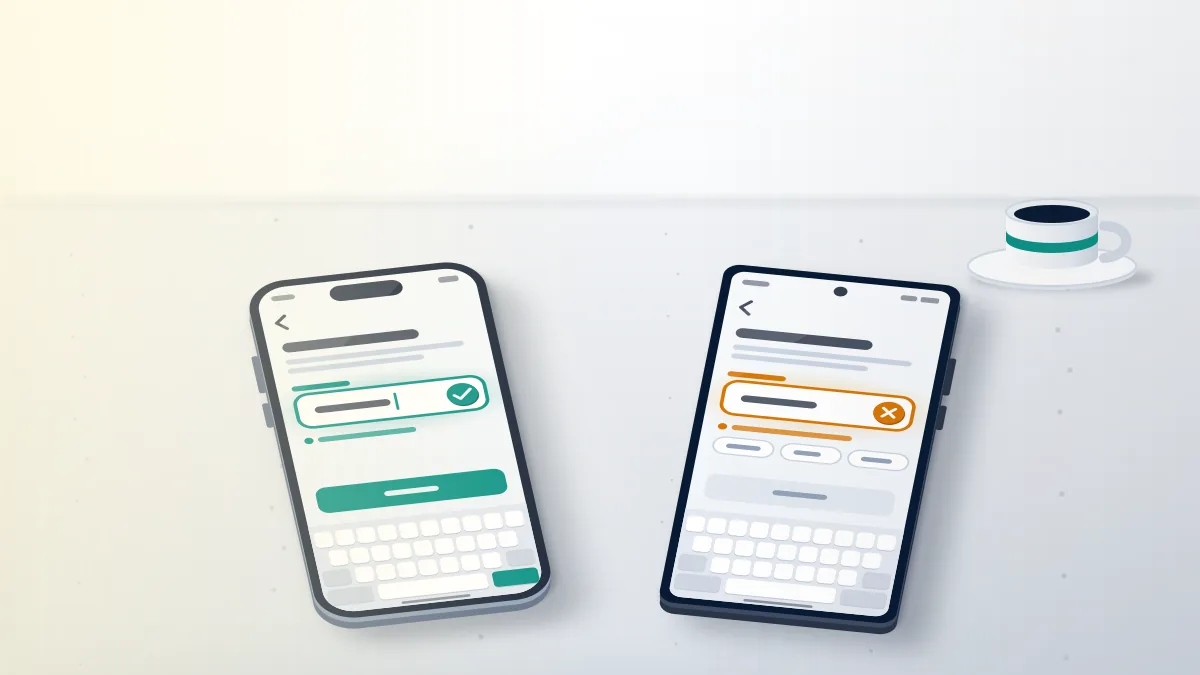
Both apps share one profile editor, so this is how to check if username is taken on Instagram whether you hold an iPhone or an Android phone. Type the name in lowercase, since usernames ignore capital letters, and put any period or underscore exactly where you plan to use it, because "jane.doe" and "janedoe" are separate names. An accepted name tells you it is free right now, not that it is reserved for you, and an automated claimer can save it before you do. Repeat the steps for each candidate and you have how to check available Instagram usernames one by one, with no outside site involved. Large accounts face one more step: Instagram's help page on changing your username says a change may need review when an account reaches a lot of people, and adds that followers can get a notice. Saving and reverting to test names is therefore a poor habit for brands.
When Your Reputation Solution checks a name for a client, the first question is whether the client ever held it on an older account. Forgotten accounts are the one holder you can deal with alone; how to delete an old Instagram account covers that route.
If a lookalike is already messaging your followers, that is a reporting problem; see what happens to a reported Instagram account.
Can you check from a computer, or without logging in?
Yes: on a computer the username field lives in Accounts Centre, and without any login you can only see whether a public profile exists.
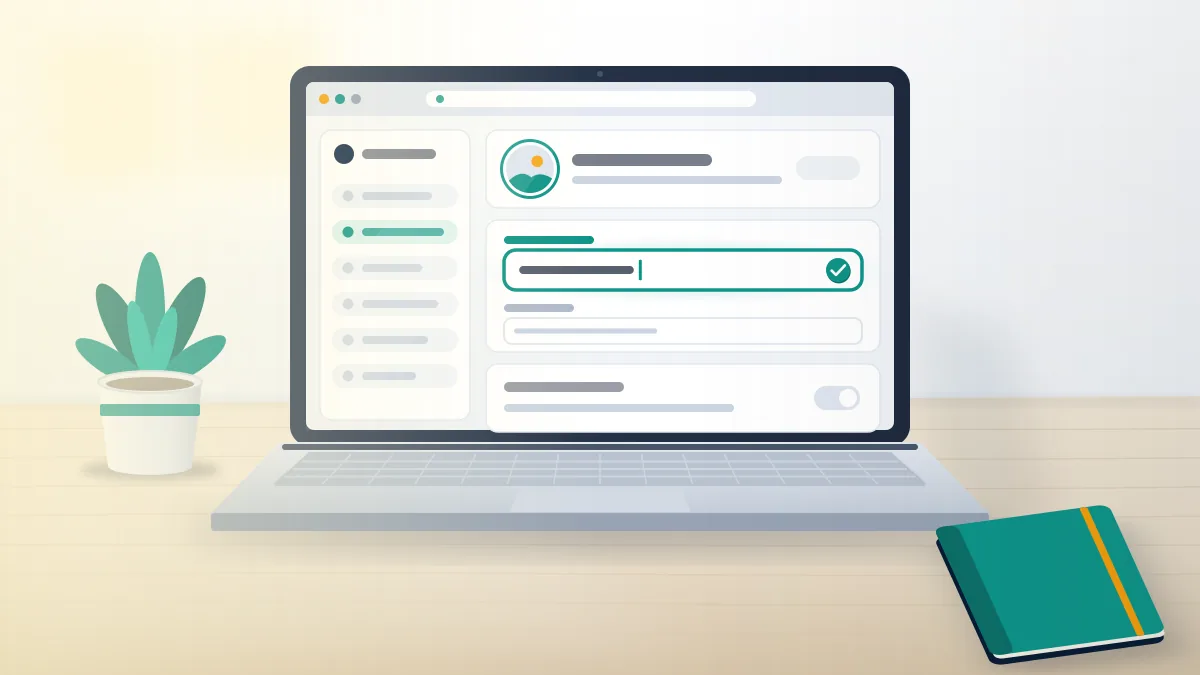
On instagram.com, click More in the bottom left, then Settings, See more in Accounts Centre, Profiles, your profile, and Username. Some users see Meta Account settings instead during a migration, but the field works the same.
Logged out, type instagram.com/thename/?hl=en into a browser. Seeing a normal profile means a live account holds the name; a page headed "Profile isn't available" means only that nothing public sits there. Most mistakes happen there, because the same page appears for a name that is truly free and for one held by a deactivated, deleting or disabled account. Anyone wondering how to see if an Instagram username is available, or how to see if Instagram username is taken, without an account gets half an answer from this test, and checker websites built on it inherit the same blind spot. The sign-up screen also checks names, but throwaway test accounts sit badly with Instagram's rules on fake accounts and can be locked within hours. So treat the logged-out link as a quick first filter and the field inside a real account as the final word.
Sites that promise to find Instagram username availability and then ask for your password are phishing, a common scam on Instagram. Reported losses to scams that started on social media reached $2.1 billion in 2025 (FTC Data Spotlight, 2026).
Checking a name never requires your login, and Your Reputation Solution won't ask for it either. Downloadable checkers follow the playbook of many WhatsApp data recovery apps, asking for access a lookup never needs.
Is this Instagram username taken by a live account or a hidden one?
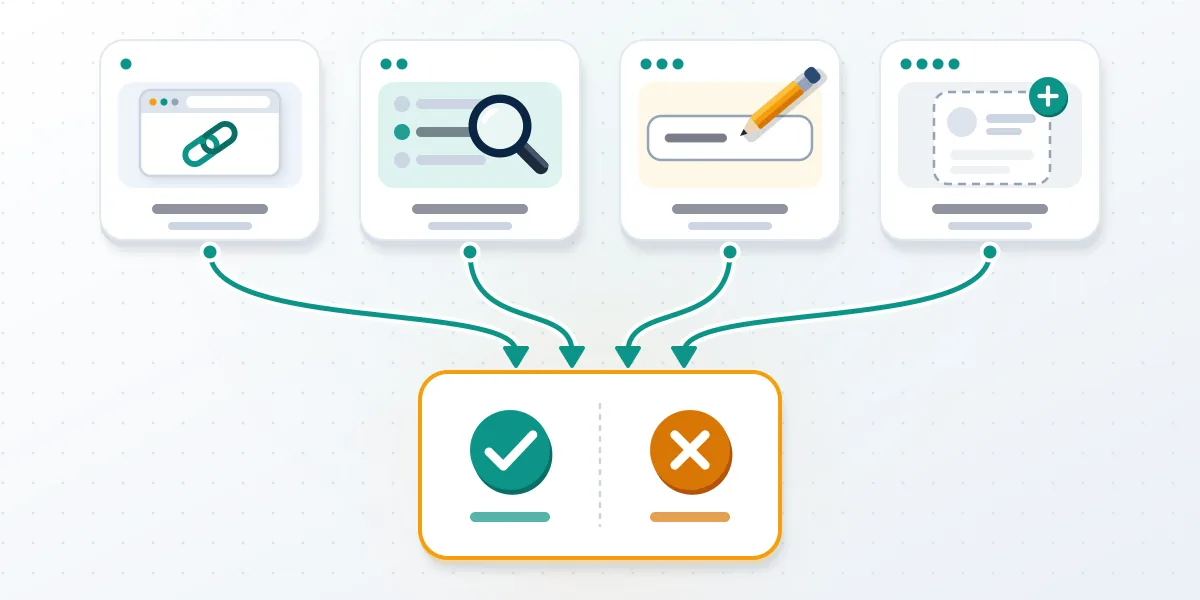
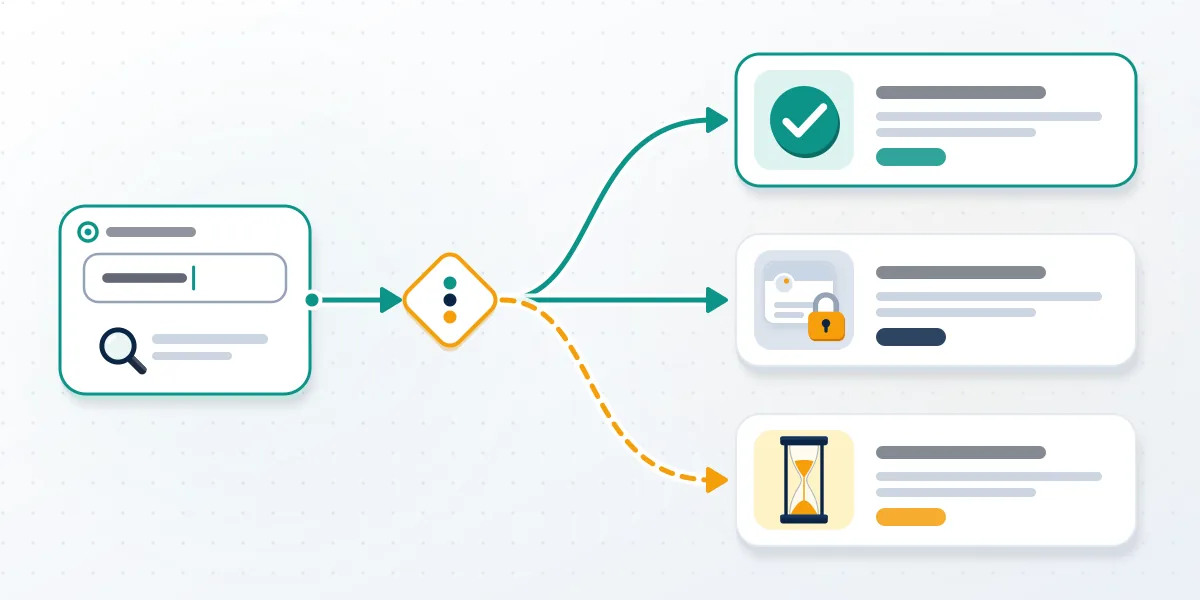
Compare two results, the username field and the logged-out profile link, and the pair separates a live holder from a hidden one.
| Username field | Logged-out profile link | Most likely meaning |
|---|---|---|
| Accepts the name | "Profile isn't available" | Free right now; nothing holds it |
| Refuses the name | A normal profile | Taken by a live account you can see |
| Refuses the name | "Profile isn't available" | Held by a deactivated, deleting or disabled account, or blocked by Instagram's rules |
| Accepts the name | A normal profile | Typo, a period in a different place, or a stale page; test again |
People type this question many ways ("is this username taken on Instagram", "is this username taken instagram", "check if username is taken instagram", "how to check username availability instagram", "instagram username taken check", "instagram username taken checker"), and every version ends at those two tests.
Refused names with no visible profile have more than one cause. Deactivated accounts keep their names until the owner returns or deletes them. Accounts with a deletion request in progress keep theirs until Instagram completes the deletion, which its help center says can take up to 90 days. Disabled accounts keep theirs while Instagram reviews them, with no published date for release. Other names are refused for reasons unrelated to any account, such as words Instagram reserves. None of these states appears in search, so the answer to how to know if an Instagram username is taken by a hidden account is that mismatch: the field refuses the name while the profile link shows nothing. No public tool can say which hidden state applies, and that is also how to know if a username is taken on Instagram by someone you will never find.
Live accounts that copy your brand raise an Instagram trademark infringement question. Photos or videos lifted from you go through report copyright on Instagram instead.
Your Reputation Solution can tell you which row a name falls into and file the report that matches it, but Instagram decides whether any account loses its name.
Usernames themselves can't be copyrighted, because US law excludes names and short phrases (US Copyright Office, Circular 33), a surprise to anyone asking is there copyright on Instagram. Flagged the holder by mistake? See how to un-report a post on Instagram.
When can a taken Instagram username open up again?
Timing depends on why the name is held: a rename frees it at once, a deletion after Instagram finishes, and deactivation never on its own.
- Renamed account: the old name opens immediately, and the page on reusing a previous username lets the former owner switch back only if nobody new has taken it.
- Deleted account: permanently deleted after 30 days, with a cancel window that varies by region and up to 90 days to finish (deletion page).
- Deactivated account: hidden, not deleted, and the help page says nothing about releasing the name; treat it as held.
- Disabled or memorialized account: no published release date; families who looked up how to delete a Facebook account for someone who died will find Instagram similar.
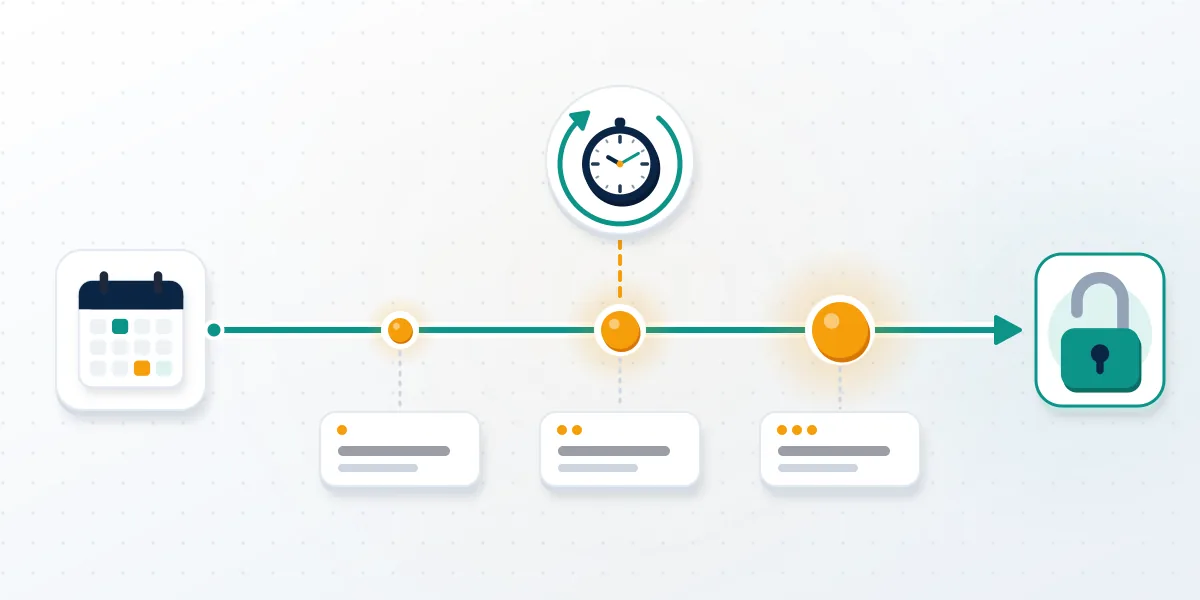
Inactivity alone doesn't release a name on any schedule: Instagram's help page on inactive usernames only asks owners to log in and share content, naming no threshold for when a quiet account loses its handle. When you are waiting on one name, the answer to how to check if Instagram username is taken by a possibly deleting account is a re-check rhythm. Test it today and note the result. If the profile disappears, test again around day 30, when a standard deletion request becomes permanent, and once more near day 90, when Instagram says even slow deletions should be complete. Names still refused after that most likely sit on deactivated or disabled accounts. Instagram can also change a username itself: its Terms of Use say it may change a name that infringes someone's intellectual property or impersonates another user.
For the same reason, Your Reputation Solution does not run watcher bots that poll Instagram all day; automated lookups can trip Instagram's limits on the polling account.
What should you record each time you check a name?
Record the date, spelling, both results and a screenshot; impersonation and trademark reports ask for exactly that.
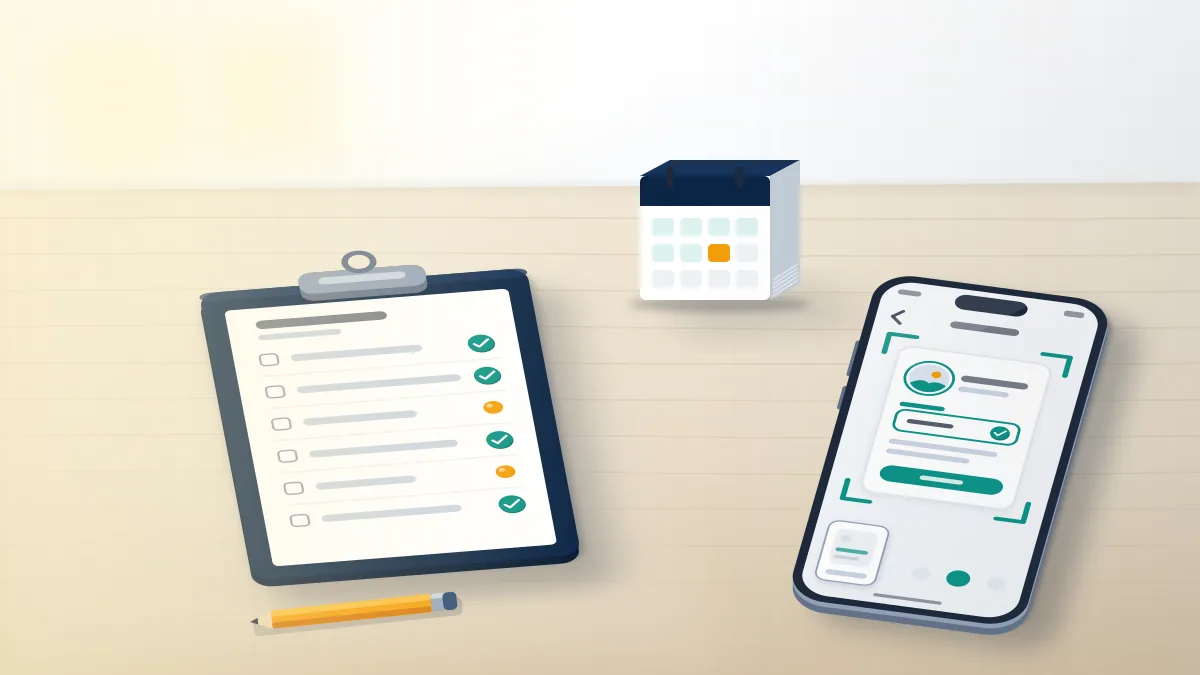
Each check produces evidence that disappears unless you keep it. Write down the date and time, the exact spelling with any periods and underscores, what the username field said, and what the logged-out profile link showed, then screenshot each screen. Save any message the holder sends before it can be unsent, and note the holder's display name and bio, since lookalikes change those often. Over a few weeks that log shows whether an account sat dormant, changed its name, or began copying you after you announced a rebrand. Reviewers at Instagram see only what a report contains, so a dated record of when a name was free, when it was taken, and what the new account posted carries more weight than a description from memory. Keep the log outside Instagram so it survives if your account is locked.
Those details are what the report Instagram account form asks for, and they keep an Instagram reported post from closing without context.
Lookalikes often surface on other apps. Records like these carry over to how to report accounts on TikTok, and an impostor's streams go through how to ban someone on TikTok live.
Reposted clips call for how do you report a video on TikTok and how many copyright strikes are allowed on TikTok.
On YouTube, use how to report someone on YouTube, or delete a YouTube channel yourself if the handle sits on your old one.
On X, someone impersonating me on Twitter uses the same evidence. Reporter privacy on TikTok is covered in how to report a TikTok account anonymously.
What can you do if the username stays taken?
Pick a close variant, wait for a release point, or file a formal report if the holder infringes your mark or poses as you.
Send the name and both results to Your Reputation Solution through the contact page if you're unsure which row it falls into. The review is free, and nobody will ask for your password.
For Meta's apps, if I report someone on Facebook will they know answers the usual worry about filing.
Variants work better than people expect. A period, an underscore, a short suffix such as "hq" or "official", or a location tag keeps a name recognisable. When the holder is a live account using your registered mark, the trademark form is the route; when it copies your identity, the impersonation report is. Reports against a holder's posts don't move the username, and content tools such as Instagram reels removal take down media while the handle stays put. Letters are no shortcut: people search for an Instagram legal department email address hoping it will release a name, but the legal intake handles court orders and legal claims, not username requests. Instagram's Terms also bar buying, selling or transferring a username, so any offer to sell you one breaks the rules or is a scam. Keep testing variants; allow a held name until day 90.
Some services promise to clear a name with an Instagram bot report campaign. Your Reputation Solution won't run mass reports, won't buy a username for you, and never asks for your login; its limits are listed on the disclaimer page.