
A Facebook report asks for a ruling, not a vote
Reporting someone on Facebook hands Meta one post, comment, chat or profile together with a claim: this breaks a specific rule. Reviewers and automated systems test that claim against the Community Standards and act only when the rule is actually broken, so one precise report can succeed where fifty angry ones fail. Harassment is where your report carries the most weight. Meta says bullying is so personal that its technology struggles to detect it proactively, which is why it relies on people to report it (Meta enforcement report). Filing never guarantees removal, the company adds (Facebook Help Center). Whether you typed "report abuse on FB", "how do I report someone on Facebook" or the clipped "how report someone on Facebook", the job is identical: choose the right object, choose the right rule, and let evidence argue for you.
Your Reputation Solution is a reputation and account recovery firm that documents abuse, files reports through Meta's own channels and escalates stalled ones. Every route below to report abuse on Facebook is free; our guide to what Facebook will and won't remove covers what stays up.
How can I report someone on Facebook from a computer or the app?
Open their profile, click Options (the three dots), choose Report profile, pick the fitting reason and press Done. Here is how to report a person on Facebook from a computer:
- Find the profile through your Feed or search.
- Click Options, right of the profile.
- Click Report profile and choose the rule it breaks.
- Press Submit if a summary screen appears, then Done (Facebook Help Center).

Phones change nothing, which settles how do you report someone on Facebook from an iPhone or Android: tap the name, tap Options, then Report profile. Step four decides more than it looks. Facebook says that, depending on your feedback, you "may then be able to submit a report to Meta", and that for some content it asks for no report and only uses the feedback to help its systems learn. Reaching a summary screen with Submit opens a case whose status you can check later. Jumping straight to Done may only have trained a filter. So if the person keeps going and you never saw Submit, report again under the narrower reason. Anyone learning how to report someone from Facebook Lite follows the same path. Blocking sits in that menu too, and it tells Meta nothing.
Report the post, comment or chat, not only the person
For harassment cases, Your Reputation Solution files item by item: one report per abusive post or comment, each under the rule it breaks, with the profile last so the reviewer meets a pattern rather than one bad afternoon. How do I report a person on Facebook when only one comment is the problem? Report the comment, picking Something else if nothing fits. You can't currently report a comment on your own profile, Facebook says, so hide or delete it and block the author. Groups hide a trap: a post reported to the admins never reaches Facebook, and the admins see who flagged it (Facebook Help Center). Anyone working out how to report a person in Facebook groups should report the post to Facebook itself, or, if the whole group targets people, start with reporting an abusive Facebook group.
That is also how to report someone in Facebook Messenger: open the chat's Information panel.
| What crossed the line | Menu | Press |
|---|---|---|
| Post | Options, top right | Report post, then Submit |
| Comment | Three dots beside it | Report comment |
| Photo or video | Options beside it | Report photo or video |
| Messenger chat | Information | Report |
| Page or group | Options below the cover | Report Page or group |
Which reason fits: harassment, bullying, scam or a fake profile?
Pick the narrowest reason that matches what they did, because the reviewer tests your report against that one rule.
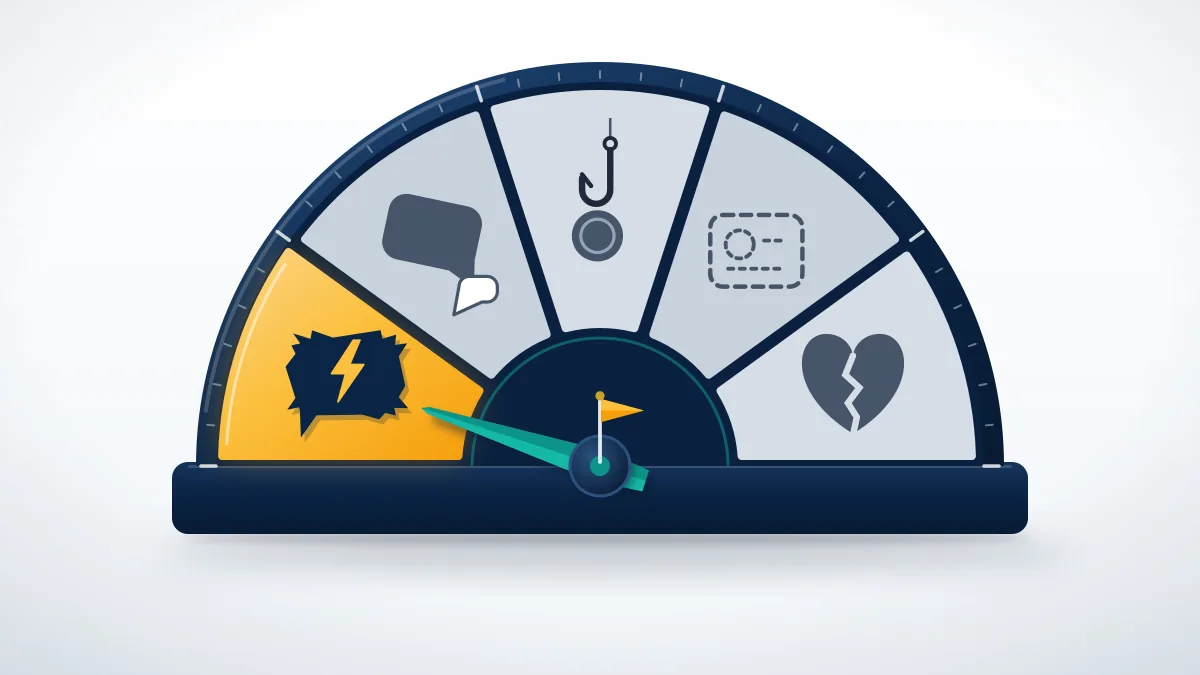
Most rejected reports fail on this screen, not on the evidence. Threats and repeated unwanted contact belong under bullying or harassment, and Meta draws those lines by who the target is: private people get broader protection than public figures, and minors the most, per its enforcement report. To report Facebook harassment aimed at you, say so when the flow asks who it targets. Harsh insults about a celebrity often survive, because Meta allows more critical talk about people in the news. That same logic covers how to report someone on Facebook for bullying, though a teenager's case can also go to the school. Rejected cases that reach Your Reputation Solution get the reason field checked first, since the right post under the wrong rule reads as "no violation". Money requests belong under scam or fraud; a copied profile is an impersonation case.
| What they are doing | Covered in depth |
|---|---|
| Harassing or bullying you | flagging harassment post by post |
| Scamming you or your friends | reporting a scammer's profile and chat |
| Pretending to be someone | reporting a fake or impostor profile |
How do you report harassment on Facebook so the review sticks?
Screenshot everything, dated, before filing; harassers delete content once enforcement looks likely. Knowing how to report Facebook harassment matters less than that file. For how to report someone to Facebook for harassment that turns into threats, take them to the police. Asking how do I report someone for harassment on Facebook in a private chat? Report the thread before deleting it. And how do I report harassment on Facebook from months ago? The same way, though content older than 90 days usually adds no strike.
What happens if you report someone on Facebook?
Meta reviews the item, keeps your name from the person you reported, and posts its decision in your Support Inbox.
Unless the report concerns intellectual property, it stays confidential and the reported account won't see who filed it (Facebook Help Center). They do learn what happened to their content, since Meta notifies people when it removes something or restricts an account and logs each violation in their Account Status. Your own copy of the decision appears under Support Inbox and Reports about others, reached from your profile picture in the top right, through Help and support. A reply saying the content doesn't go against the Community Standards is not the end: open it, click See options and, where offered, choose Request another review, which Facebook says usually happens within 24 hours (Facebook Help Center). Filing the same report from five friends' accounts adds nothing, since the number of reports doesn't decide the outcome (Facebook Help Center).
Reported it and got "doesn't go against our Community Standards"? Your Reputation Solution reviews the report trail, rebuilds the evidence around the right rule and escalates through Meta's own channels, never asking for your password, while Meta makes the final call. Ask for a free case assessment.

Typed "what happen if you report someone on Facebook" fearing retaliation? Before you ask how do I report someone to Facebook again, read the first decision.
Can you report someone on Facebook and get them deleted?
Not with one report: Facebook removes the content first, and only a record of violations ends with a disabled account.
| Strikes | What Facebook applies |
|---|---|
| 1 | A warning, no restriction |
| 2 to 6 | Limits on some features, such as posting in groups |
| 7 | One day without creating content |
| 8, 9 | Three days, then seven |
| 10 or more | 30 days |
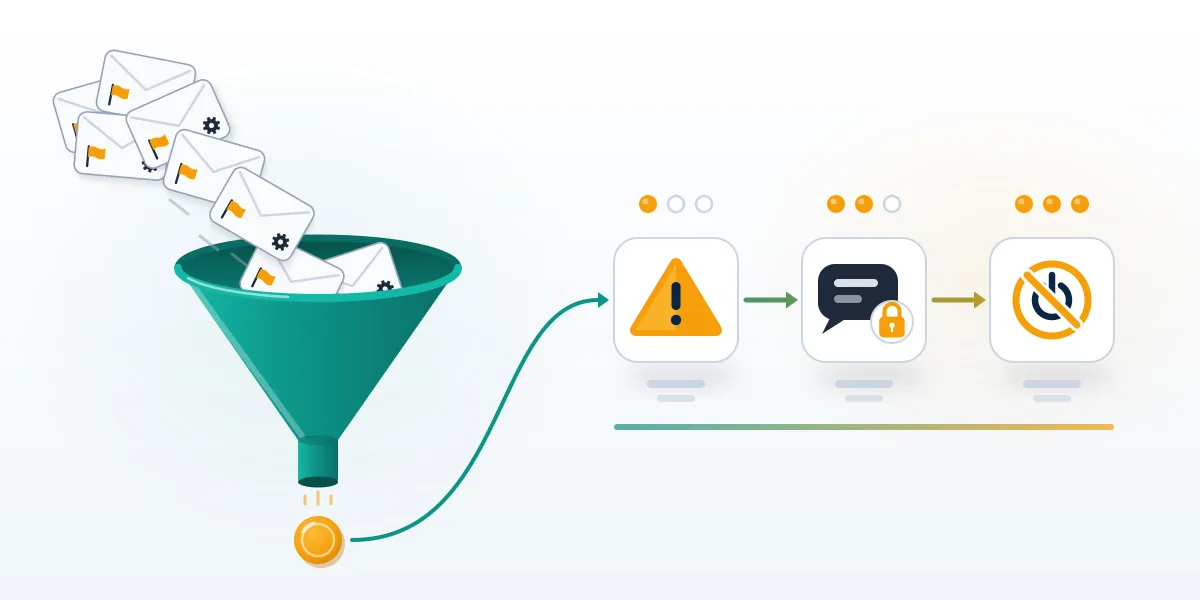
That ladder comes from Meta's restricting accounts page, updated in November 2024, and strikes climb it slower than people expect. They expire after one year, and several removals made at once can count as one strike (counting strikes). Meta's own pages don't even agree on the count: its disabling accounts page, updated in July 2025, says an account may be removed after five strikes depending on severity and frequency. Both agree one severe violation, like child sexual exploitation, can end an account at once. So how to report someone on Facebook and get them deleted has an unglamorous answer: report every violation as it happens, under the right rule, and let the record build. Nobody outside Meta can erase another person's profile, as the explainer on why no one can delete someone else's account sets out.
Bot sellers pitch volume, but how Facebook's strike ladder really works ties strikes to what a profile posted. Elsewhere too:
| Sold as a shortcut | Why volume fails |
|---|---|
| Instagram report threshold sellers | Each report meets one guideline |
| scripts and APKs sold as ban tools | Automated flags get the same review |
| automated TikTok reporting services | Volume alone bans nobody |
| rented WhatsApp report panels | Outside services can't ban anyone |
| paid Telegram reporting panels | No published report threshold |
Your Reputation Solution runs none of these, files no false reports and sells no "insider" removals, and Meta decides every account, as the refusals listed in our disclaimer state.
Can you report someone on Facebook Marketplace?
Yes: open one of their listings, click their name under Seller information, then Options and Report.
Start from your Feed, click Marketplace, open a listing from that seller and follow the prompts (Facebook Help Center). Meta says it may suspend or ban sellers who break its Commerce Policies, and it warns buyers too: fraudulent claims carry consequences under Purchase Protection. Buyers, single listings and the Messenger thread each have their own route, set out in the walkthrough on reporting a Marketplace buyer or seller. For how to report someone on Facebook for scamming anywhere else, report the profile and the chat, then call your bank if money moved. The stakes are real. In 2025 people told the FTC they lost more money to scams that started on Facebook than on any other social platform, and about half of the fake rental listings in a recent agency analysis were posted there (FTC, April 2026).
What if the person reports you back?
Retaliation reports face the same rules, so an account that broke none should survive, though automated restrictions sometimes misfire.
How can you report someone on Facebook who reported you first? By the same rules as anyone else, and only for what they actually did, never as payback. Check Account Status next: it lists the violations on your profile, the restrictions attached and how long they last, and Meta says that when content turns out to follow the Community Standards, it restores it and removes the strike. A profile disabled right after a burst of complaints is usually an appealable false positive, the scenario behind getting a disabled profile back. Recovering accounts restricted after a wave of hostile reports is work Your Reputation Solution handles too, without ever needing the login. Lost Marketplace access is appealed separately, through Account Quality in your settings, as the guide to appealing a Marketplace restriction shows. Other apps start the appeal somewhere different:
| If it spills onto | Where to start |
|---|---|
| Instagram, disabled | the window before Instagram purges data |
| Instagram, banned | Instagram Account Status review steps |
| TikTok, banned | TikTok's in-app ban appeal |
| TikTok, suspended | appealing from the TikTok ban notice |
| X, suspended | the four X suspension types |
| X, reach limited | when X quietly limits your reach |
| YouTube, terminated | YouTube's one-shot termination appeal |
| Telegram, locked out | Telegram recovery without a form |
| Telegram, frozen | unfreezing a read-only Telegram account |
| Telegram, hands-on | hands-on help recovering Telegram |
Beyond Facebook: police, regulators and the same person elsewhere
Some abuse needs more than a report. If you or someone you know is in immediate danger, Facebook's own advice is to contact local police, and threats or extortion belong there whatever Meta decides. Money lost to a scam goes to your bank first, then to ReportFraud.ftc.gov in the US. Bullying of a child belongs with the school too, and StopBullying.gov explains that route. Blocked by them? A friend who can still see the content is the answer to how do you report someone to Facebook in that case, reporting it with links and screenshots attached (Facebook Help Center). Searching "report abuse Facebook" for a phone number is how people meet the next scam: Meta has no general public phone number for customer service, and numbers claiming to be Meta support are potentially scams (Facebook Help Center).
| Same person on | Start with |
|---|---|
| evidence Instagram needs to remove a profile | |
| Instagram, as a handle | reclaiming a handle tied to your name |
| TikTok | realistic TikTok removal timelines |
| reporting them on WhatsApp too | |
| WhatsApp groups | block a WhatsApp contact or report them |
| Telegram channels | reporting an abusive Telegram channel |
| X, squatting a handle | routes to a dormant X handle |