
Deleted chats are not sitting on a WhatsApp server
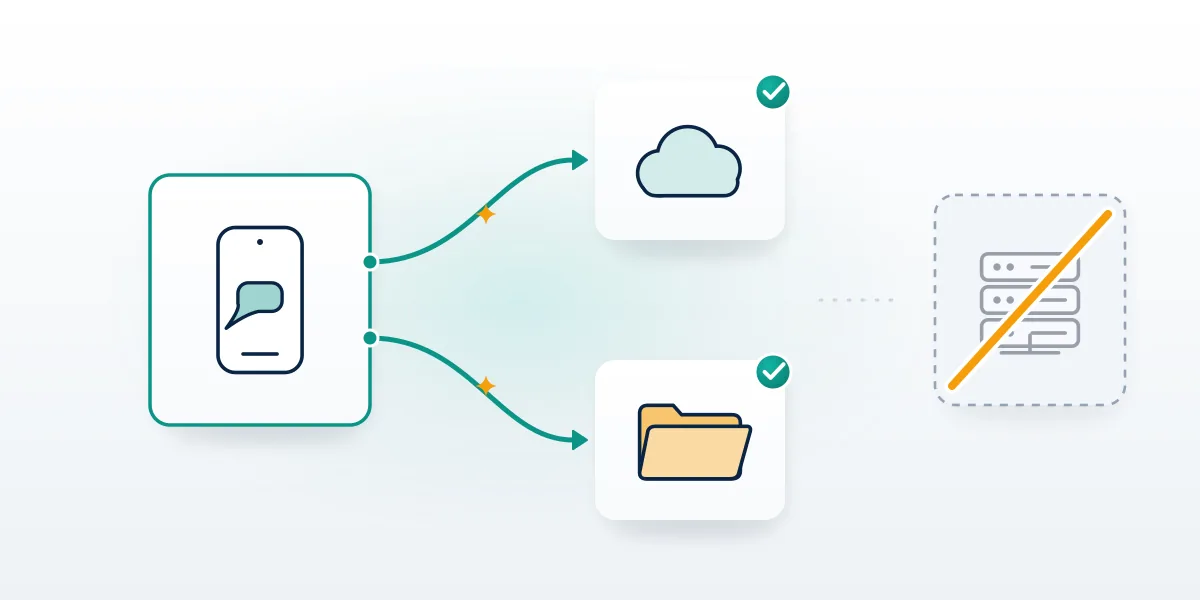
WhatsApp data recovery starts from an uncomfortable fact: the company never holds a readable copy of your conversations. Messages are end-to-end encrypted between the phones in each chat, and WhatsApp's help center says it can't restore chats for you because your chat history isn't stored on its servers (WhatsApp Help Center, September 2026). End-to-end encryption is also why WhatsApp can't read your chats even when someone reports them.
So every realistic path runs through a copy that exists somewhere else, and there are exactly four places to look. Start with the phone itself, where chats stay in the app's local storage until WhatsApp is removed or the handset is wiped. Second comes the cloud backup: a Google Account backup on Android or iCloud on iPhone, created only if someone switched it on. Third is another phone, reached through WhatsApp's own chat transfer. Fourth is a linked computer or tablet that received an encrypted copy of recent history when it was paired. Anything outside those four is gone for every tool and every person, WhatsApp's own engineers included. Your Reputation Solution is an account recovery and reputation management firm that helps people regain access to locked, banned or hijacked social and messaging accounts. It does not carve deleted messages out of phone memory, and this guide is written from that side of the line.
One distinction saves hours. Losing messages, losing access, having the number banned and deleting the account are four separate problems, and what deletion erases permanently covers the last one in depth.
Which backup can you still restore from?
Check before reinstalling anything, because WhatsApp offers the restore only while you register. On Android, open the Google One app and tap Storage, then Other; WhatsApp chats listed there mean a backup exists. On iPhone, the Chat Backup screen in WhatsApp's settings shows the date and size of the last iCloud copy. That date sets the ceiling on what any method can return, paid or free.
Data recovery for WhatsApp from a cloud backup follows rules that trip people up. The backup is tied to the phone number and the Google or Apple account that created it, so a new number or a different Google login shows nothing at all. Each Google Account holds exactly one WhatsApp backup, and every new backup overwrites the last, which means you cannot roll back to last month's copy. Google may delete a WhatsApp backup that hasn't been updated in five months, and backups draw on your ordinary Google storage, so a full account quietly stops them (About Google Account backups, 2026). Skipping the restore prompt is the costliest mistake of all. Once you skip, the next scheduled backup replaces the old file with only the chats received since you skipped. Messages sent or received after the last successful backup were never in it, whatever a recovery tool claims.
Encrypted backups add one condition, and Your Reputation Solution asks about it on every lost-chat case before anything else. An end-to-end encrypted backup opens only with the passkey, 64-digit key or password you chose, and WhatsApp says it cannot send a copy, reset it or restore the backup if you lose both account and key (About end-to-end encrypted backup, 2026). No workaround exists for it. Ownership rules like this run through other platforms too, where only the original login can act, as appeals tied to the original Google login shows for YouTube.
For a straightforward restore:
- Keep the SIM with the same number active in the new phone.
- Sign in to the same Google Account or Apple Account first.
- Install WhatsApp, verify the number by SMS or call, and tap Restore.
- Stay on Wi-Fi and power until the media finishes downloading.
No backup, but the old phone still works? Use the transfer feature instead; restoring chats on a replacement phone walks through both routes. Telegram keeps chats in its own cloud and handles access through a login code, the model behind code-first access recovery.
Recovery apps and online tools, compared honestly
Search for whatsapp data recovery online and the first page fills with vendors: Dr.Fone, Tenorshare UltData, iMyFone ChatsBack, iToolab RecoverGo and a row of app-store listings. Their product pages describe three techniques, even where the marketing blurs them. Some read a backup you already have, such as an iTunes or Finder backup on a computer or a downloaded cloud copy. Others scan phone storage for database fragments that haven't been overwritten, which on modern encrypted phones usually needs root, a jailbreak or luck. Everything else on the list is a notification logger, saving incoming message previews from the moment you install it, so it can't touch anything deleted before that. None reaches a server copy, because none exists. Pulling chats back through a browser is therefore not technically possible, and most "online" products turn out to be downloads with a scan-first, pay-to-export funnel. For the record, Your Reputation Solution has no affiliation with any of these vendors and earns nothing from them.
| Tool type | What it actually reads | What it needs | Realistic ceiling |
|---|---|---|---|
| WhatsApp's own restore | Google Account or iCloud backup | Same number, same cloud account | Everything up to the last backup |
| Backup extractors | A computer backup or downloaded cloud copy | That backup must already exist | Only what the backup captured |
| Device scanners | Deleted database pages still on the phone | Often root or jailbreak | Recent deletions not yet overwritten |
| Notification loggers | Previews shown after install | Notification access | New messages only, text previews |
| "Online recovery" sites | Nothing on WhatsApp's side | Your number and a code | Zero, plus a takeover risk |
So which is the best whatsapp recovery software? For most people it is the restore prompt WhatsApp already ships, because every paid tool leans on the same backups or on overwrite luck. A whatsapp message recovery app from an app store can help going forward as a logger, but it cannot reach backward. Before installing a desktop scanner, read its permission list: USB debugging, full backup access and a Google login hand a stranger everything on the phone, and scripts that want your Gmail access show where that ends. Any firm touching your phone data should publish rules like a plain-language privacy policy before it asks for access.
This pitch will feel familiar if you have watched paid Instagram reporting panels promise a result the platform never offered. One accurate action through the official menu beats automation there as well, which is what actually clears spam accounts.
Can you recover WhatsApp messages on PC without phone access?
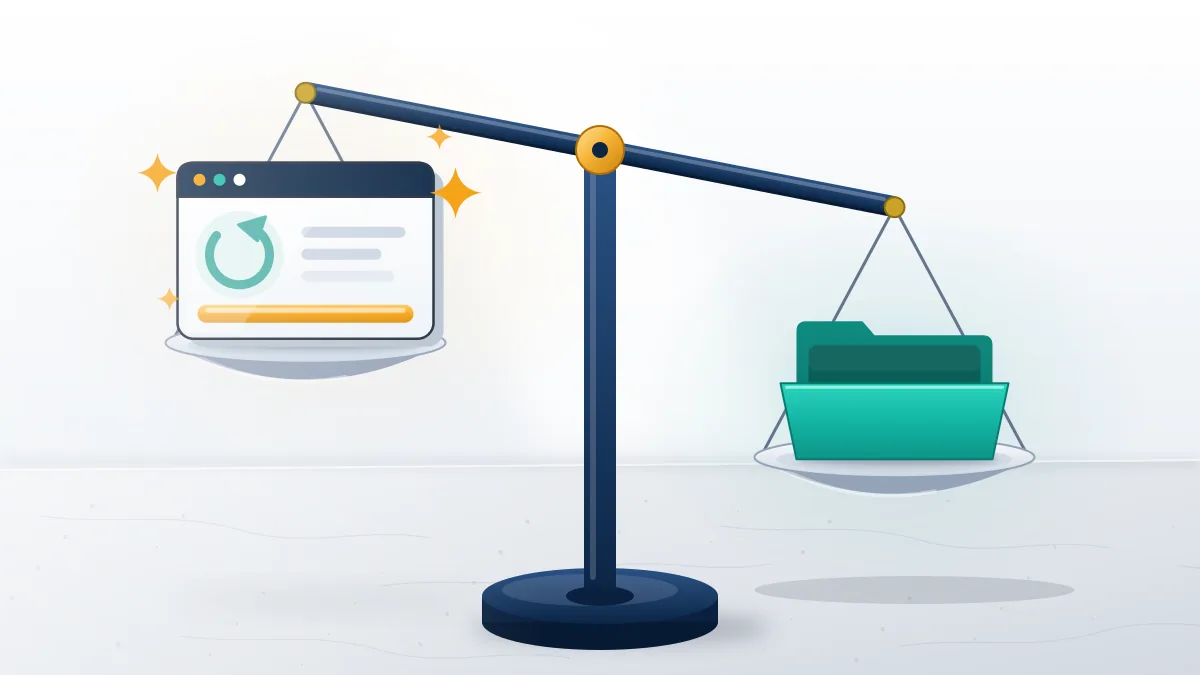
Only if a computer was linked before the phone went missing, and only for the history it had synced. On these cases Your Reputation Solution checks that one condition first, because a closed session cannot be reopened without the number's SIM.
Linked devices are the one real exception to "no phone, no chats". WhatsApp lets you link up to four devices, including WhatsApp for Windows or Mac, WhatsApp Web and an iPad, and each keeps working while the phone is off (About linked devices, 2026). At pairing, the phone sends the new device an end-to-end encrypted copy of recent message history, stored locally, and the Desktop app syncs more of it than Web does (About message history on linked devices, 2026). Two clocks run against you. Linked devices log out once the primary phone has gone unused for more than 14 days, and WhatsApp disconnects a linked device on its own after 30 days of that device's inactivity. Deletions sync too, so a message deleted on the phone vanishes from every online linked device. Whatever the computer never received cannot be pulled down later, by you or by software.
Lose the phone with a laptop still signed in, and you have a short window. Open the chats you need, save important media to the computer and copy any text you must keep before the 14 days run out. Creating a new link is impossible without the phone, because the primary device registers the account and approves every link. The 14-day linked-device window matters just as much when a SIM fails.
Some account states let you look without acting, as read-only accounts and what you keep shows on Telegram, and a still-linked computer is WhatsApp's closest equivalent.
Lapsed identifiers get reassigned, which how X recycles released handles explains, and naming the exact state before acting is the discipline behind confirming the suspension type first.
How to recover deleted WhatsApp account without backup: three cases
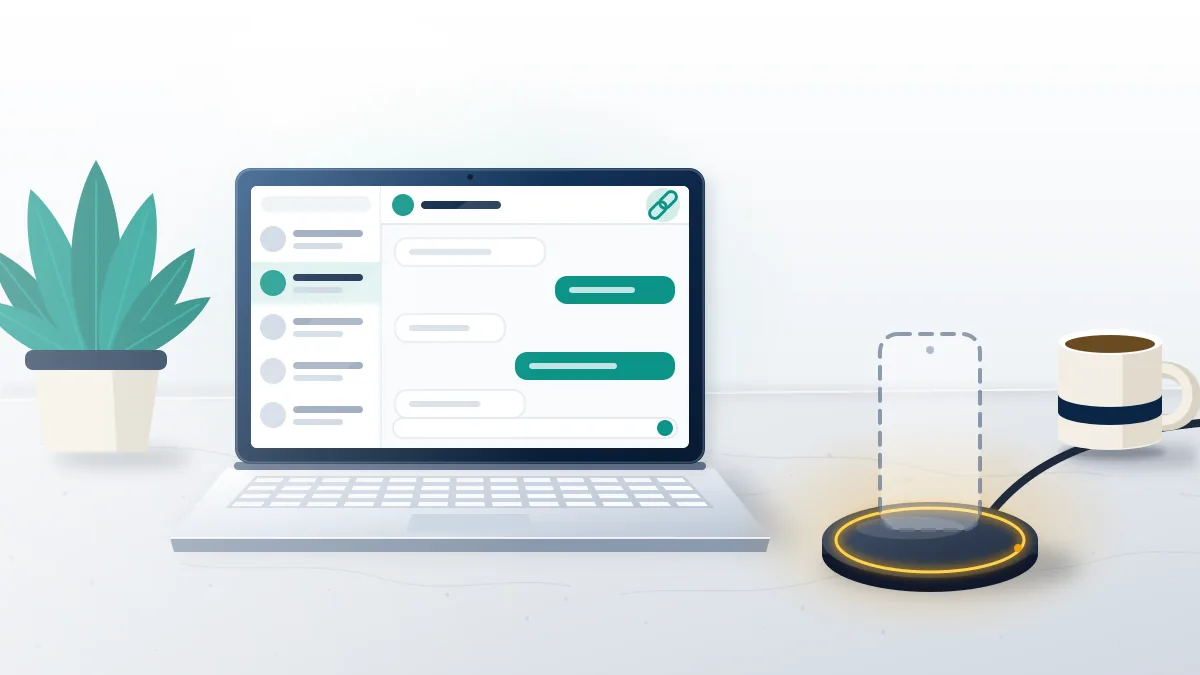
It depends on who or what deleted the account. WhatsApp's help center describes three different deletions, each with its own rule.
You deleted it yourself
This one is final, and Your Reputation Solution declines these cases outright, since no appeal route exists for a deletion the owner made. WhatsApp calls deletion irreversible, and Delete my account erases your message history, removes you from groups and deletes your Google Account backup in the same step (How to delete your account, 2026). Full removal can take up to 90 days, yet nothing in that window is available to you. Chats survive only where they already lived: on the phone while the app stays installed, and in your contacts' copies. Grace periods look different elsewhere, as recovery before Meta purges data shows for Instagram.
The phone was lost and the account deactivated
Deactivated accounts are deleted 30 days after deactivation unless the number is re-registered. Get a replacement SIM with the same number, install WhatsApp and verify; re-registering logs the lost phone out automatically (Lost or stolen device, 2026). Without a backup the account returns empty, but it returns.
WhatsApp removed it for inactivity
Here the exit is surprising. Accounts are generally deleted after 120 days without a connection, and WhatsApp's delete-account page lists 365 days in the US (About inactive account deletion, 2026). One line on that help page gets quoted by almost no recovery vendor: content stored on the device before deletion stays until the app is removed, and it reappears when you re-register on that same device. So if you are working out how to recover deleted whatsapp account without backup after months away, don't uninstall, don't factory reset and don't switch phones first. Put the original SIM back, open the app on the original handset and register again. That handset is the evidence in these cases: wiped means gone, and no tool rebuilds it. Clocks like this exist elsewhere, from the 30-day appeal clock to what's left after a missed deadline on TikTok.
Identity is the only lever left, and on WhatsApp it is narrow. Before any appeal, Your Reputation Solution confirms the number is still assigned to you, because the app knows you by phone number alone, while Meta's other apps check documents, as how Meta verifies owners with ID describes, or a selfie video, the route in proving you're the owner.
Keep the SIM active meanwhile. Carriers reassign dead numbers, much like first-come, first-served identifiers on Instagram.
Recovery scams that follow a lost chat
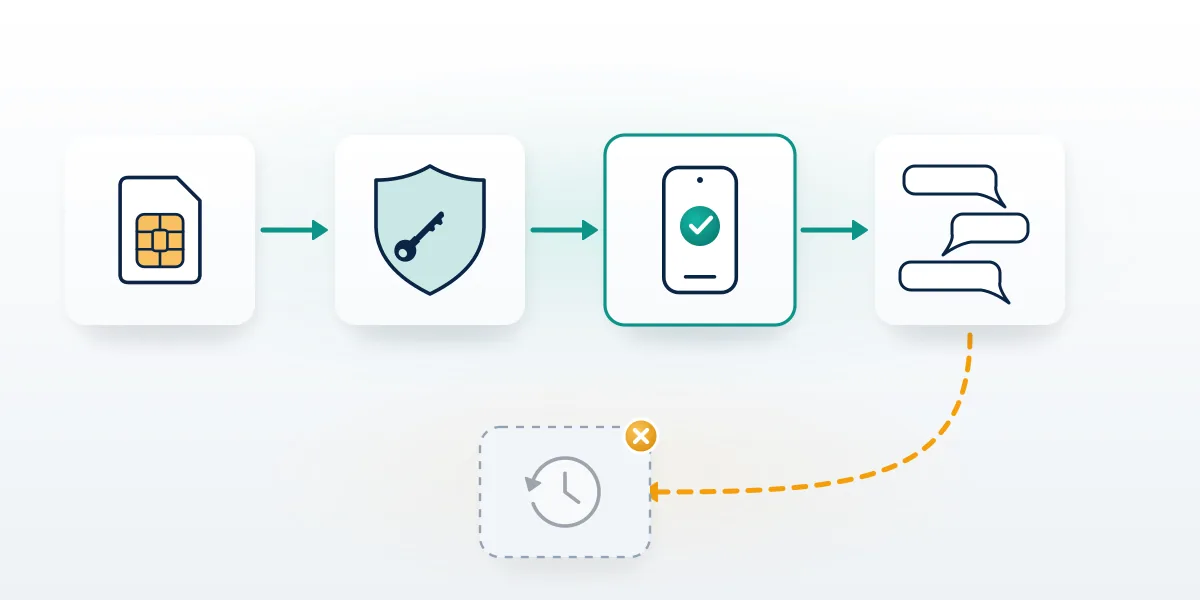
Panic makes people easy targets, and the lost-chat market knows it. The FTC describes recovery scams as schemes aimed at people who have already lost something, with payment demanded before any help arrives (FTC Consumer Advice, 2026). In WhatsApp cases the pitch usually comes from a "recovery hacker" in comments or DMs who promises server access, then asks for your six-digit registration code. That code is the account.
Other platforms see the same model. Report bots that steal credentials on TikTok and the unofficial automation behind it on Telegram both sell outcomes the platform never offered.
Reported numbers are reviewed on evidence, not volume: how WhatsApp reviews reported numbers explains the check, and Facebook works alike, which is why report counts don't decide cases.
Free controls exist too. Blocking and group removal sit among WhatsApp controls you actually own, and where content breaks rules elsewhere, proof matters more than volume.
Speed promises are the last tell. Even the quickest legitimate channel needs review time, as why "immediate" removals take a day shows, and Telegram channels come down only for verified breaches, not headcounts.
Here is where our own line sits. We will never ask for your password, your two-step PIN or a verification code. We won't access anyone else's phone or account, we won't sell spyware or "server extraction", and we won't take payment for a case WhatsApp's own rules say cannot be won, such as a self-deleted account. Anyone promising those things is describing a crime or a scam. If an offer arrived right after you posted about your loss, treat it as hostile by default. Your Reputation Solution works on access problems and files through WhatsApp's own channels, but WhatsApp alone decides whether a banned number returns, and no firm can pull chats from its servers. Its independence disclaimer states that the firm is not affiliated with WhatsApp or Meta and lists its recovery limits in full.
When the problem is access, not data
Most searches for WhatsApp data recovery hide an access problem underneath: a hijacked number, a ban, a dead SIM or a two-step PIN nobody remembers.
Lost access, not just messages? Your Reputation Solution will look at what your phone and carrier situation allow, tell you which of the four problems you actually have, and say so plainly when nothing can be recovered. Request a case review, and leave passwords and codes out of it.
Those cases can often be worked, because they run through WhatsApp's registration and appeal routes rather than through deleted files. Re-registering the number removes a hijacker, with a seven-day wait when they have set a PIN, as locking out a hijacker fast explains. Bans go to WhatsApp's review with a short, factual appeal, and lost SIMs go to the carrier first. What paid help should look like, red flags included, sits in what a legitimate recovery service does. Even a clean case needs at least 24 to 72 hours, since WhatsApp's review queue sets the pace, and a number that has been reassigned by the carrier may never come back at all. None of these routes touches message content. A restored account opens with whatever the last backup held, which is why the backup check above comes first on every case.
Scope the problem before appealing anything. Restrictions can hit a single feature, as feature-level restriction appeals shows on Facebook, and each state has its own route, the point behind diagnosing a visibility filter first.
Telegram lockouts go through the same kind of evidence check, set out in the Telegram lockout case review.