Can you recover a Telegram account with email alone?
No. Telegram account recovery with email only works as a second key, after your phone number, a logged-in device or a passkey has already pointed Telegram at the account.
Telegram's FAQ gives the reason in one line: the phone number is the only way it identifies a user, so "whoever has the number, has the account" (Telegram FAQ, checked September 2026). Every email feature in the app sits on top of that number. Searches like "telegram recover account email" mostly come from people hoping for a form where an address alone unlocks the profile, and no such form exists.
Your Reputation Solution is an account recovery and online reputation firm that helps people work out which Telegram route is still open to them, and prepares the case when a platform process stalls. Most email problems need no paid help at all. They need the right email.
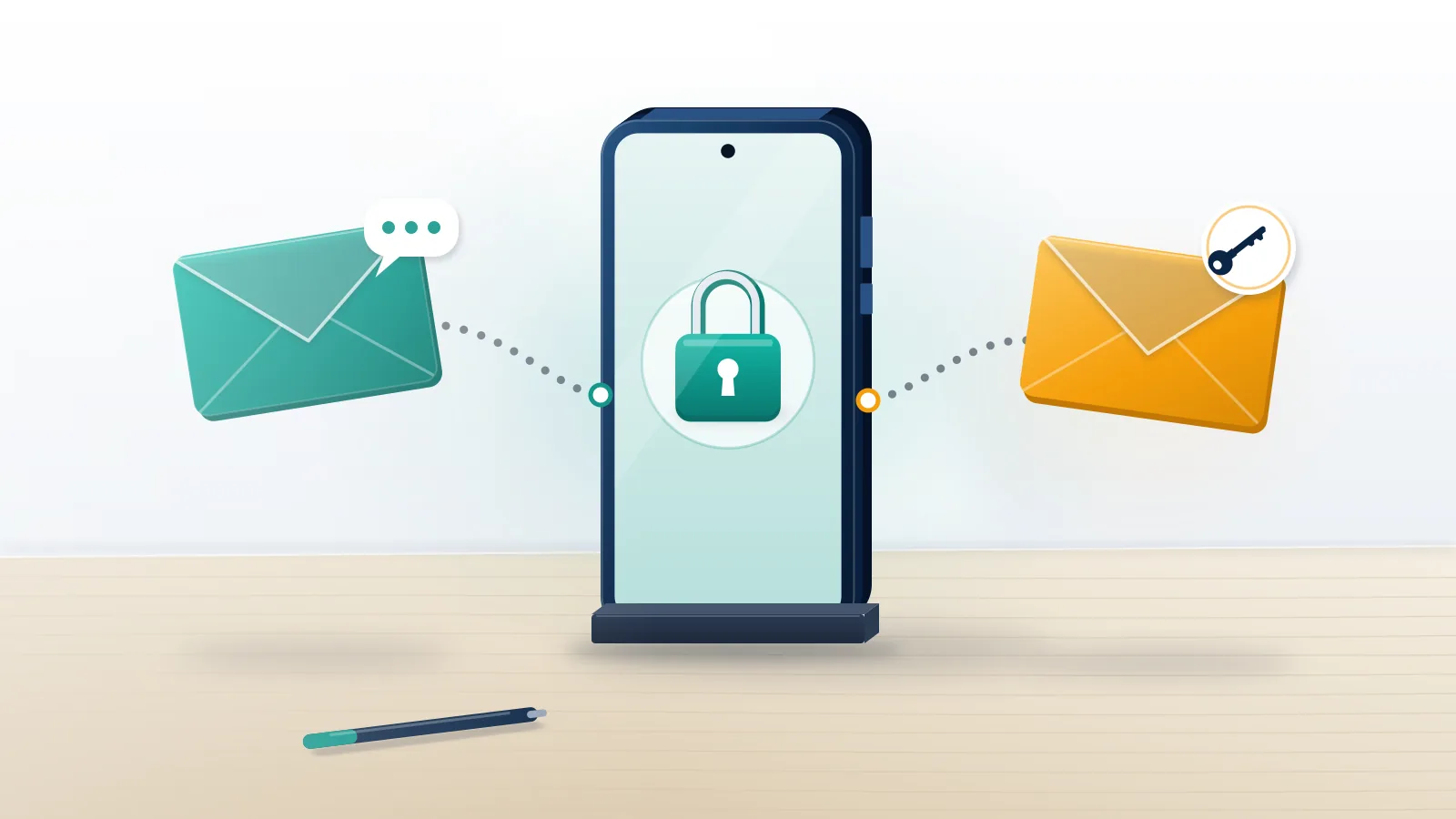
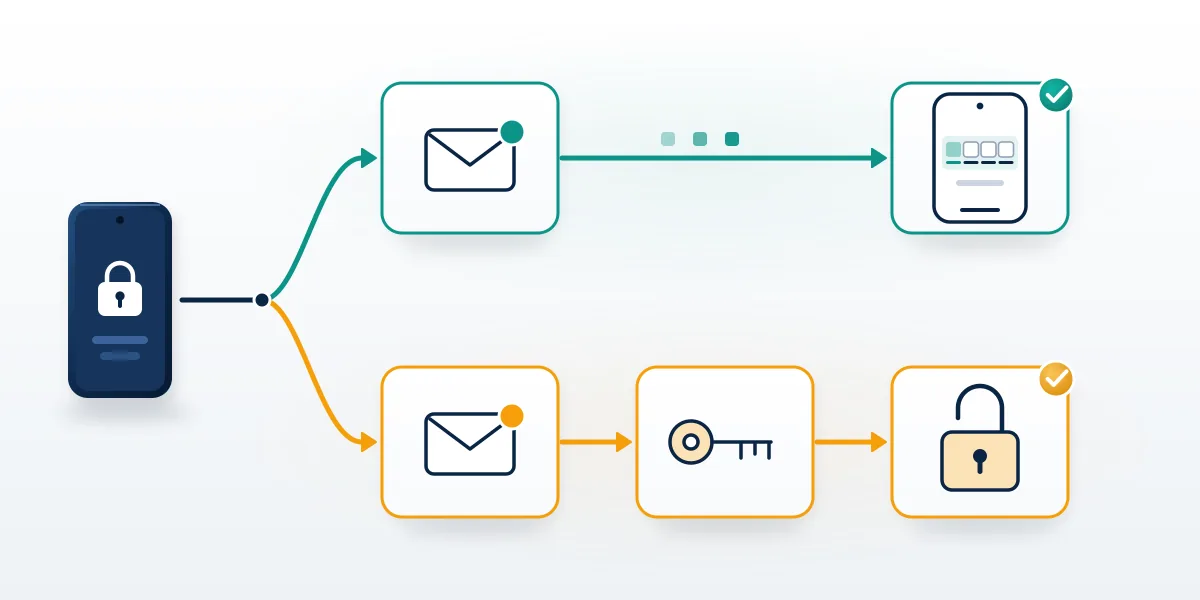
There are two separate email features in Telegram, and most failed attempts mix them up. A login email is an address Telegram asks some accounts to verify at sign-in; from then on, the app says you "will receive Telegram login codes via email and not SMS." You still type your phone number first, and the code lands in the inbox instead of arriving as a text. A Telegram recovery email belongs to 2-Step Verification, under Settings > Privacy and Security > 2-Step Verification, and its only job is resetting a forgotten cloud password (Telegram's SRP documentation). One address can fill both roles, but Telegram treats them as two different switches. So before you try to recover Telegram account with email, check which of the two you actually set up, because each opens a different lock and neither replaces the number.
| Login email | Recovery email (2-Step Verification) | |
|---|---|---|
| What it does | Receives sign-in codes instead of SMS | Resets a forgotten cloud password |
| When it gets set | At sign-in, on accounts Telegram selects | When you turn on 2-Step Verification |
| Needs the phone number? | Yes, you type the number first | Yes, the reset sits inside a number-based login |
| Moves the account to a new number? | No | No |
| If you lose the inbox | Reset it, tied to your number | 7-day reset from a live session, or an account reset |
Before Your Reputation Solution looks at any Telegram lockout, the first question is which of those two addresses the person set, and roughly when.
Other platforms lean on email much harder, which is where the expectation comes from. Facebook sends identity checks to your inbox (how Facebook uses email to verify you), and on X the login email carries most of an appeal (X's email-first suspension appeals).
Google goes further still, because there the Gmail address is the account itself, which is why anyone trying to recover a terminated YouTube channel starts with Google's own forms.
None of that applies on Telegram.Recovering a Telegram account by every route covers SMS, codes delivered inside the app and support, while this page stays with the two emails. Frozen and banned accounts are a separate problem, since no email reverses a moderation decision, and coordinated report waves behind many freezes are one common trigger.
How to recover Telegram account with email, step by step
This route fits one situation: Telegram already linked a login email to your number, and the code isn't arriving by SMS.
- Open the official Telegram app from the App Store or Google Play and enter your phone number with its country code.
- Read the confirmation screen closely. With a login email linked, Telegram shows a partly masked address and says the code went there.
- Check that inbox, spam folder included, and type the code into the app. Codes arrive only after you request one, so a code you never asked for means someone else is trying your number.
- Enter your cloud password if 2-Step Verification is on; the next section covers a lost one.
- Once inside, open Settings > Devices and end every session you don't recognize.
TikTok, by comparison, separates temporary limits from full bans, and TikTok suspended account recovery runs on a timer rather than an email, much like the Telegram cases further down this page.
Code going to an inbox you can't open? Your Reputation Solution can check which Telegram route is still available to you before you lose a week guessing. Get your recovery case reviewed. Nobody on the team asks for your login code or cloud password.
That sequence is the whole answer to how to recover Telegram account by email, and its limits matter as much as its steps. Whether you get an email code at all is Telegram's call: its developer documentation lists the email code as one delivery type next to SMS and in-app codes, so you can't force it from the login screen (Telegram's authorization docs). If the masked address belongs to a mailbox you've lost, the app offers a reset of the login email, and that reset is tied to your phone number, so the SIM still has to be in your hand. People who try to recover Telegram account using email without the number hit the same wall at step 1. Passkeys, launched on December 12, 2025, skip SMS entirely, but you can only create one from a device that is already signed in (Telegram blog), and a 2-Step Verification password still applies on top.
Instagram and TikTok treat email very differently. Meta keeps Instagram's email-driven appeal route open even for serious cases, and the same inbox checks for an Instagram unban matter to anyone who reuses one mailbox across apps.
How does the Telegram recovery email reset a forgotten password?
It emails a one-time code that deletes your current cloud password, but only after you've passed the phone-number step of sign-in.
With a recovery email on file
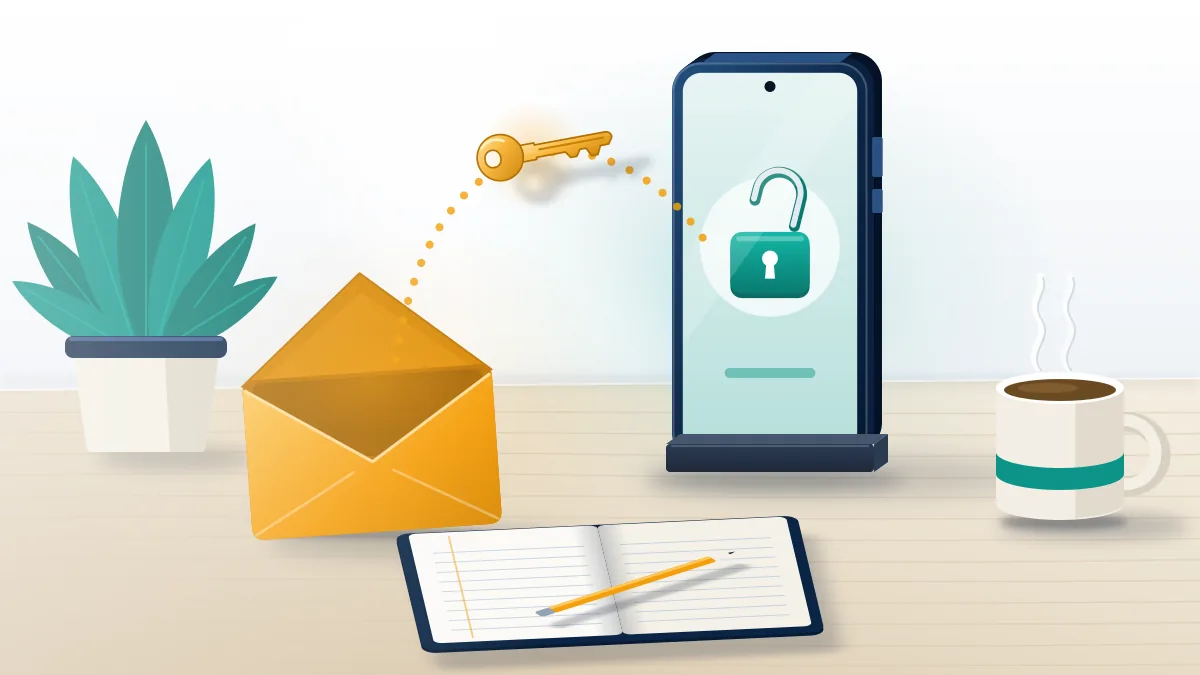
On the password screen, tap Forgot password? and Telegram sends a code to the address you saved when you turned on 2-Step Verification. Its documented flow is short: the app requests a recovery code, checks it, then removes the old password so you can set a new one (core.telegram.org, as of September 2026). Chats stay exactly as they were, because the reset only touches the password layer. The catch sits in the mailbox, and when Your Reputation Solution walks someone through this screen, a forgotten mailbox is the usual snag. A telegram account recovery email is often an address created years ago, such as a school account, a work address, or a Gmail whose own two-factor prompt goes to an old phone. Recover the email account first through its own provider, then come back to Telegram with the inbox open and the code screen still waiting.
To set one up now, open Settings > Privacy and Security > 2-Step Verification, create the password, add the address and confirm it with the code Telegram emails.
A new password fixes access, not restrictions
Resetting the password gets you back into the account. It won't lift limits a platform placed on purpose, and every network works that way: X has limits no login detail can undo, while TikTok has permanent bans that email cannot reverse.
Pick the recovery address with care, too. Once a mailbox is breached, the attacker holds your Telegram password reset and every other account tied to it, which is how people end up facing Marketplace bans after a breached inbox weeks later.
What if there's no recovery email, no SIM, or a hijacked inbox?
Then Telegram falls back on time and devices: a 7-day reset timer, a full account reset, or a replacement SIM from your carrier.
No recovery email, but a device is still logged in
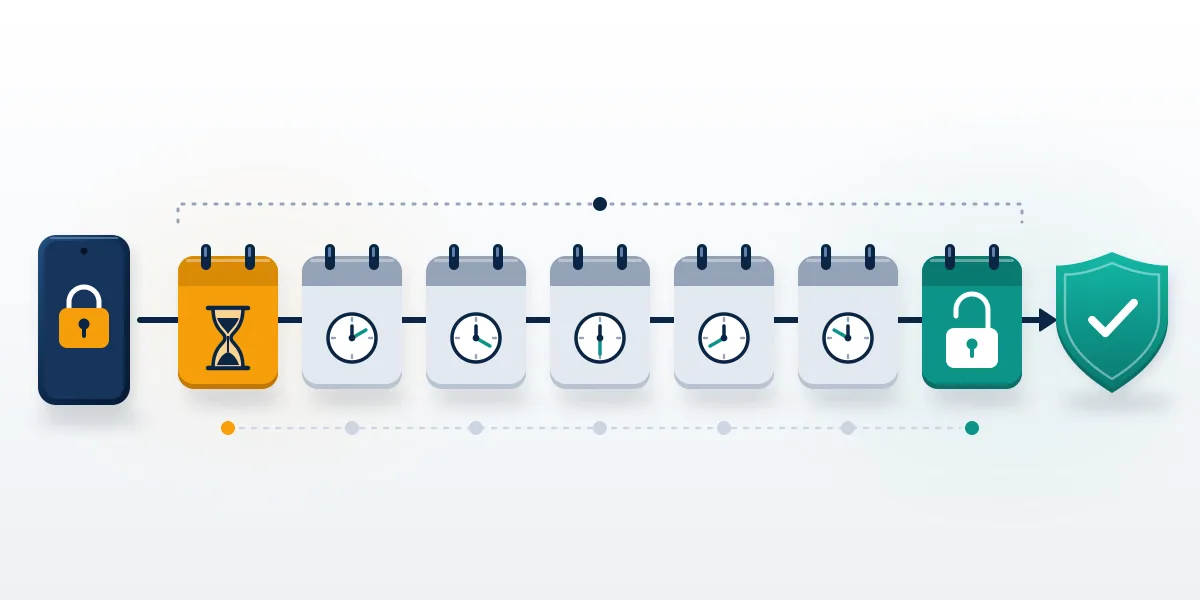
If Telegram is still open on a phone, tablet or desktop and you've forgotten the cloud password with no recovery email, request the password reset from that session. According to Telegram's documentation, a 7-day server-side timer then runs, during which the reset can be cancelled (core.telegram.org SRP). After seven days, the password comes off and you choose a new one. That delay frustrates people, yet it protects you: a thief holding your unlocked phone can start the same reset, and you get a week to decline it from another device. Not Telegram support, not Your Reputation Solution and not any paid service can shorten the timer, whatever a sales pitch claims. Keep that session alive for the whole week. Logging out to "try again" throws away the one device that can finish the job, and a fresh login on that device would need the very password you've lost.
Use the week well. Note the completion date the app shows for the reset, and if the surviving session is Telegram Desktop, save a copy of your chats through Settings > Advanced > Export Telegram data in case the reset ever turns into a full account reset. Change the email password as well if you suspect the mailbox was breached.
No recovery email and no logged-in device
This is the hard case. What remains is resetting the account from the password screen, which deletes the old account and opens a new, empty one on the same number. Per Telegram's developer notes, the deletion waits 7 days when the 2FA password was changed more than a week earlier and the account was active in the past week; otherwise it happens at once (account deletion docs). Cloud chats, contacts and media go with it. Groups and channels you created lose their creator while admins keep their rights, so a business running a channel should add a second trusted admin today, before rivals trying to get your channel removed find it unguarded.
In these cases Your Reputation Solution can confirm which timer applies, but nobody can recover cloud data after a reset.
Lost the SIM or the number
Email can't stand in for the number. Telegram's FAQ tells people whose phone was stolen to have their carrier block the SIM and issue a new one with the same number, then sign in again. An account that stays offline too long self-destructs; the FAQ gives 18 months as of September 2026, and you can change that period in Settings. Numbers also attract abuse beyond Telegram, including targeted ban campaigns against a phone number on WhatsApp, so put a carrier PIN on the SIM.
At the carrier, bring photo ID and ask for the SIM to be reissued on the same number, not a new one. Ask as well for a port-out or SIM-change PIN, which stops a stranger talking a store clerk into moving your number, the step that SIM-swap takeovers of Telegram accounts depend on. Carriers reissue eSIMs the same way, often from their own app.
How quickly a deleted account's @username frees up isn't documented anywhere on telegram.org. Elsewhere, freed handles go fast, as how released handles get claimed on Instagram and the rules to claim an inactive username on X both show.
A hijacker changed the email and password
An attacker who got in usually sets their own cloud password and points the recovery email at their inbox, which drops you into the rules above. With the SIM and a surviving session, end their sessions under Settings > Devices, then start the 7-day reset from your device; they can decline it only from a session you haven't closed. Without a session, the account reset is what remains, and it costs the cloud history. In takeover cases, Your Reputation Solution works in a fixed order: cut the attacker's access, secure the SIM, then lock down the mailbox.
Hijackers rarely stop at one app. Our guides on copycat profiles opened with your stolen email and removing an Instagram clone of you cover getting those taken down.
An account that opens but can't message anyone is frozen rather than locked, and why a new password won't lift a freeze walks through the appeal. Report volume alone seldom justifies that outcome, which is why reviewers distrust sudden report spikes on most platforms.
Fake recovery emails, and what outside help can and cannot do
Genuine Telegram messages never arrive out of the blue asking for a code, a password or a payment, and the service never needs your email password to restore anything. Real login and recovery codes arrive only after you request them in the app. The fakes follow a pattern: an urgent subject about a deleted or reported account, a link to a lookalike page, and a request for the code Telegram just sent you, which is exactly what the attacker needs to sign in. Some come from "recovery hackers" who find victims in public comment threads and promise access for a fee, much like the bot sellers who harvest login codes on WhatsApp. Treat any telegram recovery email you didn't trigger as hostile, report the sender inside Telegram and don't reply. Genuine help lives at Telegram's support page and under Settings > Ask a Question.
Storefronts that pitch account "recovery" on Telegram tend to sell other services beside it, including the shops selling Instagram report tools and paid Facebook reporting schemes.
Be just as wary of report apps that ask for your password; that request alone gives the scam away. If the same scammer also messages you on WhatsApp, use WhatsApp's own block-and-report controls instead of arguing.
What outside help can and cannot do
Your Reputation Solution works on the cases the self-service flow can't finish: an email that was never set, a mailbox lost years ago, a hijacked account, or a freeze that needs a written appeal. Telegram alone decides whether an account comes back, and the firm's part is the evidence, the timing and the escalation. Details of our Telegram lockout casework sit on the service page.
The firm never asks for your Telegram login code, your cloud password or the password to your email. It won't access an account that isn't yours, buy back a username, or promise that Telegram will reopen anything. Some losses are out of anyone's reach: an account that already self-destructed, cloud data erased by a reset, and accounts banned for child abuse material, terrorism, fraud or sustained harassment. What no recovery provider can promise is written down in full, and where a 7-day Telegram timer applies, nobody finishes sooner.
Before contacting Telegram or anyone else, gather what proves the account is yours without handing over access: the phone number with its country code, the @username, the rough date you opened the account, the masked email pattern Telegram displayed, screenshots of any error or reset date, and the names of channels or groups you own. None of it lets a stranger into the account, which is the point. Any real helper can work from that list, and anyone who asks for the code on top of it wants the account, not the case.