Can a username alone get you back into Telegram?
No. Telegram signs you in by phone number, and a username only helps other people find you.
That surprises almost everyone who searches how to recover telegram account with username, because every other app they use treats the handle as half of the login. Not on Telegram. Its FAQ calls the phone number "the only way for us to identify a Telegram user" (Telegram FAQ, checked 27 September 2026), and the sign-in flow documented in the Telegram auth API accepts exactly three things: a number, a one-time code sent to that number or its linked channels, and a cloud password if you turned one on. A username never appears in that flow. Nor is there a support form that takes one. What the handle can still do is narrower and useful: it proves which account was yours, it tells you whether that account still exists, and it becomes evidence if someone else is now using the name. Everything below starts from that split between access and identity.
Put simply, the handle answers identity questions, and the phone number answers access questions. Mixing the two up is how people end up paying strangers for a username recovery that Telegram's sign-in system has no step for, and how genuine lockouts get worse while they wait.
Your Reputation Solution is an account recovery and online reputation firm that sorts Telegram lockouts by what the owner still controls, not by what they remember. Lose the number itself, and the number-first rule Telegram enforces decides everything; the broader general Telegram recovery walkthrough covers the phone-side routes step by step.
What each Telegram identifier actually unlocks
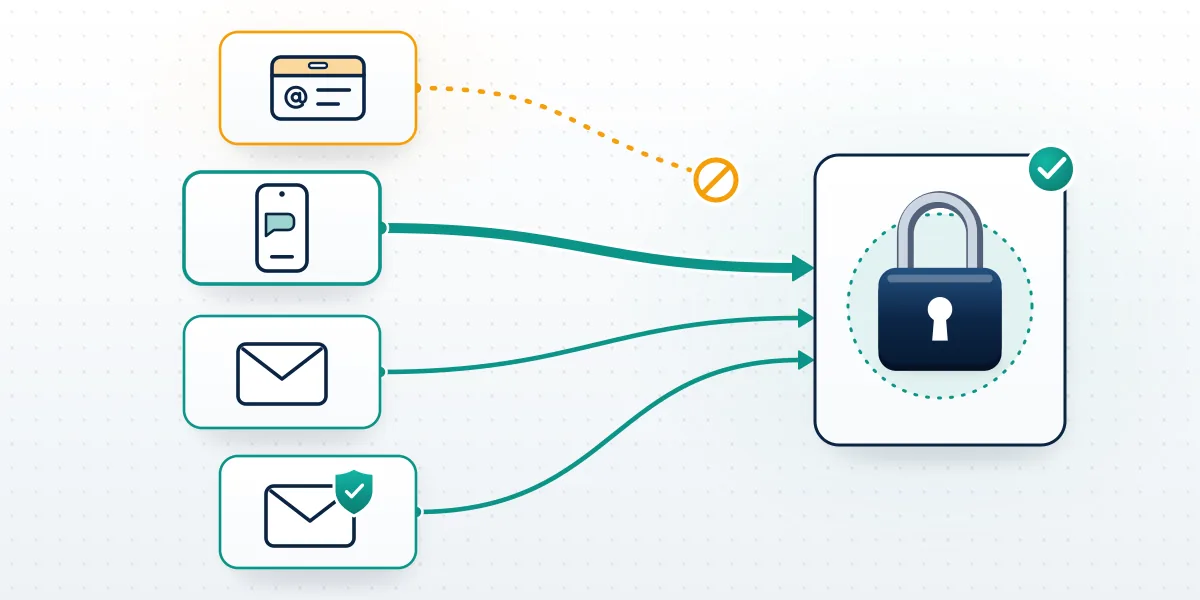
Five things get called "my Telegram login", and only the phone number opens the account on its own.
| Identifier | What it does | Can it restore access? |
|---|---|---|
| Phone number | Receives the login code by SMS, call or in-app message | Yes, on its own |
| Login email | Receives the login code instead of SMS | Yes, but only for the code step |
| Recovery email | Resets a forgotten two-step password | Only after the code step works |
| Username | Lets people find you by @name | No |
| Passkey (since December 2025) | Replaces the SMS code on a device you set it up on | Yes, where it exists |
Most cases go wrong on the two email rows. Back on 16 September 2022, Telegram added the login email alongside Sign in with Apple and Google (Telegram blog), and its privacy policy says that address is used only to send login codes and is stored separately from the recovery email. So one mailbox can sit behind your sign-in while a completely different one guards your password. People lose one, assume they lost "the email", and try fixes built for the other. Passkeys, added on 12 December 2025, only help if you created one from a logged-in phone before the lockout. An attacker who changes the login email turns this table against you, which is the scenario covered in when an attacker changed your login email. Meta handles the same problem with ID checks, as in how Meta verifies an owner by video selfie. Nothing like that exists on Telegram.
On frozen and banned cases, Your Reputation Solution starts with the in-app appeal text, since that is the only thing a moderator reads. Both sit outside this table. A frozen account, a status introduced in April 2025 for accounts restricted after user reports, still exists, so a frozen account keeps its username while you appeal from inside the app. Bans are harder: a banned Telegram account recovery runs through Telegram's own review, and no username trick shortens it.
How to recover Telegram account using Gmail
Gmail gets you back in only if it's your login email, the address Telegram sends codes to instead of SMS.
Here is the sequence that works. Enter your phone number on the login screen. With a login email set, Telegram shows a masked version of it, the first letter and the domain, and sends the code there; the email_pattern field in the API's email-code type is what produces that hint. Where a Google sign-in button appears on that screen, you can confirm with your Google account instead of typing the code, which is how most people end up with Gmail as their login email without remembering choosing it. Then enter your cloud password if two-step verification is on. That's the whole route. Gmail cannot start a recovery by itself, cannot replace the phone-number step, and cannot reset anything if you never linked it. Seeing a masked address that isn't yours means someone changed it, and you should treat the account as hijacked rather than keep retrying codes.
Without a Google button on screen, type the code from the email by hand. Request a fresh one rather than reusing an old message, and check the spam folder of the exact address the mask points to, since plenty of people run two or three Gmail accounts and search the wrong one first.
That masked address is also the first thing Your Reputation Solution asks about on a Telegram case, ahead of the username, because it separates a ten-minute fix from a seven-day wait. Nobody on the case needs the code itself to read it.
The Gmail account has recovery rules of its own, stricter than most people expect. Google locks the mailbox, the Google login and anything tied to it together, which is why how YouTube reverses a channel termination also starts with the Google account. X works the other way round and verifies by email, so getting a suspended X account reinstated is mostly a mailbox exercise. Here, the mailbox is borrowed for one code only.
Lost the email? Check which one first
Searches for how to recover telegram account lost email usually mean one of two addresses, and the fix depends entirely on which.
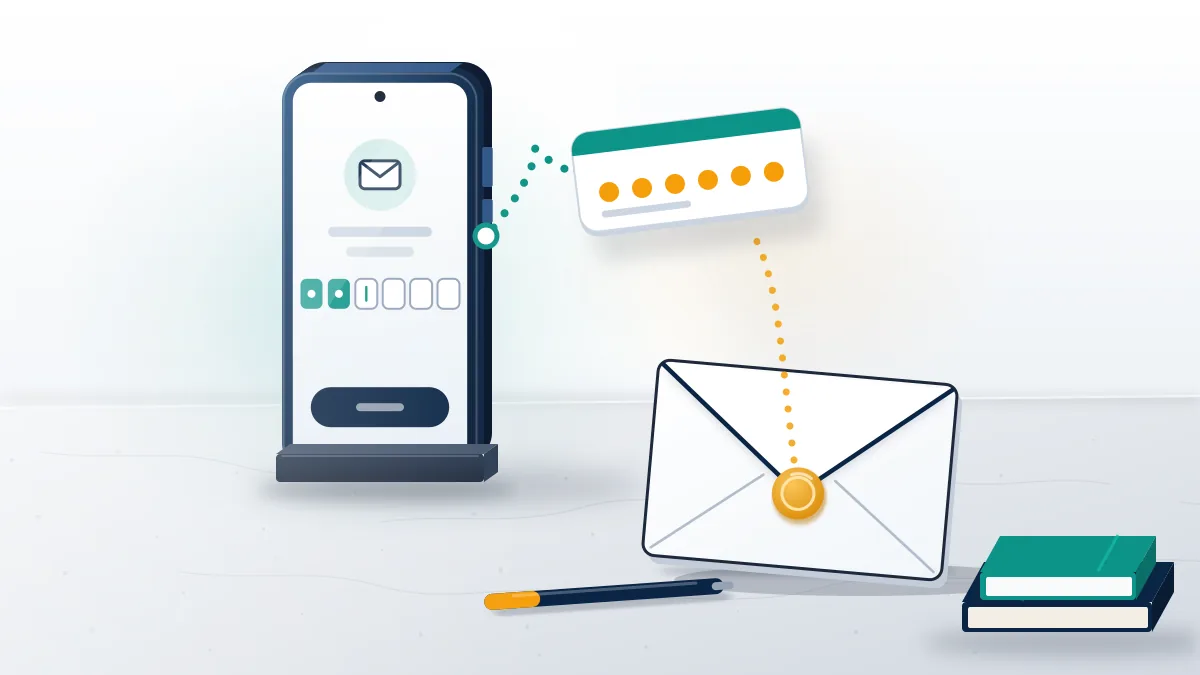
Losing the login email while keeping the phone number is the easier case. From any device where you're still logged in, change the address in the app's settings. With no logged-in device, the login screen offers a reset that switches code delivery back to SMS after a waiting period. Telegram's API sets that wait per account, and the reset_available_period field notes it is zero for Premium subscribers, which makes Premium the one paid feature that really matters in a lockout. Losing the recovery email changes nothing until you forget your two-step password, and the next section covers that case. One warning applies to both: a mailbox you can't open is a Google, Microsoft or Apple problem first. Recover the mailbox through its provider before touching Telegram, since no Telegram support agent can reach into someone else's email system for you.
Compared with other platforms this is generous. Meta asks for ID or a video selfie before a disabled Facebook profile gets reviewed, and Instagram's closed door can be final, as what a permanent Instagram disable leaves you shows.
Not sure which email Telegram is showing you? Your Reputation Solution offers a free case review built around that one question, and for business accounts or channels there is hands-on help getting a Telegram account back. We never ask for login codes or passwords.
How to recover Telegram account without recovery email
You still can, as long as one device is logged in: Telegram removes the forgotten password after a seven-day wait and keeps the account.
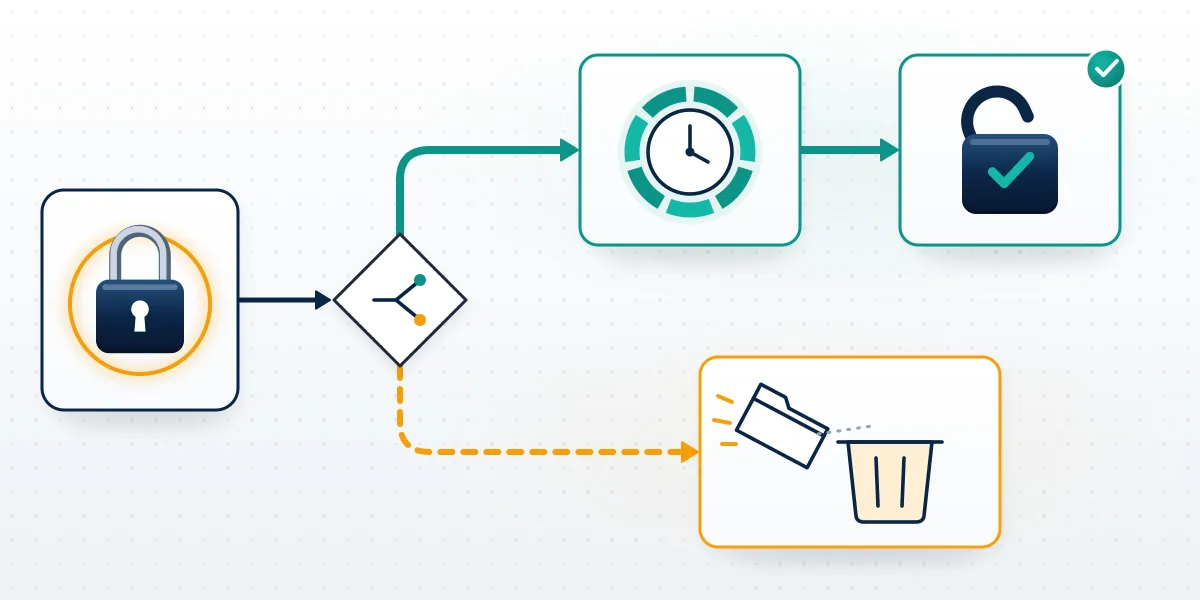
The API reference for account.resetPassword describes a server-side timer. Request it from a device that is still logged in, and seven days later the password disappears while every chat, contact and channel stays in place. You can cancel it during that week, but cancelling means waiting before you can ask again, so start it only once. Seven days is the figure in Telegram's own documentation, not an estimate from a support agent. With no logged-in device at all, the options shrink to one: an account reset, which is deletion. According to the account.deleteAccount docs, an active account with a two-step password gets a one-week delay before that deletion, and you can cancel it; after it runs, the same number opens a brand-new empty account. Gone with it is your old username. Telegram's reset is a countdown, never a review, which is the opposite of how TikTok's suspension review window works.
Other platforms at least put a person in that loop. Meta can lift a Marketplace-only restriction after an appeal, and X will reconsider reduced reach on X. Telegram's week can't be shortened by support, by Premium or by Your Reputation Solution.
Can you recover a deleted Telegram account by username?
No. Deletion on Telegram is irreversible, and the username cannot pull the account back.
Anyone hoping to recover deleted telegram account by username should know the two ways an account disappears. You can delete it yourself at my.telegram.org, which acts the moment you confirm; or Telegram deletes it after you stay offline for the self-destruct period, which the Telegram privacy policy sets at 18 months by default. Either way, messages and contacts are gone, and groups or channels you created lose their creator while admins keep their rights. Other people still hold copies of what you sent them, and that's all that survives. Search the handle and you learn one thing: if no account answers, the account is gone. Nowhere does Telegram publish a rule on when a deleted account's username becomes free again, so any site quoting a fixed number of days is guessing. Settings shows only whether a name is free, taken, or for sale.
Registering again with the same phone number is always possible after deletion, and it takes minutes. What comes back is a blank account: no chats, no contacts, no channels, and no username until you set one, which is why paid offers to restore deleted Telegram accounts deserve suspicion. At best they sell you that free signup.
For channel owners, the practical question is who still has admin rights. On deletion cases, Your Reputation Solution checks that first, because a surviving co-admin can keep the community running under a new account even though the old identity is gone for good.
Both routes, and the timer behind the automatic one, are compared in why deletion on Telegram is final. TikTok is one of the few platforms with an appeal after removal, and even there what happens after a permanent TikTok ban is a single review.
How to recover Telegram username someone else now holds
To recover telegram username rights from another account, Telegram offers one official route, and it depends on your handles elsewhere.
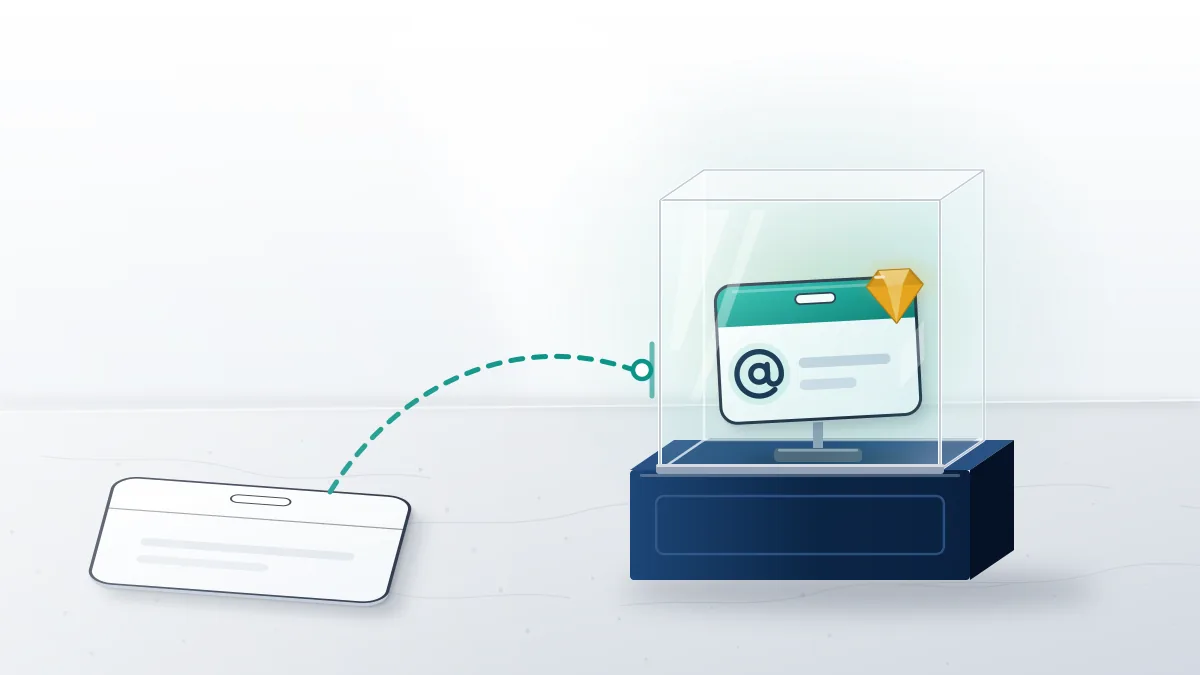
Basic usernames are first-come, first-served: 5 to 32 characters, letters, digits and underscores, case-insensitive. For a taken name that isn't a collectible, the Telegram FAQ says the company can help you acquire it if you hold that same username on at least two of Facebook, Twitter and Instagram. That is the entire claim process, and the evidence is simply screenshots showing the matching handles. Collectible usernames work differently. Since late 2022 they are sold on Fragment and held on the TON blockchain, and typing one into Settings makes the API return USERNAME_PURCHASE_AVAILABLE rather than USERNAME_OCCUPIED. A name in that state can only be bought, never claimed back. Should the new holder use your old name to impersonate you, report it to @NoToScam rather than trying to buy your way out. Check the status before paying anyone who says they can "recover" a handle.
Other platforms are no kinder about released names. Instagram now frees usernames only for trademark claims on a lost Instagram username, and X drops dormant names into a public pool for released handles.
Squatters running a whole channel on your old name raise a takedown question, covered in what gets a Telegram channel removed.
What a recovery service can't do for a lost handle
Your Reputation Solution maps the routes and prepares the evidence; Telegram makes every final decision on access and usernames.
Some things are off the table on any case. Nobody working a case will ask for your login code, your cloud password or your Gmail password, and anyone who does is running the most common Telegram recovery scam there is. No "username recovery tool" exists either. Sites selling one either want your code or want a fee for a reset you can start yourself, usually the seven-day password reset described above. Some lost-handle cases can't be won at all: a deleted account, a name sold on Fragment, a claim without the two matching handles on other networks. Those limits are spelled out in what no recovery team can promise, and when a stolen name is used for fraud, the evidence route in how an Instagram takedown really unfolds is the model, not a fake appeal. Declining those cases up front costs less than a refund later.
Squatter cases draw one pitch in particular: pay for a report flood and the other account disappears. The panels that automate Telegram reports are the same product as bots sold to mass report Instagram profiles.
It's also sold as paid report floods aimed at TikTok creators and report panels sold to ban WhatsApp numbers. None of them recovers anything.
Platforms check one report against their rules rather than counting them, which is the point of what report waves do to Facebook accounts and what actually clears Instagram spam accounts.
Speed comes from a clean report, as how fast TikTok removes a reported video shows. One accurate filing with evidence beats a hundred copies of a vague one.
Messaging apps follow the same logic, whether the question is blocking versus reporting a WhatsApp contact or how rivals try to get a number banned.