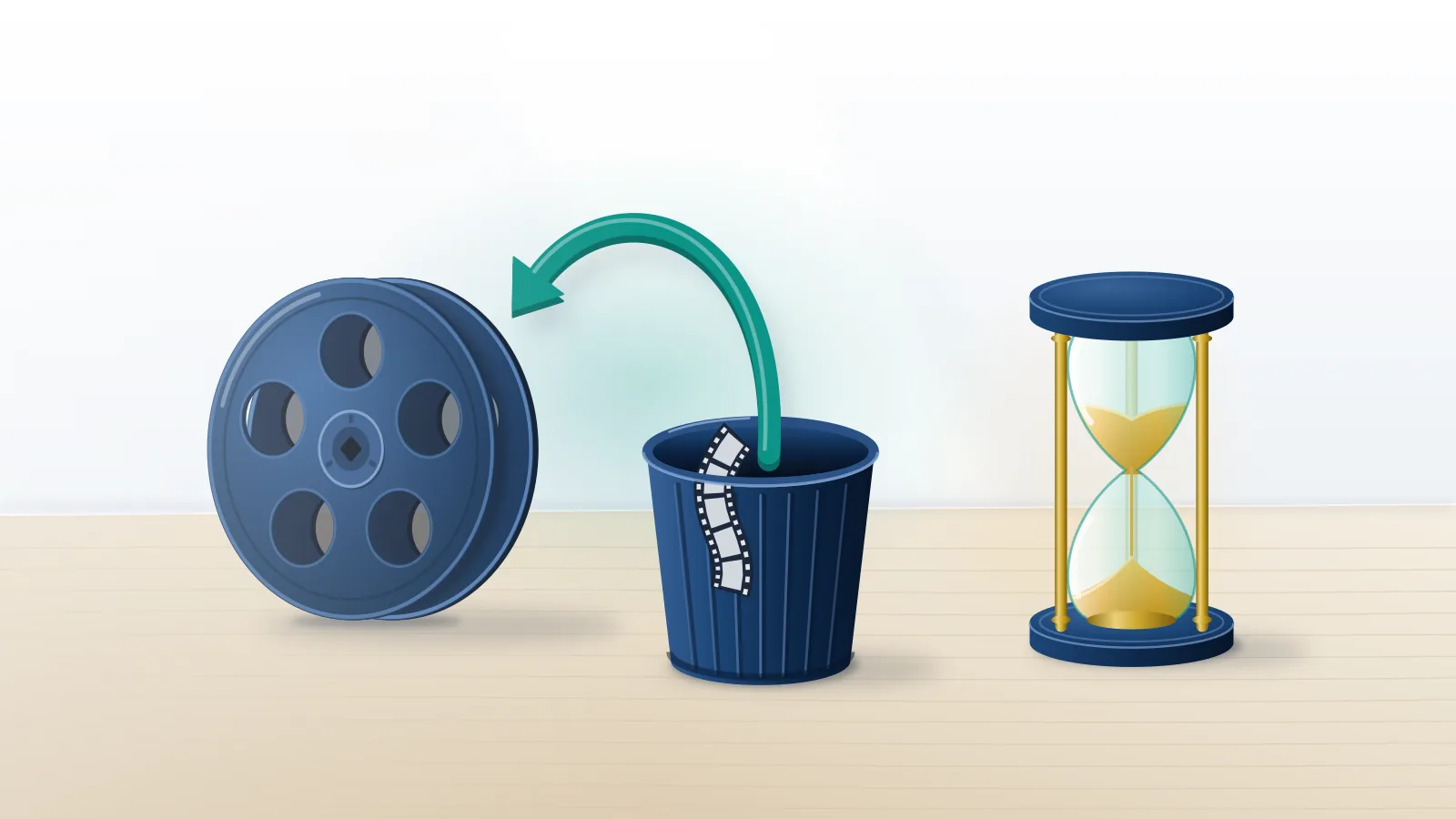
Three things get called "deleted", and two of them can come back
Deleted YouTube channel recovery means getting back a channel that no longer shows on YouTube, and the route depends entirely on what happened to it. Three different events produce the same empty page. A hidden channel is private but intact. Permanently deleted content is gone. Delete the owner account, either a personal Google Account or a Brand Account, and the channel goes down with it.
YouTube keeps these apart even when the screen doesn't. Hiding makes the channel name, videos, likes, subscriptions and subscribers private and can be undone later, while permanent deletion removes "videos, comments, messages, playlists, and history," in the words of YouTube's delete-or-hide help page (YouTube Help, September 2026). That same page carries the warning most people skim past: delete the primary owner account linked to a channel and the channel is deleted too. Oddly, that third case is the hopeful one. Owners can restore a recently deleted Brand Account, and people can recover a recently deleted Google Account, so a channel riding on either may come back with it. For anyone in that position, Your Reputation Solution is an account-recovery and reputation firm that helps creators and businesses work out which of the three they face, then use Google's own restore and recovery routes while those are still open.
Thumbnails muddy the picture, because full deletion "may take some time" and video thumbnails can stay visible on the site meanwhile. Half a channel in search results is not proof it survived.
For the decision itself, including what YouTube deletion removes and frees up, there is a separate guide; everything below starts after the button was pressed.
Can you restore a deleted YouTube channel at all?
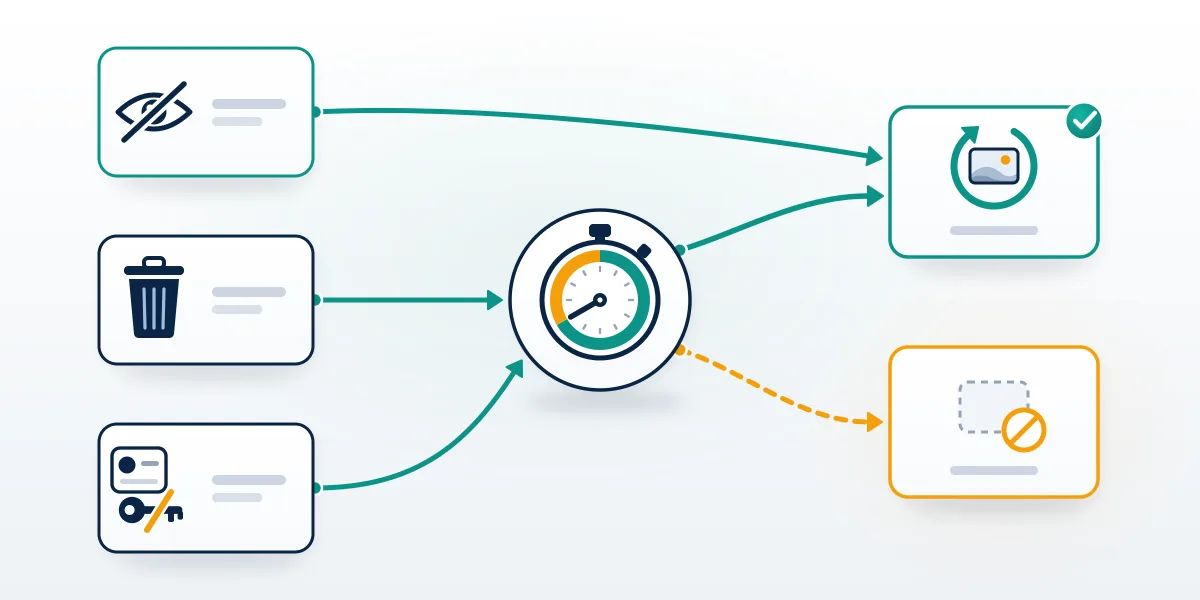
Yes, if the channel was only hidden or its owning account was deleted recently. Content removed with Delete my content has no documented way back, and nobody outside Google can build one.
| What happened | Route back | Window Google publishes |
|---|---|---|
| Channel hidden | Create the channel again from the same account | None needed |
| Content permanently deleted | None documented | None |
| Brand Account deleted | Brand Accounts, Deleted accounts, Restore | "Recently", no day count |
| Google Account deleted | Google's account recovery page | "Recently", no day count |
| Terminated by YouTube | YouTube's appeal form | A separate process |
Many people asking "can I recover my deleted YouTube channel" turn out to have a different problem, and a sign-in test diagnoses it faster than any search. Does the Google Account still open, and does the channel's name still appear when you switch accounts? An account that opens with the channel listed as hidden needs a two-minute re-enable, not recovery. One that opens with the channel missing points to deleted content or a deleted Brand Account. Sign-in failing outright means the Google Account itself is the problem, and the channel can't be judged until that is fixed. Termination looks like deletion from outside but is YouTube's own decision, and terminated YouTube channel recovery runs through a single appeal filed from the owning account. Sorting these apart is the first thing Your Reputation Solution does on any deleted-channel case, before a single form goes in.
Other symptoms mimic deletion without being one. Channels that vanish from search while Studio still loads have a reach problem, the kind seen with reach limits that look like a disappearance on X, and Meta can impose a Marketplace-only restriction on Facebook while leaving the account itself alone.
Instagram posts its verdicts on the status screen before any appeal. Telegram draws the cleanest line, and Telegram's frozen-versus-reset split maps closely onto YouTube's: frozen is read-only and appealable, reset is permanent.
How long does Google keep a deleted account restorable?
Google doesn't say. Both restore routes are described with one word, "recently," and no day count. Its page on recovering a deleted Google Account adds only that an account "deleted a while ago" may not be recoverable, and the Brand Account help page says a recently deleted Brand Account "may" be restorable (Google Account Help, September 2026).
Guides quote 20 days, 30 days, occasionally 60, and none of those numbers appears on Google's consumer help pages as of September 2026. Twenty days is real, but it belongs to Google Workspace: an administrator can restore a deleted user account up to 20 days after deleting it, after which the data is gone (Google Workspace Help, 2026). Personal accounts and Brand Accounts run on their own undisclosed clock, which could be shorter. Someone searching delete YouTube channel recovery an hour after the click is in the best position of anyone. Only one fixed number appears, and it cuts the other way: an owner needs 7 days in the role before restoring anything. Given that uncertainty, Your Reputation Solution treats every fresh deletion as a matter of days, not weeks, and tells people to try the restore route themselves before contacting anyone, this firm included.
Other platforms publish their clocks. TikTok gives a permanently banned account 30 days, and anyone trying to recover a permanently banned TikTok account works against that deadline, while a disabled Instagram profile survives only through Instagram's 30-to-180-day purge window.
Deadlines close doors everywhere. On TikTok, an expired appeal deadline closes the in-app route, and Facebook reinstatements run through Meta's government-ID appeal for disabled profiles.
X splits enforcement four ways, from a temporary lock to a permanent ban, so confirm the suspension type first.
How to restore deleted YouTube channel access, route by route
Pick the table row that matches what you saw, since the three routes don't overlap and a wrong first attempt spends time you may not have.
The channel was hidden
Sign in to YouTube with the account that owned it, open the create-a-channel form and fill it in; Google says this "will restore your YouTube channel" (YouTube Help, 2026). Skip the option to use a business or other name, which creates a new channel instead. On a Brand Account, go to Settings, then Account, then Add or manage your channel(s), pick the hidden channel and confirm. View counts take up to a week to catch up.
The Brand Account was deleted
- On a computer, open the Brand Accounts section of your Google Account.
- Select Deleted accounts.
- Next to the channel's account, select Restore this Brand Account.
- Switch to the restored account on YouTube and check the channel.
Step 3 throws an error for anyone who has been an owner for fewer than 7 days, the same threshold Google sets for deleting. Nothing Your Reputation Solution or anyone else does can shorten that wait.
The Google Account was deleted
Start at Google's account recovery page, accounts.google.com/signin/recovery, and treat it as the only door, because a YouTube channel has no password of its own and every Google YouTube account recovery runs through the same login. Google's recovery tips are specific: use a device and browser you normally sign in with, from a usual location such as home or work, answer every question instead of skipping, and enter the most recent password you can remember (Google Account Help, 2026). Wrong guesses won't eject you from the process, according to the same page, and a "Google couldn't verify this account belongs to you" message isn't final either, since the page says you can try again. Once you are back in, create a password you have never used on that account before. At least Google offers a recovery form; platforms with no recovery form at all leave people writing to a support address.
What if someone else deleted your channel?
It depends on whether that person still controls the account and whether you held an owner role or only a manager role.
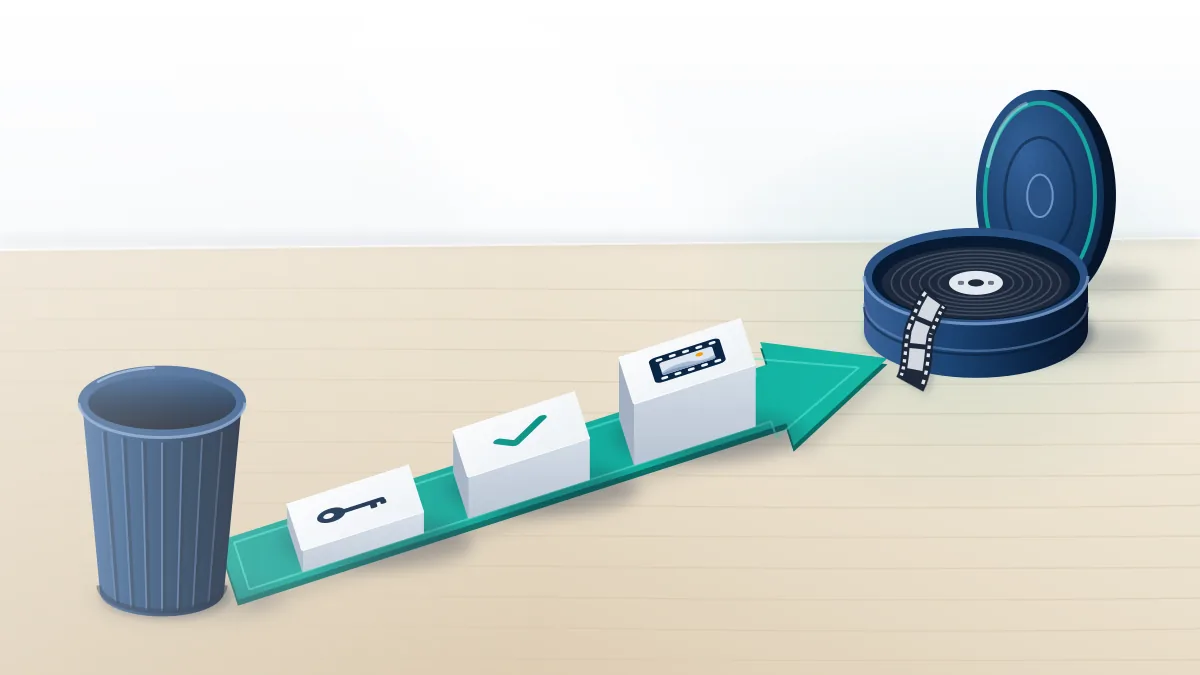
Hijackers delete from inside your Google Account or your Brand Account, so the order is fixed: take the Google Account back, remove owners and managers you did not add, then check Deleted accounts. Every step of the lockdown sits in the hijacked-channel recovery sequence. Be wary of any tool that wants standing access to the Gmail behind your channel, as report-bot builds that want your Gmail key do.
Former employees and agencies are the harder case, because on a Brand Account any owner can delete the whole account and only owners can restore it. Managers cannot restore at all. In cases like this the first job for Your Reputation Solution is rarely technical: where the former owner can still be reached, the quickest route is persuading them to sign in once and either restore the Brand Account or add the business back as an owner, since Google's tools answer only to owners. Put the request in writing; it doubles as a record if the dispute reaches lawyers. Where the person refuses, Google's Brand Account help pages describe no route for reclaiming ownership from an unwilling owner (September 2026), which is why a signed agreement about who holds the owner seat matters more than any setting.
Asset type sets the rules on every platform. Facebook judges a profile and a Page differently, and Google treats a personal channel and a Brand Account channel just as differently over who may delete or restore.
YouTube brand account recovery when the owner seat is lost
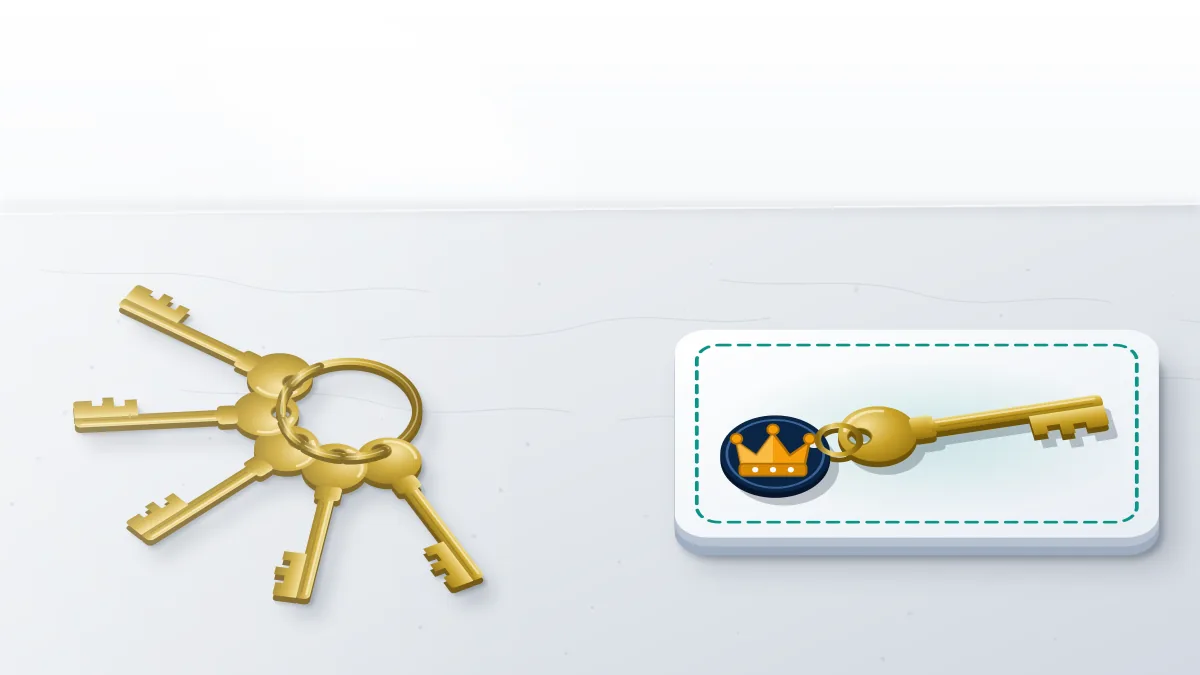
Every Brand Account has exactly one primary owner, and YouTube brand account recovery mostly comes down to putting the right person back in that seat.
Roles decide everything here, according to YouTube's owners-and-managers page (YouTube Help, September 2026). Owners control who manages the account; managers can post on YouTube but cannot change the primary owner. An owner becomes primary owner only after holding the owner role for 7 days, through Manage permissions in the Brand Accounts section, then the arrow beside their name, Primary owner and Transfer. Keeping a second owner is Google's own recommendation, and the reason shows up in a crisis: if the primary owner account linked to a channel is deleted, the channel is deleted too. Channels never moved to a Brand Account have no owners to add, only managers. So anyone searching how to recover brand account YouTube access is asking one of two things. Can I become an owner? Or can I restore an account an owner deleted?
Locked out of the owner seat, or watching a restore window close? Your Reputation Solution maps who holds which role, prepares the ownership evidence and works through Google's own routes with you. Ask for a free deleted-channel case review. Nobody on the team will ask for your password or a 2-Step code.
Brand Accounts created after August 4, 2021 are "limited to YouTube," so for newer channels the Brand Account and the channel are effectively one object.
Inactive YouTube channel recovery: does the two-year rule apply?
Only in part, and Google has said it has no plans to delete accounts holding YouTube videos.
Google's Inactive Google Account Policy lets it delete a personal Google Account that has gone unused for two years, with December 1, 2023 as the earliest possible deletion date, and it counts watching a YouTube video while signed in as activity (Google Account Help, September 2026). Work and school accounts are excluded. Announcing the policy on May 16, 2023, Google added the line that matters here: "we do not have plans to delete accounts with YouTube videos at this time" (Google, 2023). Deletion also comes with warning, since Google says it sends multiple notices to the account's address and its recovery email beforehand. That makes inactive YouTube channel recovery a sign-in problem far more often than a restore problem, and the fix is proving to Google the account is yours, often years after the password was last typed.
Proof is the hard part for an old channel. Abandoned accounts are at least 10 times less likely than active ones to have 2-Step Verification set up, the same announcement noted, which also makes them attractive to hijackers. A lost recovery email doesn't end the attempt: YouTube account recovery without email can still work from a previous password or an old signed-in device. Dormancy rules differ by platform: Telegram deletes a quiet account on a self-destruct timer the user picks, the problem a Telegram recovery desk for dormant accounts handles. Once you are back in, Your Reputation Solution suggests setting up Inactive Account Manager, which decides what happens after up to 18 months of silence.
Old YouTube account recovery for pre-2009 usernames
Channels created on a YouTube-only username before May 2009 follow their own rule: if the channel hasn't been signed into since 2011, Google automatically connected it to a Brand Account, and getting in means linking that Brand Account to a current Google Account (YouTube Help, September 2026). Sign in at myaccount.google.com with the Google Account you want to use, which can be one you already use on YouTube or a new one, go to youtube.com/gaia_link, enter the old YouTube username and password, and select Claim channel. Afterwards the channel appears under Switch account. One sentence on that page decides most old YouTube account recovery attempts: there is no password recovery option for these legacy accounts. Remember the password and the channel comes back in minutes. Forget it, and the page lists no alternative route that can reset it.
Handles are a separate question. TeamYouTube said in April 2023 that a deleted channel's handle "will usually become available to others after 30 days" (TeamYouTube on X), so a stranger can take the name long before you notice. Instagram offers only a trademark-only route to a taken username, and on X, released handles return to a public pool with no priority for the previous holder.
Can anyone restore permanently deleted content for a fee?
No one outside Google can restore a channel whose content was permanently deleted, and anyone selling that is selling a guess. Before paying anyone, read up on vetting a paid channel-recovery offer: a real service diagnoses what happened, files through official routes and never asks for your password. In these cases, Your Reputation Solution prepares evidence and files through Google's and YouTube's own restore and appeal routes; Google alone decides the outcome, and no restore is ever promised. Published limits on what can be recovered spell out the rest, including terminations for child sexual abuse material or ban evasion, which no service can reverse on your behalf. Password rules come from Google itself: it "never asks for your password or verification codes over email, phone call, or message," and wants them typed only at accounts.google.com.
Pitches for a "deleted channel restore" resemble the report-tool trade. Mass-report panels sold for Instagram and report bots sold for TikTok promise outcomes no platform grants on volume.
Many arrive as a script or app that asks you to sign in, and APKs and panels that harvest logins can turn a lost channel into a lost Google Account. Telegram panels that automate the Report button circulate in the same places.
Did a "recovery agent" message you first? Block the contact on WhatsApp first, then report the fake agent's WhatsApp number so Meta reviews it.
After the channel is gone: copies, reuploads and a safer next one
Copies outlive the original. Anyone who downloaded your videos can post them again, and a deleted channel can no longer show the upload dates that prove you published first, so keep any Takeout archive or raw files you have. Profiles reposting your work under your name call for taking down an Instagram impersonator with an ID-backed report, while getting stolen clips off TikTok depends on one accurate report rather than a pile of them.
Telegram needs its own route: take down a Telegram channel reposting your work through its copyright contact, [email protected], rather than the ordinary report button. Prevention does more. Next time, three settings would have changed most of the stories on this page: a second owner on the Brand Account, a current recovery phone and email, and a Google Takeout export kept somewhere other than Google, since downloading your data "doesn't delete it from Google's servers" (Google Account Help, 2026). To that list, Your Reputation Solution adds a written note of who holds the primary-owner role and when it last changed, because disputes over that seat are the slowest to unwind. Protect every owner's login with 2-Step Verification, because a stolen owner session can delete the whole Brand Account, and check Manage permissions whenever someone leaves the business.