
Does X have human support, or only forms and bots?
X does have human support, but the only door to it is a form. Its Contact us page lists no phone line, no live chat and no general support inbox for account problems.
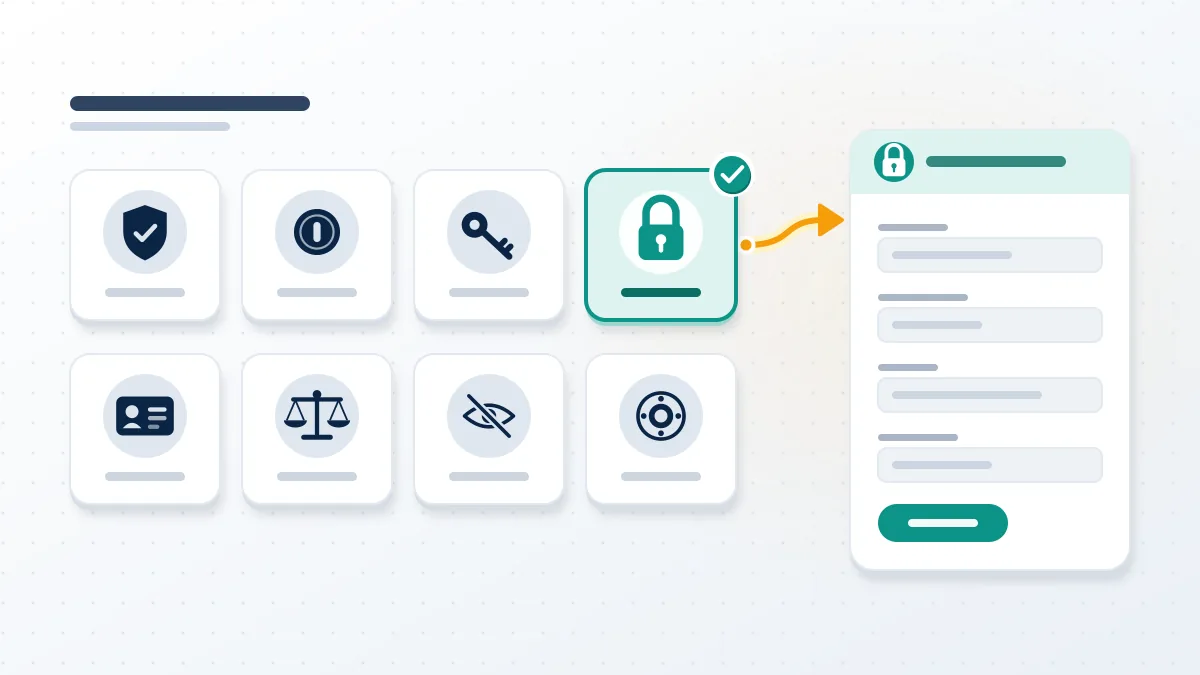
So the honest answer to "does x have human support" is yes, with conditions attached. As of October 2026, the X Contact us page opens with "Select a topic" and eight topic tiles, and every tile ends in a form. That makes the question of how to reach a human at X support a routing problem rather than a search for a secret number. Pick the tile that matches your case, give the details the form asks for, such as username and contact email, and the request lands in a queue that X's staff work through; the answer then comes by email to the address on the account. Phone numbers sold as "X customer care" on search ads are not X's. Replying to the @Support account, which had 6.6 million followers when we checked, opens no case either.

Reports use the same form-first model. Our guide to report abuse twitter cases walks through the in-app flow, and a separate page explains how to report a tweet on twitter when one post is the problem.
Your Reputation Solution is an account recovery and online reputation firm that prepares these support requests with people locked out of X, Instagram, TikTok and other platforms, and tells them which form a case belongs in before anything is sent.
Which X Help Center form fits your problem?
The right X Help Center form is the one named for what happened to your account, not the one that sounds most urgent.
| Topic tile on help.x.com/en/forms | Use it when |
|---|---|
| Locked and suspended account issues | The account shows a lock or suspension notice |
| Problems with account access | You can't log in, or need to reactivate or deactivate |
| Help with paid features | Premium, Super Follows or Tips billing |
| Authenticity on X | Impersonation, spam or platform manipulation |
| Privacy on X | Data requests and privacy questions |
| Help with intellectual property issues | Trademark, copyright or counterfeit reports |
Older guides still call it the twitter help center form, and the tiles are the same. One mistake comes up more than any other, a hacked owner filing a suspension appeal: the appeal path assumes you can still log in, so the request stalls. Each tile is built for one state of the account. A login problem goes to account access. An enforcement notice goes to the locked and suspended tile. Someone else posting as you goes to authenticity, which covers the twitter impersonation removal route, and stolen artwork or a logo belongs under intellectual property. Filing the same case twice under two tiles does not speed anything up; it creates two tickets that each need their own answer. When a client brings us a case, Your Reputation Solution starts with that tile choice, because a well-written request in the wrong queue usually earns a template reply.
Brand owners should use the twitter trademark report form for a misused logo, and creators the twitter dmca takedown form for copied work.
Handle questions sit outside support entirely. People ask will twitter delete inactive accounts to free a name, or look at x priority handles sold through X's own marketplace.
Nor can support sell you a name; can you buy a twitter handle from another user is a separate question.
What should an X support hacked account request include?
An X support hacked account request needs your username, your last-access date, and to come from the account's email address.
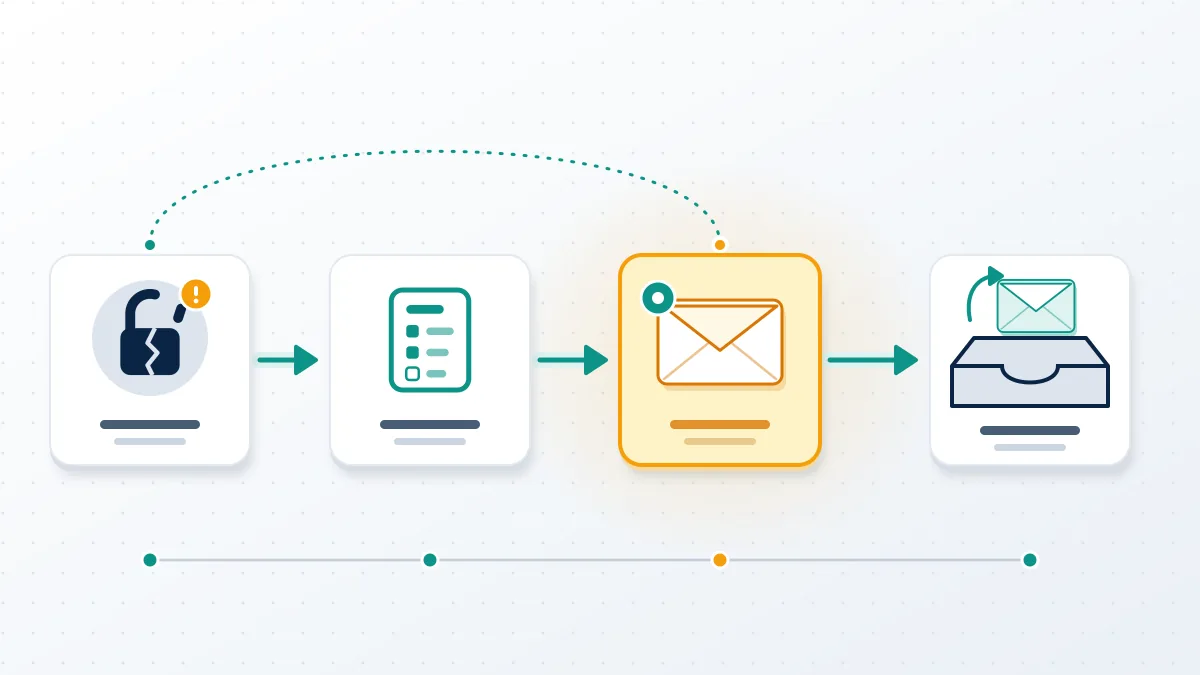
Those three items come straight from X's compromised account guide, read in October 2026. If a password reset fails, X tells owners to submit a support request from the email address associated with the account, "we'll then send additional information and instructions to that email address", and to include the username and last-access date. Twitter support for hacked account cases therefore runs on email, not chat. If the attacker changed the address, look for a message from [email protected] about that change; X says the link inside it reverses the switch. Owners who also lost two-factor codes face the hardest version, because the form cannot confirm them through the usual channel. In that case, x support for account recovery still starts with the same form, plus whatever proof of ownership you can attach: the original sign-up email, old receipts, or screenshots of the profile.
Our guides cover how to recover hacked x account access and the older twitter account recovery form.
Lost the email too? Read twitter account recovery without email first, or how to recover twitter account forgot password if only the password is gone.
For these cases, Your Reputation Solution prepares and submits the request with the account owner; X alone decides whether the account comes back.
How do you contact X support about a suspended account?
To contact X support about a suspended account, log in to that account and file the appeal there, as X's help page instructs.
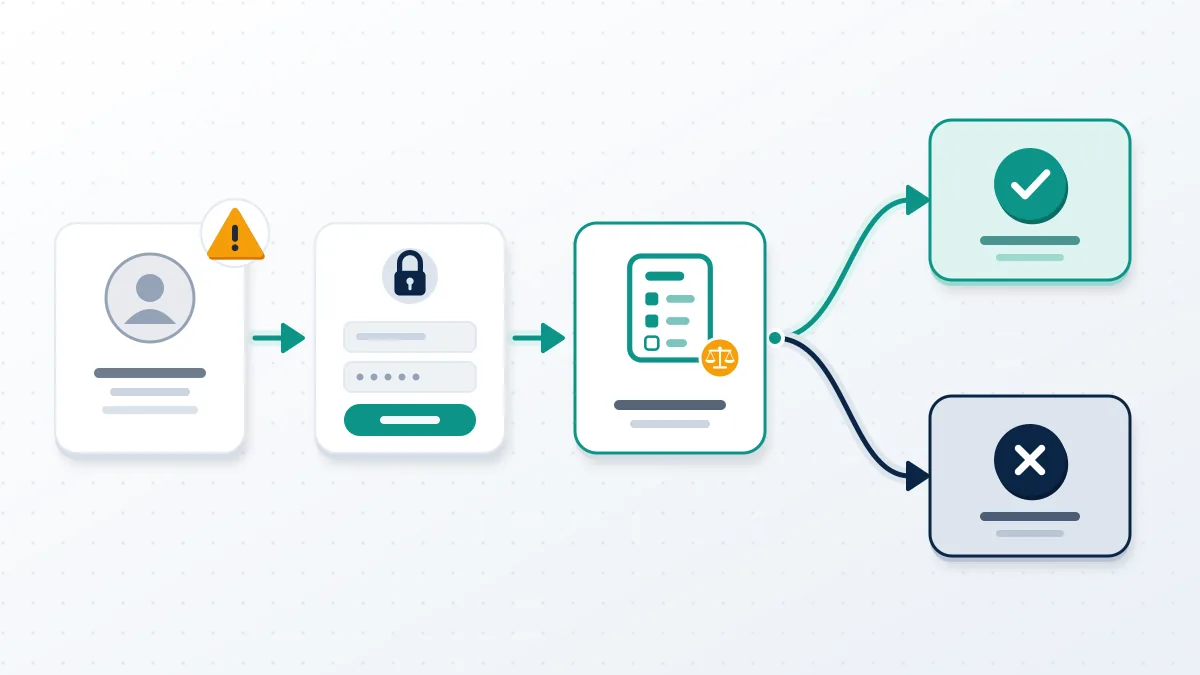
That page, About suspended accounts, says first to try the prompts shown at login, such as confirming a phone number or email, because some suspensions lift right there. Only if that fails does it point to the appeal. Most suspensions, X writes, hit "spammy, or just plain fake" accounts, and it admits a real person's account is "sometimes" suspended by mistake. Owners who contact x support about suspended account status this way are using the x appeal suspension form, and many people still search for it as the twitter appeal form. The form asks why the decision was wrong, so a short, factual account beats a long protest. Anyone needing to contact twitter support about suspended account status without being able to log in at all has a harder case: that is an access problem first, and the account access tile comes before any appeal. Every x support suspended account case starts with that login check, and twitter support suspended account searches end there too.
Permanent bans follow the twitter permanent suspension appeal process, while a lock is different: see why twitter locked my account for no reason happens.
Knowing how to contact x support for a locked account matters, because a lock often clears with a phone or email check and never needs a human at all.
Deleted rather than suspended? Whether can you recover a deleted twitter account depends on the 30-day deactivation window.
Before drafting anything, Your Reputation Solution reads the suspension notice with the owner, since the notice decides which form applies.
How long does X support take to respond?
X publishes no x support response time, so any precise promise you see online is a guess.
How long does x support take to respond in practice? It depends on the queue. Volume explains a lot. X's H1 2024 Global Transparency Report counted about 5.3 million account suspensions in six months, and every one of those suspensions can produce an appeal (Engadget, 2024). In 2024 the European Commission asked X to explain a cut in its content-moderation resources under the Digital Services Act (European Commission, 2024). Report handling is the one area with a stated window: X's reporting help says a review may take up to 30 days. Support forms carry no such figure. In our own case files from 2026, the first message after a form is usually an automated receipt, and the human reply arrives later, sometimes after several days. Sending a second form in the meantime does not move the first one up.

Report reviews have their own clock, covered in how long does twitter take to review a report, and reports against you are a separate question from how many reports to suspend a twitter account.
For bot swarms, how to report bot accounts on twitter is faster than a support form. Exposed addresses follow how to report doxxing on x.
Stuck in the queue with no reply? Your Reputation Solution can review your case for free, check that the right form went in, and tell you honestly whether a second request would help. Get a free case review.
Threats tied to private images need the sextortion twitter steps today, and other people's posts follow how to get someone's tweet deleted.
Does X verified support reach a person faster?
X verified support is a Direct Message channel, not a faster lane to a human, and X's own FAQ says a chatbot may answer first.
The X Premium FAQ tells subscribers to DM @Subscriptions for Premium issues and states that "Support via Direct Message is only available to X Premium subscribers". It also warns that a DM "might receive an automated response from the X Premium DM Customer Support Chatbot". That channel handles billing and subscription questions. A hacked, locked or suspended account still goes through the matching form, Premium or not, and we found no X page promising priority handling for paid accounts. A checkmark changes who you can message, not how fast an appeal is read. Think of it as a billing desk with a chat window, not a recovery service. For account problems it is worth paying for only if you need billing help. This is also why "verified support agents" who contact you first deserve suspicion: X does not cold-message owners to offer recovery.

Scammers copy this gap. Fake agents ask for your password or a login code, charge a "reinstatement fee", or promise a guaranteed unban. We will never ask for your password or a code, and we do not sell bans or promise outcomes; our disclaimer sets out what any recovery firm can and cannot do.

Other platforms show the same pattern. People who report a telegram user or hire a linkedin takedown service meet the same fake "support" pitches.
Name tools draw them too, from a tiktok username availability checker to a telegram username checker bot that wants your login.
Your Reputation Solution works only through the official forms described here, so every request it prepares can be checked against X's own pages.
Before you file anything, write down four things: the exact wording of any notice on screen, the email and phone number on the account, the date you last logged in, and the date the problem started. Keep screenshots of the profile if you still have them, along with any old receipts, invoices or sign-up emails. Then choose one tile, send one form, and watch the inbox tied to the account every day, including the spam folder, for a message from an x.com address. If a reply asks for more detail, answer inside that thread rather than opening a new request, because a fresh form starts a fresh ticket. This routine sounds dull. Most stalled cases skip it, and it costs nothing.