How do I report someone on Telegram from a chat?
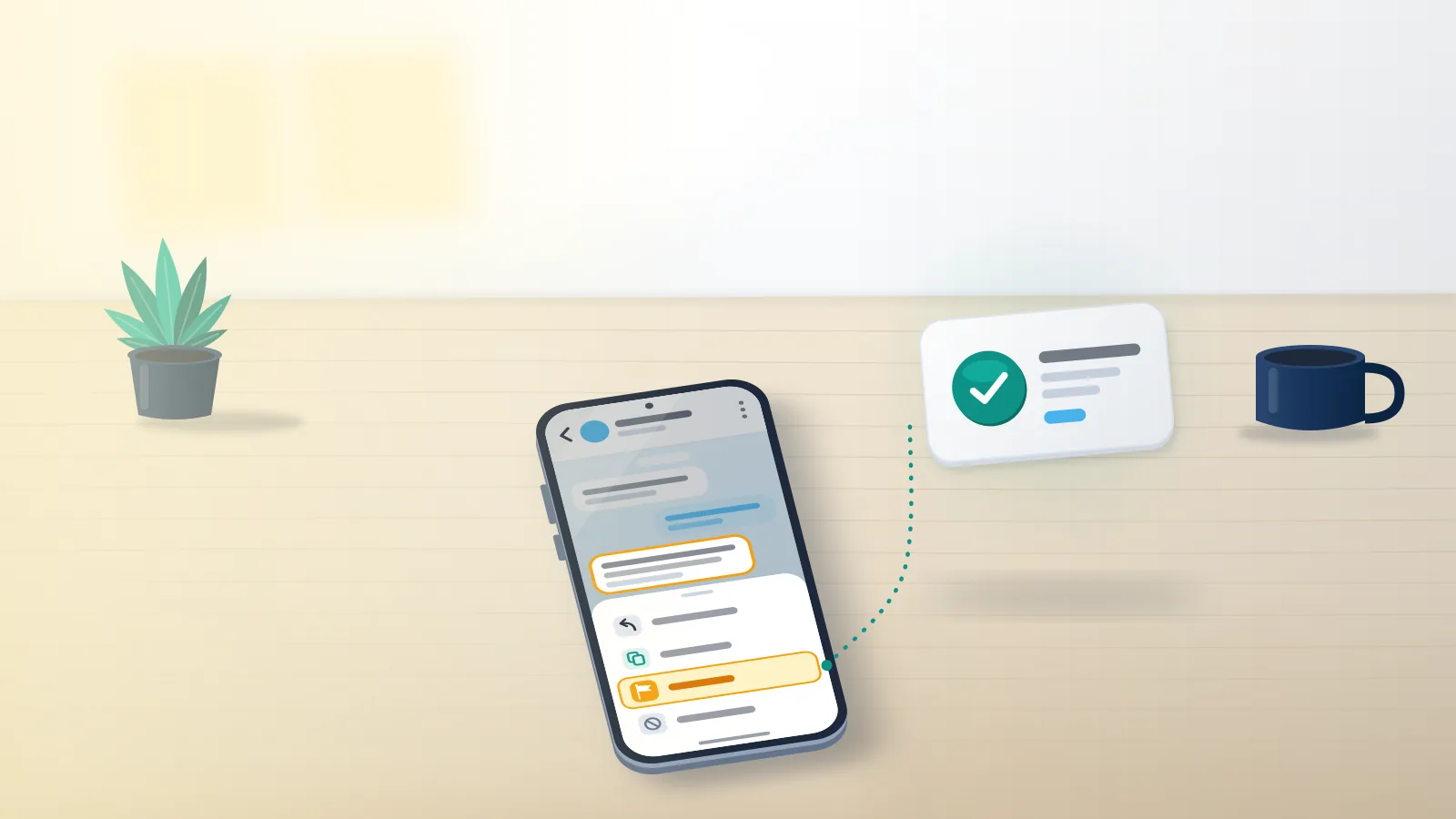
Press and hold one of their messages, tap Report, choose the reason that fits and send it; on Telegram Desktop, right-click the message instead.
That message-level route works on every client, and it matters more than it looks. Telegram's FAQ now says "All Telegram apps have 'Report' buttons that let you flag illegal content for our moderators", and since September 2024 that has covered private chats as well as public channels. Older versions of the same FAQ said Telegram processed no requests about private conversations, so any guide claiming you can't report on Telegram unless the content is public is out of date. Reason lists shift between app versions, but they usually include spam, scam, violence, child abuse, illegal goods and personal details. Pick the narrowest reason that is true. A report filed as Other with no note hands the moderator a puzzle. One filed as a scam, with the message asking for a wallet transfer selected, hands them a rule and its proof on one screen.
To report a Telegram account rather than a single message, tap the name at the top of the chat and open the three-dot menu. Channels, groups and bots always carry Report there; for private users, some app versions list it and some don't. Where it's missing, report two or three of their messages, which points the moderator at the same account anyway. Messages from a stranger come with a bar above the chat offering Report spam, and the spam FAQ says pressing it forwards those messages "to our team of moderators for review."
Your Reputation Solution is an account recovery and reputation management firm that prepares reports, notices and appeals through each platform's official channels, Telegram included.
Message, user, bot or group: which report do you need?
Match the report to where the harm sits: one message, the person behind it, an automated bot, or a whole group or channel.
| What you're reporting | Where Report sits | What the reviewer sees | Use it for |
|---|---|---|---|
| One message | Press and hold (right-click on Desktop), then Report | The messages you select | A threat, a scam pitch, a leaked address |
| A user | Chat header menu, or their messages | Their messages and profile | A pattern from one person |
| A bot | Bot profile, then Report | The bot and the replies you select | Fake "verification" or giveaway bots |
| A group or channel | Name, three-dot menu, then Report | Posts in that space | Harm published to many people |
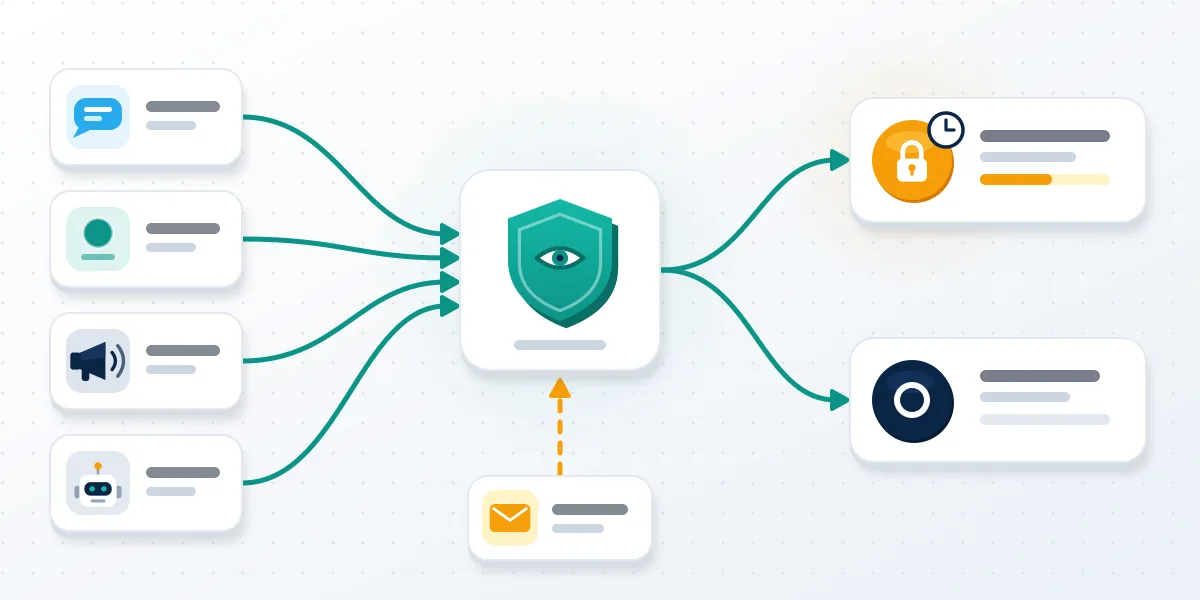
Most people searching how to report someone telegram want the second row, and most of them should file the first row too. When you report a user on Telegram, the account is the subject but the messages are the evidence, because a moderator can't act on a profile that merely looks hostile. File the message report for the content, then the account report for the pattern, and two records point at one person with two pieces of proof. Public spaces carry heavier obligations, because Telegram's Terms of Service name publicly viewable channels and bots when they ban promoting violence and posting illegal pornography, so a public channel is a bigger target than a private chat, with a longer path. That path, from first report to legal notice, is mapped in the guide on how to take down a Telegram channel. Which row you start from decides what the reviewer opens first.
How to report telegram bot accounts
Open the bot's profile from the chat header and tap Report, then select one reply it sent you so the reviewer sees its behaviour, not just its name. When a bot has already taken someone's login code, Your Reputation Solution handles it as a recovery case before a reporting one, since no moderator can help while a stranger holds the session; in that situation, put the report aside and recover your Telegram account first. Fake verification bots that ask for your login code and giveaway bots that want a deposit are the usual cases. None of Telegram's own bots does either: @NoToScam takes scam and impersonation reports, @SpamBot tells an owner whether their account is limited, and none asks for a code or a fee.
What should you save before you report a user on Telegram?
Save the profile link, the @username, message links and full-screen screenshots before you press Report or Block.
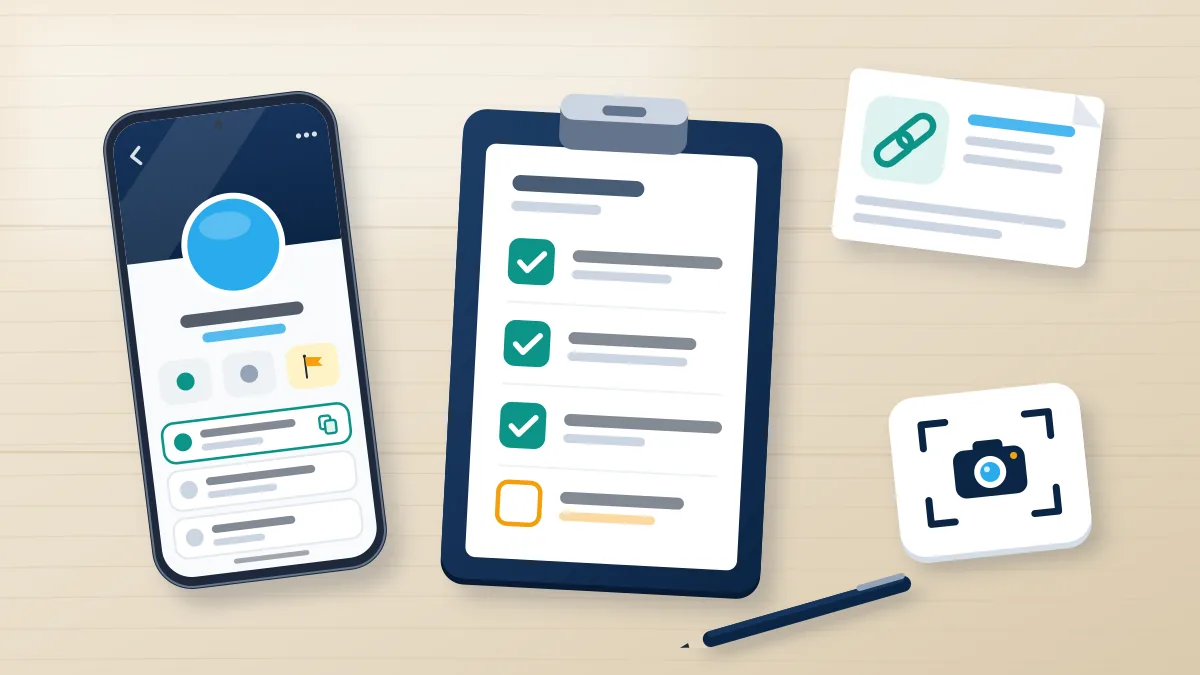
Order matters because the block dialog can delete the chat too, and an account that senses trouble can delete messages for both sides of a chat. Email takedown requests need links in t.me/ form, per Telegram's FAQ, so copy the profile link, and in groups and channels copy each message link as well. Private chats have no message links, which makes screenshots carry more weight there: capture the whole screen with the date visible, not a cropped bubble. Usernames change cheaply. The numeric user ID that appears in a Telegram Desktop chat export survives a rename, so export the chat if the account looks ready to vanish. Then write three lines: what happened, when, and what you want removed. When Your Reputation Solution reviews a report that went nowhere, the missing piece is usually here: a profile screenshot with no message attached, which shows who the person is but not what they did.
Capture the handle while it still points at the person. Banned accounts eventually free their names, and two companies can treat the same question very differently, as the rules to claim an inactive Instagram username and to claim an inactive Twitter username show.
Can I report someone on Telegram outside the app?
Yes, by email, or inside the EU through a legal notice form, though the in-app button stays the quickest way into review. Anyone asking "can I report Telegram account abuse from a browser?" gets a yes.
Telegram publishes three written routes, each built for a narrow job. [email protected] takes illegal-content takedown requests and, per the FAQ, needs t.me links to act on them. [email protected] handles copyright claims on public channels, bots and sticker sets; the same FAQ answer still calls private chats and groups "private amongst their participants," which makes copyright the one category where a private conversation stays off limits. @NoToScam is the bot Telegram names when a scammer is pretending to be you. EU residents get a fourth route under the Digital Services Act: the notice form linked from the EU guidance page asks for "your name, contact information and a clear explanation why the content is illegal," and Telegram warns that it may dismiss a notice with insufficient information. None of these is a separate telegram reporting tool. Each is a mailbox or form that ends in the same review, and only the EU form drops anonymity by design.
Not sure which route your evidence supports? Your Reputation Solution can read it with you and say which report or notice fits before anything is filed. Talk to the team; nobody will ask for your password or login code.
What happens after you report a Telegram account?
A moderator or automated system checks it against Telegram's rules, and you usually hear nothing back either way.
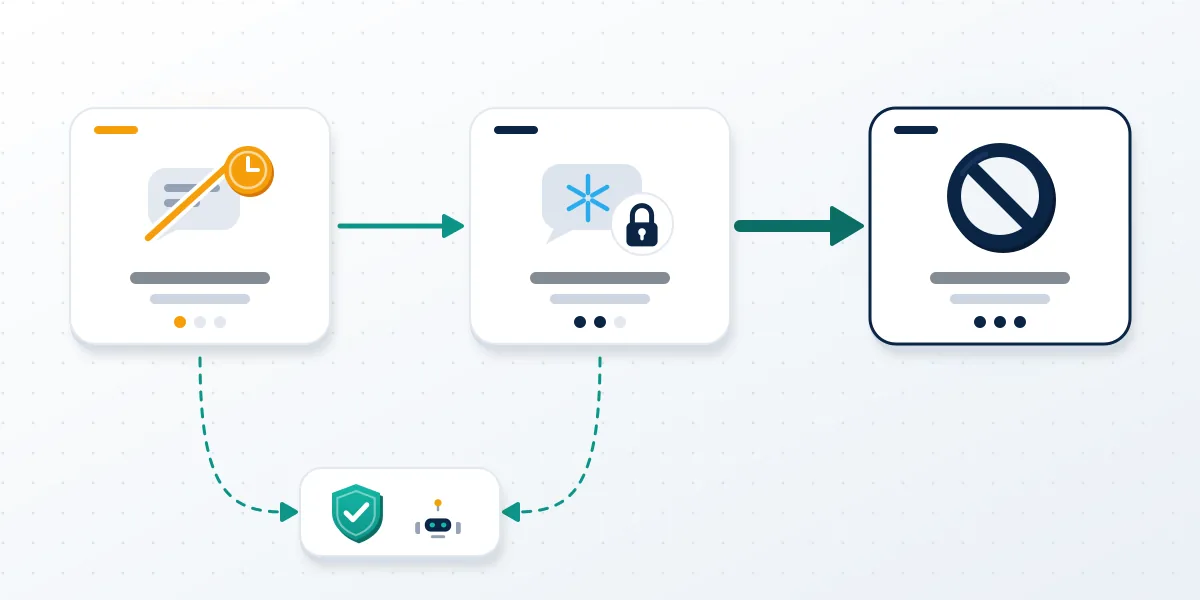
Where the report holds up, the first sanction is normally a limit, not a ban. Telegram's spam FAQ says that when moderators decide the messages deserved it, "the account becomes limited temporarily," so it can't message people who haven't saved its number; repeat offences stretch the limit, and the owner contests it through @SpamBot. Freezing is a harder state: the account can still read its chats but cannot send, join or add a device until an appeal clears, which the guide to Telegram frozen account recovery walks through. Full bans exist. Section 4.1 of the Terms says breaking them "may result in a temporary or permanent ban from Telegram or some of its services." Scale shows on Telegram's moderation page, which on 3 October 2026 counted 26,956,025 groups and channels blocked in 2026, including 433,424 over child sexual abuse material. Those counters cover spaces, not individual users, and Telegram publishes no response time for a report.
Can you get a Telegram account banned permanently?
Telegram can ban an account permanently, but a report only opens a review, and the decision rests on what the account did.
People typing can telegram account be banned get a plain yes from the Terms quoted above, temporarily or for good. Nobody outside Telegram controls the trigger. No report threshold is published, and Telegram's moderation page describes user reports working alongside machine-learning monitoring, with AI moderation tools added in early 2024, which points to reports being weighed rather than counted. So a page promising to show how to ban telegram account permanently is describing something only Telegram's staff can do. Permanent outcomes tend to come the slow way: repeated, documented violations, each reported through an official route and each adding to an enforcement record. For that reason, Your Reputation Solution files one documented report per violation: a scam report with the victim's messages attached outweighs fifty saying a person is rude. Repeat filings from one account read as noise to triage, and coordinated filings from many accounts read as an attack on the target, which can protect the target instead of removing it.
Messengers that share Telegram's design reach the same answer; compare how to ban someone on WhatsApp with the review that follows when you try to get someone banned on WhatsApp.
Feed-based apps draw the same line between a report and a removal. Both how to get an Instagram account taken down and the steps to get someone's TikTok taken down show it.
Are Telegram reports anonymous to the person you report?
To the reported person, yes in practice; to Telegram, no, because your account sends the report.
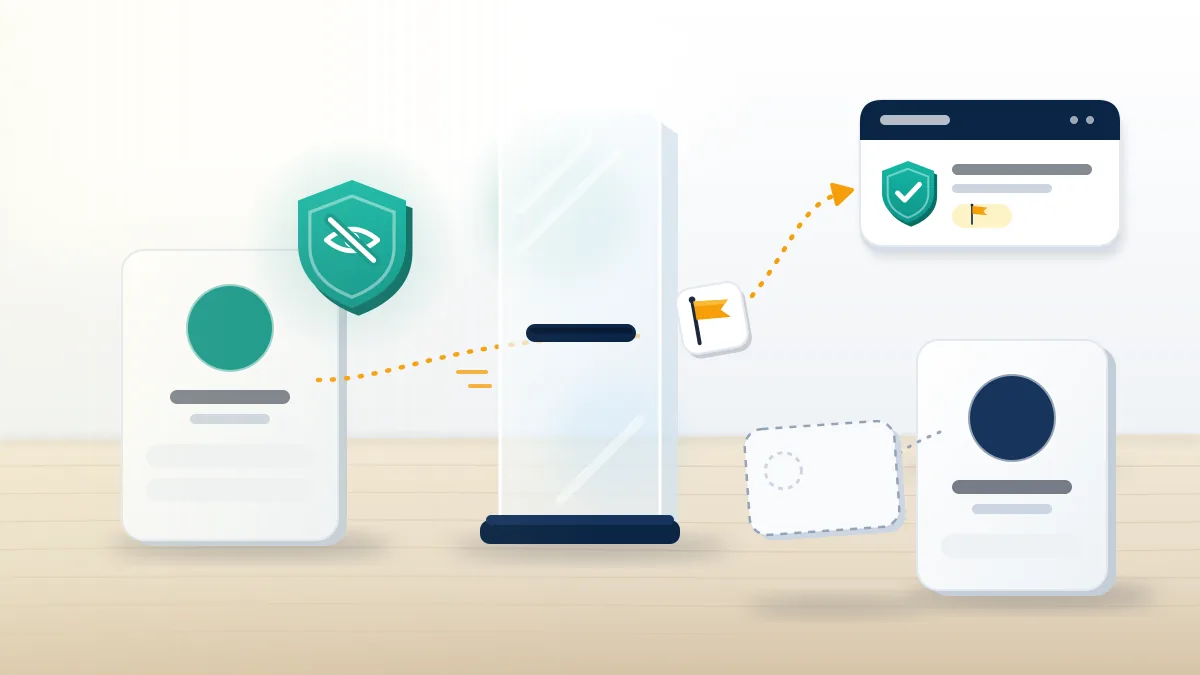
So, are Telegram reports anonymous? Nothing in the FAQ, the spam FAQ or the Terms describes telling a reported user who complained, and the app has no screen that names a reporter. Telegram itself knows, since the Report spam button forwards the selected messages from your account to its moderators. The weak point is inference. If you report a Telegram user you've only ever chatted with one-to-one, a sudden limit on their account has one obvious source; in a 400-member group it has hundreds. Only the EU notice form breaks anonymity on purpose, because a legal notice needs a name and contact details behind it. Practical rule: if your safety depends on the other person not knowing, report, block, and don't mention it anywhere they can read, including the group you share. Blocking afterwards doesn't pull the report back, since the messages have already gone to review. Unmasking a reporter is not something Your Reputation Solution offers, and whoever does is selling something Telegram doesn't hand out.
Do free report bots and ban scripts work on Telegram?
No. They automate the same Report button from many accounts, and Telegram reviews content, not volume.
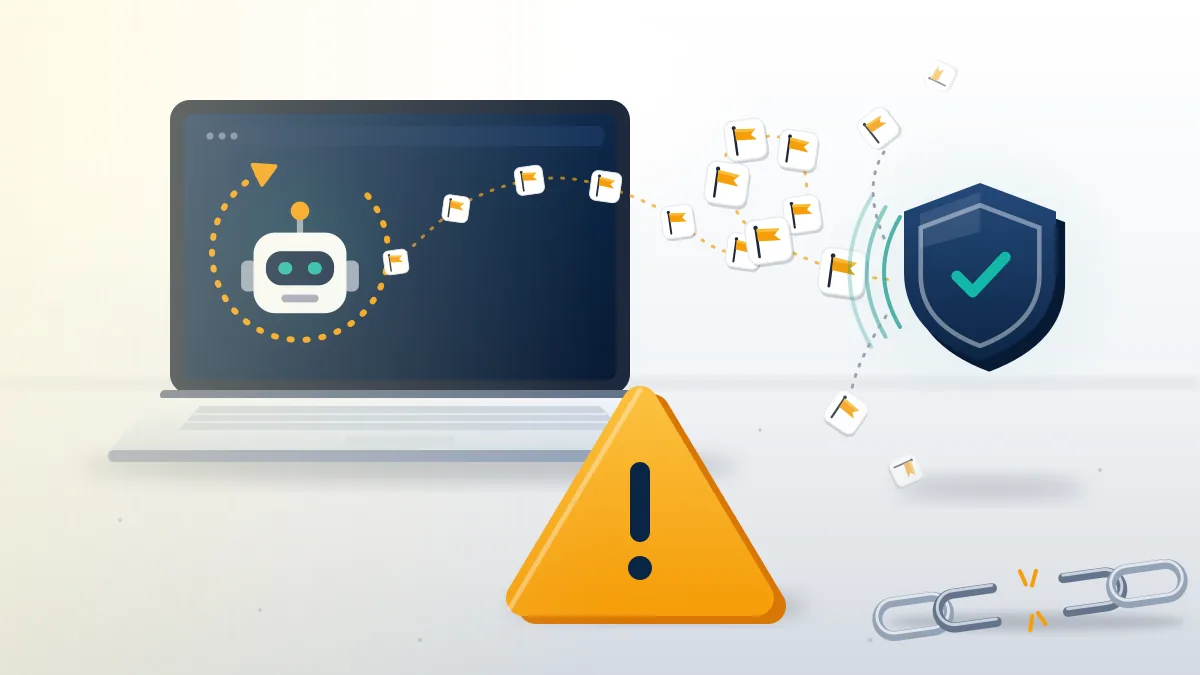
Search for a telegram report bot free of charge, a telegram account report bot or a telegram account ban script and the results are GitHub repositories and storefronts, some borrowing the names of Telegram's own bots. A script can only report by acting as a logged-in account, which means handing code you didn't write a live session. Telegram's API Terms say "it is forbidden to interfere with the basic functionality of Telegram," and the main Terms allow bans for accounts that break the rules, which puts the filing accounts at risk before the target. Free bots usually want payment in another form: your phone number, a login code, or a "verification" step that hands them your account. Paid panels add a fee to the same exposure. Why bursts of identical reports read as coordination is covered in the breakdown of the mass report bot Telegram sellers advertise, and every other network shows the same pattern.
| Network | What the seller promises | Reality, in detail |
|---|---|---|
| Bans on demand | Instagram mass report bot | |
| Instagram spam | Automatic spam cleanup | Instagram spam report bot |
| TikTok | Video and account takedowns | TikTok mass report bot |
| Number bans | WhatsApp mass report tool | |
| Profile and page removal | Facebook mass report tool |
What outside help can and can't do once a report stalls
Your Reputation Solution prepares and files reports, written notices and appeals through Telegram's official routes; Telegram's moderators make every final decision. That split shapes what the work can honestly include. No one outside Telegram can guarantee that an account gets limited, frozen or banned, and anyone quoting a guaranteed ban or a fixed deadline is reselling the same Report button at a markup. It doesn't run report bots or coordinated campaigns, doesn't file reports it believes are false, and never asks for your password, login code or cloud password; no legitimate report route needs them. What it does is narrower: match your evidence to the route it qualifies for, draft the note so the proof sits where a reviewer looks first, and say early when a case won't meet a removal threshold, so effort goes into protecting yourself instead. The full limits sit in the service disclaimer.
Reports sometimes come back the other way. If the person you reported counter-reported you and your own Telegram account is now limited or banned, Telegram account recovery handles the appeal side. Retaliation often spreads to other apps, and each has its own route back:
| Where your account was hit | Start here |
|---|---|
| Instagram, permanently disabled | permanently disabled Instagram account recovery |
| Instagram, banned | how to unban an Instagram account |
| Facebook, disabled | Facebook disabled account recovery |
| Facebook Marketplace | get unbanned from Facebook Marketplace |
| TikTok, suspended | TikTok suspended account recovery |
| TikTok, permanently banned | banned TikTok account recovery |
| X, suspended | recover a suspended Twitter account |
| X, reach throttled | appeal a shadow ban on X |
| YouTube, channel terminated | recover a terminated YouTube channel |