Can bot followers get your Twitter account in trouble?
Not by following you. X enforces its rules against what an account does, and a stranger's bot choosing to follow you is not something you did.
X's Authenticity policy, the April 2025 rulebook covering spam and platform manipulation, is written almost entirely about an account's own conduct. It bans follow churn, meaning mass following and unfollowing to inflate your own count, plus indiscriminate following, automated likes and replies used to push traffic, and duplicate reports filed in bulk. No clause turns an unwanted follower into your violation. The exception people skip past is paying for followers: the same policy bans compensating anyone for inflated likes or follows, or using third-party services to get them, so a follower list that filled up after a purchase is evidence about its owner. If you never bought, swapped or automated anything, the accounts crowding your followers tab are a nuisance and a privacy question, and learning how to get rid of bots on Twitter is housekeeping, not damage control.
Your Reputation Solution is an account-recovery and online-reputation firm that works on X suspensions, impersonation and coordinated reporting cases for individuals and brands. Bot followers alone are not one of those cases, and everything below uses buttons X already gives you.
Why do bots follow me on Twitter?
People describe it as twitter bots following me or twitter spam accounts following me, usually after a sudden overnight jump in followers.
Camouflage is the first motive. An account following two thousand ordinary people passes for a person, so operators point fresh accounts at real users to borrow their normality. Follow-back farming is the second, because following an account lets it send you Direct Messages, which is where the crypto pitch or the fake support agent turns up. Traffic is the third, and it is what the likes are for, a pattern X's policy bans as engaging with posts through automation to drive attention to accounts, websites or products.
A peer-reviewed ICWSM 2017 study estimated that between 9% and 15% of active Twitter accounts were bots, a figure from before the platform became X, so read it as history rather than as a current count.
Twitter bots liking my tweets: what that like is for
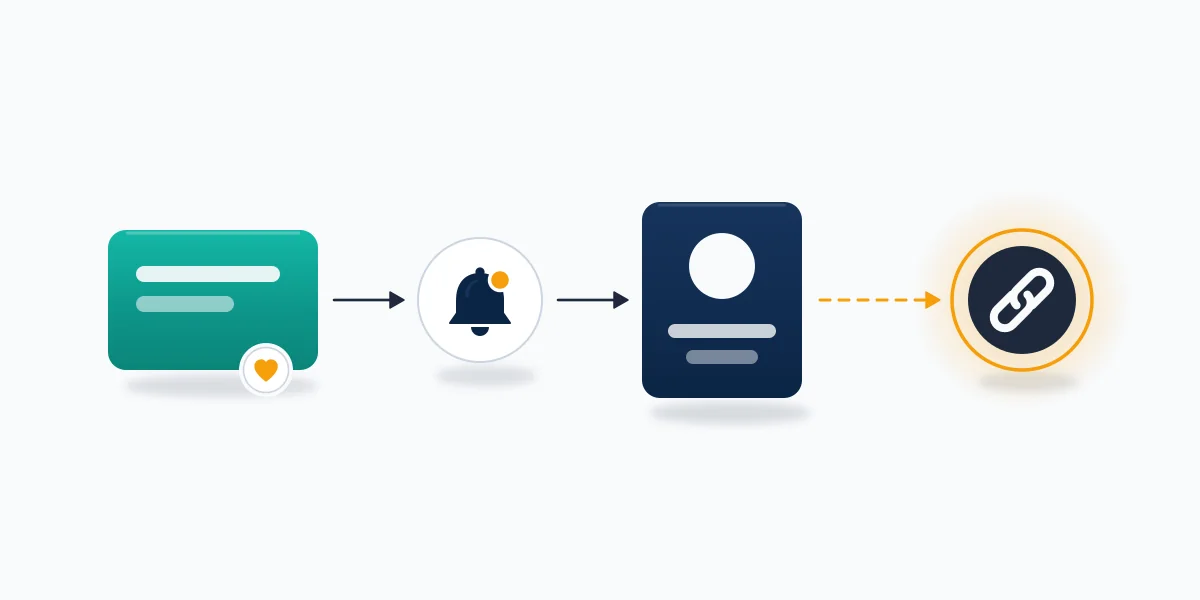
A bot's like is an advert shaped like a notification, and the profile behind it is usually a bridge to a link.
Limiting who can reply does nothing about likes, because X's reply controls cover replies only, and there is no option to strip a like off your post. Blocking works, since a blocked account cannot like, reply to or repost anything you publish, and the quality filter hides automated-looking activity from your notifications without touching the account. Your Reputation Solution treats a burst of likes from new accounts as noise unless reports or copies of your profile arrive with it.
How to spot a bot on Twitter from your followers list
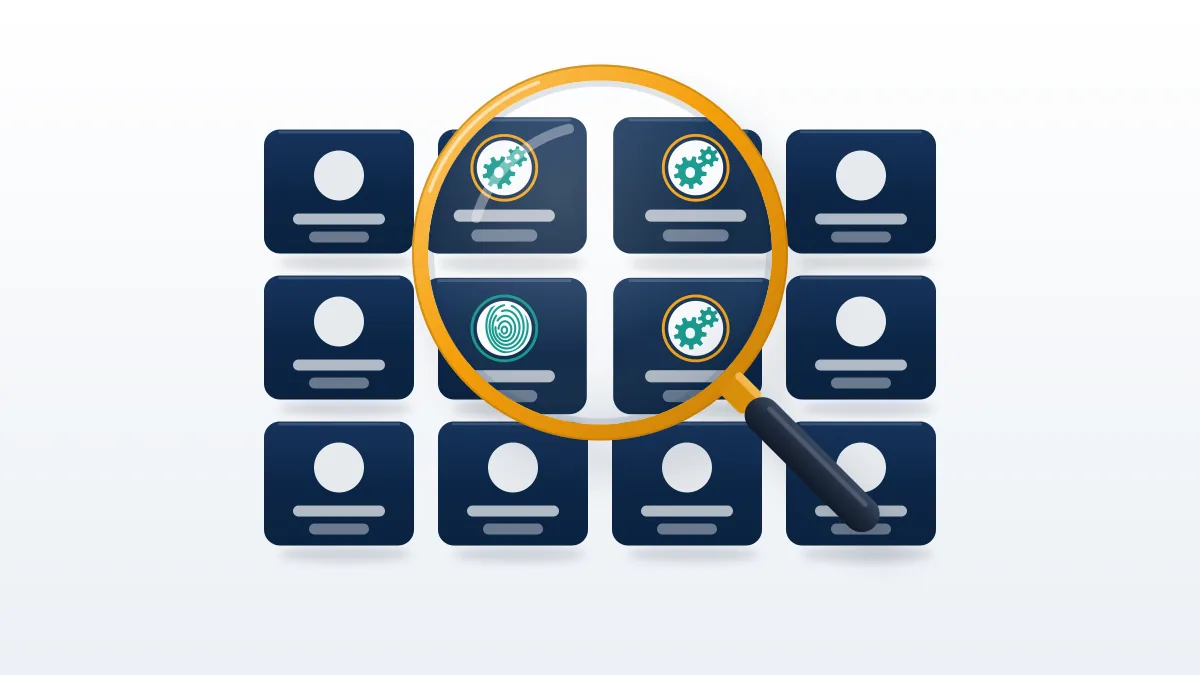
Judge an account on several signals together, never on one, because almost every single signal also describes a shy real person.
| Signal | What it looks like | Weight on its own |
|---|---|---|
| Profile photo | None, or a face too smooth to be real | Medium: X's policy names stock, stolen and AI-generated photos as fake-persona markers |
| Join date vs following | Joined this month, already following thousands | High: X caps following at 400 a day, so 4,000 follows in ten days means maxing out daily |
| Following vs followers | Following 3,000, followed by 12 | Medium: new real users look like this too |
| Handle | A name plus a long run of digits | Low: plenty of real people have one |
| Posts | Nothing original, or one reply pasted under many posts | High: X's spam rules call this copypasta |
| Bio and link | A copied bio, or a link to adult or crypto pages | High |
| Automated label | A label under the name | Declared, not hidden: X requires it to stay connected to a human-run account |
Read the table as a threshold rather than a checklist. One weak signal proves nothing, since a default avatar alone describes plenty of people who lurk and never post. Two medium signals justify opening the profile. Three, or one high signal plus a medium one, is enough to act on for a stranger you have never spoken to, because removing a stranger costs nothing if you guessed wrong. The automated label should stop you: a labelled bot is the honest kind, like the disaster alerts and appointment finders X gives as examples, and blocking one only costs you a service. Compare a few new followers side by side as well. Bots bought or built together tend to share a join month and a naming pattern, and a row of identical join dates is quick to confirm by hand.
Your Reputation Solution never needs your X login to read these signals, because every one of them is visible from outside the account. LinkedIn makes the same judgement explicit: its report flow for a fake LinkedIn profile has no bot button, so you pick the option saying the account is not a real person, while on X the nearest match is a spam report.
How to remove bot followers on Twitter without an app
The quickest answer to how to get rid of bot followers on Twitter is Remove this follower, an option X's help center still listed as web-only when we checked in September 2026.
- Sign in at x.com in any browser, including your phone's, and open Followers on your profile.
- Select the More icon, the three dots beside the bot's Follow button.
- Choose Remove this follower, then Remove.
- On the bot's own profile, the same option sits in its More menu.
Removal is quiet, and the bot can undo it. X's following FAQ says a removed account can follow you again if your posts are public, or request to if they are protected, so removal suits accounts you are unsure about and throwaway bots that never return. Guides that say X and guides that say Twitter describe the same menu: a search for how to remove bot followers on X leads to this button, and how to get rid of bot followers on X has no separate answer. A removed bot can still like and reply to public posts, though. Bulk removal does not exist either, since X has no select-all for followers, so a few hundred bots means a few hundred removals or an app with access to your account, the risk weighed in the checker section.
X is not alone: Snapchat deletes an account only from its website, and YouTube needs Studio on a computer to remove a channel, so check the web version before hunting through app menus. Your Reputation Solution does not run bulk-removal apps on client accounts.
How to block bots on Twitter when removal won't stick
Block is the durable version, found in the three-dot menu on a post or the More menu on a profile. Under X's blocking rules, a blocked account cannot follow you, like, reply to or repost your posts, send you Direct Messages, add you to Lists or tag you in photos, though it still sees public posts.
A blocked person visiting your profile sees the block. A bot does not care. On a phone, where the app lacks Remove this follower, block and then unblock: the block ends the follow, and the unblock lets it follow again.
Should you block, remove, mute or report a bot?
Block bots you are sure of, remove doubtful ones, report harmful ones, and filter the rest.
| Action | Leaves your followers? | Can it follow again? | Can it like or reply? | Does X review it? |
|---|---|---|---|---|
| Block | Yes | No | No | No |
| Remove (web only) | Yes | Yes, if you are public | Yes | No |
| Block, then unblock | Yes | Yes | Yes | No |
| Mute | No | Still follows | Yes, unseen | No |
| Report as spam | Not by itself | Until X acts | Until X acts | Yes |
| Notification filters | No | Yes | Yes, hidden | No |
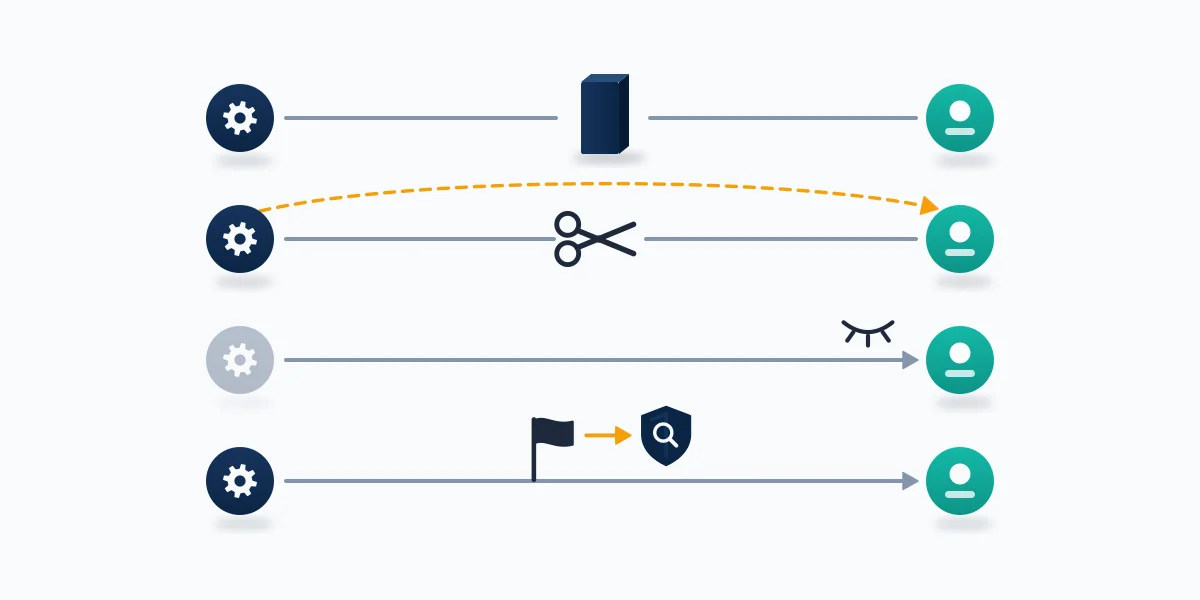
Only one row can take a bot off the platform, and only X decides whether it does. When X locks an account, it removes that account from the follower count of every profile it followed, which is why a count can fall overnight with nobody pressing anything. The other rows change your side alone: blocking and removal edit your follower list, muting and filters edit what you see, and none of them tells X anything, so a blocked bot keeps spamming everyone else until X acts on a report. For a handful of obvious spam accounts, block and report together. For a hundred silent followers with blank avatars, blocking alone is proportionate, since an account that has posted nothing gives a reviewer little to test, and X's own anti-spam challenges can lock accounts that show suspicious activity.
Your Reputation Solution can look at bots that copy your name and photo, or that arrived the same week as reports against your account, and tell you plainly whether X's own tools cover it or it needs an impersonation report or an appeal. Start on the contact page.
How do you stop bots from following you on Twitter?
On a public account you cannot stop a stranger's follow in advance; you can only make following you less rewarding, less visible or approval-only.
That is the unglamorous answer to how to stop bots on Twitter. Protecting your posts is the only setting that turns a follow into a request you approve or deny, and its cost is steep for anyone who posts publicly: protected posts vanish from Google and other search engines, cannot be reposted, and reach only approved followers. It works forward only. Accounts that followed before you switched keep seeing and interacting with your posts unless you block them, so protecting an account already full of bots changes little until you clear them. One workable sequence for a personal account under a sudden wave is to protect for a few days, remove or block the wave, and go public again once new follows slow down. That is how to stop bots from following you on Twitter in practice: a temporary gate, not a permanent wall.
Two habits make bots worse. Following back strangers opens your Direct Messages to them, and buying followers or joining follow-for-follow schemes is worse, because X warns that apps promising followers usually break its terms and can lead to suspension. A third-party automation tool is also one of the usual causes when an X account is suspended for inauthentic behavior with no obvious reason, and Your Reputation Solution handles appeals for those accounts while X makes every decision.
Deactivating to escape a bot wave does not work. X says deactivating and reactivating will not fix incorrect follower counts or suspicious Direct Messages, and an account left deactivated is deleted after 30 days. Leaving is slow elsewhere too: Meta finishes erasing a deleted Facebook account up to 90 days after the request, and Instagram completes an account deletion after 30.
The quieter fix lives in notification settings: the quality filter, on by default for new accounts and reinstalled apps, hides duplicate and automated-looking activity, and Advanced filters mute notifications from accounts you don't follow that are new, use a default profile photo, or have no confirmed email or phone number. Bots become invisible to you without being touched.
Is a Twitter bot follower checker safe to connect?
A checker that only reads your followers is a privacy trade; one that removes them for you needs write access, and that is the risk.
Every twitter bot follower checker scores accounts on the same public signals as the table above, so what differs is scale and what you hand over to get it. On X's app permission screen, read access already lets an app see who you follow, mute and block, plus your protected posts. Read and write access adds following, unfollowing, muting, blocking and reporting on your behalf, which is exactly what a bulk remover needs and exactly what a careless or compromised app can misuse. The Direct Messages tier lets it read and send your messages, and no follower audit needs that. X's Authenticity policy is blunt about where that risk lands: as a user, you are ultimately responsible for the third-party apps you authorize, so read that permission screen line by line before approving anything.
Your Reputation Solution will never ask for your X password, and no legitimate checker needs it, because X does not share passwords with apps. Revoke whatever you stop using under Apps and sessions. Sign-ins belong on the platform's own domain, which is why recovering a Google account runs only through accounts.google.com.
The market has thinned, too. As of September 2026, Indiana University's Observatory on Social Media lists Botometer X, the research tool older guides still recommend, as a way to search an archive of previously computed bot scores rather than a live scan of this week's followers. Commercial checkers still sell, and a search for remove bot followers twitter turns up more apps than instructions; TwitterAudit, now run by Fedica, asks you to log in with Twitter before it audits your account.
How to report bot accounts on Twitter
To report a Twitter bot, open its profile, select the More menu, choose Report and describe the account as spam.
That is how to report bot accounts on Twitter from the app, and X also runs a separate spam and system abuse form for spam disrupting your account more broadly. Expect a slow, mostly quiet process. X acknowledges properly submitted reports within 24 hours, resolves most within a few days, and can take up to 30 days, according to its page on reporting violations. Each report is tested against the category you chose, which is why the reason you pick decides the review: a bot copying a real person belongs under impersonation, and one reposting your photos belongs in a copyright claim. Reports Your Reputation Solution files on X for clients follow that published rhythm, an acknowledgement and then either a follow-up or nothing at all, and a report that ends in silence is not unusual.
Volume does not change the test. Filing the same report from ten accounts, or paying a service to do it, breaks X's rule against duplicate or false reports in large numbers, while good-faith manual reports stay allowed. Other platforms hold the same line: a hundred reports on a compliant video weigh the same as one on YouTube, and Meta shuts down a Facebook group for what its admins post, not for the number of complaints.
A bot that follows and then pitches a scam in your Direct Messages breaks X's scam rules too, so report the messages as well as the profile, much as reporting a scammer on TikTok starts from the scam chat and uses its fraud and scams reason. Accounts reposting your photos or videos need a copyright notice through X's Help Center form instead, just as a TikTok copyright complaint is a DMCA takedown through one web form.
When bots are part of something bigger
Most bot followers are clutter; a few arrive as part of a campaign, and the tell is bots plus something else.
Impersonation is the first combination: accounts copying your name and photo to scam people who trust you, which calls for reporting impersonation on Twitter with proof of identity, not blocking copies one at a time. Reports landing on your account the same week are the second, and a Twitter mass report bot is one source, a purchase that lands on the buyer's own account.
Enforcement landing on you is the third. An Instagram ban shows a notice naming the policy at login, and YouTube splits appeals across four separate routes where the wrong filing can waste a window, while on X the step is a suspension appeal that explains the automated-looking activity.
If the same network moves your photos or trademark onto Instagram, Meta routes those claims through five separate legal intakes rather than one.
Your Reputation Solution files and escalates impersonation reports and suspension appeals with the evidence X asks for, and X makes the final decision on each one. We do not sell bot removal, because X gives every account the tools above for free and no firm can make Remove this follower work faster. We never ask for your X password or connect automation apps to client accounts, and we do not file mass or duplicate reports, which X's own policy treats as abuse. Nobody can promise that a bot account gets suspended, and the full limits are on the disclaimer page.