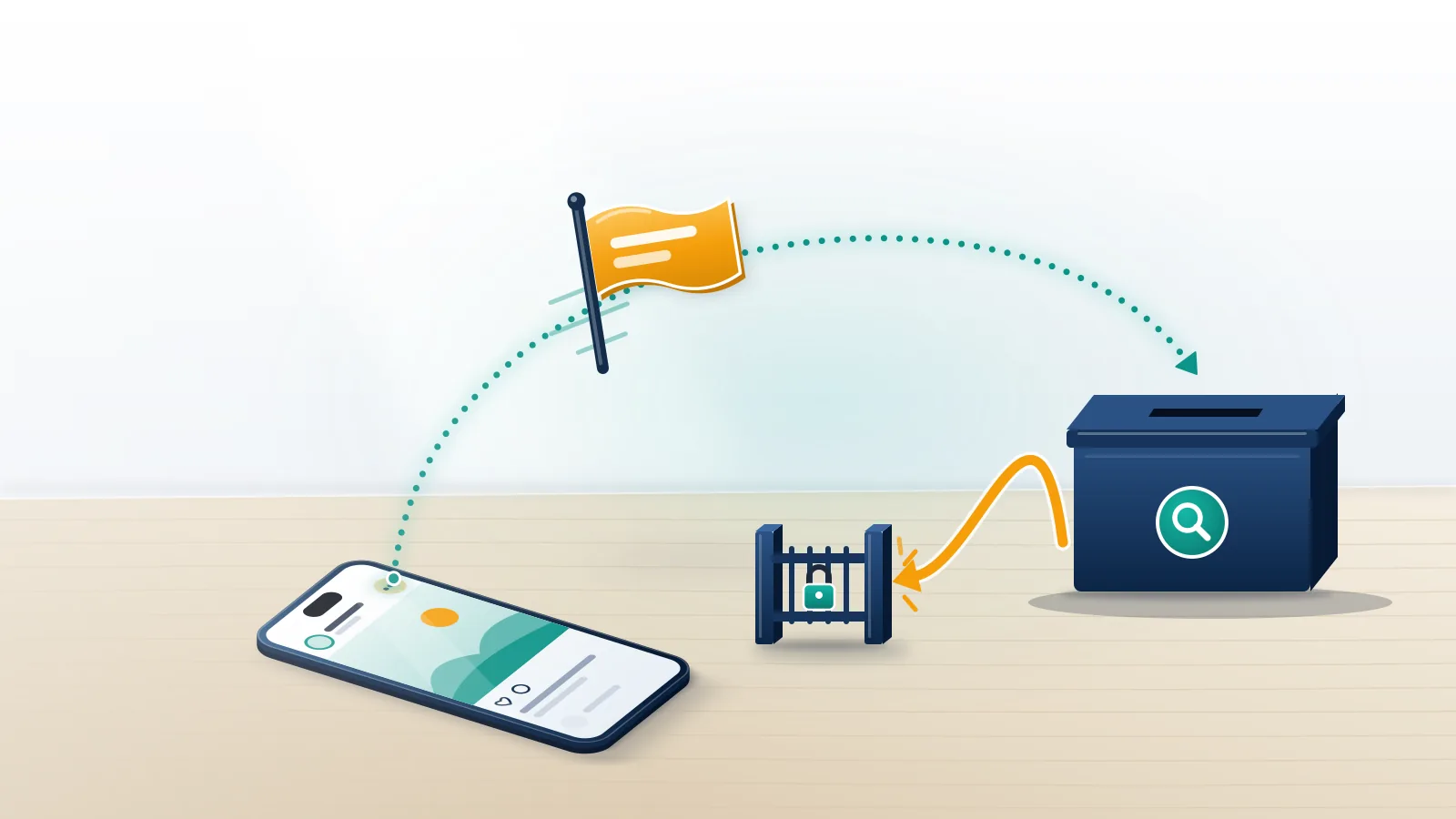
Is there an undo button for a report on Instagram?
No. Instagram gives you no cancel, withdraw or delete control once a report is submitted.
That answer disappoints most people searching how to un report a post on Instagram, so start with what does exist. Every report you file is logged under Help → Reports and violations → Reports, where you can open it, see whether Instagram acted and read the decision. Beyond that, the screen offers one more button, a request to review the decision, which is the opposite of what you want. The same limit applies whether you want to know how to un-report a post on Instagram from a browser, how to undo report on Instagram on an older app build, or how to un report on Instagram after flagging a DM. Deleting the app, logging out or switching accounts changes nothing either, because the report now belongs to Instagram's review queue, not to your phone or your account settings.
Older guides tell you to email [email protected] with the report number to cancel it. It was never a general undo. Instagram's page on retracting an intellectual property report covers copyright and trademark claims only, now through a Retraction Form, and it says removed content gets restored, though not in every instance. Reports for spam, bullying or nudity sit in the Community Guidelines queue, and that queue has no withdrawal step.
Your Reputation Solution is an account recovery and online reputation firm that helps people work out what a report, a removal or a ban actually changed on their accounts, and which official channel can still move it. Our first question on these calls is always the same: what did you report, and under which reason?
| What you reported | Can you withdraw it? | If it breaks no rule |
|---|---|---|
| A post or reel | No | Review closes, the post stays up |
| A story | No | Review closes, the story still expires at 24 hours |
| A comment | No | The comment stays, and its author isn't told |
| A whole account | No | The account keeps running with no strike |
| A message in DMs | No | The chat continues as before |
| Copyright or trademark | Yes, via the Retraction Form | Instagram restores it, with some exceptions |
How to un report someone on Instagram, or a whole account
Same answer, bigger target. Can you un-report someone on Instagram? Not from the app. An account report is judged against the same Community Guidelines as a single post, so a mistaken one on a friend's profile ends the same way: no finding, no penalty, no name attached. People type "un report Instagram account" hoping for a hidden toggle in Accounts Center, and there isn't one there either. Is the person a friend? Tell them; a quick message costs nothing.
What happens when you accidentally report someone on Instagram?
Usually nothing the other person can see. The report is checked against Instagram's rules, and if the content breaks none, the review closes without action.
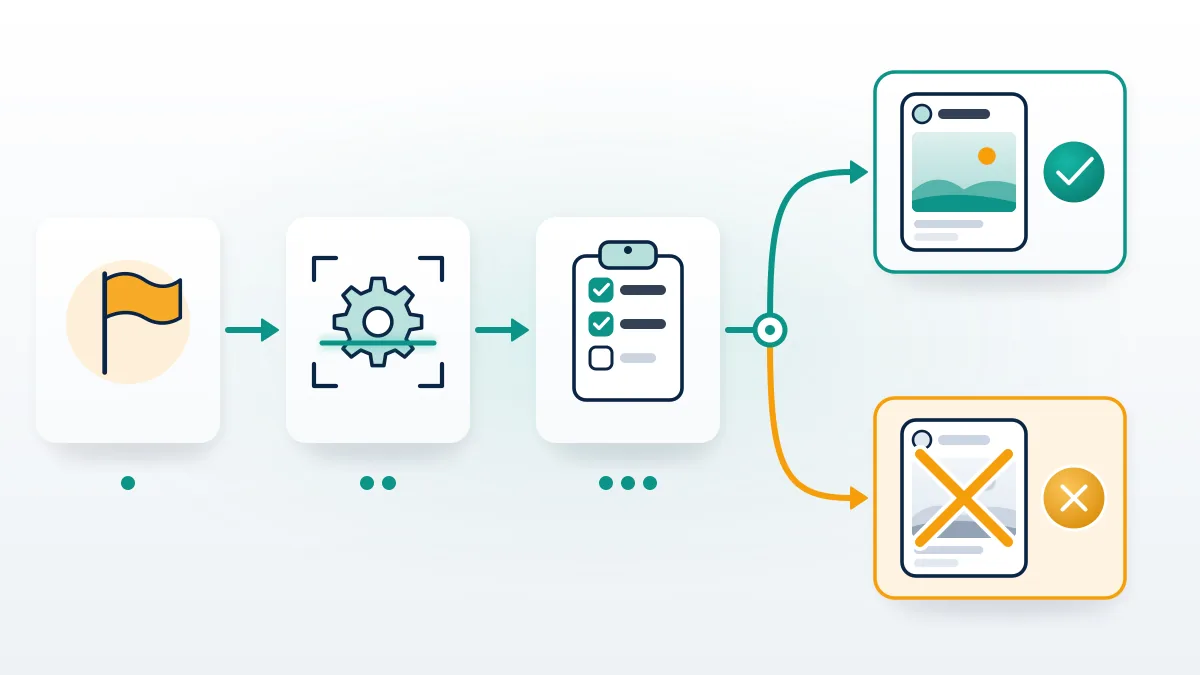
When Your Reputation Solution goes through a client's Account Status screen after a wave of reports, we look for removals and the guideline each one cites, because that is all the screen records. Report counts never appear there.
Here is what happens when you accidentally report someone on Instagram. Instagram uses a mix of technology and user reports to decide whether content breaks the Community Guidelines, and the complaint count is not the test. Its help page on how Instagram decides what to remove says the number of times something is reported doesn't determine whether it comes down. Posts that follow the rules can survive a pile of reports, while one that breaks them can come down after a single report. When the review finds nothing, the case simply closes. Its owner gets no warning, no strike and no notice that anyone looked, and your entry in the Reports list shows that no action was taken. That is the whole mechanism, and it works the same way for posts, reels and profiles.
If the thought in your head is "I accidentally reported a post on Instagram and my friend will find out," two facts should calm it. According to Instagram, a report is anonymous and the reported account won't see who filed it (one report type is the exception, and it is the IP claim above). And an owner only hears anything when content is actually removed, at which point the notice names the rule, not the reporter.
How to un-report a story on Instagram
You can't, and waiting doesn't erase it. Stories leave the tray after 24 hours, but your report stays in the Reports list, and the review runs on its own schedule. Saved to a Highlight, the story stays visible there as well, whatever the review decides. Nobody outside Instagram, Your Reputation Solution included, can open that queue or pull a report out of it.
I accidentally reported a comment on Instagram
Comment reports run through the same review. Harmless comments stay, and their authors are never told. One detail changes things when the comment sits on your own post: you can delete it yourself, since the post owner controls its comment section. An accidentally reported Instagram comment on someone else's post needs no follow-up at all.
How to check report on Instagram and see reported posts
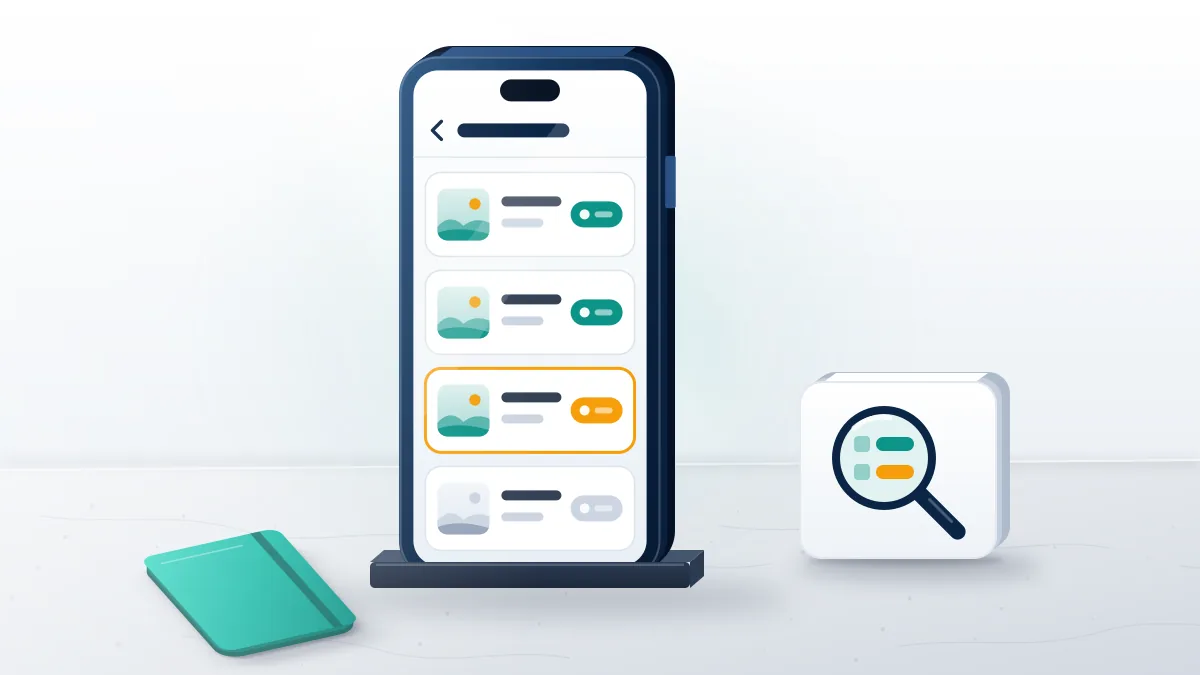
Open the Reports list inside Help. It shows what you reported and, once reviewed, the decision Instagram made.
Here is how to check report on Instagram in the current app, as of September 2026:
- Go to your profile and tap the menu icon in the top right.
- Under More info and support, tap Help.
- Tap Reports and violations, then Reports.
- Tap any entry to see whether Instagram acted and what it decided.
On a computer the path is More → Settings → Help → Support Requests → Reports. That is also how to see reported posts on Instagram if you've forgotten what you flagged. Not every report you've made will be viewable there, Instagram warns, so a missing entry doesn't mean the report vanished.
Was the report aimed at you instead? Your Reputation Solution reviews your Account Status with you, identifies which appeal Instagram still accepts, and never asks for your password. Request a free case review.
A naming trap catches many searchers at this step. "Instagram reports" also means analytics exports for business and creator accounts, so most search results for reports on Instagram are marketing dashboards that chart reach, follower growth and engagement per post. None of those tools can see a report you filed about a rule violation, and none can change one. The list of those reports lives only inside the app's Help section, and Instagram documents it in its article on checking the status of something you've reported. On the web, the same list is still called Support Requests, which is why older tutorials use that name for a menu the phone app has since renamed. So when a guide sends you looking for Support requests on your phone and you can't find it, the rename is the reason, not a missing feature on your account.
Want to report correctly next time instead? Our guide on how to report someone on Instagram walks through every surface and the reason to pick for each.
What should you do next, and what if a report hit your account?
Do nothing more to the report itself. Anyone still searching how to undo a report on Instagram should know that a second "correction" report doesn't cancel the first; it only adds another case to the same queue.
Blocking the person isn't a fix either, because blocking and reporting are separate systems. Where the post was removed and you believe that was wrong, only its owner can appeal, through Request a review in the removal notice. You can't appeal on their behalf.
Everything changes when you are the one reported, and that is where Your Reputation Solution starts too: with the Account Status screen and the removal notices, never a password. Check Account Status first: under Removed content it lists what Instagram took down, and Request a review sits beside each decision. Read the rule each decision cites before you appeal, because the appeal has to answer that rule and nothing else. Reviews do reverse mistakes, and the numbers show it. From April to June 2026, Instagram actioned 2.2 million pieces of content for bullying and harassment, received 356,000 appeals and restored 65,400 items, about 62,000 of them after appeal (Meta Transparency Center, Q2 2026). If Instagram disabled the account, our guide to unban an Instagram account covers the appeal, and permanently disabled Instagram account recovery covers the harder case.
Handles lost in that process follow their own rules, which is why you should know how to claim an Instagram username before assuming yours is gone.
Other networks work the same way: a decision, a notice, one appeal path. Meta's other app has its own route for Facebook disabled account recovery and a separate one to get unbanned from Facebook Marketplace.
TikTok splits temporary and final actions, so you either recover a suspended TikTok account or work through banned TikTok account recovery.
YouTube keeps it to one track. A channel appeal is how you recover a terminated YouTube channel, much as a suspension appeal is how you recover a suspended Twitter account.
X adds a second track for reach. You appeal a shadow ban on X separately from any suspension. A dormant handle there needs you to claim an inactive username on X.
Telegram runs most enforcement through in-app bots rather than a web form. Telegram frozen account recovery and the steps to recover a Telegram account both start inside the app.
Complex Telegram cases go to our Telegram account recovery service.
Can a report be used as a weapon, and what won't we do?
Not reliably. Because reviewers judge content rather than volume, false reports mostly fail, and the people selling them know it.
Your Reputation Solution files reports and appeals through official channels only, and the platform makes every final decision. We never ask for a password, never sell a "guaranteed" removal or reversal, and never pretend a stray report can be recalled when Instagram offers no such button. Our service disclaimer spells out those limits. If anyone offers to "delete your report from Instagram's system" for a fee, walk away: no outside party has that access.
Volume is the flaw in every tool promising to mass report an Instagram account, and the same flaw shows up in the Instagram spam report bot sold for clearing fake followers. Instagram's own statement that report counts don't decide removals is the reason these tools fail: a thousand reports against a compliant post produce a thousand closed cases and not a single removal. Reviewers see the reported content and the rule it may break, not the size of the crowd behind it. Buying one also puts your own Instagram account at risk, since coordinated false reporting breaks the platforms' own rules, and the seller keeps your money whether or not a single report lands on anything that breaks a rule. No honest version of that service exists, because no vendor controls what a reviewer decides.
Other platforms agree. Test does mass reporting work on TikTok or does mass reporting work on Facebook, and the answer is a review queue, not a trigger.
Sellers of a WhatsApp mass report bot and a mass report bot on Telegram collect payment on the same promise.
Legitimate removal runs through evidence. Both our guides on how to get an Instagram account taken down and get a TikTok taken down start with a rule the content breaks.
Telegram works the same way when you need to take down a Telegram channel.
It holds when you want to know how to ban someone on WhatsApp or get someone banned on WhatsApp: block, report with evidence, let the platform decide. Even a report you regret is the system working as designed: it asks a question, and a reviewer answers it.