Which Instagram report form fits your problem?
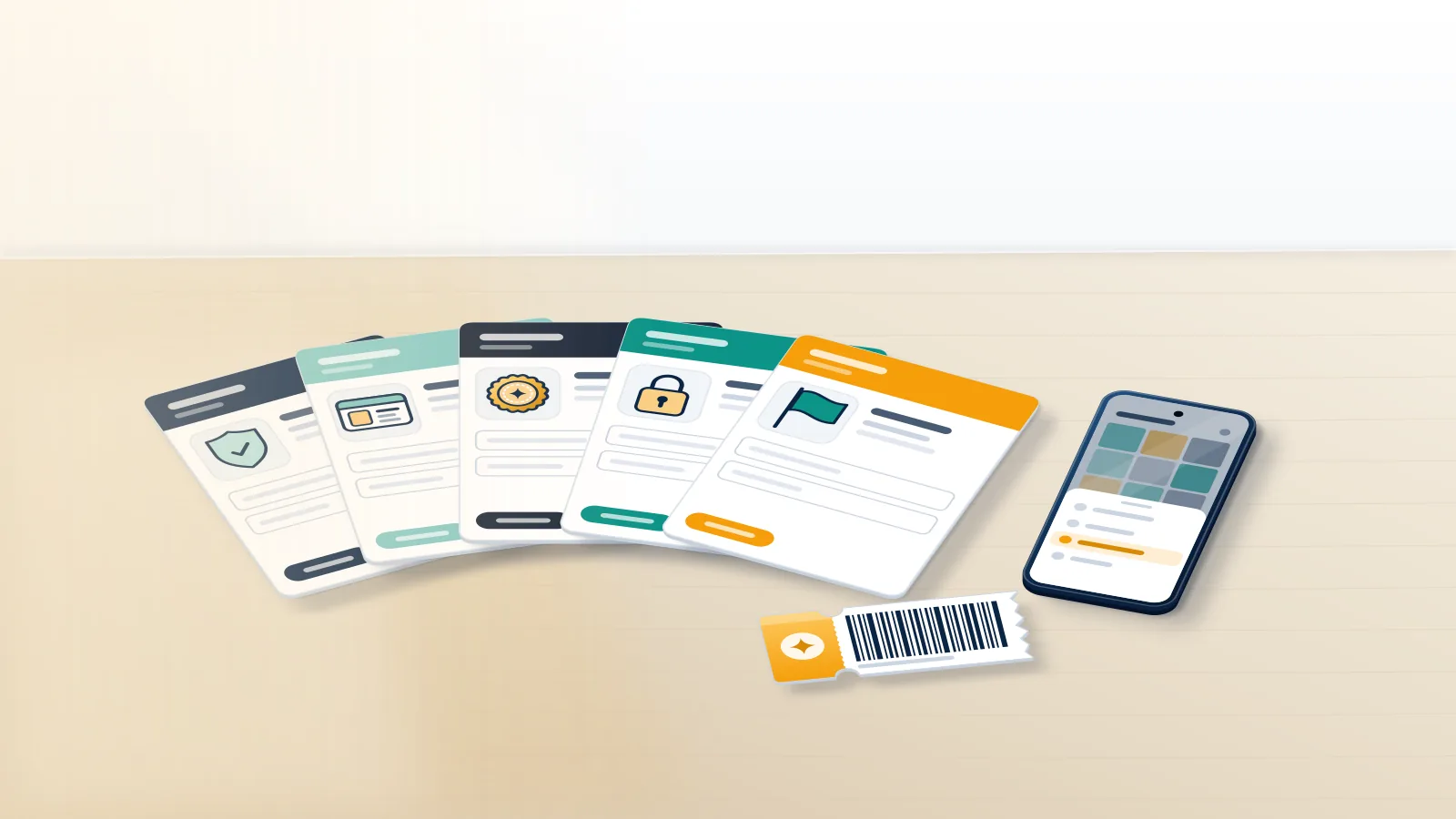
Most problems need no form at all, because the Report option inside the app handles anything that breaks the Community Guidelines. Instagram report forms cover what that menu can't reach: someone pretending to be you, a child under 13, or a copyright, trademark or counterfeit claim. Each one asks for different proof. Only some send anything back.
| Problem | Where it goes | Who can file | What comes back |
|---|---|---|---|
| Spam, scams, bullying, nudity, hate | In-app Report (Options, then Report) | Any signed-in user | A status entry, no number |
| You saw abuse but have no account | The no-account route in the Help Center | Anyone | Nothing you can track |
| An account pretending to be you | Impersonation form | You, or someone you represent | Email follow-up, ID check |
| A user under 13 | Underage user form | Anyone | No confirmation of deletion |
| Copyright, trademark, counterfeit | Meta Intellectual Property Reporting Form | Rights owner or authorized agent | An email with a unique report number |
| Taking back your own IP report | IP Retraction Form | The original reporter | Withdrawal of that report |
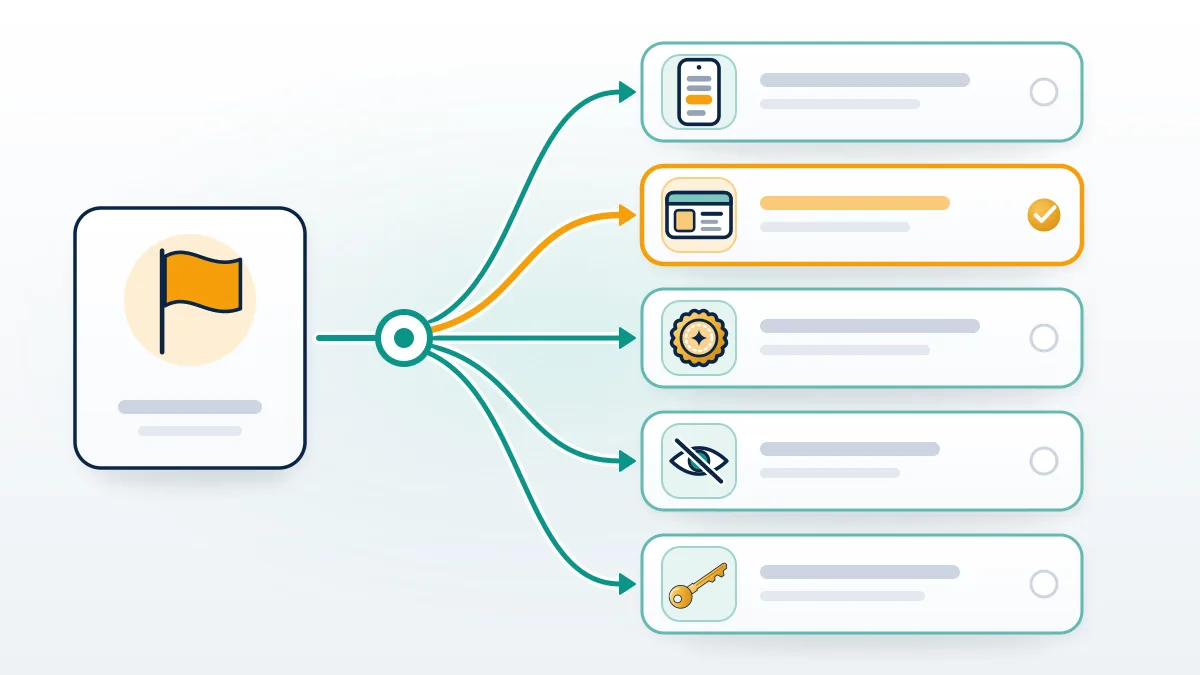
There is no single report Instagram account form, and searches for one tend to end on whichever help page ranks first. That table compresses a longer rule. Inside the app, the menu judges content against Instagram's own Community Guidelines, while the web forms take legal or identity claims that need proof the app can't collect, such as a photo ID or a trademark registration number. Here, Your Reputation Solution, an account-recovery and reputation-management firm, matches a problem to the right channel, prepares the evidence and files for people and brands. Picking the wrong route costs weeks rather than money: an impersonation case reported as spam is judged against the spam policy, which a quiet fake profile doesn't break, so it often closes with no action while the copycat keeps messaging your followers and asking them for money.
If the goal is removal rather than a ticket, the guide on how to get an Instagram account taken down explains which violations end accounts. Squatted handles are a separate problem, since you can only claim an inactive Instagram username where Instagram's username rules allow it.
How to report to Instagram from the app, the web, or without an account
From the app, a report to Instagram takes three taps:
- Open the post, reel, comment or profile and tap the three-dot Options icon.
- Choose Report, then the closest reason. As of October 2026 the post menu lists nine, from "I just don't like it" to "Intellectual property".
- Answer the follow-up questions and submit.
To report Instagram account online, sign in at instagram.com, open the profile, click Options next to the username and choose Report; the reasons match the phone app. People without an account still have a way in, because Instagram's page on reporting a post or profile says non-users can report abuse, spam or anything else that breaks the Community Standards. Impersonation is where the dedicated form earns its place. It offers three choices: someone pretending to be you or a friend, someone pretending to be a person you represent such as your child, and "I can't log into my old account", which is a recovery problem filed as a report. Your Reputation Solution prepares and files these cases, but Instagram's reviewers make every removal decision, and no outside firm can see inside that queue or speed it up.
Reports stay anonymous unless the claim is about intellectual property. Underage reports are blunt about feedback too: you will not get confirmation that the account was deleted.
Repeated spam from fresh accounts is where people reach for automation. Our Instagram spam report bot breakdown shows why scripted reports get filtered, and the same applies to Instagram mass report bots sold as takedown services.
WhatsApp works differently even inside Meta, since reports start from a chat rather than a profile; see how to ban someone on WhatsApp and why volume doesn't get someone banned on WhatsApp.
The Instagram intellectual property report form now opens on Meta's site
As of October 2026, the Instagram intellectual property report form is no longer an Instagram page. When we opened the old copyright link, help.instagram.com/contact/552695131608132, on 2 October 2026, it redirected to the Meta Intellectual Property Reporting Form, which asks one question first: is the right being violated a copyright, a trademark or a counterfeit? In practice, the Instagram copyright infringement report form is the Copyright branch of that page, and the copyright report form Instagram Help Center articles still link to lands in the same place. Old bookmarks still work. Older guides that describe a separate Instagram-only form, or an [email protected] inbox, are out of date. Only the rights owner or an authorized representative may file. On these filings, Your Reputation Solution uses a generic business email, because Instagram passes the reporter's name and email to the person whose content comes down.
Our Instagram DMCA takedown guide has the field-by-field walkthrough, so this page stops at routing. Telegram runs its own copyright desk, which is how you take down a Telegram channel that reposts paid content.
YouTube ends a channel after three active copyright strikes, which is why some creators later need to recover a terminated YouTube channel. TikTok keeps separate IP forms too, compared with its in-app reports in the guide to get someone's TikTok taken down.
What is an Instagram report number, and how do you find it?
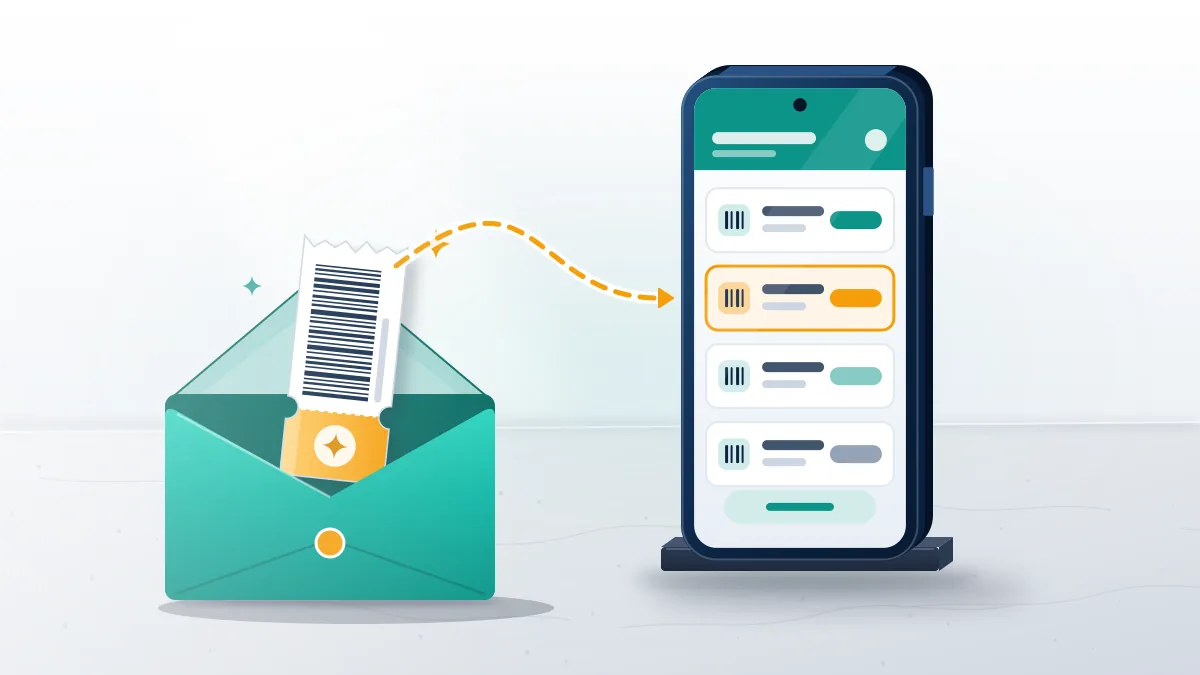
An Instagram report number is a unique ID emailed after an IP report filed through Instagram's online form or by email. Instagram's copyright help article says the automated email "contains information about your report, including a unique report number" and tells you to keep it. Per the same page, the other side receives the report number, the rights owner's name, the reporter's email, the report details and appeal instructions. Ordinary in-app reports carry no visible number. They sit as entries under Support Requests, where you can read the decision and ask for a review. Searches for "report number Instagram" often come from the receiving end, a person holding a removal notice that quotes a number they never filed. That number identifies the complaint rather than an account, and the answer to it is an appeal or a counter-notice through the link in the same email.
| In-app report | Form or email IP report | |
|---|---|---|
| Report number | None shown | Unique number in the automated email |
| Where to check | Support Requests, then Reports | Your inbox; reply in the same thread |
| Can you withdraw it? | No | Yes, through the IP Retraction Form |
| Does the other side learn who filed? | No | Yes: name, email and report number |
Lost the confirmation email, or holding a notice you don't recognise? Through our contact page, Your Reputation Solution can check which channel a report came through and what a response should contain, without ever asking for a password.
How to find report number Instagram sent you
Search the inbox of the address you typed into the form, spam folder included, for mail from the day you filed. In-app reports moved in 2026. In the app, the path is Profile, Menu, Help, Reports and violations, Reports. On the web it still reads More, Settings, Help, Support Requests, Reports, and Instagram's report status page warns that not every report shows up there.
Why can't you report an Instagram account?
Usually the account blocked you, you're signed out, or the reason you need isn't in the profile menu at all.
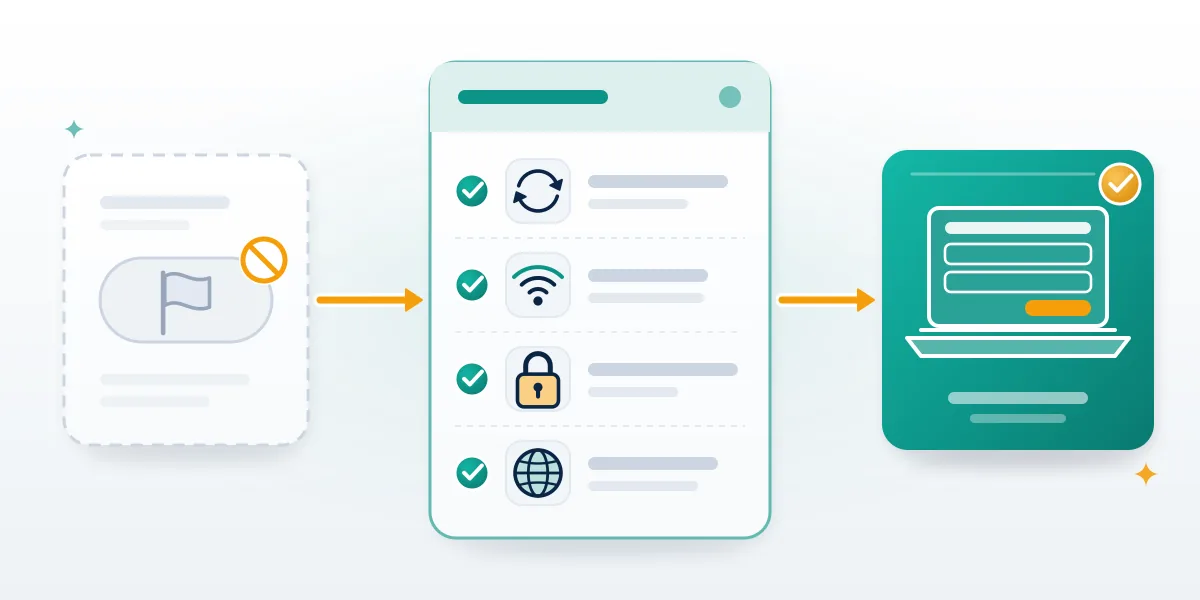
Searches for "can't report Instagram account" cover several unrelated causes, so check which one applies before reinstalling anything. Blocking can hide the profile's content, which pushes the report to a message or comment you still have, to a friend's account, or to the no-account route. Deactivated or deleted profiles leave nothing to report. An outdated app version can drop menu items, so update before assuming the option was removed. Some reasons never appear as a finished in-app report: picking Intellectual property from a profile sends you to the IP form instead, and impersonating a business is handled by the trademark branch of that form. If you reported the same post already, a second report from your account adds nothing to the review. When your own account is the one restricted, the fix is an appeal, and the steps to unban an Instagram account apply.
Disabled accounts follow a longer clock: permanently disabled Instagram account recovery depends on appealing inside Instagram's 180-day window.
What happens after a report, and what won't help
Each report gets one policy review, and the count of reports doesn't change the verdict. Instagram's help article on reporting says the number of reports doesn't determine whether something is removed. Before filing anything, Your Reputation Solution tells clients the same: one report with clear evidence does the work that fifty thin ones can't. Meta's own figures show how much comes back on appeal: in Q2 2026 Instagram actioned 2.2 million pieces of bullying and harassment content, users appealed 356,000 of those decisions, and 65,400 were restored (Meta Transparency Center, Q2 2026). That is about 3% of actioned content returning, nearly all of it after an appeal. Request a review sits in the same Support Requests entry, though some content types don't offer it yet. Volume tools sell the opposite idea. Sellers of a Telegram mass report bot or WhatsApp mass report tools promise that a flood of reports forces a ban, and the reporting accounts are usually the ones that get flagged.
Other platforms work the same way: a TikTok mass report bot and a Facebook mass report campaign both end at a single reviewer.
When the report lands on your account
Appeal on the platform that acted, through its own route. Meta treats disabled Facebook account recovery and the request to get unbanned from Facebook Marketplace as separate appeals.
TikTok splits suspensions from permanent bans; see TikTok suspended account recovery and banned TikTok account recovery.
On X, suspended Twitter account recovery uses a different form from the request to appeal a shadow ban on X.
Disputes over an inactive username on X sit outside both. Telegram freezes accounts after reports, which is where Telegram frozen account recovery starts.
Standard Telegram account recovery steps cover lost access, and a Telegram account recovery service helps when the app's own route fails.
We will not file a report we believe is false, run mass-reporting campaigns, send a copyright notice for work a client doesn't own, or ask for your Instagram password. Anyone selling a guaranteed removal, or a lookup service for report numbers, is selling something Instagram doesn't offer. Our disclaimer sets out the limits on what any outside firm can promise.