What a report on YouTube actually does
A report puts content in front of a reviewer. It removes nothing by itself, and it is not a vote: one report and ten reports open the same queue.
Your Reputation Solution is an account-recovery and reputation practice staffed by former platform trust-and-safety reviewers, and on YouTube the advice it gives most often is the cheapest advice available: file the report yourself, once, in the right category. The outcome turns on what a reviewer can verify in the first thirty seconds, not on how many people you persuade to flag the same upload.
The reviewer's decision set is small. Leave it up. Age-restrict it. Remove the video. Issue a Community Guidelines strike against the channel. YouTube's published ladder runs one warning, then a strike carrying a one-week upload freeze, then a second strike carrying two weeks, and three strikes inside the same 90 days ends the channel. Each strike expires 90 days after it is issued, and deleting the offending video does not clear it. That ladder, not report volume, is what sits behind how to report someone on YouTube and how to report people on YouTube.
Expectations break at a predictable place. Content that is rude, unfair, wrong about you, or genuinely humiliating is frequently not a policy violation, and a reviewer will leave it up. That is the same wall people hit when reported content survives review on TikTok. Reporting is a policy instrument. It is not an appeals court for being talked about.
How to report a YouTube video
Open the video, click or tap the three-dot menu, choose Report, select the reason, and submit. You have to be signed in, which is why how to report a video on YouTube without an account has no in-app answer.
That flow is identical whether you arrived searching how to report a video on YouTube, how do you report a YouTube video, how to report YouTube videos, or how to report inappropriate videos on YouTube. On a computer the three dots sit under the player beside Share. In the mobile app they sit at the top right of the video, or the top right of a Short. The same four steps are documented for Shorts, Community posts and live chat, which is why the profile-menu-report-reason pattern feels familiar from other apps. Your Reputation Solution files through these same public menus on behalf of clients, because no faster queue exists to buy.
Two details change outcomes more than the wording of your description.
First, timestamps. If the violation is forty seconds into a nine-minute upload, say so in the details field. Reviewers work a queue and are under no obligation to watch to the end, and reporting a YouTube video without pointing at the moment is the most common reason a genuine violation comes back marked compliant.
Second, the category. Your report is sorted by category before a human reads a word of it, so a harassment clip filed as spam lands in the highest-volume, lowest-priority queue on the platform. Pick the guideline you can point at, not the one that feels worst.
How to report a YouTube channel, and why the app will not let you
Open the channel page on a computer, click …more in the channel description, choose Report user, pick your reason, then Next and Submit.
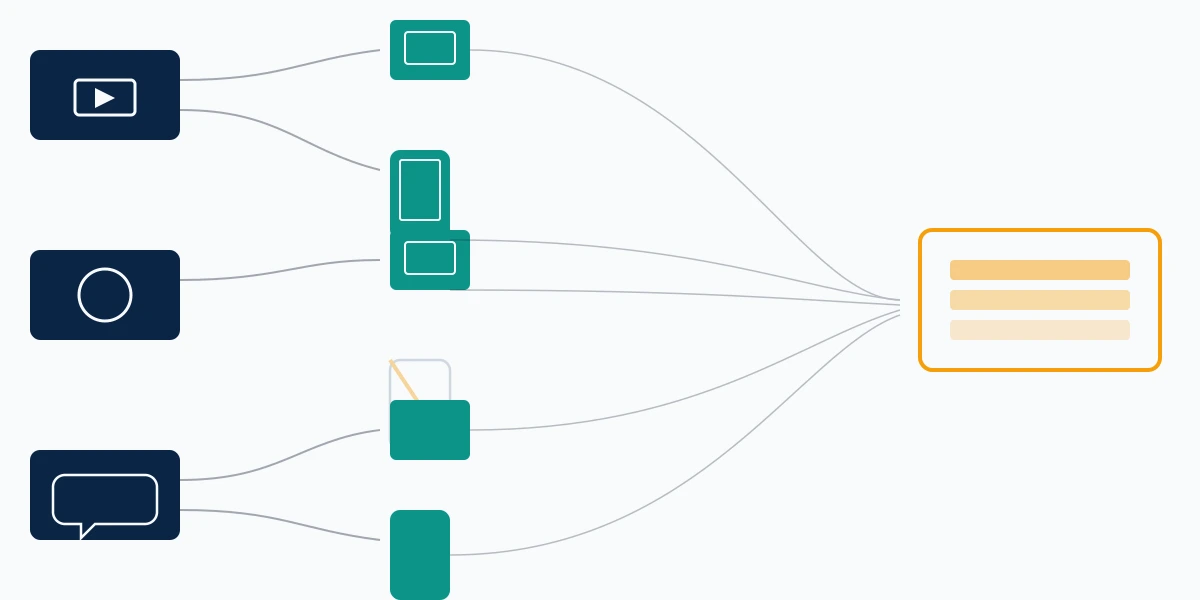
The device matters here in a way it does not for videos. YouTube documents channel reporting only under the Computer tab of its reporting help page, while the Android and iPhone versions of that same page list videos, Shorts, comments, Community posts, live chat, ads and conversations, with no channel procedure at all. So anyone searching how to report a YouTube channel on PC has found the only documented route rather than a preference. On a phone, requesting the desktop site in a mobile browser usually surfaces the same …more control, though treat that as a workaround rather than a supported path, because the layout shifts. Where the browser route fails, Your Reputation Solution files from a desktop instead of arguing with a mobile layout.
That same Report user panel holds the narrower options people miss: Report channel art and Report profile picture, for a banner or avatar that breaks policy while the videos do not. Choosing the specific one beats a blanket channel report, in the same way that naming the actual violation carries a fake-account report further than "this account is fake" ever does.
Phrasing varies and the destination does not. How to report a channel on YouTube, how do I report a YouTube channel, how do you report a YouTube channel, how to report channels on YouTube, how to report someone's YouTube channel, how to report a YouTube account and how to report a YT channel all end at the same …more menu.
How to report a YouTube comment, a Short or a live chat message
Comments carry their own three-dot menu. Open it on the comment itself, choose Report, pick a reason, and submit. It is the same shape as a video report, filed against the comment rather than the upload it sits beneath.
Knowing how to report a YouTube comment separately matters because the two travel to different places. A comment report actions the comment. It does not touch the video, and it does not touch the channel, which surprises people who report one abusive comment and expect the account to answer for it. Where a commenter is running a pattern across many videos, the channel route from the previous section is the one that reflects that pattern. Your Reputation Solution files those as a single channel report with the comment permalinks attached, rather than as a dozen separate comment flags.
Live chat messages are reported from the message itself, during or after a stream. Ads carry their own Report ad control, and Community posts use the top-right three dots.
One category has no in-menu route at all: copyright. Copyright complaints are kept out of the Report menu entirely and sent to a separate webform carrying legal declarations, because a takedown notice is a legal instrument rather than a policy flag. Other platforms draw that line harder still — Telegram operates no copyright web form whatsoever and takes notices only by email.
Are YouTube reports anonymous?
Yes. YouTube's help documentation states it plainly: "Reporting content is anonymous, so other users can't tell who made the report."
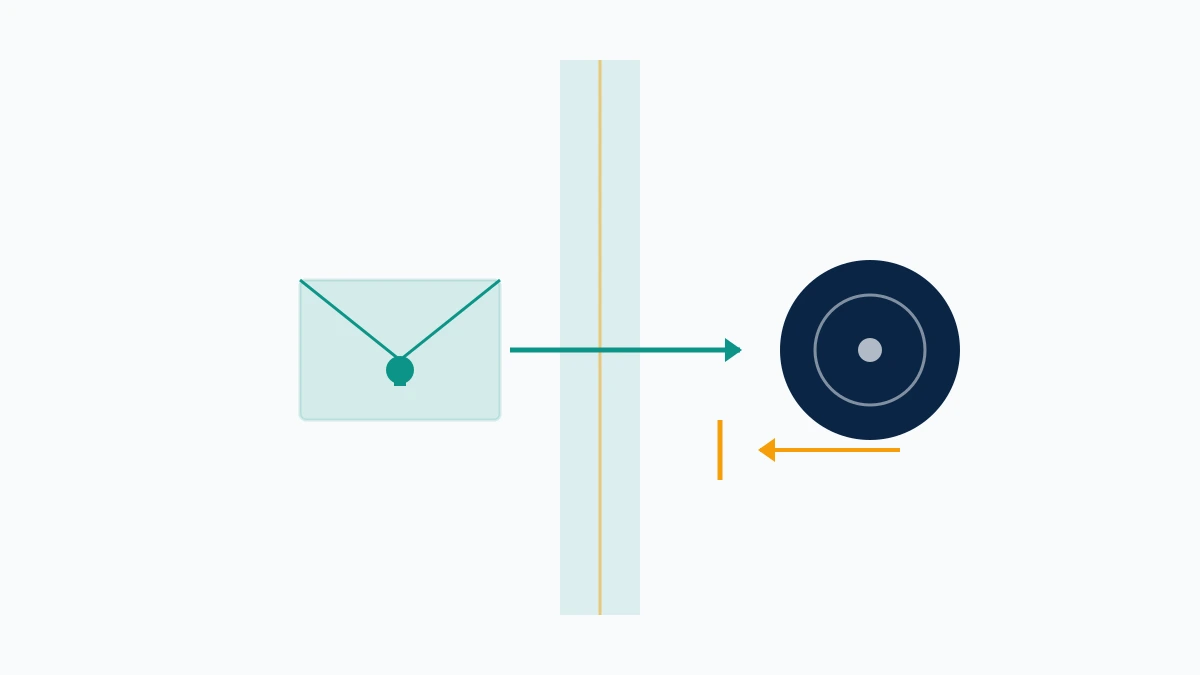
That covers the ordinary flow, and it answers how to report a YouTube channel anonymously and how to report a YouTube video anonymously alike: there is no anonymity setting to switch on, because anonymity is the default and the only mode. The uploader is told what was actioned and which guideline it broke. They are not told who flagged it.
Two carve-outs deserve naming, because "anonymous" is doing narrower work than most people assume. Anonymous to the uploader is not anonymous to YouTube — your report is attached to your Google account, which is how your report history can show you outcomes at all, and how repeat false reporting gets traced back to a person. Copyright is the loud exception: a DMCA notice is a sworn legal document, so your name and address travel to the person you filed against. That is not a YouTube quirk. X forwards the complainant's details to the infringer in the same way, as does every platform running a compliant notice-and-takedown process.
Does YouTube tell you who reported your video? No, and the confusion usually starts with a creator receiving a removal notice and reading a named accusation into a form letter. Your Reputation Solution raises the distinction before anyone files, because people who assume total invisibility write reports they would not sign. The same one-exception rule holds on X, where the platform names a complainant on legal notices and on nothing else.
Which reason to pick: impersonation, ban evasion, bought subscribers, harmful content
Impersonation comes first, because it is the most misfiled. YouTube's policy bars "unauthorized impersonation of a person, entity, or channel that may mislead viewers", and it explicitly covers copied branding, near-identical usernames built from typos or unusual fonts, and channels appending Real, Official or Backup to someone else's name. Where a channel exists to impersonate, YouTube says it "may be removed" outright rather than struck. So anyone searching report YouTube channel for impersonation or how to report a YouTube channel for impersonation should use the impersonation reason specifically rather than harassment, because identity claims are checkable against evidence you can supply and the vaguer categories are not. Meta splits this by surface — reporting Facebook impersonation routes differently for a profile than for a Page — and Instagram accepts impersonation complaints from people who hold no account at all.
Draw one line before you file. A channel wearing your face and name is impersonation, while a channel using your logo or product photography is a trademark or copyright matter that belongs on a legal form and will stall inside the Report menu.
Ban evasion has no dedicated button, which is why how to report a YouTube channel for ban evasion returns forum threads instead of guides. The policy exists even though the button does not: YouTube treats "content from creators who have been terminated" as circumvention of its Terms, and warns that such a channel "may be penalized or terminated", along with other channels the same person owns. File it as a Terms of Service violation and put the work in the details field — the terminated channel's name, the date it went down, and what makes the new one the same operation. Assert less, show more. That is the shape Your Reputation Solution gives a circumvention report, because a reviewer can verify a date and a channel name and cannot verify an accusation.
Bought subscribers fall under the fake engagement policy, which prohibits anything that "artificially increases the number of views, likes, comments, or other metrics", and which names sub4sub arrangements and links promoting inflation services. How to report a YouTube channel for buying subscribers is answered by the spam-and-scams category. Temper the expectation, though: YouTube says artificial traffic is filtered rather than counted, so the ordinary result is a quiet correction of the numbers instead of a termination.
Inappropriate content splits by which guideline it breaks: nudity, violence, hate speech, harassment, child safety. Knowing how to report a YouTube channel for inappropriate content means knowing which of those to name. Child sexual abuse material and credible threats go through YouTube's dedicated urgent-safety routes rather than the ordinary menu, and they should never sit unreported while a queue moves.
How to report a YouTube video for privacy
A privacy complaint is a separate process from the Report menu, built for content that exposes you rather than content that breaks a community rule.
YouTube's Privacy Guidelines require you to be "uniquely identifiable" in the material — enough for other people to recognise you, not merely enough for you to recognise yourself. A first name or a fleeting glimpse does not clear that bar. What the process covers is your image, your full name, contact details, government identification numbers and financial information, and it now extends to AI-generated or synthetic content that looks or sounds like you without permission. Knowing how to report a YouTube video for privacy therefore starts with an honest test: could a stranger identify you from the frame? Your Reputation Solution runs that test first, because a privacy complaint filed on content that fails it comes back closed and costs a week.
Two mechanics separate it from an ordinary report. The uploader may be given a window to remove or edit the private information before YouTube reviews the complaint, which is how a privacy case can close with no strike and no removal against the channel. And the confidentiality promise here is explicit rather than implied: "When you report a privacy violation, we won't share your name or contact info with the person who posted the content."
Where the material is intimate imagery shared without consent, the route is faster and the standard is different. Under the US TAKE IT DOWN Act, YouTube commits to reviewing and removing confirmed non-consensual intimate imagery within 48 hours of a submission. If someone is threatening to publish that material unless you pay, a report is not the first move — the sextortion sequence starts with evidence, police and hash-matching, because a takedown that lands after the payment has already failed you.
Reported it already and nothing moved? Take the free case review before you pay anyone. Your Reputation Solution files and escalates through the same free surfaces available to you; YouTube's reviewers make the decision, every time, and you will hear that at the assessment rather than after an invoice.
What happens when you report a YouTube video or channel
Your report joins a queue that YouTube says it staffs "24 hours a day, 7 days a week", and one of four things follows: nothing, an age restriction, removal of the content, or a strike against the channel.

What happens when you report a YouTube video is visible to you in a way most platforms do not offer. Your report history lists what you flagged, newest first, marked Live, Removed or Restricted. Read its limitations before you read the page, though. It tracks videos only, so channel and comment reports never appear there. Duplicate reports of the same video collapse into the most recent flag date. And when a video draws many reports, yours can be absent altogether, because YouTube is already reviewing it on the earlier flags. That absence reads as failure and is not one.
What happens when you report a YouTube channel is quieter still, because no equivalent history exists for channels. You learn that outcome by looking: the channel is there, or it is not.
Timelines are the part nobody can promise. YouTube publishes no service-level commitment for ordinary Community Guidelines reports, and the honest spread Your Reputation Solution sees runs from a few hours on unambiguous, high-harm material to several weeks on anything a reviewer has to judge in context. A restriction is more common than a deletion — the read-only middle state that also appears when Telegram freezes an account rather than removing it. The reported channel is not without recourse either: a terminated creator gets one appeal against the termination, which is worth knowing if the channel under discussion is yours.
Do YouTube reports work?
Sometimes, and the honest version of that answer is more useful than either sales pitch built around it.
Do YouTube reports work is two questions wearing one phrase. Does the mechanism function — demonstrably yes, and the report history page exists precisely because reported videos do get removed and restricted. Will your particular report succeed — that depends on whether the content crosses a written line, and no service, this one included, can tell you otherwise before a reviewer has looked.
Does reporting a YouTube video do anything when the content is borderline? Usually not, and repeating the report does not improve the odds. Filing the same complaint five times from five accounts is not persistence; it is the pattern YouTube's abuse detection was built to catch, and it can cost the reporters their own standing.
Three things measurably improve a report, and none of them involve volume: naming the specific guideline rather than describing your feelings, timestamping the violation, and choosing the category your evidence can actually prove. None of the three costs anything. A report reading "harassment at 2:14, he names my employer, then reads my street out at 2:40" gives a reviewer something to check. A report reading "this is disgusting" gives them nothing to work with.
Should you block the channel instead of reporting it?
Block and report solve different problems, and people reach for the wrong one constantly.
Blocking is a personal filter. It stops that account interacting with you and hides its comments from your own uploads, and it changes nothing about whether the content stays online for anyone else. A block is invisible to YouTube's reviewers because no reviewer is involved. Your Reputation Solution has to explain that difference on almost every harassment call, since a blocked account looks gone and is not. Reporting is the opposite trade: it does nothing to shield you from seeing the content, and it is the only one of the two that can lead to a removal, a strike or a termination.
The practical answer is usually both, in that order. Block first so the harassment stops reaching you, then report so the policy question actually gets asked. The sequence matters because blocking is instant and entirely in your control, while a report enters a queue whose timing belongs to somebody else.
One caveat on evidence. Capture what you need before you block, because blocking can hide the comment history you were about to cite, and a report built on a screenshot you can no longer reach is a report you cannot support.
When reporting is the wrong tool, and what we will not do
Some situations need a different instrument, and reaching for the Report menu first costs you time you may not have.
Money already gone belongs with law enforcement the same day rather than with YouTube alone, because the platform can close a channel and cannot recover a payment, which is why a scam report is filed alongside IC3 or your national fraud body instead of in place of them. A court order is the instrument for defamation, since YouTube does not adjudicate whether a claim about you is true. Harassment that has moved offline is a police matter first and a reporting matter second.
Then the boundaries, stated plainly because this category is full of operators who will not state them. Nobody at Your Reputation Solution will ever ask for your Google or YouTube password — not to file a report, not to check one, not ever. Nobody here can guarantee a removal, a strike or a termination, and any success rate quoted at you in this market has no denominator behind it. Judging a paid service starts with what it refuses to promise, and the rest of what this practice will and will not take on is written down on the disclaimer page.
One last boundary belongs to you rather than to us. Filing reports you know to be false — against a competitor, an ex, a creator whose opinions annoy you — is abuse of the system, and it puts your own account at risk before it ever touches theirs. Report what breaks a rule. Not what you wish were against the rules.