What does "Snapchat disabled" actually mean on your screen?
Snapchat disabled is the umbrella phrase for three different states, and the wording of your notice tells you which one you are in. Snap uses a lock for security or rule problems it expects you to fix, a temporary disable when login attempts look abnormal, and a permanent lock when an account has been removed for serious or repeated violations.
A snap disabled screen during a temporary lock is a holding pattern, not a verdict. Snapchat stops the login because something about the account tripped an automated check: a burst of failed passwords, a sign-in from a device it does not recognise, an unofficial app or tweak talking to its servers, or reports that pushed the account into review. Nothing is deleted while it lasts, so Snaps, friends and Memories stay where they were. The account simply refuses to open until the condition behind the lock clears, either with time or with the unlock step on the accounts portal. When the message itself names a time limit or offers an unlock link, that is the signal you are dealing with a temporary state rather than a removal, and the fix is almost always on your side of the screen.
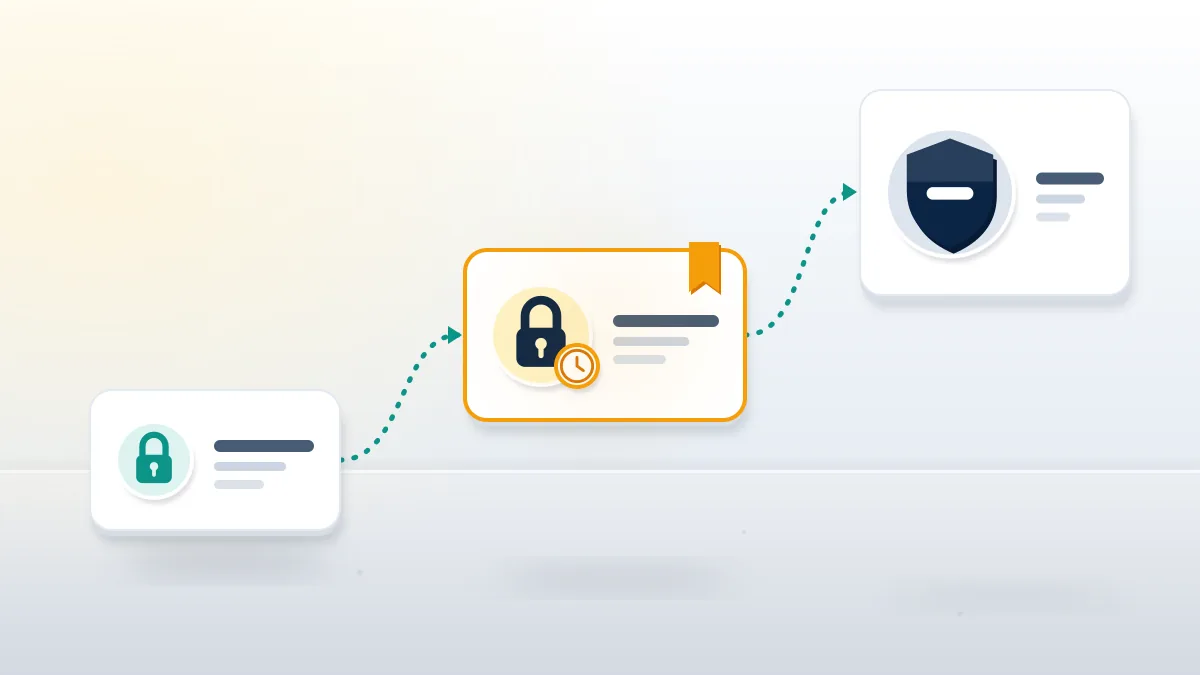
| Notice wording | What it usually means | What lifts it |
|---|---|---|
| "Your account has been temporarily locked" | Suspicious activity or a third-party app | Unlock at accounts.snapchat.com, or wait 48 hours |
| "Your access to Snapchat is temporarily disabled" | Too many login attempts in a short period | Wait 48 hours, then one clean login |
| Locked with an "Appeal Decision" pop-up | Community Guidelines enforcement | In-app appeal within six months |
| Permanently locked | Account removed for violations | Cannot be unlocked |
Your Reputation Solution is an account-recovery and reputation team that reads lock notices like these with owners before anything gets filed, because the exact sentence on the screen decides which route is even open.
Two notices cause most of the confusion. The phrase "snapchat your account has been temporarily locked" and the phrase "your access to Snapchat is temporarily disabled" read alike, yet they come from different checks. One is an account-level flag. Its twin, which people also search as snapchat access temporarily disabled, is a login throttle: Snap's help page My access to my Snapchat account has been temporarily disabled names too many log-in attempts in a short period as the first cause.
Platforms differ on how loudly they warn you. X will tell you outright when why is my new twitter account locked is the question, and its twitter account recovery time depends on which form you file.
YouTube sits at the far end of the ladder, where a removal reads as what does it mean when a youtube account is terminated rather than a pause, and TikTok counts violations first, as the guide on how long are tiktok accounts suspended for shows.
Screenshot the notice before you try anything else.
How long does a temporary Snapchat lock last?
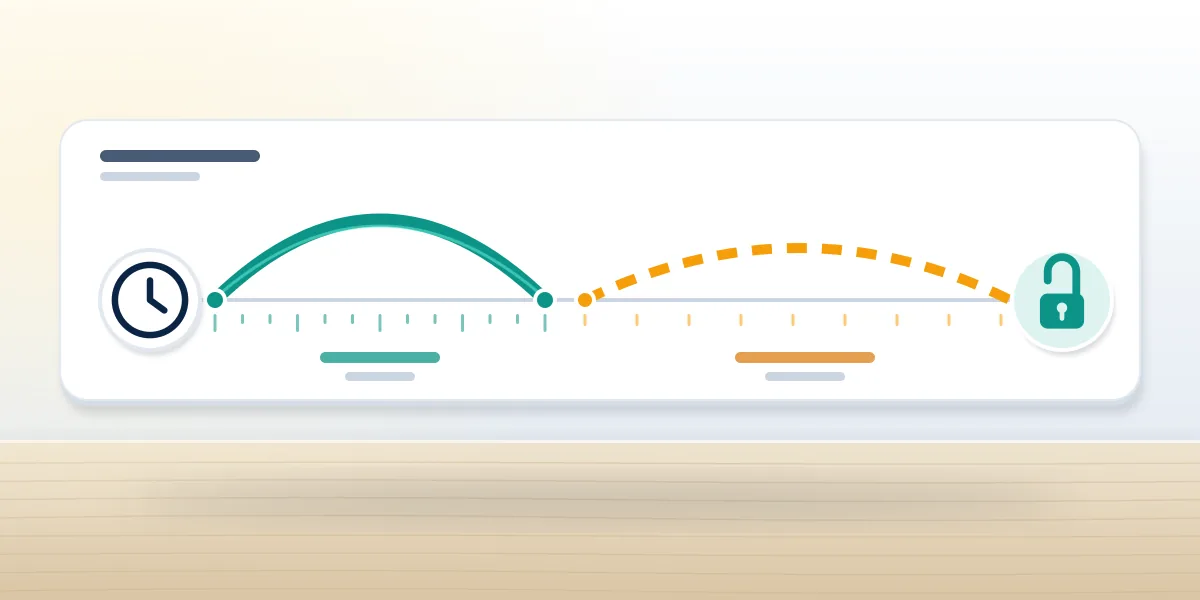
Snapchat's own answer is 48 hours: wait 48 hours after a temporary lock or disable, then log in again. Plugin locks are the exception, because their length and end date appear in the app error or the account email.
That makes "how long does snapchat lock your account" a question with three answers, as of October 2026. Login throttles, the ones behind "your access to Snapchat is temporarily disabled", expire on their own after the 48-hour wait, and repeated attempts during the wait look like the behaviour that set them off. Locks for a third-party app, tweak or plugin carry a stated end date, and Snap's article My Snapchat account is locked says to remove the unauthorized app and update Snapchat before trying again. Before any appeal is drafted, Your Reputation Solution sorts a case into one of these lanes. Locks for multiple accounts that break the Terms can keep you off Snapchat on that device "for an extended period of time", with no number attached. Permanent locks have no clock at all. If you are asking how long is my snapchat locked for, read the error and the email first: a printed date beats any blog's estimate, including this one.
How long is a temporary ban on Snapchat compared with a lock?
People type how long is a temporary ban on snapchat, how long is snapchat temporary ban and how long is temporary snapchat ban when the screen says "locked", but Snap rarely uses the word ban for a timed state. Its enforcement page says strikes lead to feature limits first, and an account that collects "too many strikes over a defined period" is typically disabled. Neither the strike count nor the period is published.
So how long does a temporary snapchat ban last in practice? Login throttles clear after 48 hours, and anyone asking how long is snapchat temporarily disabled after a throttle gets the same two days. Plugin locks end on the printed date. Strike-based feature limits have no public timer, and Snap enforced against 6,324,545 unique accounts between July and December 2025 (Snap Transparency Report, H2 2025).
How long does a temporary lock last on Snapchat if you keep trying?
How long does a temporary lock last on snapchat when you keep hammering the login? Longer, in effect. Each failed attempt during the window looks like the very behaviour that triggered it. That logic also answers how long does snapchat temporary lock last for most owners we see: one clean attempt after 48 hours beats twenty attempts in an hour.
When Your Reputation Solution reviews these cases, the pattern repeats: owners who wait the full two days and then log in once from their usual phone and Wi-Fi tend to get straight back in, while owners who switch networks, borrow a friend's phone or reinstall three times in a row push the lock into a second cycle.
Other services have their own clocks: a telegram account recovery via sms waits on code limits, and if the phone itself is gone, the route to recover telegram account lost number is slower still.
On Telegram the email path matters too: setting a telegram recovery email early saves days later, and how to recover telegram account without recovery email is the harder fallback. Set it up before you need it.
How to unlock a temporarily locked Snapchat account
How to unlock temporarily locked snapchat account access comes down to four steps, done in order and done once. Skipping the cleanup step is why locks come back.
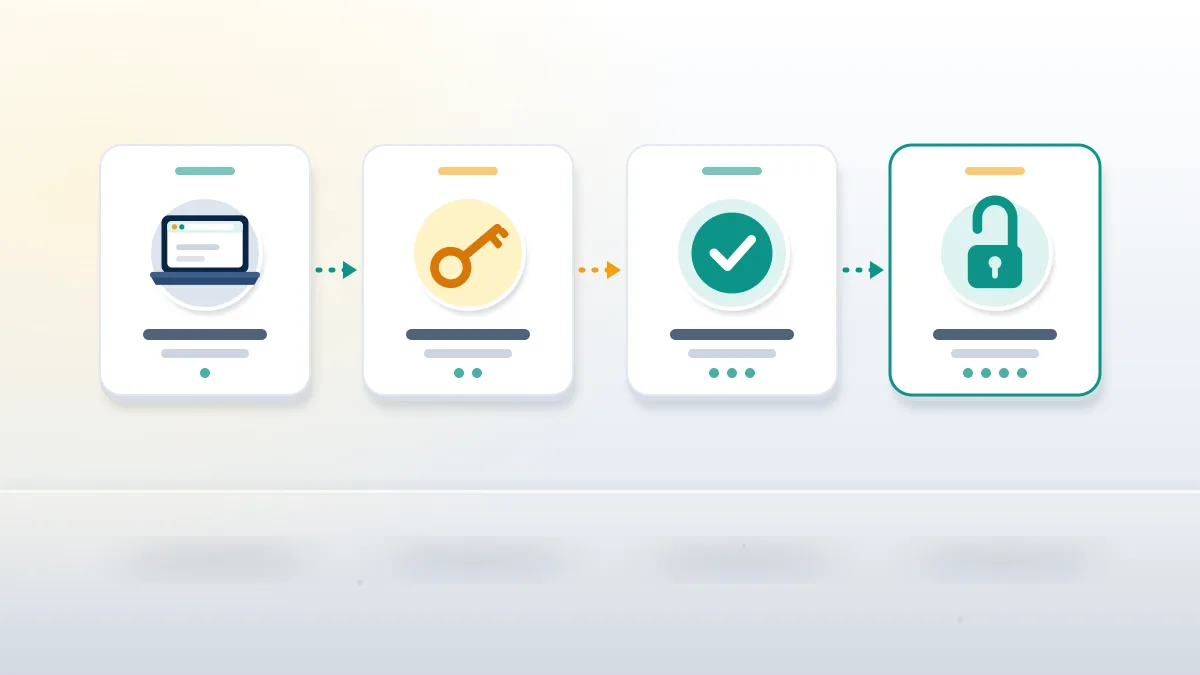
- Remove the cause first. Uninstall any third-party app, tweak or plugin that touched Snapchat, and revoke its access if it asked for your login.
- Wait out the window. For a login throttle, leave the account alone for the full 48 hours.
- Unlock on the web. Sign in at accounts.snapchat.com from a browser and choose Unlock if the option appears.
- Log in once, from your usual device. Use your home Wi-Fi or regular mobile data, then change the password and turn on two-factor authentication.
Third-party locks are the stubborn ones: a snapchat account temporarily locked for a third-party app will not unlock while that app is still installed, and owners often forget about a "Snapchat helper" they added months ago. Before anyone retries, Your Reputation Solution asks owners which apps have touched the login in the past year. The Unlock option lives on the accounts portal, not inside the app. No Unlock option on the page is information too: either the lock has not expired yet or it is not a temporary lock at all, and repeating the same login will not change what the page offers. After you get in, the password change matters. Locks triggered by a stranger's failed attempts mean someone has your username and possibly an old password, and their next step is a password reset sent to an inbox they control. Two-factor authentication through an authenticator app, not only SMS, closes that door. Open Session Management in Settings and terminate any session you do not recognise.
What if Snapchat disabled my account after a hack?
When the reason is a hack, the owner who says "snapchat disabled my account" is often describing a lock that the attacker's failed logins caused. Work the hack first: reset the password at accounts.snapchat.com, check the email and phone number on the account, then unlock. That order also applies to youtube channel hacked recovery and to twitter x account recovery cases.
Business accounts carry more at stake. Identity checks drive a linkedin hacked account recovery, and tiktok shop account recovery adds seller verification on top.
Old logins are their own problem. Knowing how to recover old tiktok account details helps when a lock lands on an account you rarely open, and so does the question does tiktok delete unused accounts.
Unlocking an account an attacker still controls just hands it back to them, which is why Your Reputation Solution checks the device list and the linked email with clients before any unlock attempt.
When does a snap temporarily disabled screen become permanent?
A snap temporarily disabled notice turns permanent when the lock keeps returning or the trigger was a serious guideline violation. At that point the Unlock option stops appearing.
Weeks with no Unlock option usually mean a snapchat account temporarily disabled has moved out of the automated lane and into enforcement. Snap's moderation policy says it will "promptly disable" accounts for severe harms, so sexual exploitation, threats of violence or fraud skip the strike stage entirely. Snap's lock article is blunt about the end state: a permanently locked account cannot be unlocked. For locks made by mistake, the only legitimate appeal is inside the app. Try to log in, and if an "Appeal Decision" pop-up appears, use it within six months of the decision; no pop-up means the lock is not eligible (How to Submit a Locked Account Appeal). Snap aims to answer within two weeks, and its lock article allows up to 30 days. Temporary disables that survive the 48-hour wait go to the Support request form instead. Send one clear request with the date and the notice wording, because duplicate tickets do not move the queue faster.
A lock that will not lift is a case, not a mystery. Your Reputation Solution reviews the notice, the timeline and the device history, then tells you which route is still open and which is closed. Ask for a free lock review before you file a second ticket.
Lock pages attract scammers. Snap's own lock article warns about people who claim they can unlock your account; messages promising to "unban" a snapchat disabled account for a fee are fraud, and so are DMs from "Snap support" asking for your password. Learn how to report snapchat scammer accounts, and if a fake profile is using your photos, read how to delete a fake snapchat account.
Username sellers run the same play on other apps. Treat any telegram username market offer with care, and check telegram username availability yourself before you pay.
TikTok handles get the same treatment: rare tiktok usernames for sale listings often come from stolen accounts, while how to get og tiktok username covers the legitimate route.
Some people arrive wanting another person's account removed instead. Either a facebook account ban service or a telegram account ban service works only through each platform's own reporting rules.
Once an account is truly deleted, the window narrows: can you recover a deleted telegram account has a short answer, and so does can you restore a deleted youtube channel.
If you would rather hire someone to recover telegram account access or a Snapchat login, check what they will not do first. We never ask for your password, we never promise an unlock, and we never file false reports to get an account back. Those limits we work within are public, and Snap makes the final decision on every appeal.
In every Snapchat case, Your Reputation Solution prepares the appeal, the evidence and the timeline; Snap's own reviewers decide whether a disabled account comes back.
For the next 48 hours, the most useful thing you can do is leave the login alone. Write down the date and time the notice first appeared, list every app that has ever had your Snapchat login, and keep the screenshot somewhere you can find it. Those three details answer most of the questions an appeal or a Support request will ask, and they cost nothing to collect while you wait. If the notice changes during that time, take a second screenshot as well, since new wording usually means the lock has moved to a different stage and needs a different route. Keep both images with the date in the file name.