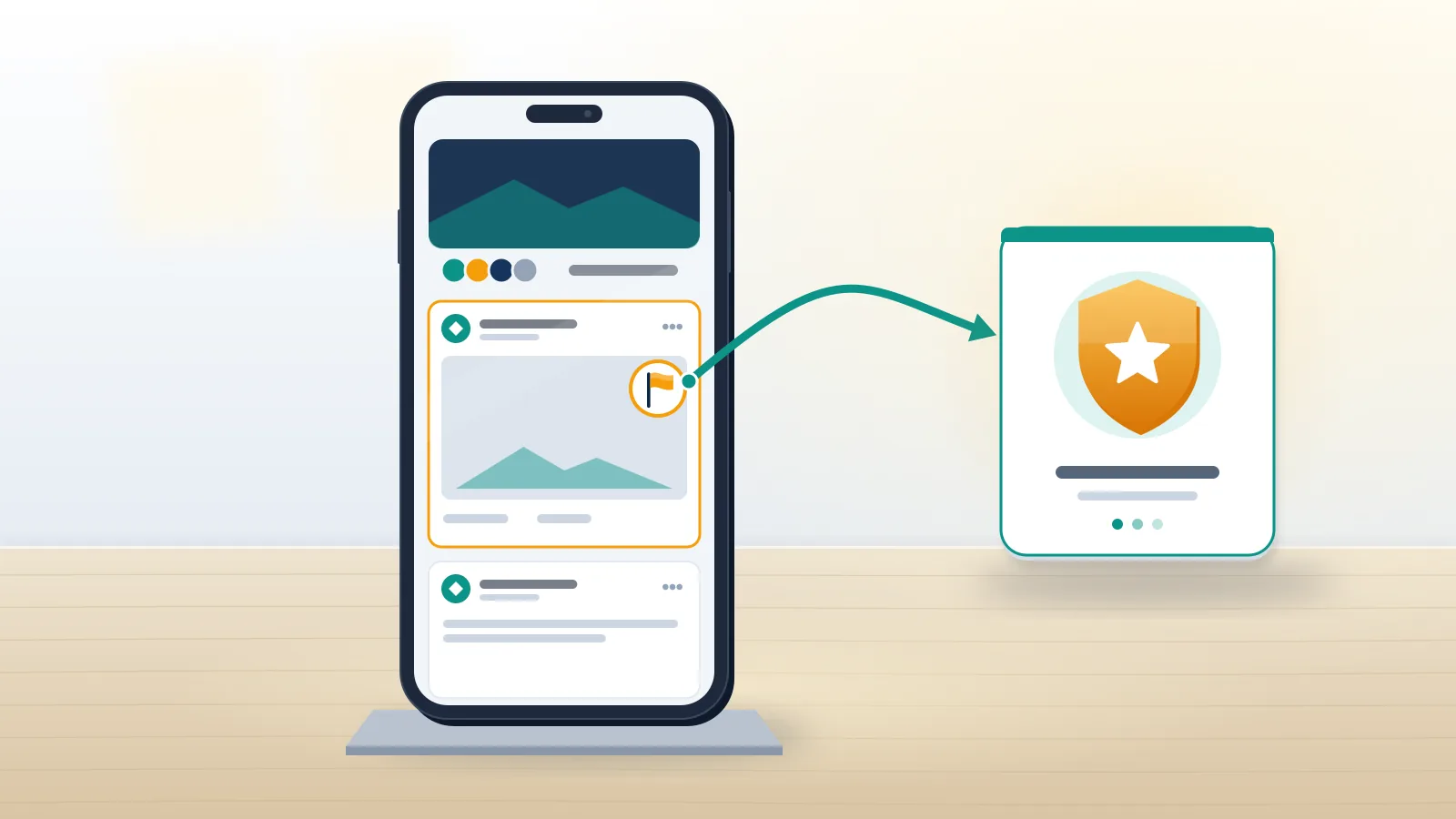
What does report to admin mean on Facebook?
Report to admin is a Facebook Groups option that sends a post or comment to that group's admins and moderators, not to Meta's review teams.
Every group on Facebook runs two rulebooks at once. One is Meta's Community Standards, which apply everywhere on the platform; the other is the group's own rules, written by its admins, which can ban things Meta allows, such as self-promotion, off-topic links or selling in a buy-nothing group. A facebook report to admin targets the second rulebook. You flag the post, pick a reason, and the admins receive a notification that something needs review. Facebook's help page on the feature, read on 23 October 2026, is blunt about the limits: reporting to the admins won't send a report to Facebook, and a group won't be taken down just because something was reported to its admins. So people who search report to admin facebook or report to facebook admin usually want one of two things. Some want the moderators to clean up a thread. Others want Meta itself to act, and that needs a different button.
Copies matter too. An admin can delete a post inside the group, but screenshots indexed elsewhere need the routes to remove negative online content, and Australians can add an eSafety report for adult cyber abuse.
Your Reputation Solution is an account recovery and online reputation firm that helps people pick between these routes and document a post before it disappears; it does not moderate groups or decide reports for Meta.
How to report a post in a Facebook group, step by step

On a computer, how to report to admin on facebook comes down to five clicks:
- Go to facebook.com/groups and open the group.
- Click the three-dot Options icon on the post.
- Choose Report post to group admins.
- Select a reason, add any detail the form asks for, then click Next.
- Block or hide the author if you want, then click Done.
In the Facebook app, tap Menu, then Groups, then Your groups, and open the group; if Groups is hidden, tap See more first. Tap Options to the right of the post, pick Report post to group admins, choose a reason and tap Done. That is the full answer to how to report a post to admin on facebook from a phone, and it is what people mean by facebook report post to group admin or report post to admin facebook. Afterwards the admins get a notification that there is content to review. The help page promises neither action nor a deadline, and that matters, because no rule obliges a volunteer moderator to answer you or remove anything. For a second set of eyes from Meta, report the same post through Options, then Report post, which goes to Facebook rather than to the admins. Doing both is allowed.
Group posts that share a mugshot or court listing are a common example. An admin can remove the post, yet the indexed source stays online, and the guide on how to remove your arrest record from the internet covers that second step.
When Your Reputation Solution reviews a harassment thread with a client, the first question is which rule the post breaks: a group rule points to the admins, a Community Standard points to Meta, and a post that breaks both gets both reports on the same day.
How to report a comment to admin on Facebook

Comments follow the same logic with one change in the app: you tap the comment itself rather than an icon. On a computer, open the group, click Options next to the comment and choose Report comment to group admins; in the app, tap the comment, then Report comment to group admins, pick a reason and tap Done. Those steps are all there is to how to report a comment to admin on facebook, and a facebook report comment to admin lands in the same review list as reported posts. Most group trouble happens in comments. Scam replies under help requests are the classic case: someone posts that their account was hacked, and within minutes several strangers comment "DM me, a specialist recovered mine". Replies like that are recovery scams whenever they ask for money, a login code or a password up front. Flag each one to the admins, then to Facebook as a scam.
Honest alternatives to those replies come from the platforms themselves. Instagram has no secret instagram account recovery help phone number, and anyone who types recover my disabled instagram account into search should start from the in-app appeal.
Two guides answer the follow-up questions those scammers exploit: how to recover wrongfully disabled instagram account access after a denied appeal, and how to recover disabled instagram account without email or phone.
In the hacked-account threads Your Reputation Solution reviews, these paid-recovery replies are usually the first comments worth reporting.
Is a Facebook report to admin anonymous?

No. Facebook states that if you report something to the admins, they will know it was you who reported it.
That single line separates the admin route from almost every other report on Facebook. Reports sent to Meta keep the reporter's identity out of anything Facebook sends to the person reported, and the admin-side help page reminds moderators that reports to Facebook are anonymous. Group admins work differently, because they are members of the community and need to know who flagged what to judge context or spot a feud. So a facebook report to admin anonymous option does not exist today. Anonymous participation, where a group allows it, does not change this: the help page on anonymous posting says your name and profile photo stay visible to admins, moderators and Facebook's systems. Fear retaliation from an admin who is friends with the poster? Skip the admin route and report the post to Facebook instead. Meta reviews it against the Community Standards, and the group's admins are not told who filed it.
Retaliation sometimes arrives as an account takeover rather than an argument. When a group dispute ends with a stolen login, start with telegram hacked recovery or how to recover stolen whatsapp account steps for apps tied to the same phone number.
For that Facebook report, Your Reputation Solution can prepare the evidence and the wording, but Meta's reviewers make the final decision, and nobody outside Meta can promise a removal.
Admin route or Facebook route: which one fits?
Use the admin route for house-rule breaks, the Facebook route for Community Standards breaks; serious cases get both.
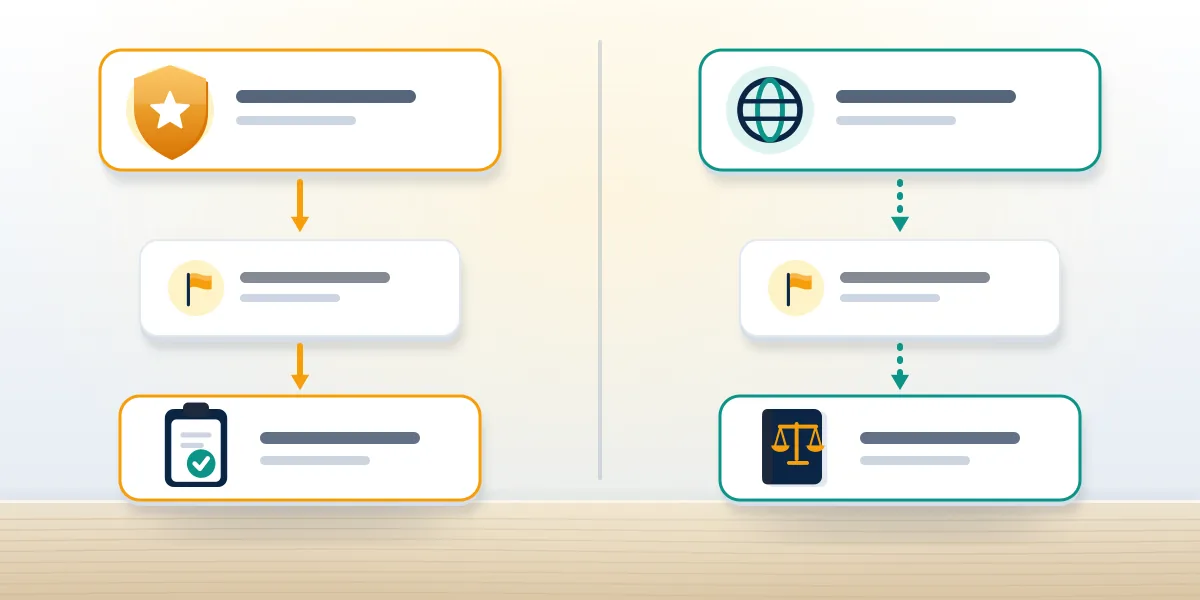
| Question | Report to group admins | Report to Facebook |
|---|---|---|
| Who reviews it | Group admins and moderators | Meta's review systems and teams |
| Rulebook | Group rules plus Community Standards | Community Standards |
| Reporter identity | Admins know who reported | Not shared with the person reported |
| Possible outcomes | Remove post, suspend, ban or mute member | Remove content, restrict or disable account |
| Status tracking | None documented | Support Inbox, Request another review |
Pick the admin route when the post breaks a house rule that Meta would allow: spam links, sales in a no-sales group, an off-topic rant, or a member who keeps reposting. Pick the Facebook route when the content would break the Community Standards anywhere on the platform, such as threats, hate speech, sexual exploitation, scams or someone pretending to be you. File both for serious cases, since an active admin can act within the hour while Meta's review runs in parallel. Volume decides neither route. Facebook's help center says the number of reports does not determine whether content is removed, and an admin who sees ten reports from one friend circle will read a campaign. A single report with a clear reason, a link and a screenshot carries more weight than a pile of identical ones.
Scam posts in hobby groups often pose as support desks for other apps, offering to unban a twitter account or to help people get unbanned from youtube for a fee.
Send those to Facebook as scams. Real twitter account recovery is free, and so is learning how to recover x account access through X's own forms.
What do group admins see after you report a post?
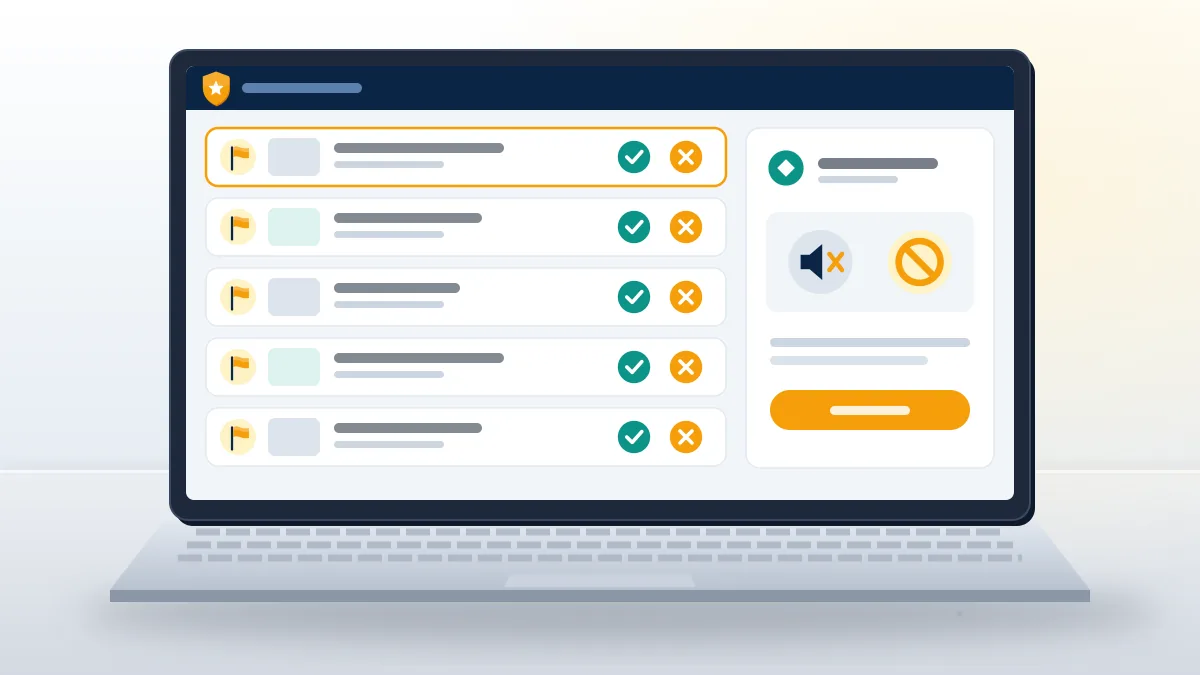
They get a notification, and the report waits under Manage, then Member-reported content, in the group's left menu.
In cases Your Reputation Solution handles, one quiet failure shows up often: the admin who should act has been locked out of their own accounts and cannot moderate anything.
From that list an admin can keep or remove the post, remove or ban the member who wrote it, suspend the member, or turn on post approval for that member, according to Facebook's admin help page. The same page says members or other admins can highlight posts "for any reason", which is why a report to admin does not have to cite a Community Standard. What the admin does not get is a deadline. Volunteer moderators of a 200,000-member group can face dozens of reports a day, while a small parents' group may have one admin who checks in weekly. Heard nothing after a few days? Look at the post. Gone means the admin acted, because the admin help page describes no notice to the person who reported. Still up, and still breaking a Community Standard, means it is time for the facebook report post to admin route's counterpart: a report to Facebook itself.
A moderator stuck outside X can work through locked twitter account recovery or twitter account recovery without username steps before returning to the list.
Admins who run a sister community on X face two other lockouts. Those are covered in how to recover twitter account if you forgot username and in the guide to recover banned twitter account access.
What if the admin is the problem?
Report the post, and the group if the pattern is group-wide, straight to Facebook, since admins can't fairly judge their own content.
Group admin protecting the poster? Your Reputation Solution can review the thread with you, separate group-rule issues from Community Standards violations, and draft the report Meta reads. Get a free group report review.
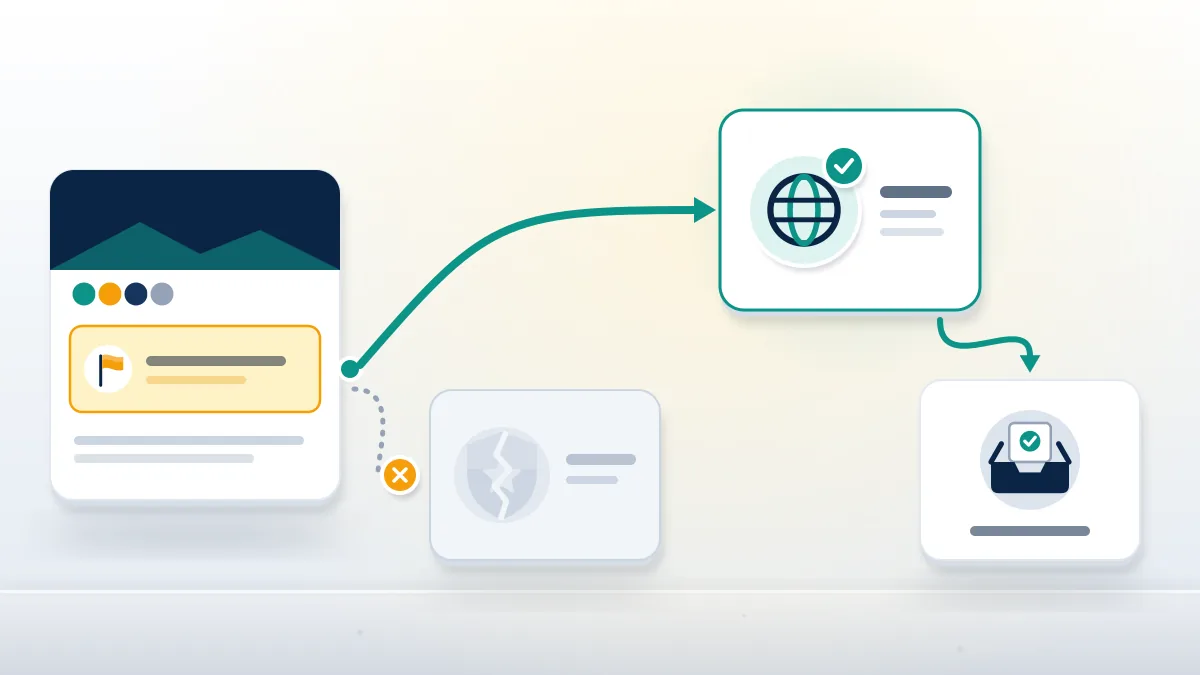
Admins can post, approve or ignore anything, so a report to admin is useless when an admin wrote the harassing post or keeps approving it. The route for that case is a report of the group: open it, choose Options below the cover photo, then Report group, pick the reason and submit. Results arrive in your Support Inbox, where you can request another review, usually within 24 hours according to Facebook. Groups without an active admin are a separate case. When the last admin leaves, Facebook prompts members to step up, and its help center says the group is paused after seven days if nobody does. Until someone takes over, a report to admin has no reader, so every report in that group should go to Facebook, each with the post link and a dated screenshot.
Feuds spill across apps. Lost your TikTok during one? See how to recover hacked tiktok account without email, or recover tiktok account on pc from a browser.
Why does a report to admin seem to do nothing?
Usually admins kept the post, haven't opened the list, or don't enforce the cited rule.
Three checks explain most silent reports. First, confirm you used the right menu: to report post in facebook group threads to the admins, the entry must read Report post to group admins, because the plain Report post entry sends it to Meta instead. Second, check the group's own written rules list. Groups list their rules in the About section, and a post that is merely rude may be allowed there. Third, admins see your name and may discount a report from someone feuding with the poster. Reporting a second time does not reorder anything. Better: message one admin with the rule and the post link, or report to Facebook if a Community Standard applies. You can also cancel a report sent to Meta from the Support Inbox, though only before it has been reviewed.
Your Reputation Solution never sells mass reports, never asks for passwords or login codes, and sets out the limits of its work in the service disclaimer.
Hacked member accounts that post spam are another silent case: admins delete the post, while the owner must contact tiktok account recovery or follow how to recover lost tiktok account steps.
Safety rules before you report anything
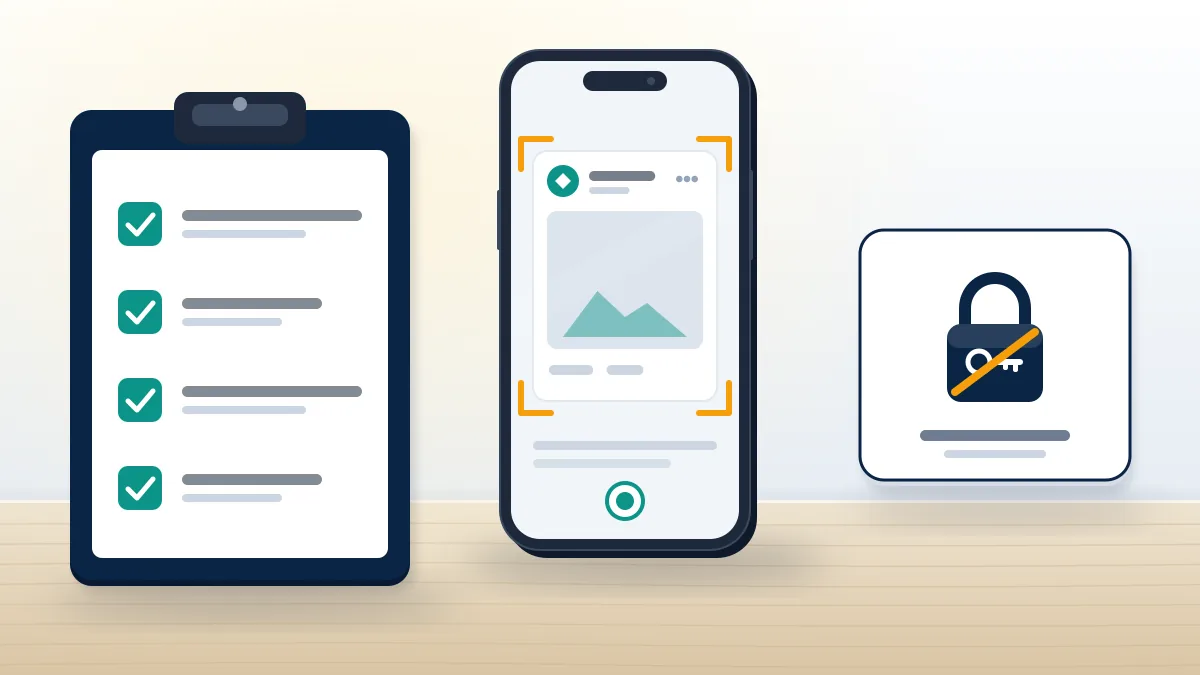
Reporting a post should never cost you money, a password or a login code. Moderators do not need your password to review a report, and Meta never asks for one in a report flow, so anyone in the comments or messages who requests it after you report something is running a scam. Save evidence before reporting: a screenshot showing the group name, the poster's profile name, the date and the post link, because a removed post cannot be retrieved later by ordinary members. Be wary of paid report services advertised inside groups. Facebook's help center says report volume does not decide removal, so a service selling hundreds of reports is selling nothing, and the accounts it uses can be restricted. Turn on two-factor authentication on your own accounts before reporting anyone who might retaliate.
Recovery offers are the most common scam in help-seeking groups. Business owners can follow tiktok id suspended account recovery guidance, and anyone asking how can i recover my whatsapp account should start with WhatsApp's own verification.
Lost the old phone too? Try the steps to recover whatsapp without old phone, and for a channel see youtube account recovery without phone number.