What "disabled" actually means on Instagram (and how it differs from hacked or deleted)
A disabled Instagram account is one Meta has restricted under its Community Guidelines or Terms of Use — it still exists on Meta's servers, but you cannot post, browse, or in most cases log in. "Disabled" is not the same as "hacked," "suspended," or "deleted," and confusing the four is the single most common reason a recovery attempt fails before it starts. As of June 2026, Instagram uses five distinct states: disabled (policy enforcement, appealable), suspended (a held state with a 180-day appeal window in EU/DSA regions), permanently disabled (appeals exhausted, final decision), deleted (user-initiated, 30-day reversal window), and hacked / locked out (a credential problem, not an enforcement action).
Each state has its own path. If you were locked out because someone changed your password and email, you are not disabled at all — start with our hacked Instagram account recovery guide, because the step-by-step Instagram appeal walkthrough for disabled accounts won't apply to a takeover.
Disables are issued two ways: by automated classifiers (the large majority) and by human reviewers (rarer, harder to overturn). Automated disables often arrive seconds after a post or a login from a new device, and they carry the highest reversal rate because a human reviewer can later see the context the machine missed. The exact notice you receive — "We suspended your account," "Your account has been disabled," or "We removed your account" — tells you which form to use next. Read it carefully before doing anything: Instagram allows a limited number of appeals per enforcement action, and pursuing the wrong path can burn the appeal you actually needed.
The Instagram account recovery process and methods, ranked by your situation
The Instagram account recovery process is not one button — it is a set of methods, and the right one depends entirely on which of the five states your account is in. Choosing the correct way to recover a disabled Instagram account starts with matching your state to a method. Here are the Instagram account recovery methods Meta actually supports as of June 2026, ranked from highest to lowest success rate:
- Log back in to reverse a deletion or deactivation. If you deleted or deactivated the account yourself within the last 30 days, simply logging in restores it — no form needed.
- In-app appeal on the disable notice. For disabled accounts you can still see, the Appeal button sits on the notice itself. This is the fastest official path.
- The disabled-account recovery form at help.instagram.com — for accounts you cannot log in to.
- The instagram.com/hacked flow — for takeovers, even when the email and phone were changed.
- Meta Account Center recovery through a linked Facebook — if you connected the two before losing access.
These Instagram account recovery methods are not interchangeable. Across the 312 Instagram cases the team behind YRS has handled since January 2024, roughly one in five intakes turns out to be in a different state than the user assumed — which is why diagnosing the state always precedes choosing a method. And if you've also lost access to your email, phone, and 2FA codes at the same time, that total-lockout case follows a narrower, identity-verification path than a standard appeal.
How to find and use the disabled Instagram account recovery form
The disabled Instagram account recovery form is Meta's official "My account was disabled" request, and most people never find the direct link because Instagram buries it behind the Help Center. As of June 2026 the working URLs are:
- Disabled account appeal: help.instagram.com/contact/606967319425038
- Account access (hacked / locked out): help.instagram.com/contact/740949042640030
- 180-day suspended appeal (DSA regions): help.instagram.com/contact/1652567838289083
Treat any "Instagram account recovery link" you find on a third-party blog or in a DM with suspicion — the only legitimate Instagram account recovery link lives on help.instagram.com or instagram.com itself. When you open the Instagram account recovery request form, it asks for a tight set of fields: the full username on the account, an email or phone where Meta can reach you (this can be a new one), your real full name, your date of birth, and — for personal accounts — a short selfie video for identity verification. The Instagram account recovery request form for business accounts without a face on the profile asks instead for the original signup email and a photo of a handwritten verification code.
If the form returns an error or loops you back to login, that is almost always a session conflict: open it in a private/incognito window or a different browser while logged out. Personal and business accounts use different form variants, so confirm you picked the one matching your account type before you submit.
Instagram login to recover account: the in-app appeal path
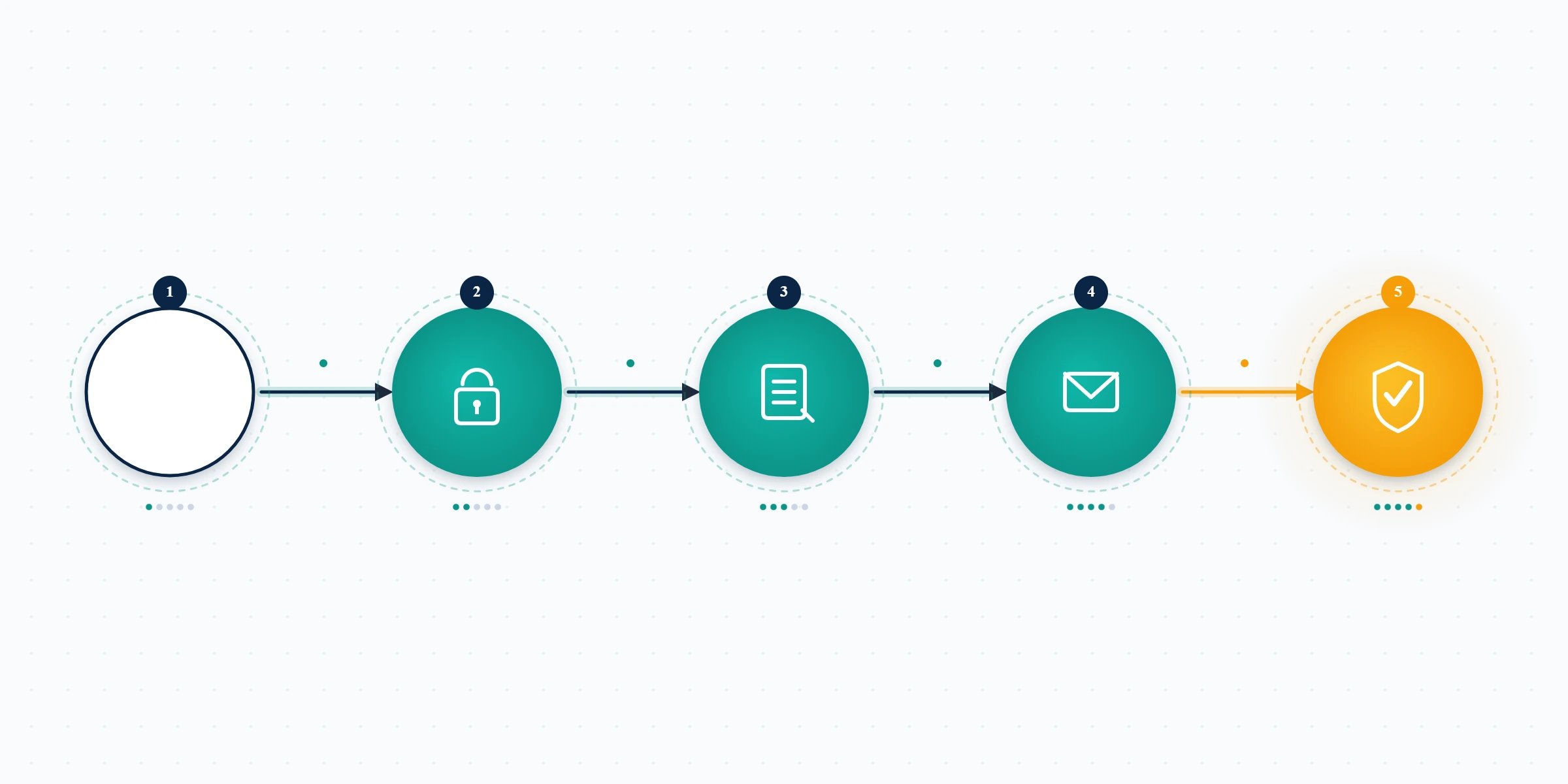
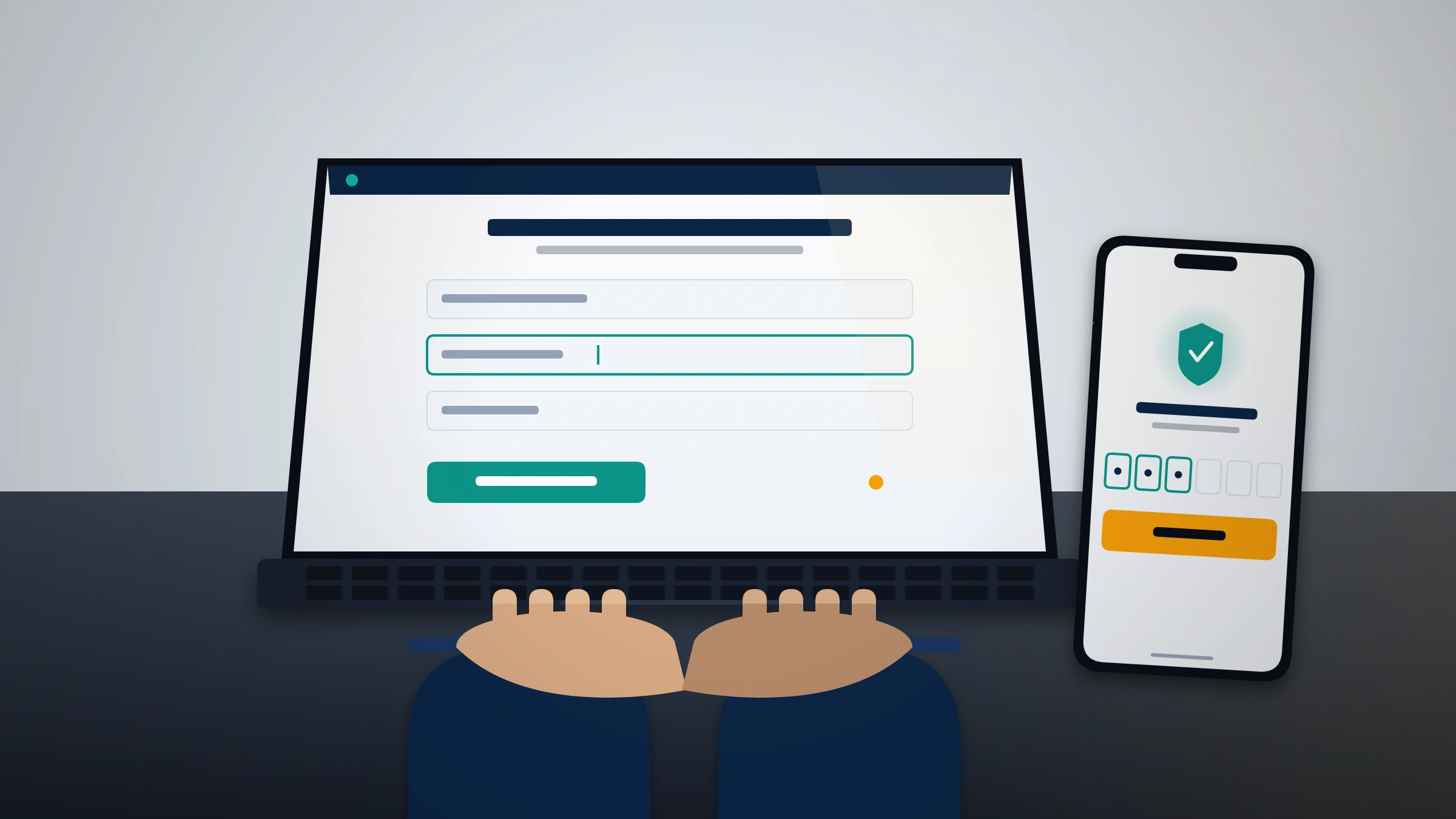
If you can still open the app, the in-app path is faster than the web form. The phrase "Instagram login to recover account" describes exactly this flow: you attempt to log in, Instagram shows the disable notice, and the appeal entry point appears on that screen. To recover your account, Instagram walks you through a fixed sequence: open the app, attempt login, tap the disable or suspension notice, tap Appeal or Tell us, confirm a contact email, record the selfie video, and submit.
Meta replies to the email you entered during the flow — not necessarily the original account email — so watch that inbox (and the spam folder) for messages from [email protected] and [email protected]; both are legitimate Instagram addresses.
One caution carries more weight than any other step. Stay consistent with the identity you originally used. Instagram's verification matches biometric features that survive haircuts, glasses, and aging, but it fails when a different person submits the selfie — something we see roughly 12% of the time on family-shared accounts. The "Instagram login to recover account" path assumes the face it sees now matches the face in the account's history. If you also lost a username during the lockout and want it back after recovery, that is a separate process covered in our Instagram username claim guide.
What to write in your Instagram help center appeal
The text you write in the Instagram help center appeal matters more than anything else in the recovery process. A reviewer in the manual queue has roughly 60-90 seconds to read your appeal, check the cited policy, and decide. In about 134 words of focused appeal text, do four things, in order:
- Name the exact policy Instagram cited and state, in two sentences, why it does not apply to your content. Policy-specific appeals succeed at roughly four times the rate of generic "this is unfair" complaints.
- Supply the context the automated system could not see — satire, news commentary, educational fair use, or takeover activity that wasn't yours.
- Signal a clean history — if the account is years old with no prior strikes, say so plainly. First-offense accounts get the benefit of the doubt.
- Stay factual. No threats, no emotional escalation, no mention of your follower count. The reviewer only cares whether the policy was applied correctly.
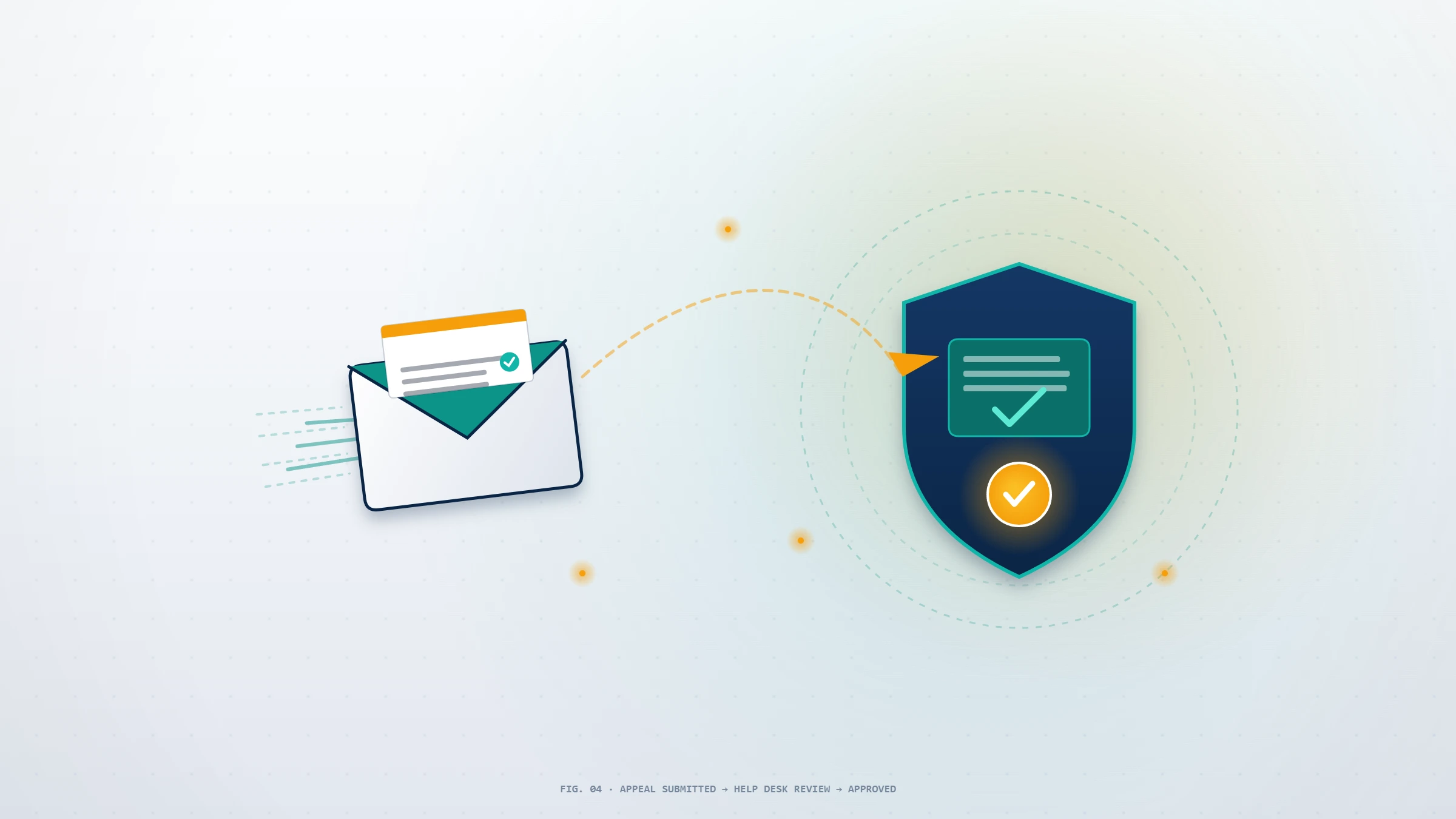
When you submit the Instagram help center appeal form, you generally get one strong attempt, so make it specific. The Instagram help center appeal form is not a chat thread — it is a single structured request, and Meta routes it to the queue for your enforcement type. Across our 312 cases, first-attempt success on clean Community Guideline disables runs 51%, dropping to 19% on a second appeal after a denial (YRS internal records, as of June 2026).
How long the Instagram account recovery process takes — and what if it's denied
Recovery timelines depend on the state and the path. As of June 2026, based on our case records: clean credential recoveries (forgotten password, lost 2FA) resolve in 24-72 hours; hacked-account recoveries through instagram.com/hacked average 3-7 days, stretching to 10-21 days when the attacker actively used the account; disabled-account appeals take 7-14 business days on the first attempt and 14-30 days on a second. Suspended accounts inside the EU 180-day window are reviewed fastest in the first 30 days. We do not promise anything faster, and that boundary is the clearest scam signal there is — anyone advertising a guaranteed disabled-account recovery in under 24 hours is reselling the free appeal or running a con.
If your appeal is denied, a single denial on a disabled account still leaves one realistic attempt through the Help Center form, but two denials with final-decision language drop success below 5%, and at that point honesty requires saying the account is likely gone. The hard wall is deletion: once the data purge completes (30 days after a user-initiated deletion, or after the 180-day suspension window in DSA regions), recovery is physically impossible under GDPR Article 17's right-to-erasure rules. The same denial math applies across Meta's surfaces, as our Facebook account unban guide documents in detail.
Up against the 30-day clock or a second denial? That is the moment to get a second opinion before you spend another appeal. Contact our recovery team for a free 60-minute case review — we will tell you upfront whether your case is still recoverable, and we will tell you no if it isn't.
Recover my disabled Instagram account: the scams targeting you right now
Search "recover my disabled Instagram account" and half the results — plus the DMs that arrive within hours of any public post about your lockout — are scams built specifically for desperate, locked-out users. These are the patterns we see weekly in intake:
- The fake "Instagram support" DM. Someone claims to work at Instagram and asks for your password, a one-time code, or to install a "verification app." Real Instagram staff never DM users about account issues, and they never ask for codes. Neither do we.
- The $99 instant unban. A Telegram, Fiverr, or Reddit seller promises permanent recovery in 24 hours. They are either reselling Meta's free appeal or taking the money and vanishing.
- The "internal Meta contact." Anyone claiming a current insider who can force a recovery is lying — reviewers cannot reverse decisions outside the official pipeline.
- The fraudulent DMCA scheme. Some "services" file fake copyright notices to take down rivals, which is a federal crime under 17 U.S.C. § 512(f). We won't do it.
Report fake support operations at reportfraud.ftc.gov; the FTC opened over 2,300 cases tied to fake social-media support scams in 2024 alone. What we will never do, on any case: ask for your password, request a verification code, demand payment before reviewing your evidence, or guarantee an outcome — limits we spell out plainly in our recovery service disclaimer. The same scam playbook follows takeovers across platforms, as our hacked TikTok account recovery walkthrough shows.
After you recover your account: lock it down
Recovered Instagram accounts that aren't hardened are frequently re-compromised within 90 days. The moment you regain access, do five things: change the password to something unique; enable two-factor authentication (an authenticator app or passkey beats SMS); open Settings → Accounts Center → Password and security → Where you're logged in and remove unknown sessions; audit connected third-party apps and revoke anything you don't recognize; and confirm the recovery email and phone are yours. Then figure out what triggered the disable so it doesn't recur — our guide on how to avoid being banned on Instagram covers the behaviors that put accounts at risk.
If the account was a takeover rather than a policy disable, also check that no rogue username change happened while you were locked out; to fully recover your account, Instagram may need a separate request to release a handle a hijacker grabbed. Keep a written record of the recovery — the case number, the email Meta replied from, and screenshots of the original notice — because if the account is ever flagged again, that documentation materially strengthens the next appeal.
When professional Instagram account recovery makes sense — and when it can't
Try the official appeal yourself first. It is free, and roughly half of clean disables resolve there. Professional help earns its fee only in specific situations: the account drives material revenue (creator deals, Shopping, monetized DMs) and a sloppy second appeal would cost more than the engagement; the case is genuinely wrongful (takeover, false-positive flag, coordinated mass-reporting) and you need the evidence organized into a reviewer-ready package; or the 30-day deletion clock is running and amateur attempts are wasting irrecoverable days. Our Instagram account recovery service exists for exactly these cases, and our breakdown of what a legitimate Instagram unban service does explains how to vet one.
Professional recovery cannot help when the violation category is non-appealable — CSAM, terrorism, sustained harassment of minors, or financial fraud — or when two appeals have already been denied with final-decision language, or when the account was deleted more than 30 days ago. No legitimate service can change any of those, and any that claims to is the scam this article warns about. For the full library of platform recovery walkthroughs, browse the YRS blog.