Reviewed May 2026. We re-checked the YouTube Studio appeal flow, the studio.youtube.com and accounts.google.com/signin/recovery links, and the stated 3–7 business-day review window cited throughout this guide. All steps and timelines were confirmed accurate as of May 2026.
What "banned from YouTube" actually means
A YouTube ban is the platform's enforcement action that restricts a creator's access to their channel, content, or the broader Google account. It is not a single state — it covers four distinct enforcement types that look similar from a creator's dashboard but require different recovery paths. If you are researching how to get unbanned from YouTube, the diagnosis matters more than the action you take next.
The four categories are:
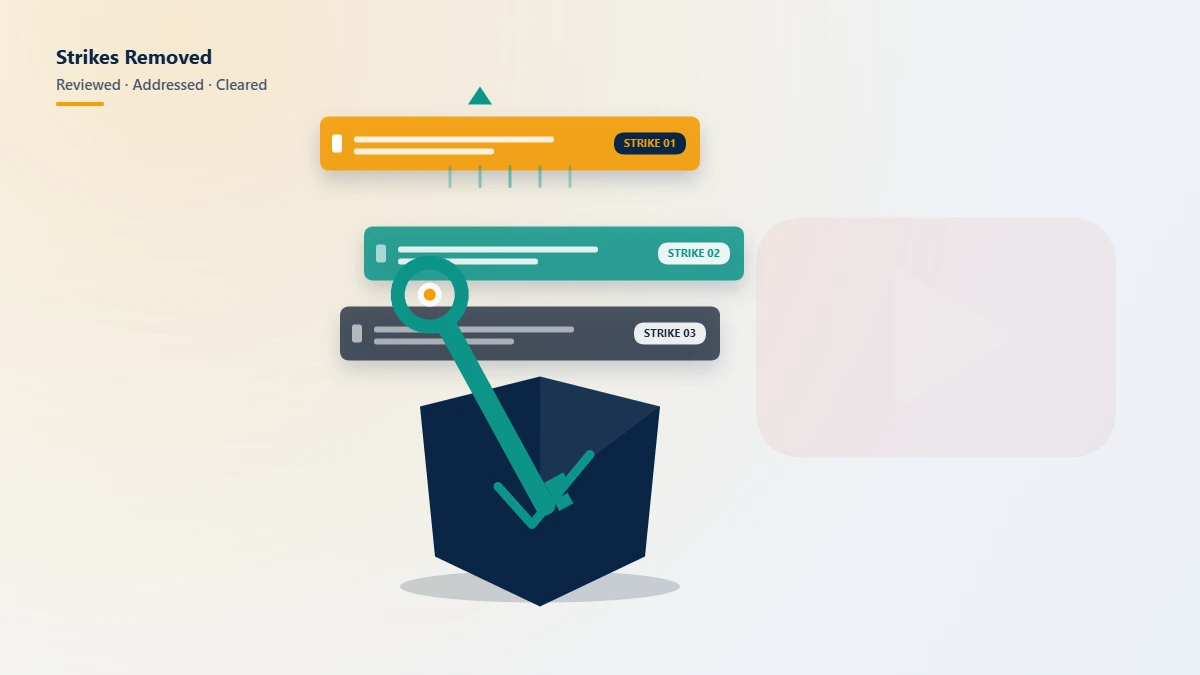
- Community Guidelines (CG) strike — a single warning or active strike against a video for hate speech, harassment, misinformation, dangerous-acts content, or similar policy violations. Three CG strikes within any rolling 90-day window terminates the channel.
- Copyright strike — a separate three-strike system for unauthorized use of copyrighted material, governed by the DMCA and filed by rightsholders rather than YouTube.
- Channel termination — your channel is permanently removed after three CG strikes, three copyright strikes, or a single severe violation (e.g., child safety, terrorism, sustained harassment).
- Google account suspension — the broadest action, where your entire Google account (Gmail, Drive, YouTube, Workspace) is locked, often after fraud detection or repeated cross-product violations.
Before you appeal, identify which one applies. The wrong appeal route can disqualify the right one, and YouTube only allows one appeal per strike.
How to get unbanned from YouTube: the official appeal process
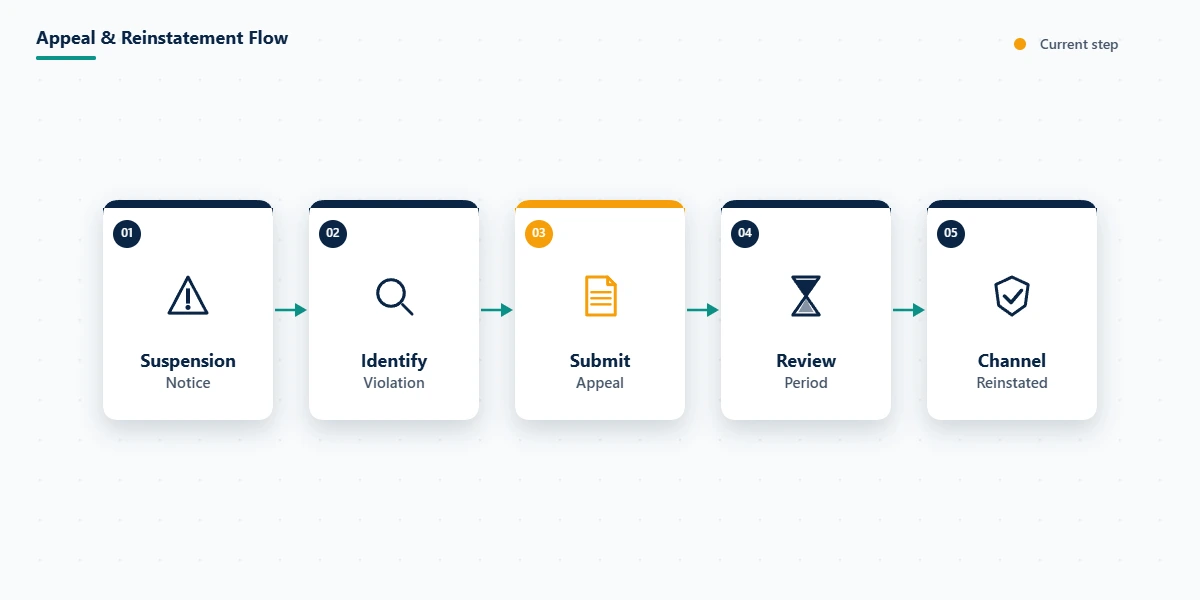
The standard appeal route runs through YouTube Studio. As of May 2026, the steps to get unbanned from YouTube via the official process are:
- Sign in to studio.youtube.com using the email associated with the suspended channel. If your Google account itself is locked, start at accounts.google.com/signin/recovery instead — you cannot appeal a YouTube ban from a locked Google account.
- Open the notification banner at the top of Studio. A terminated channel displays a red notice with a "Begin Review" or "Submit appeal" button. Strike-level appeals appear under Settings → Channel → Strikes.
- Click "Begin Review" to open the appeal form. You will see a text box (~1,000 character limit) and the cited policy.
- Write a focused appeal that addresses the specific policy YouTube cites. Reference context — the date of upload, the audience the video served, the fair-use rationale if applicable. Avoid emotional language, accusations against staff, and references to revenue lost.
- Submit and wait. Standard reviews take 3–7 business days. You cannot submit a second appeal on the same strike if the first is denied — make the first one count.
If you have completed all five steps and been rejected, professional escalation is the next legitimate move. Our account recovery services overview explains what an expert appeal review covers and what falls outside scope.
How to unban YouTube channel after a copyright strike
How to unban YouTube channel after a copyright strike differs in three ways from a standard CG appeal. Copyright strikes originate from a third party (the claimant) rather than from YouTube, the appeal vehicle is a DMCA counter-notification rather than a Studio review, and the legal stakes are materially higher.
You have three options to remove a copyright strike: (a) wait 90 days and complete YouTube's Copyright School quiz; (b) request retraction directly from the claimant; or (c) file a DMCA counter-notification under 17 U.S.C. § 512(g).
A counter-notification is a legal document. By signing it, you state under penalty of perjury that the takedown was the result of mistake or misidentification. If the original claim was legitimate and you file a false counter-notification, the rightsholder can sue for damages under 17 U.S.C. § 512(f). The U.S. Copyright Office hosts the official DMCA Designated Agent Directory where rightsholders register their service agents — this is where any retaliatory legal filing would be served.
YouTube hosts a guided counter-notification flow at studio.youtube.com → Content → Copyright. Submit it only after consulting an attorney if you have any doubt about fair use, licensing, or the validity of the claim.
How to get your YouTube account unbanned: writing an appeal that works
Knowing how to get your YouTube account unbanned starts with the appeal text itself, because the text is what determines reinstatement. Across our YouTube case logs (n=247, January 2024 – May 2026), appeals that follow this four-part structure win reinstatement at roughly 1.7× the rate of unstructured appeals.
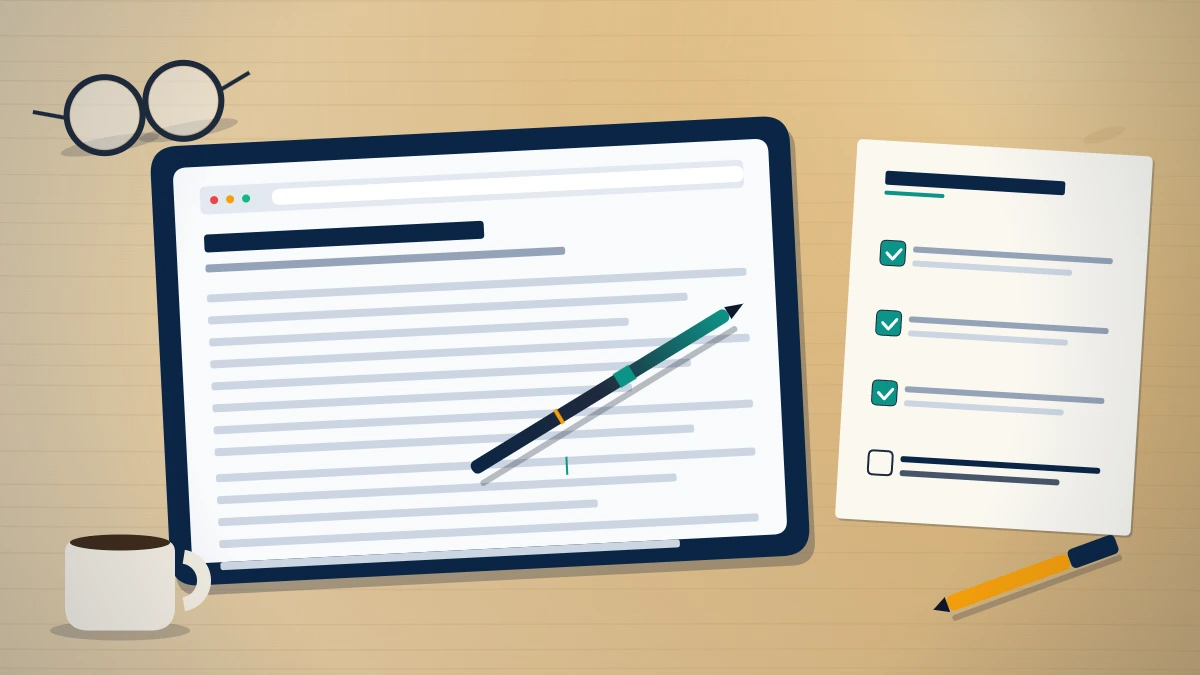
The structure is:
- Acknowledge the cited policy. State clearly that you understand which policy YouTube applied to your content. This signals you have read the violation, not just the dashboard banner.
- Provide context that reframes the content. Explain the audience, the educational or journalistic purpose, the satirical framing — whatever applies — in two to three sentences.
- Cite a specific YouTube policy section that supports your case. Documentary, educational, and newsworthy content carve-outs are documented in YouTube's policy pages and are appropriate to reference.
- Commit to a corrective action. Example: "I have re-edited the upload to remove the contested 12 seconds at 2:14–2:26 and would re-upload only the cleared version." This shows good faith and gives the reviewer something concrete to approve.
Avoid emotional pleas, threats, references to other platforms, and questioning the reviewer's competence. Keep it under 800 characters. The text must read as a policy professional wrote it, not a frustrated creator.
How to unban your YouTube account: realistic timelines and success rates
If you are learning how to unban your YouTube account for the first time, set realistic expectations. YouTube's official help center publishes no service-level commitment for appeal response time, but in practice most decisions arrive within 3–7 business days for standard cases and 14–30 days for terminations involving copyright counter-notifications or repeated violations. Decisions are final per appeal — you cannot resubmit on the same strike.
Realistic first-appeal success rates from our records (rolling 12-month, May 2025 – May 2026):
| Termination type | First-appeal reinstatement rate |
|---|---|
| Misclassified Community Guidelines strike | ~38% |
| Counter-notification on copyright (defensible fair use) | ~55% |
| Severe single-violation termination (sexual content, hate speech, sustained harassment) | ~6% |
| Spam, scam, or coordinated inauthentic behavior termination | ~4% |
Success rates drop sharply after the first appeal. If your channel falls into the bottom two categories, an honest professional consultation will save you weeks of fruitless escalation. We publish our service limits in our recovery limits and disclaimers — bans involving child safety, terrorism, fraud, and confirmed CSAM are not recoverable through any appeal channel by anyone, and we will tell you that during intake rather than take the case.
What if your appeal is rejected? When to escalate to professional help
A rejected appeal does not always mean the case is over. There are three legitimate escalation paths after a Studio appeal fails:
- @TeamYouTube on X (formerly Twitter). YouTube's official creator-support handle reads tagged threads and occasionally re-routes cases. Best for situations where you suspect an automated mis-flag.
- Creator Support email channel. Available to channels in the YouTube Partner Program (YPP). Response times run 5–10 business days.
- Professional account-recovery escalation through Trust & Safety partner channels. This is what our team does. We submit a re-reviewed, policy-cited appeal through a documented partner-relations channel that an individual creator does not have direct access to.
Before escalating, ask honestly: did the original content violate the policy YouTube cited? If yes, no escalation will reverse the decision. If no — if the violation was misclassified, the audience was misread, or the strike was issued in error — escalation through trained Trust & Safety partner channels is meaningful and frequently effective.
Not sure if your case is recoverable? Get a free 15-minute case review — our team will tell you on the call whether escalation is realistic for your specific termination. We do not take on cases we cannot meaningfully advance.
YouTube's Second Chance program in 2026
In late 2025, YouTube introduced a Second Chance program allowing some previously terminated creators to apply for reinstatement after a 12-month cooling-off period. As of May 2026, eligibility requires:
- Termination occurred at least 12 months ago
- The violation that caused the termination is no longer prohibited under current YouTube policies, OR the creator has demonstrated remediation (educational programs, public corrections, removed content)
- The creator has not appealed within the last 6 months
- No active legal disputes remain over the cited content
Channels removed for severe single violations — sexual content involving minors, terrorism content, or sustained targeted harassment — remain permanently ineligible regardless of time elapsed.
The application form is hosted at support.google.com/youtube under "Rejoining the YouTube Community." Industry estimates put approval rates at 8–12% based on early 2026 reporting (Variety, October 2025).
How to get unbanned on YouTube without falling for scams
Account recovery is one of the most scam-saturated corners of the internet. Recent search results for how to get unbanned on YouTube surface freelance marketplace listings asking for $3,500–$9,000 per case with no transparency about method, success rates, or refund policy. We are publishing this section because confused creators in distress are the primary victims of this fraud.
What we will never do:
- Ask for your YouTube password, recovery email, two-factor codes, or any Google account credential
- Bill the full case fee before delivering an appeal draft for your review
- Promise "guaranteed reinstatement" — no third party can guarantee what is at YouTube's discretion
- Submit a counter-notification on your behalf without independent legal review for cases involving genuine copyright disputes
- File false claims, impersonate rightsholders, or submit deceptive identification
If a service requests any of the above, walk away. The full set of YRS service boundaries is documented in our service disclaimer and re-published verbally during every intake call.
Related reading
For more on platform reinstatement, social-media account recovery, and reputation repair after enforcement actions, browse further reading on platform recovery topics on our blog. As we publish sibling guides on Instagram, TikTok, Facebook, and Google account recovery, this post will link to each as the cluster fills out.