Account Recovery· 11 min read

Recover Disabled Instagram Account Without Email or Phone

To recover a disabled Instagram account without email and phone number, use Instagram's identity-verification recovery — open instagram.com/hacked or the in-app Need more help flow, enter a new contact you control, and pass the video-selfie check instead of an email or SMS code. When your authenticator app and backup codes are gone too, this discretionary identity path is the only legitimate route; Meta publishes no guaranteed timeline, and clean cases in our records resolve in about 3 to 10 days.

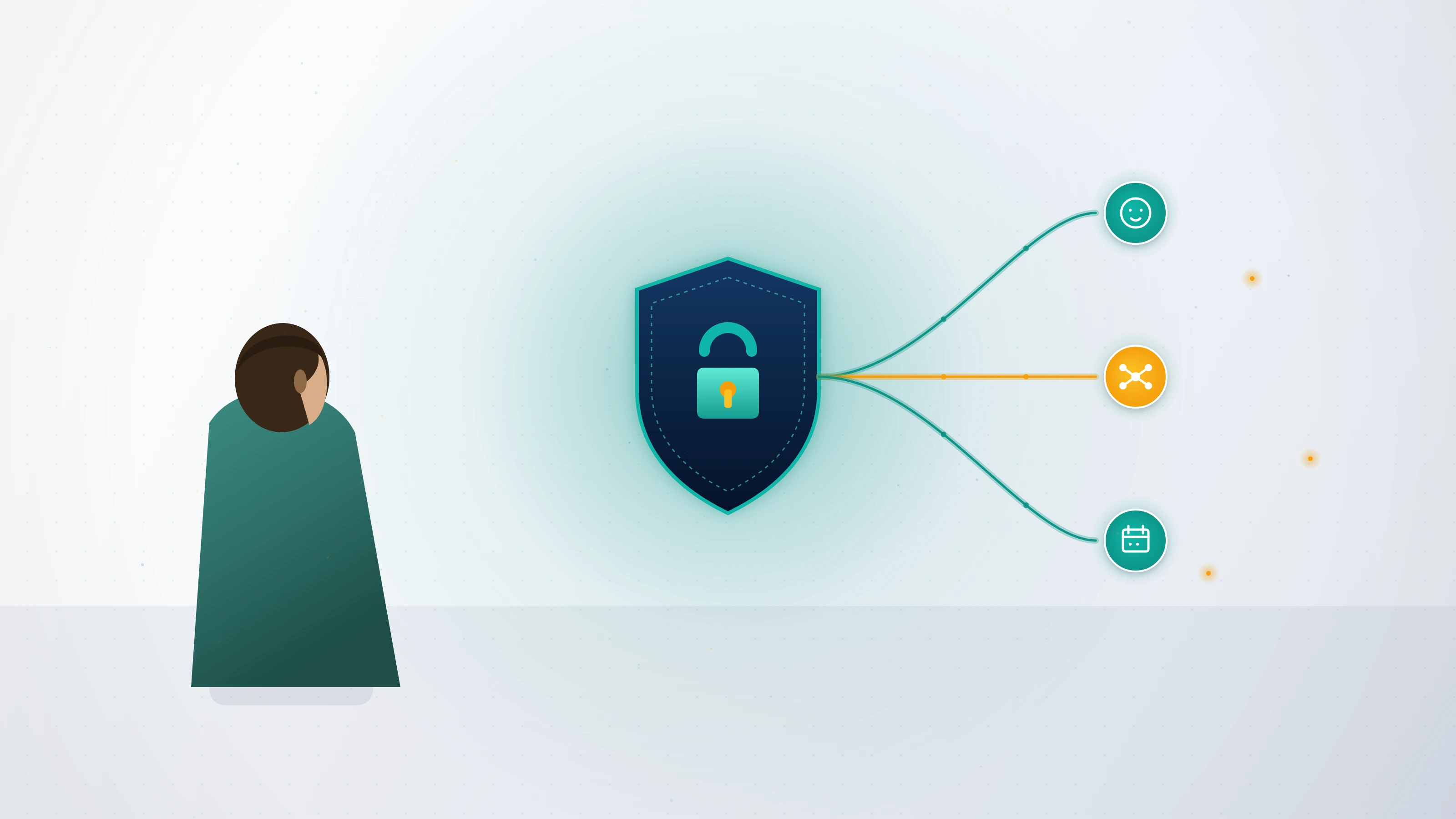
Person regaining access to a disabled Instagram account without email or phone using Meta identity verification on a phone.

Can you do Instagram account recovery without number and email at all?

Yes — Instagram account recovery without number and email is possible, but only through one legitimate mechanism: identity verification. When your account is disabled or locked and you no longer control the email or phone you signed up with, Meta's own guidance is blunt — you can either try to regain access to the email or phone number, or update your profile with new account information through its recovery flow (help.instagram.com). There is no secret form, no insider, and no paid shortcut that bypasses identity proof. What replaces the email code or SMS is a video selfie matched against the face history on the account. That single fact decides everything that follows: if the original face is on the profile, your odds are real; if not, the path narrows sharply. Across the Instagram cases the team behind YRS has handled, total-credential-loss recoveries still succeed often — they simply take longer because the verification queue is more thorough.

Before you start, answer three questions — they route you to the right path. First, is the account disabled (you received a policy notice) or just locked out (you simply cannot sign in)? Second, do you still control any linked Facebook account inside Meta Accounts Center? Third, is the face you would verify with the same one on the account's photos and history? Your answers decide which of the methods below applies, and getting the state right before you act protects your single best attempt.

Disabled vs locked out: which Instagram recovery path is actually yours

This distinction is the one almost every other guide blurs, and getting it wrong wastes your strongest attempt. A disabled account was restricted by Meta for a suspected Community Guidelines violation — it is an enforcement action, and the fix is an appeal, not a password reset. A locked-out account is the opposite: you still own a perfectly valid account; you have only lost the credentials and 2FA needed to sign in. An appeal will never restore a forgotten password, and a password reset will never overturn a policy disablement. If your problem is purely a policy decision and you can still see the disable notice, the standard route in our disabled Instagram account appeal walkthrough is the page you want. This guide is for the harder, hybrid case the others skip: a disabled or locked account where you have also lost the email, the phone number, the authenticator app, and the backup codes all at once.

Instagram account recovery without phone number, email, or Gmail

Instagram account recovery without phone number — or without Gmail, Outlook, or any inbox you once used — runs through the same recovery surface, just with a new contact address you do control. Start at instagram.com/hacked, which covers locked-out and disabled cases and not only hacks, or, on the login screen, tap "Need more help?" on iOS or "Get help signing in" on Android (help.instagram.com). When the flow asks where Meta should reach you, enter a brand-new email or phone you can access right now — you are not required to still hold the original. Identity is then confirmed by the video-selfie check rather than a code sent to the lost inbox, which is exactly why Instagram account recovery without Gmail is feasible: the inbox was never the proof; your face and account history are. If a linked Facebook profile still sits in your Meta Accounts Center, request the reset from inside Facebook instead — it is the single highest-success alternative credential.

Diagram of Instagram account recovery without phone number, routing a locked-out user through new-contact entry and a video-selfie identity check.

Instagram account recovery without two factor authentication, backup code, or recovery code

This is the scenario the rest of the internet hand-waves. Instagram account recovery without two factor authentication only has clean, guaranteed paths when you set up a fallback in advance — a second 2FA method such as SMS or WhatsApp, saved backup codes, or another logged-in device (help.instagram.com). If you have lost the authenticator app and never saved codes, Meta publishes no dedicated self-recovery article that guarantees you back in. Instagram account recovery without backup code therefore falls back to the same discretionary identity-verification flow at instagram.com/hacked — the video selfie — with no promised outcome. Two honest truths most pages avoid: first, "instagram recover account no access to code" has no magic bypass, because the code is replaced by identity proof, not skipped; second, if you ever search "i lost my authenticator recovery code instagram" while still logged in on any device, stop and regenerate a fresh set immediately (help.instagram.com) — that two-minute step prevents the exact lockout this section describes.

Where to find your Instagram recovery code

Where to find your Instagram recovery code depends on whether you can still get in. While logged in, open Settings → Accounts Center → Password and security → Two-factor authentication → Additional methods → Backup codes; the codes shown there are the set to screenshot and store offline (help.instagram.com). If you saved them earlier, check your password manager, a secure note, or wherever you keep credentials — that is where to find Instagram recovery code sets after setup. If you are fully locked out with no codes saved anywhere, there is no code to find; you proceed by identity verification instead. The codes are generated only inside your own logged-in session, so anyone claiming to retrieve your recovery code from outside it is describing something that does not exist.

Illustration of Instagram account recovery without two factor authentication when the authenticator app and backup code are both lost.

Instagram account recovery without password — reset vs identity proof

Instagram account recovery without password splits cleanly in two. If the account is healthy and you simply forgot the password, the reset link or code at help.instagram.com solves it — but that link goes to the email or phone on file, which is no help when those are gone too. That is where how to recover disabled Instagram account without password converges with everything above: with no inbox, no SMS, and no 2FA, the password reset is a dead end and the identity-verification flow becomes the only door. Submit the recovery request, enter a reachable new contact, and pass the selfie check; Meta sets a fresh password path once your identity clears. The principle is the same one that governs every platform — proof of identity, not possession of an old secret, is what restores access. Our hacked Instagram recovery guide covers the variant where an attacker changed the password and email before you noticed.

How do you use the recovery form when you have no access to the code? Step by step

Here is the exact sequence for the total-lockout case, accurate as of June 2026:

  1. Open instagram.com/hacked on a phone or browser, or tap "Need more help?" on the login screen.
  2. Choose the "I can't access my account / it was disabled" option, not the password-reset shortcut.
  3. Enter the username and a new email or phone you control right now.
  4. When prompted, record the video selfie, or photograph yourself holding the handwritten code Meta provides (help.instagram.com). Business accounts with no face on the profile are asked instead for the original signup email and a handwritten-code photo.
  5. If you still have a previously trusted device, attempt the login from it — Instagram's "try another way" can surface verification options a brand-new device will not (help.instagram.com).
  6. Submit once, then watch the new inbox and its spam folder for replies from [email protected].

Submit only one request per enforcement action; duplicates reset your place in the queue. If the form loops back to the login screen, reopen it in a private window while signed out.

Decision flow for an Instagram recover account no access to code case, showing where to find the Instagram recovery code or verify identity instead.

Locked out with no email, phone, or 2FA right now? Book a free 60-minute case review — we will tell you honestly whether your specific lockout is still recoverable, and exactly which official path fits, before you spend a cent or burn another appeal.

What Instagram cannot recover — and the scams built for locked-out users

Honesty first: some accounts will not come back. Permanently disabled accounts with appeals exhausted, and accounts actioned for non-appealable categories — CSAM, terrorism, sustained harassment, or financial fraud — have no recovery path, and Meta confirms permanent disables are final (help.instagram.com). Once a deletion or the DSA suspension window completes, the data purge makes recovery physically impossible under GDPR Article 17. Within hours of any public post about your lockout, scammers arrive, and the patterns are constant: a fake "Instagram support" DM asking for your password or a one-time code, which real staff never do; a "$99 instant unban" that merely resells Meta's free appeal; a claimed "internal Meta contact"; and fraudulent DMCA filings that are a federal crime under 17 U.S.C. § 512(f). We will never ask for your password, never request a verification or backup code, and never guarantee an outcome — boundaries we spell out in our recovery disclaimer. Report fake support operations at reportfraud.ftc.gov.

When is professional Instagram recovery worth it — and when isn't it?

Try the official recovery yourself first; it is free, and identity-verified recoveries do succeed without help. Professional support earns its fee in a narrow band of cases: the account drives real revenue and a botched attempt would cost more than the engagement; the lockout is genuinely wrongful, such as a takeover combined with lost credentials; or the deletion clock is running and trial-and-error is burning irreplaceable days. Our Instagram account recovery service is built for exactly those, and our breakdown of what a legitimate Instagram unban service does shows how to vet one before paying. No service — ours included — can recover a permanently disabled account, reverse a non-appealable category, or restore a profile deleted past its window; anyone who says otherwise is the scam this guide warns about. The same identity-first logic governs other platforms too, as our Telegram no-phone-number recovery guide shows. For the full library of walkthroughs, browse the YRS blog.

Frequently asked questions

Yes — Instagram account recovery without number and email is possible, but only through identity verification, never a shortcut. When you no longer control the email or phone you registered, Instagram's recovery flow lets you enter a new contact address Meta can reply to, then confirms who you are with a video selfie matched to the face history on the account. The old inbox was never the real proof; your identity is. Start at instagram.com/hacked or tap Need more help on the login screen, supply the username and a reachable new email or phone, and complete the selfie check. If a linked Facebook account still sits in your Meta Accounts Center, recover through it instead, because it is the strongest alternative credential. What you cannot skip is identity proof of some kind; anyone advertising recovery without any verification is running the scam this guide warns about. Recoveries without the original email succeed often but take longer.

Instagram account recovery without phone number works because the phone was only ever a delivery channel for a code, not your identity. In the recovery flow at instagram.com/hacked or the in-app Need more help path, you enter a new phone or email you control today, and Meta verifies you through the video-selfie check rather than an SMS code. The same is true for Instagram account recovery without Gmail or any other inbox: substitute a reachable address and let the identity check do the work. The one accelerator is a linked Facebook profile in Meta Accounts Center — if you still have it, reset from inside Facebook for the highest success rate. If you have a previously trusted device, log in from it, because Instagram's try-another-way option can surface verification routes a brand-new device will not. There is no legitimate method that bypasses identity proof entirely, and any service claiming one is fraudulent.

If you lost your authenticator recovery code on Instagram and saved no backup code, your options depend on whether any fallback was set in advance. Instagram account recovery without two factor authentication only has a clean path when you have a second method — SMS, WhatsApp, saved backup codes, or another logged-in device. With none of those, Instagram account recovery without backup code falls back to the discretionary identity-verification flow at instagram.com/hacked: the video selfie replaces the code. The honest reality behind instagram recover account no access to code is that the code is substituted by identity proof, not skipped — there is no bypass. If you can still reach any logged-in session, regenerate a fresh set of codes immediately in Two-factor authentication settings; that prevents a repeat. Anyone offering to retrieve your lost authenticator code from outside your own session is describing something that does not exist, and it is a common scam hook.

Where to find your Instagram recovery code depends on whether you can still sign in. While logged in on any device, open Settings → Accounts Center → Password and security → Two-factor authentication → Additional methods → Backup codes; the list shown there is your recovery code set, and you should screenshot it and store it offline. If you saved them earlier, check your password manager, a secure note, or wherever you keep credentials — that is where to find Instagram recovery code sets after setup. If you are completely locked out with no codes saved anywhere, there is no code to retrieve; you recover by identity verification through instagram.com/hacked instead. The codes are generated only inside your own logged-in session, so no third party, app, or website can produce or recover them for you. Treat any offer to do so as fraud, and never share a code that does reach you with anyone.

Yes. Instagram account recovery without password is routine when the account is healthy — the reset link or code restores access — but it breaks down when the email and phone on file are also gone, because the reset is delivered to them. That is the exact situation behind how to recover disabled Instagram account without password and without contact access: the reset becomes a dead end, and the identity-verification flow takes over. Open instagram.com/hacked, enter a new reachable contact, and pass the video-selfie check; once your identity clears, Meta provides a fresh password path. If the account is disabled for a policy reason rather than a forgotten credential, no password step applies at all — you appeal instead, and our disabled-account appeal guide covers that route. The principle is consistent across every platform: proof of identity, not possession of the old password, is what restores access when credentials are lost.

Yes, Instagram account recovery without Gmail — or Outlook, Yahoo, or any inbox you once linked — is possible, because Instagram does not recover your email for you and does not require the original inbox to verify you. In the recovery flow you simply provide a new email or phone Meta can reach, and identity is confirmed through the video selfie rather than a link sent to the lost Gmail. If you also lost access to that Gmail because it was the recovery email for everything, prioritize regaining the email account itself through Google's own recovery first, since it often unlocks several services at once. But for Instagram specifically, a working inbox you control today plus a face that matches the account is enough. Be cautious: a frequent scam targets people searching for inbox-free recovery by promising a no-verification unlock, which Instagram does not offer and never will.

There is no guaranteed timeline, and that itself is a useful scam filter. Meta publishes almost no fixed recovery or appeal turnaround times, so any service promising a specific window like 48 hours is not citing Instagram. In our own records, clean identity-verified recoveries for locked-out accounts resolve in roughly 3 to 10 days when the face on the selfie matches the account history; cases needing the disabled-account appeal on top run 7 to 14 business days on a first attempt and longer on a second. Total-credential-loss cases sit at the slower end because the verification queue is more thorough. The hard deadline is deletion: once a user-initiated deletion completes its 30-day window, or a DSA-region suspension passes 180 days, the data purge makes recovery physically impossible under GDPR right-to-erasure rules. Submit one clean request, watch the new inbox including spam, and avoid re-submitting, which only resets your queue position.

No, and any service that guarantees recovery of a locked-out or disabled Instagram account is misleading you, because Meta makes the final decision. What we do guarantee is an honest assessment of whether your specific case is recoverable before you commit, and a documented, identity-ready recovery or appeal if it is. We will never ask for your password, never request a one-time code or backup code, and never demand payment before reviewing your evidence — the limits we publish in our disclaimer. Across our Instagram caseload, total-credential-loss recoveries succeed when the original face is on the account and fail when it is not, and we decline cases that fall into non-appealable categories or that have already been denied twice, because charging for an unwinnable case is the behavior we exist to oppose. Every engagement opens with a free 60-minute case review, and we will tell you no when the answer is no.

About the author

Ava Chen

Founder & Head of Account Recovery

Ava spent four years inside Meta's Trust & Safety organization triaging high-risk account-takeover cases before founding Your Reputation Solution in 2022. She has personally led the recovery of more than 600 compromised accounts, including high-profile cases featured in WIRED and TechCrunch. Ava holds the CISSP and CIPP/E certifications and speaks regularly at security conferences on platform identity verification.

CISSPCIPP/EFormer Meta T&S
Continue reading

Related guides

All guides
Account Recovery

How to Recover a Disabled Instagram Account: Form & Appeal

To recover a disabled Instagram account, open the in-app disable notice and tap Appeal, or submit Instagram's official disabled-account recovery form at help.instagram.com, then pass identity verification with a selfie video. Most appeals resolve in 24-72 hours to 14 days, and you have a 30-day window before deletion. First-attempt success on clean policy disables runs about 51% (YRS internal records, n=312).

Read guide
Account Recovery

Instagram Hacked Account Recovery: 2026 Step-by-Step Guide

Instagram hacked account recovery starts at instagram.com/hacked, where you can request a password reset, secure your account, or submit a video selfie when the attacker changed your email or phone. Most clean recoveries resolve in 24–72 hours after Meta's identity verification. Our team has guided 247 successful Instagram recoveries since 2022 with a 94% success rate on accounts not previously terminated.

Read guide
Account Recovery

How to Unban Instagram Account: Step-by-Step Appeal Guide 2026

How to unban an Instagram account: open the app, tap your profile photo, then navigate to Settings → Account → Account Status → Request Review and complete Meta's identity confirmation video selfie. Standard appeals receive a decision within 24-72 hours for action blocks and 7-14 days for fully disabled accounts. First-attempt reinstatement runs roughly 35-45% on misclassified bans, based on YRS recovery records (rolling 12-month average, May 2026).

Read guide
Confidential · no-recovery, no-fee

Past the DIY phase?

If your case is past what these guides cover, the free assessment is the right next step.

Start free assessment

Answered 24/7 · avg. 47 min response