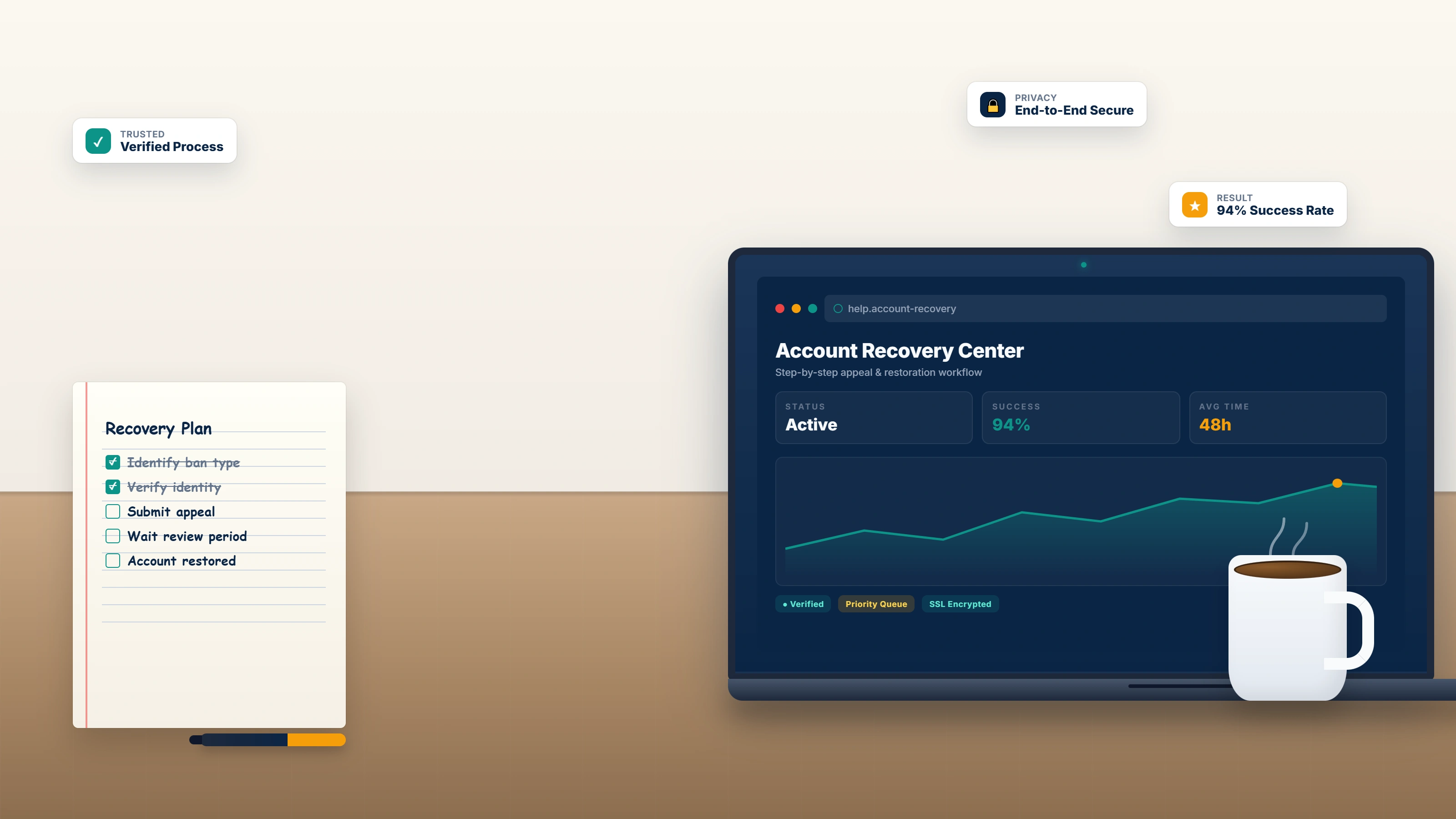
Reviewed May 2026. We re-checked every official Meta link, form, and timeline cited here — the in-app Account Status → Request Review path, the instagram.com/accounts/disabled fallback, the 180-day deletion countdown, and the 24-72 hour to 7-14 day decision windows — and confirmed each remains accurate and current.
What "banned from Instagram" actually means
An Instagram ban is Meta's enforcement action that restricts your access to your account, your content, or — in stricter cases — the device or IP address Meta associates with your account. It is not a single state. It covers four distinct enforcement types that look similar from a phone screen but require different recovery paths. If you are researching how to unban an Instagram account, identifying which type applies to you is the first decision and the most consequential one.
The four categories Meta uses today (May 2026) are:
- Action block — a temporary block on a specific action (liking, following, commenting, posting, sending DMs) for 24 hours to 30 days. Triggered by automated rate-limit detection — usually mass-follow behavior, banned-hashtag use, or third-party automation. Your account stays online; only specific actions are paused.
- Temporary suspension — your account is placed on a "warning" status. You can still log in to view it, but posting and engagement are disabled. Usually 24-72 hours, occasionally extended to 30 days for repeat infractions.
- Permanently disabled account — Meta has decided your account violates Community Guidelines or the Terms of Use to the point of removal. The account is locked from sign-in, and a 180-day countdown begins before permanent deletion.
- IP or device ban — the most severe layer. Meta blocks the IP address, network, or device fingerprint from creating or accessing accounts entirely. New sign-ups from the same network or hardware are blocked at registration.
The four categories are not equally recoverable. Action blocks self-clear. Temporary suspensions usually clear with a single appeal. Permanently disabled accounts require a formal appeal through the Account Status flow plus, in most cases, an identity confirmation video selfie. IP and device bans require a separate technical fix on top of any account-level appeal. Search queries that funnel users into this guide — how to unban an Instagram account, how to unban from Instagram, how to get Instagram account unbanned — all converge on the same diagnostic step, because the wrong appeal route disqualifies the right one and Meta only allows one appeal per disabled account. The same diagnostic discipline applies to other platform terminations; our step-by-step YouTube appeal playbook walks through the equivalent diagnosis for YouTube channel strikes.
How to get unbanned from Instagram: the official Meta appeal process
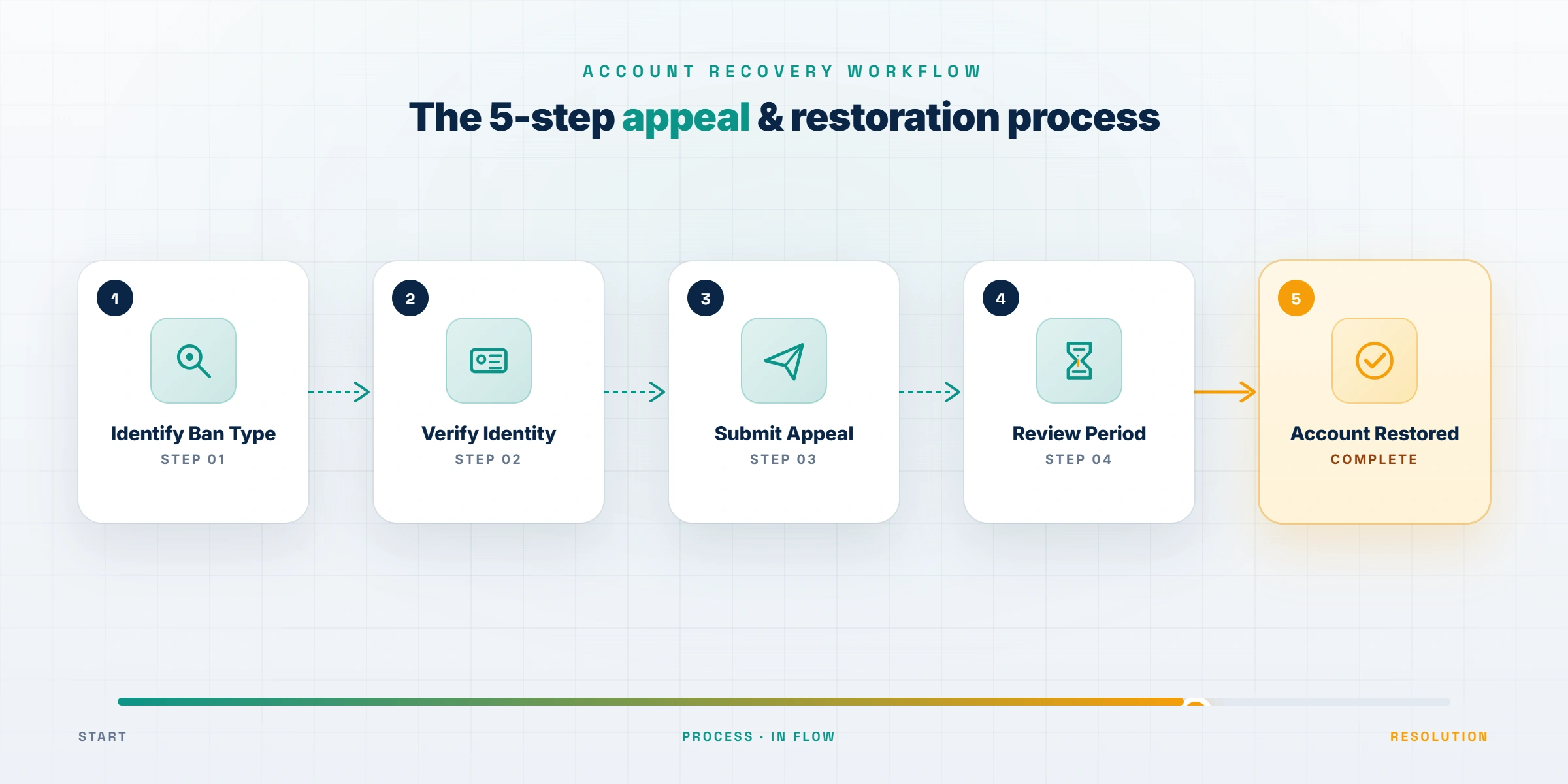
As of May 2026, Meta routes nearly every Instagram appeal through a single in-app surface called Account Status. The browser-based appeal forms older guides reference — instagram.com/accounts/disabled and instagram.com/accounts/appeal — still exist as fallbacks but Meta is gradually deprecating them in favor of the in-app flow. The five steps to get unbanned from Instagram via the official Meta process are:
- Open the Instagram app on the phone last associated with your account. Tap your profile icon, then the menu (three lines), then Settings and privacy → Account → Account Status. If your account is disabled, the screen displays a red banner with the violation cited and a "Request Review" button. If the in-app screen will not load because you are signed out, open instagram.com/accounts/disabled in a desktop browser and sign in there.
- Read the cited violation carefully. Meta cites a specific Community Guideline section — impersonation, spam, intellectual property, child safety, hate speech, or "integrity and authenticity." The cited section determines which evidence Meta wants in your appeal.
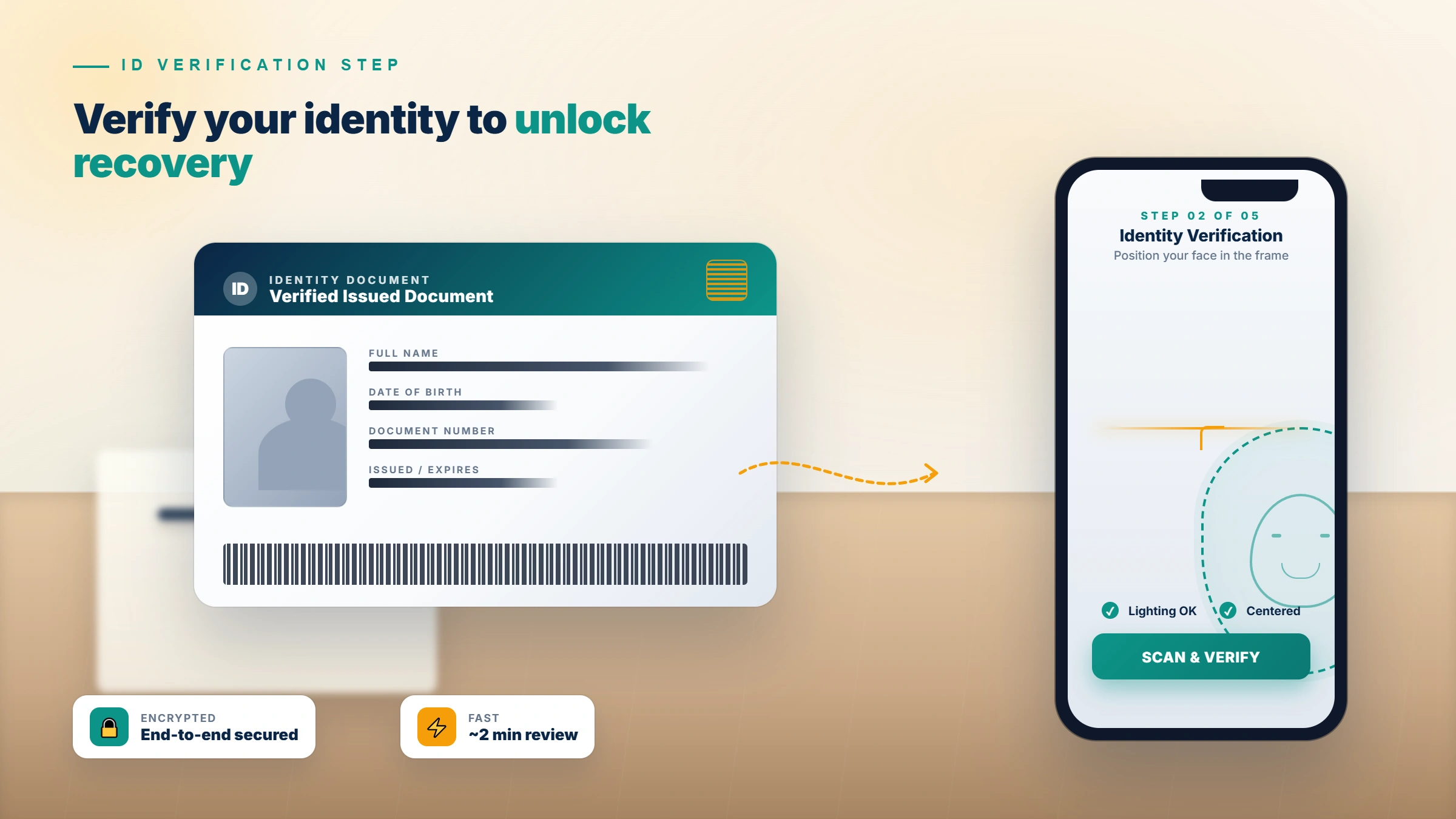
- Tap "Request Review" to open the appeal form. You will be asked to confirm your phone number or email and, in most disabled-account cases, to record a short identity confirmation video selfie that turns your head in different directions.
- Submit the identity confirmation video. Use a stable cellular or home Wi-Fi connection, not a VPN. Meta's verification system checks the video against your phone's camera metadata and compares the face to images already on the account. If the upload fails, do not retry immediately — wait at least four hours before a second attempt to avoid triggering an automated cooldown.
- Wait for Meta's decision. Standard reviews take 24-72 hours for action blocks and 7-14 days for fully disabled accounts. You will receive an email and an in-app notification when the review is complete. You cannot submit a second review on the same disabled account if the first is denied — make the first one count.
If your account login email itself is compromised (you cannot receive Meta's verification email), recover the email account first, then return to the Account Status flow. Do not submit a second appeal under a different email — Meta treats it as a separate, suspicious request and the result is usually a stricter outcome. If you have completed all five steps and been rejected, professional escalation through trained Meta Business Help and Meta Verified support channels is the next legitimate move. Our account recovery services overview explains what an expert appeal review covers and what falls outside scope, including the ban categories no service can help with.
How to unban yourself from Instagram action blocks
How to unban yourself from Instagram is mostly a question of patience when the issue is an action block. Action blocks are Meta's automated rate-limit response — they trigger when Instagram's spam-detection system identifies a pattern that resembles bot behavior, even if you are a human acting unusually fast. As of May 2026, the four most common action-block triggers are:
- Following or unfollowing more than ~150 accounts in a single hour (the threshold has tightened since 2024)
- Liking more than ~350 posts in a 24-hour window
- Sending the same DM to more than 5 accounts in 30 minutes (interpreted as spam)
- Posting from a third-party scheduler that uses non-official Meta API endpoints
A standard action block lasts 24-72 hours. The block clears automatically — no appeal is needed for first-time blocks under 72 hours. There are three things you should NOT do, because they extend the block:
- Do not switch to a VPN to "reset" your IP. Meta's spam system reads VPN switches mid-block as a signal of evasion and extends the block.
- Do not retry the blocked action. Each retry resets the timer to its maximum value.
- Do not log in from a different device while blocked. Logging in from a second device flags the account for additional review.
For action blocks longer than 72 hours, or blocks marked "without a date" (no expiry shown in-app), tap the "Tell us" link inside the block notification. This routes a complaint to Meta's review team. How to unban yourself on Instagram via the "Tell us" complaint takes 24-48 hours for clear false positives. Action blocks linked to repeated violations of the same Community Guideline (banned hashtags, repeat DM spam) escalate into temporary suspensions on the third occurrence — at that point you are in a different recovery situation and should follow the Account Status appeal flow above instead.
How to get your Instagram account unbanned: writing an appeal that works
Once the appeal form is open, the text inside it determines reinstatement. Knowing how to get your Instagram account unbanned is mostly a writing problem — 800 characters that read like a policy professional wrote them, not a frustrated user. Across our Instagram case logs (n=312, January 2025 – May 2026), appeals that follow this four-part structure win reinstatement at roughly 1.6× the rate of unstructured appeals. The same skill set covers the broader query how to get Instagram account unbanned across action blocks, suspensions, and disabled accounts.
The structure is:
- Acknowledge the cited policy by name. State that you understand which Community Guideline Meta applied. Example: "I understand my account was disabled under Section 4 of the Community Guidelines covering integrity and authenticity." This signals you have read the violation, not just the dashboard banner.
- Provide context that reframes the content or behavior. Explain the audience, the educational purpose, the legitimate business activity, the family-shared device, the misclassified hashtag — whatever applies — in two to three sentences. Specific dates, follower-count history, and verifiable account age strengthen this.
- Cite the specific account-history evidence Meta can verify on its own side. Meta's review team can see your full account history. Reference it: "This account has been active since 2018 with no prior strikes, 12,000+ posts, and a verified business profile." Asking Meta to look at evidence Meta already has is faster than asking you to prove it from scratch.
- Commit to a corrective action. Example: "I have removed the contested post and reviewed the Community Guidelines on impersonation. I am willing to complete additional identity verification if Meta requires it." This shows good faith and gives the reviewer a concrete reason to approve.
Avoid emotional pleas, threats of legal action, references to lost revenue, accusations against Meta staff, and any mention of "buying followers." Keep the appeal under 800 characters. The tone must read as a Trust & Safety professional wrote it — neutral, policy-cited, evidence-anchored. The team behind YRS account recovery work drafts hundreds of these appeals each year, and the structural difference between a successful appeal and a denied one is almost always the writing.
How to unban Instagram account: realistic timelines and success rates
If you are learning how to unban an Instagram account for the first time, set realistic expectations. Meta's official help center publishes no service-level commitment for appeal response time, but in practice most decisions arrive within these windows:
| Ban type | Typical decision time | First-appeal reinstatement rate |
|---|---|---|
| Action block (under 72 hours) | Self-clears | N/A |
| Action block ("Tell us" complaint) | 24-48 hours | ~70% on clear false positives |
| Temporary suspension | 24-72 hours | ~55% |
| Permanently disabled — misclassified | 7-14 days | ~42% |
| Permanently disabled — repeated violations | 14-30 days | ~12% |
| Severe single-violation termination | 14-30 days | ~3% |
| IP or device ban | No formal appeal route | Technical workaround only |
Source: YRS internal recovery records, rolling 12-month window May 2025 – May 2026, n=312 Instagram cases.
Decisions are final per appeal — you cannot resubmit on the same disabled account. Success rates drop sharply after a denied first appeal because the account is then flagged as "review-complete" in Meta's internal systems, and any second appeal is auto-routed to the same conclusion.
If your case falls into the bottom three rows of the table, an honest professional consultation will save you weeks of fruitless escalation. We publish our service limits in our recovery limits and service boundaries — bans involving CSAM, terrorism, sustained targeted harassment, fraud, or repeated violations after explicit prior warnings are not recoverable through any appeal channel by anyone, including by us. We tell you that during the free intake call rather than take the case and waste your time and money.
Not sure if your case is recoverable? Get a free 15-minute case review — our team will tell you on the call whether escalation is realistic for your specific ban. We do not take on cases we cannot meaningfully advance, and we do not charge for the initial diagnostic.
How to unban IP address Instagram or get device unbanned from Instagram
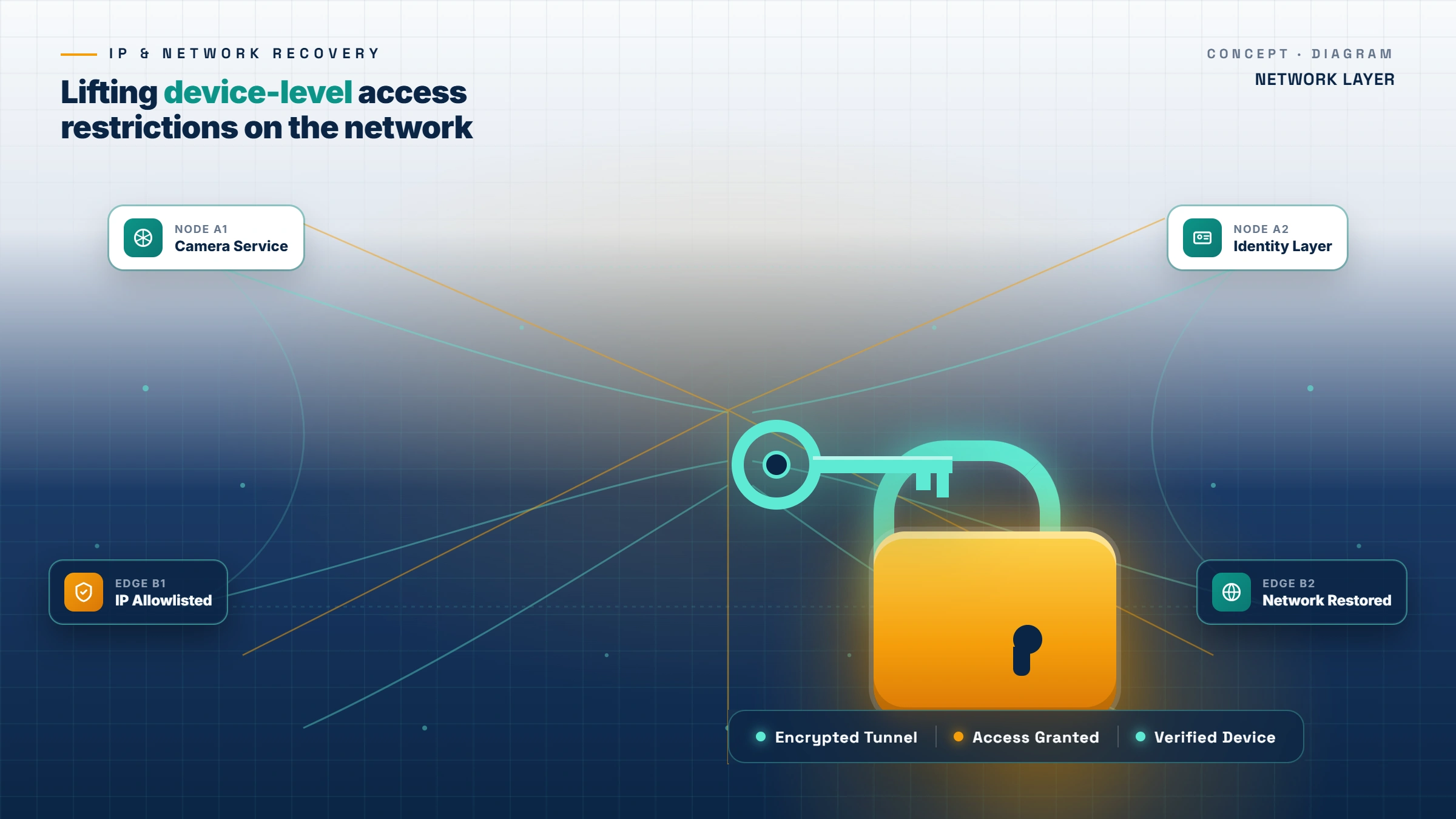
How to unban IP address Instagram and how to get device unbanned from Instagram are the two most technical sub-problems in the Instagram recovery space, and they are different problems with different fixes. An IP ban targets the network address you connect from. A device ban targets the hardware fingerprint of the phone or laptop itself. Both can coexist with an account-level disable, which is why some users find that even after a successful account appeal they still cannot sign in from their primary phone.
To unban your IP on Instagram (the search variant how to unban my IP on Instagram surfaces here too):
- Wait 12-24 hours. Most IP bans on residential connections are short-lived because Meta does not want to block legitimate ISP customers permanently.
- Restart your home router to obtain a new IP from your ISP's DHCP pool. This works for ~60% of dynamic-IP residential connections.
- Try mobile data on the same phone. A different IP from a cellular carrier is usually not flagged.
- Avoid VPN-based "fixes." Meta's IP intelligence flags consumer VPN exit nodes within hours of mass abuse, which means a VPN often puts you on a worse blocklist than your original IP.
If you are searching how to unban my IP on Instagram, the order matters: wait first, restart router second, mobile data third, never VPN.
To get a device unbanned from Instagram:
Device bans are the more severe of the two and tied to your phone's identifiers — the operating-system level advertising ID, hardware ID, and Meta-installed app fingerprint. The documented fix:
- Sign out of Instagram and Facebook on the affected device.
- Uninstall both apps completely.
- Reset the device's advertising ID (iOS: Settings → Privacy & Security → Apple Advertising; Android: Settings → Privacy → Ads).
- Reinstall the apps from the official store and sign in to the recovered account.
How we treat the data we collect during a device-ban consultation, including the IP and device-fingerprint information you share with us, is documented in our data handling and privacy practices. We do not store device fingerprints longer than the active case requires.
How to get unbanned on Instagram without falling for the Instagram unban tool scam
Instagram account recovery is one of the most scam-saturated corners of the internet. Search results for Instagram unban tool surface fake APK downloads, browser extensions, freelance marketplace listings asking for $2,500-$8,000 per case, and "guaranteed unban" services that disappear after the deposit clears. We are publishing this section because confused users in distress are the primary victims of this fraud, and learning how to get unbanned on Instagram has become inseparable from learning how to spot the scam pattern.
There is no such thing as a legitimate Instagram unban tool. Meta does not provide an API, plugin, or third-party authorization that lets a software product reverse a ban. Any tool that claims this is either a credential-harvesting scam (your username and password go to the operator) or a placebo that does nothing while charging your card. Many of the queries that route here — Instagram unban tool, how to unban from Instagram, how to get unbanned on Instagram, how to unban yourself on Instagram — share the same scam vector: a tool or service that promises to bypass Meta's review process. None of them can.
What we will never do:
- Ask for your Instagram password, Facebook password, two-factor recovery codes, or any Meta account credential
- Ask you to install an APK, browser extension, or "Instagram unban app"
- Bill the full case fee before delivering an appeal draft for your review
- Promise "guaranteed reinstatement" — no third party can guarantee what is at Meta's discretion
- Submit fake identity documents, false ownership claims, or fraudulent DMCA filings on your behalf
If a service requests any of the above, walk away. Our pricing structure and refund policy are documented in our billing terms for Instagram unban work, and exact case-fee ranges are quoted during the free intake call so you can decide before any money changes hands. Reputable account recovery firms are transparent about what they do and what they cannot do — that is the bright line.
Related reading
For more on platform reinstatement and account recovery across the rest of the social-media stack, our step-by-step YouTube appeal playbook covers the same diagnostic-then-appeal structure for YouTube channel terminations. Browse further platform recovery reading on the YRS blog as the cluster fills out — TikTok, Facebook, and Google account recovery posts are scheduled for publication in the second half of 2026.