What does it mean to "take down" a Facebook account, page, or post?
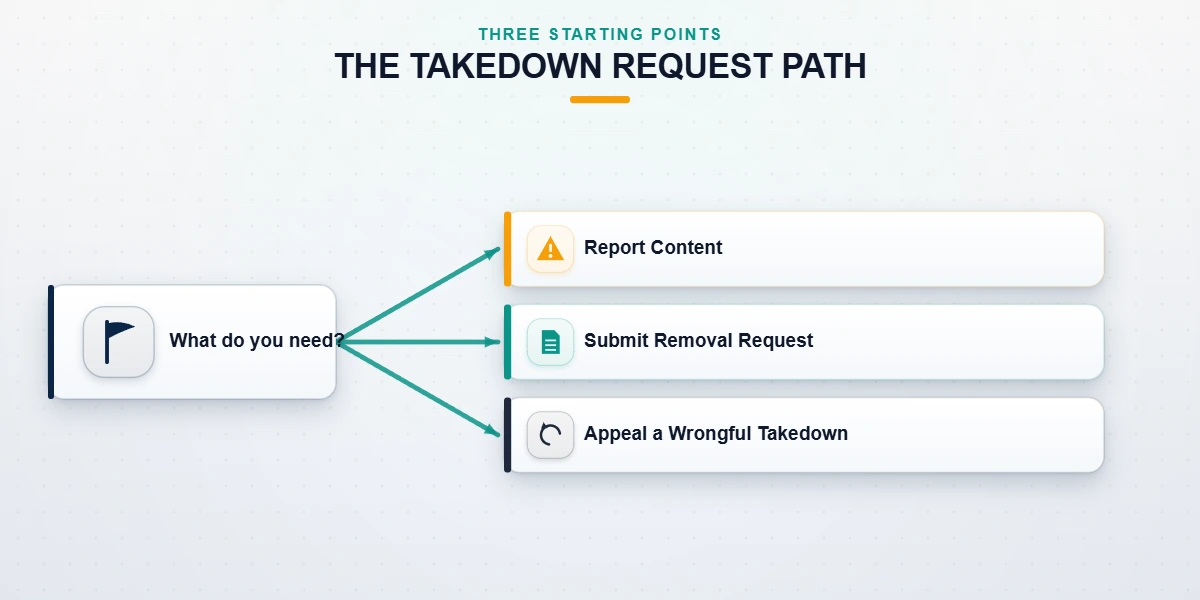
Taking down Facebook content means one of three distinct actions, and confusing them is the single most common reason people waste weeks getting nowhere. Removing your own content — an account, page, post, photo, or profile picture you control — is done from Facebook's own Settings and usually takes minutes. Reporting content you do not control — a fake profile impersonating you, targeted harassment, or your copyrighted material reposted without permission — is a request Facebook reviews against its Community Standards, and it succeeds only when the content genuinely breaks a rule. Appealing a takedown — when Facebook has already removed something of yours that you believe was flagged in error — runs through a separate reinstatement and Oversight Board process. A Facebook take down request can therefore mean any of the three, so the first and most important step is identifying which situation you are actually in before you touch a single button.
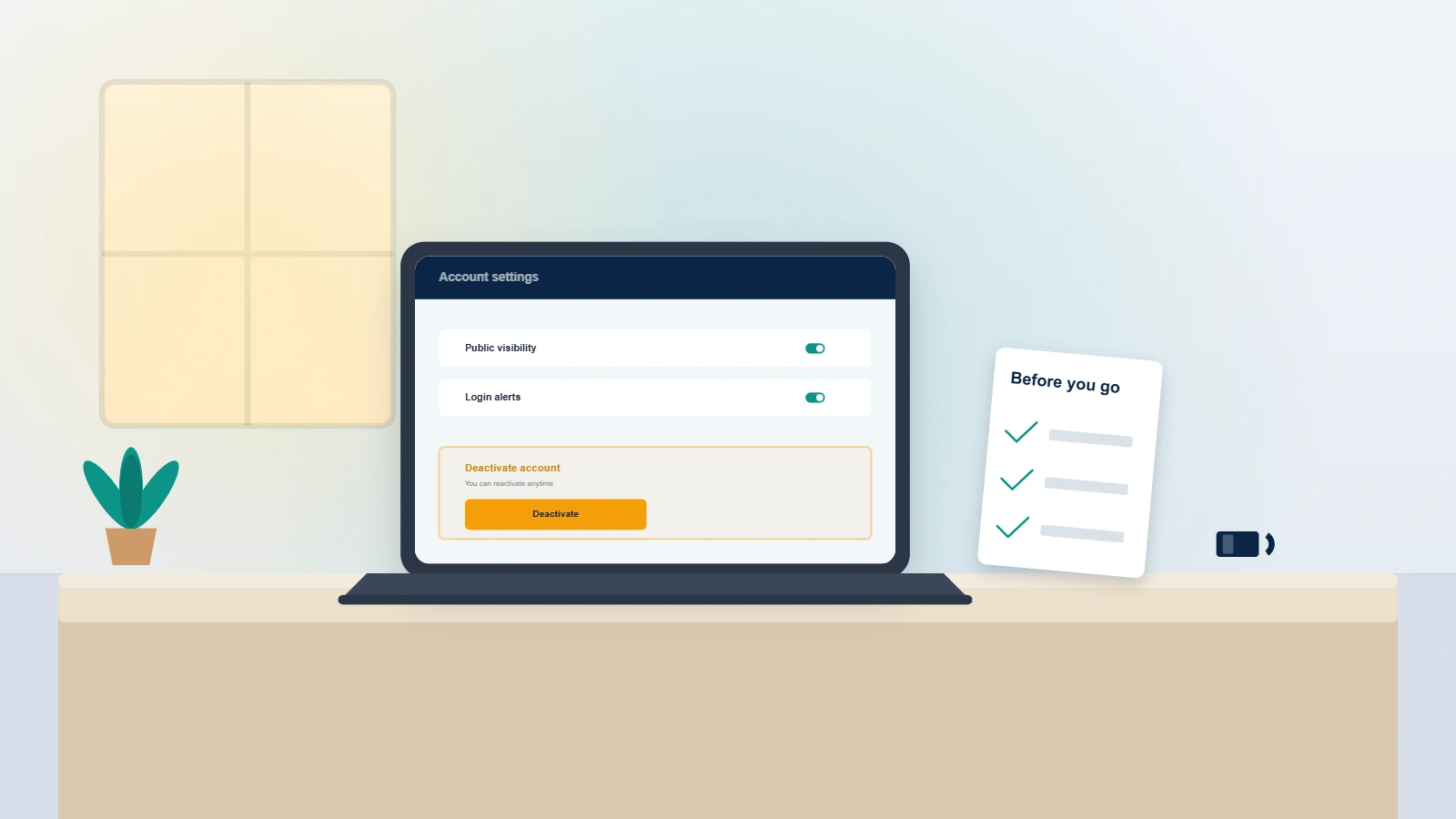
For content you own, Facebook offers two removal states people constantly mix up. Deactivating hides your profile and pauses it while keeping your data on Meta's servers, so you can reactivate any time by logging back in. Deleting is permanent: after a grace period Facebook erases the account, its posts, and its photos for good. Meta applies a 30-day grace window on account deletion and up to 90 days to purge data from backup systems, per its deactivating or deleting your account guide. If you searched for how to get an Instagram account taken down, the Meta-family logic is nearly identical — the same reviewer teams and policies apply across Facebook and Instagram. And if Facebook has already removed your material and you are here to reverse it, our content taken down Facebook appeal walkthrough covers the reinstatement route in depth.
How to take down your own Facebook account
To take down a Facebook account you own, decide first between deactivation and permanent deletion, because the two are not interchangeable. On desktop, open the account menu in the top-right, go to Settings & privacy, then Settings, then Accounts Center, then Personal details, then Account ownership and control, and choose Deactivation or deletion. In the Facebook mobile app the path is Menu, Settings & privacy, Settings, then the same Accounts Center flow. Deactivation is reversible the moment you log in again; permanent deletion starts a countdown. As of July 2026, Meta holds a deleted account in a 30-day recoverable state before erasing it, and warns copies can persist in backup storage for up to 90 days afterward. If your goal is a clean break for reputation reasons rather than a pause, deletion — confirmed through Meta's permanently delete your account page — is the only option that removes the profile from search.
Before you delete, download a copy of your information (Settings, Your information, Download your information) so you keep your photos and messages. Deletion cancels automatically if you log back in during the 30-day window, which is useful if you change your mind but a trap if you absent-mindedly sign in.
If you no longer have login access — common with old or orphaned profiles — you cannot delete the account through Settings at all; you first have to recover access through Facebook's identity-verification flow, and only then remove it. In our internal case records (n=214 Facebook matters handled in the twelve months to July 2026), roughly one in three "I want my account taken down" requests were actually access problems in disguise, not deletion problems.
How to take down a Facebook page, post, photo, or profile picture you own
Removing an object you own follows the same principle as the whole account: you are the admin, so no report is required — you use Facebook's built-in controls. Each object type has its own path, and the reversibility differs. A page can be unpublished (hidden, reversible) or deleted (permanent after a grace period). A post or photo is removed instantly with no grace period, though cached copies and other people's screenshots are beyond Facebook's reach. A profile picture can be deleted from your photo albums or simply replaced. A group can be archived or fully deleted, but only after its members are removed. Knowing which control matches your goal saves the frustration of hiding something when you meant to erase it, or vice versa. If reversibility matters to you, choose the hide/unpublish option first and delete later once you are certain.
How do I take down my Facebook page?
To take down a Facebook page you admin, open the page, go to Settings, then Privacy, then Facebook Page information, and choose Deactivation (reversible) or Deletion. Deleting a page starts a 14-day grace period during which you can cancel; after that it is permanent. If you only want it gone temporarily, unpublish it instead. Anyone asking "how do you take down a Facebook page" they do not own is in a different situation entirely — see the reporting sections below.
How to take down a Facebook post
To take down a Facebook post you published, open the post, tap the three-dot menu in its top-right corner, and select Move to trash or Delete. How you take down a post on Facebook is identical on desktop and mobile. Deleted posts sit in your Trash for 30 days before Facebook purges them, so you can restore one if you delete it by mistake. There is no grace period on the public side, though — the post disappears from feeds immediately.
How to take down a photo on Facebook
To take down a photo on Facebook, open the image, click the three-dot menu, and choose Delete photo. If the photo is one you were tagged in rather than one you uploaded, you cannot delete it — you can only remove your tag or ask the uploader to take it down. For photos of you that are harmful or intimate, Facebook's privacy-based image removal request is the correct channel even when you did not post the image.
How to take down profile picture on Facebook
To take down a profile picture on Facebook, open your profile, click your current picture, open the three-dot menu, and select Delete photo, or simply upload a replacement so the old one is no longer displayed. Old profile pictures live in your "Profile pictures" album until you delete them there, so clearing that album is the way to remove every past version, not just the current one.
When a Facebook group is taken down
If a Facebook group is taken down by its admin, deletion is only possible after every member has been removed — Facebook deletes a group automatically once the last member (including you) leaves. If your group was taken down by Facebook rather than by you, that is an enforcement action, and it follows the appeal path described later in this guide.
What to do when Facebook won't take down a fake profile of you
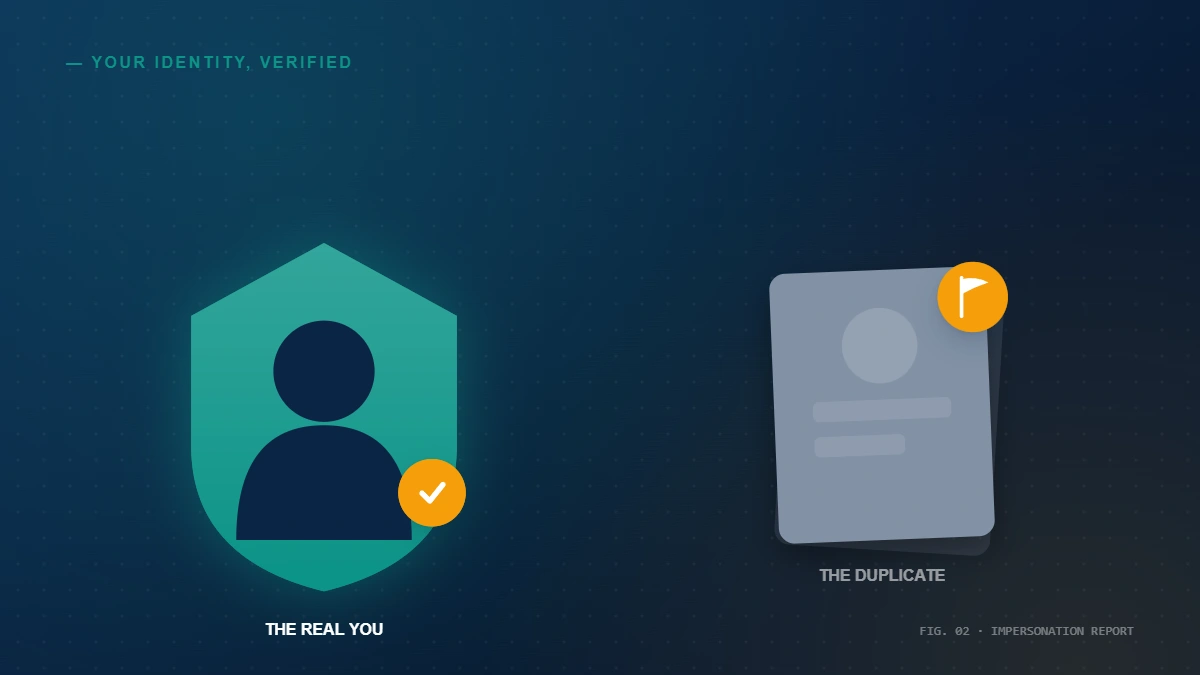
Impersonation is the situation where a stranger clones your name and photos to deceive your friends, and it is also where Facebook's process frustrates people most. The correct first step is the dedicated report an imposter account form, which lets you file even without an account of your own and asks you to upload a government ID to prove which profile is the real you. Facebook actions impersonation under its Community Standards, and its Transparency Center publishes the volume of content removed under each policy every quarter (Meta Transparency Center, 2026). When someone tells us "Facebook won't take down a fake profile of me," the report almost always failed for a fixable reason: it was filed under the wrong category, the ID did not match the name on the fake profile, or the impersonation was subtle enough that a first-pass reviewer read it as a lookalike rather than a clone.
If your first report is rejected, do not simply re-report from the same account — escalate with evidence. Re-file through the imposter form with a clearer government ID, a side-by-side of the fake and real profiles, and a short factual statement of the harm. Where a fake page is squatting your name or brand handle, our guide to reclaiming a Facebook username explains the parallel handle-recovery route. Persistent, cross-platform impersonation is where professional help earns its keep: the former Meta reviewers on the team know which internal queue each report type lands in and how to document a case so it is not dismissed at triage. For criminal impersonation or stalking, file a police report too — a case number materially strengthens a Meta escalation.
How to get a Facebook page, post, or group taken down
You can only get someone else's Facebook page, post, or group taken down when it violates a specific Community Standard — impersonation, harassment, hate speech, a credible threat, a scam, or infringement of your intellectual property. Facebook does not remove content for being unflattering, critical, or simply disliked, and the number of reports is irrelevant: ten thousand reports on lawful content remove nothing, while a single well-documented report on a genuine violation can. This is the fact that separates legitimate takedowns from the "mass reporting" services that flood the market; if a seller has quoted you a price per thousand complaints, read what a facebook mass report actually reaches inside Meta's review before you pay. Reviewers assess the content against the rule you cite, so the winning move is always precision — name the exact policy broken and attach proof — rather than volume. Reporting is done from the three-dot menu on any page, post, or group via Find support or report.
How to get a Facebook page taken down
To get a Facebook page taken down, open it, click the three-dot menu, choose Find support or report Page, and select the specific violation. For impersonation of you or your business, use the imposter route so you can attach ID. The same logic drives our X/Twitter takedown walkthrough — evidence beats outrage on every platform.
How to get a Facebook post taken down
To get a Facebook post taken down, use the post's three-dot menu, choose Report post, and pick the category that matches — harassment, nudity, a scam, or intellectual property. If a Facebook post taken down request is rejected, the appeal path below still applies, and cross-platform reporting works the same way, as our Snapchat takedown guide shows.
Being impersonated or wrongly taken down right now? Request a free case review and a former Meta Trust & Safety reviewer will tell you honestly whether your situation is removable — before you spend a cent.
Does Facebook take down videos with copyrighted music?
Yes — Facebook does take down videos with copyrighted music, automatically. Its Rights Manager and audio-fingerprinting systems detect protected recordings, and the rights holder can choose to mute the audio, block the video, or allow it, often without a human report ever being filed. This is why a personal video can be silenced or removed within minutes of upload. Separately, if someone reposts your own copyrighted photos or videos without permission, you take them down by filing a DMCA copyright report with Facebook, which is the same legal mechanism defined by the US Copyright Office's DMCA provisions. A valid DMCA notice names the original work, the infringing URL, and a good-faith statement — and filing a false one carries legal liability, which is exactly why we never submit a copyright claim on material that is not yours.
The copyright route is also how reputation-damaging reposts of your own content are removed when they do not otherwise violate a policy, and it mirrors the process in our guide to removing a Telegram channel for infringement.
Do stock photos get taken down on Facebook?
Stock photos generally do not get taken down on Facebook on their own, because a licensed stock image used within its license terms is not infringing. They are removed only when used without a valid license, when the licensor files a claim, or when they accompany a scam or impersonation. If a stock image is being used inside a fake profile of you, report the profile for impersonation rather than the image for copyright — that is the faster, more reliable path.
How to appeal when your content is taken down by Facebook
When your own content is taken down on Facebook and you believe the decision was wrong, you have a formal right to appeal, and it works. Every enforcement notice includes a Request review or Disagree with decision button; using it sends the case to a second reviewer. As of 2026, if that internal appeal fails, eligible cases can be escalated to the independent Meta Oversight Board, which can overturn Meta's own decisions. For a Facebook page taken down appeal or a removed post, prepare before you click: gather the context Facebook lacked — screenshots, the reason the content is compliant, and any prior standing your account has. A vague "please restore" appeal is far weaker than one that cites the specific standard and explains why your content does not breach it. In our records, well-documented appeals succeed at a meaningfully higher rate than bare-bones ones (our internal case records as of July 2026).
Speed matters, because appeal windows close — many enforcement decisions allow only a limited number of days to request review. If your entire account or page was removed and you have lost the login, our Facebook page taken down appeal and recovery guide covers the access-first version of this problem. EU and UK residents also have a separate lever: the right to erasure under Article 17 of the GDPR, which can compel removal of certain personal data independently of Facebook's policies.
What we won't do — and what Facebook won't take down
Because this niche is crowded with scams, transparency is our product. We never ask for your Facebook password, we never charge a fee that "guarantees" removal, and we do not file false reports or fraudulent DMCA claims to take down lawful pages — a boundary spelled out in what we won't do on a take-down request. Anyone promising to erase a truthful negative review, a competitor's lawful page, or a critical post for a flat fee is either lying or planning to break Facebook's rules with your name attached to it.
It is equally important to know what Facebook will not take down, no matter who asks: lawful criticism, honest negative reviews, satire, screenshots already shared elsewhere, and any content that does not breach the Community Standards. Setting that expectation honestly is the difference between our reputation services and the guaranteed-removal scams. Where content genuinely violates policy — impersonation, harassment, non-consensual intimate imagery, or infringement of your own work — removal is realistic, and a well-built case is what gets it done. Legitimate clean recovery and reporting typically resolves in 24–72 hours to a few weeks; durable search-result suppression takes 90–180 days. Anyone quoting faster is selling false hope.