Is a cloned account the same as a hacked one?
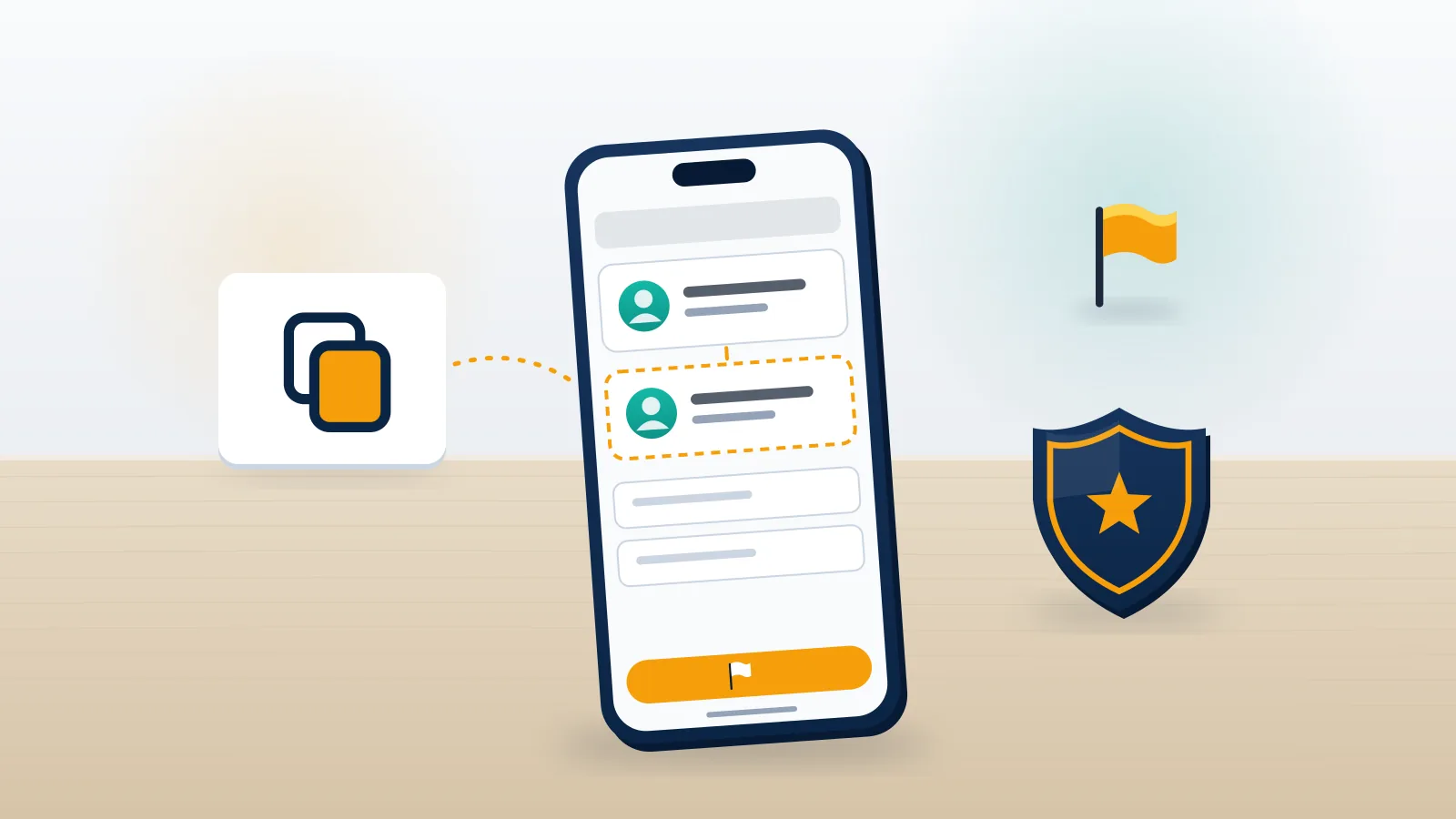
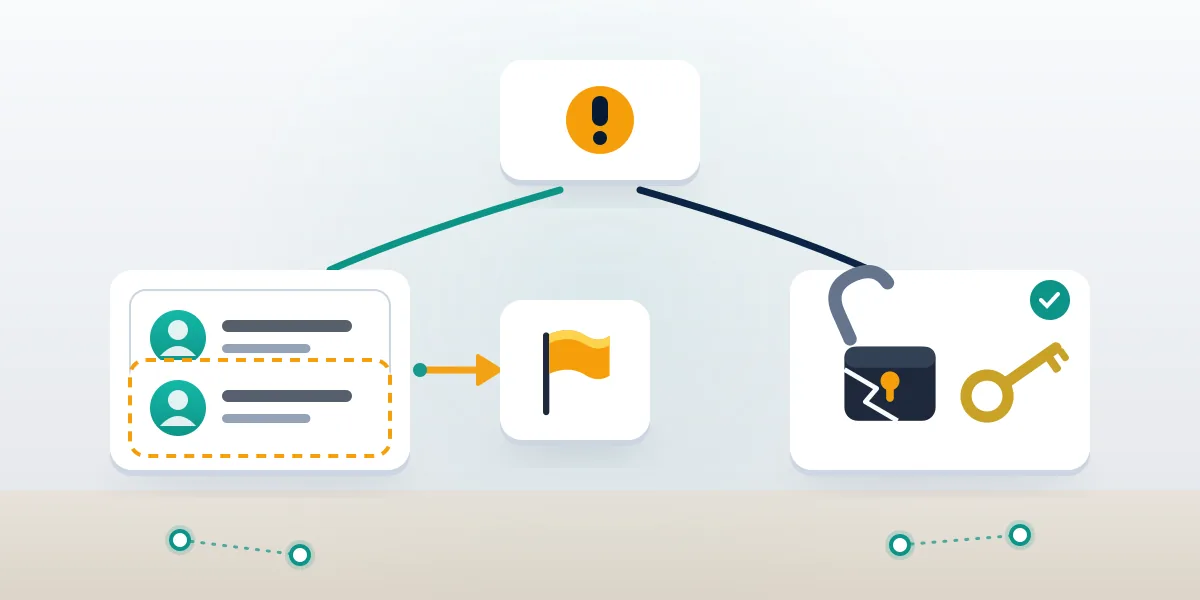
No. A cloned Facebook account is a brand-new profile that copies your name, profile photo and cover image, while your real account stays untouched and in your control. A hacked account is your own profile with someone else inside it. The difference decides everything that follows, because the fix for one does nothing for the other.
Cloners rarely want you. They want your friends. The copy sends friend requests to people on your list, waits for a few dozen to accept, and then messages them with a familiar script: a stuck payment, a prize claim, a request to "vote" through a link that harvests their login. Facebook calls this impersonation and treats it under its policy on account integrity and authentic identity, which bans profiles that pretend to be another real person. Meta says fake accounts make up roughly 3% of Facebook's worldwide monthly active users (Meta Community Standards Enforcement Report, 2025), which is why the review queue moves on volume and pattern rather than on anyone's individual story.
Your Reputation Solution is an account recovery and online reputation firm that files impersonation, clone and takedown reports through each platform's own channels for people and businesses. The first job in every clone case is the same one you can do yourself in two minutes: confirm it really is a copy. Open Facebook, go to Settings & privacy, then Accounts Center, Password and security, and Where you're logged in. If every session there is yours, you are dealing with a clone. Anyone wondering how to report my facebook account has been cloned, or how do i report my facebook account being cloned when friends are already getting messages, should run this check first; it takes less time than the report itself. If a device or city you don't recognise shows up, treat it as a takeover and use the five official paths to recover your Facebook account before you report anything.
How to remove a cloned Facebook account, start to finish
There is no delete button for a profile you don't own. Removal means getting Meta to take the copy down, and that only happens through a report Meta can verify. Here is the order that works, as of October 2026.
- Capture the clone before you touch it. Copy the profile URL (the numeric ID in it survives a name change), screenshot the profile, the photo albums and any messages friends forward to you. Cloners often rename or block you once they notice a report.
- Report it from the profile itself. On the clone, open the three-dot menu under the cover photo, choose Report profile (some versions say Find support or report), pick Pretending to be someone, then Me. That last tap is what ties the report to your real account, and it is the whole of how to report a cloned facebook account correctly. Reporting a cloned facebook account under any other category tends to stall.
- Ask three to five close friends to file the same report. They pick Pretending to be someone, then A friend, and name you. Volume does not decide the outcome, but corroboration from accounts with real history moves a report out of the automated pass faster. If a friend asks how do you report a cloned facebook account on your behalf, this is the only step they need, and each of them can report facebook cloned account copies straight from their own feed.
- Warn your list once. One short post saying "a copy of my profile is sending requests, please don't accept or reply" does more than ten private messages.
- Close the door the cloner walked through. In Settings & privacy, open Audience and visibility, then How people find and contact you, and set Who can see your friends list to Only me. A cloner who can't see your friends has no one to target next time.
People search this in a dozen phrasings, from "how to remove cloned facebook account" to "how to report cloned facebook account" or a bare "facebook report cloned account", and the answer is always the report above, because no outside tool can delete a Facebook profile. If someone already has your photos, the same steps apply across platforms: the routes to remove negative content online start with whoever hosts the copy, not with the person who made it.
Need a second pair of eyes on a clone that won't come down? Your Reputation Solution reviews the evidence, picks the right Meta channel and files the report for you. Start a free assessment — no password, no payment up front.
How do I report a cloned Facebook account on iPhone?
On iPhone, the report sits behind the three dots on the clone's profile, exactly as on desktop, but two iOS habits trip people up. The same steps answer how to report a cloned account on facebook from an iPad, and how do i report a cloned account on facebook when the app is all you have. The answer to "how to remove a cloned facebook account on iphone" is this sequence in the current Facebook app for iOS:
- Open the clone's profile. If it has blocked you, ask a friend to send you the link, or report it from their phone.
- Tap the ••• button under the profile name.
- Tap Report profile, then Pretending to be someone, then Me.
- Tap Submit, and on the next screen tap Block as well, so the copy can't see your updates.
The first trip-up is search. Cloners block the real person almost immediately, so the copy simply won't appear when you look for your own name; a friend's screenshot or shared link is how you get to it. The second is evidence. Take screenshots with the Side and Volume Up buttons before you report, and use Share, then Copy link, to save the URL into Notes. Once Meta removes the profile, that link is the only proof you'll have if a second clone appears and you need to show a pattern.
When we file these for clients, Meta's first reply usually lands in the Support Inbox (Menu, then Help & support, then Support Inbox) within 24 to 72 hours, and a clone that copied photos straight from your profile is normally gone within a week. The slow cases are copies that changed one letter of your name and use a different photo; reviewers need more to connect those to you.
Can you remove a cloned Facebook account without a password?
Yes. You never need the clone's password, and you don't need to be logged in to your own account either. That is the whole point of Meta's Report an impostor account form, which accepts reports from people with no Facebook profile or no current access to one. It is the cleanest answer to how to report a cloned account to facebook from outside the app, and it lets you report a cloned account to facebook in a browser in about five minutes. So "how to remove a cloned facebook account without password" really splits into two situations.
If you simply have no login at all, the form asks for the clone's URL, your name and email, and usually a photo of a government ID so a reviewer can match you to the stolen pictures. Cover the ID number and anything Meta doesn't need, such as your address; the name and face are what matter. The same form is how you report cloned account to facebook for a parent or grandparent who isn't on it. Meta's help page on reporting an account pretending to be you links to the same form from the logged-out side.
If you lost access because someone actually took over your account, stop reporting and recover first at facebook.com/hacked. A clone report filed from a compromised account can be dismissed if the attacker changes your name or photo in the meantime, and the reviewer then sees two profiles that no longer match. The same order applies on other networks. Recovering a locked-out login has its own playbook on each, whether that is twitter account recovery without username, youtube account recovery without email or whatsapp account recovery without sim, and none of them involves handing your password to anyone.
Why do clone reports get rejected?
Most rejected reports fail for one of four fixable reasons, and none of them means the clone is allowed to stay. This is what we see when people bring us a report Meta declined, and the change that usually gets it through.
| What happened | Why Meta declined | What to change |
|---|---|---|
| You chose Fake account | That category checks whether a real human runs the profile, not whether it copies you | Re-report as Pretending to be someone, then Me |
| The clone changed its name | The reviewer sees no match to your profile | Attach your earlier screenshots through the impostor form |
| Only you reported it | A single report against an account with fresh photos looks like a dispute | Add two or three reports from friends who know you |
| The copy is a fan or parody page | Pages that say they are unofficial are allowed | Report as intellectual property only if they use your trademark |
The phrasing people type into search mirrors that confusion: "how to report facebook account cloned", "how to report cloning on facebook", "how to report a facebook clone", "how to report facebook cloned account". Every one of them means the impersonation route, not the fake-account one. When you report cloned facebook account copies a second time, attach the screenshots you saved on day one. If your situation is a broader impersonation case, such as a fake business Page or a copy that uses an invented name, our guide on how to report Facebook impersonation covers the Page and brand routes this page leaves out.
A declined report can be resubmitted with better evidence, and Meta lets you request a review of the decision from the Support Inbox. Do not report the same profile twenty times in an hour. Duplicate reports are merged, and the pattern looks like a campaign rather than a victim, which is the same reason a YouTube mass report bot or a Snapchat mass report bot can't force a takedown either.
Will the person behind the clone know you reported them?
No. Meta doesn't tell the account owner who filed an impersonation report, the same confidentiality rule covered in our piece on whether, if you report someone on Instagram, will they know. The clone just disappears, or the owner gets a generic notice that the profile broke the rules. TikTok handles it the same way, and the number of reports matters less than people assume; our breakdown of how many reports to get banned on TikTok explains why one accurate report beats a pile of angry ones.
That anonymity matters because the people running clone farms are rarely individuals with a grudge. They work in batches. When we trace a clone for a client, we often find the same photos reused on Instagram, LinkedIn or a TikTok Shop listing within the same week, under names that differ by one letter. Reporting on every platform at once closes the loop: how to report a fake LinkedIn profile, how to report a TikTok Shop seller using your photos, and how to report a tweet or account on X that reposts the scam link.
What to watch for after the clone is gone
A removed clone often leaves a trail of phishing attempts aimed at you. Expect fake security emails over the next few weeks, because the people who copied your profile now know you're paying attention. Learn to read a genuine reset message from Meta and from Instagram; our guides on security mail instagram com and on an Instagram password reset email that never arrives show what real ones look like.
Instagram is usually the next target, since it shares Accounts Center with Facebook. If you get locked out there, start with how to unlock an Instagram account and, if Meta has already disabled it, recover a disabled Instagram account without email or phone. A wave of false reports from the cloner can also trip Meta's filters on your real profile, which is the situation people describe as "Instagram suspended my account for no reason". Our list of habits on how to avoid being banned on Instagram lowers that risk.
Other apps get hit as well. Clone farms that steal a Facebook identity will try your phone number on messaging apps, so it is worth knowing telegram account recovery without verification code and how to recover a Telegram account without a phone number before you need either. The same goes for TikTok account password recovery and TikTok account recovery without a phone number. On X, a sudden drop in reach after you warn followers about a scam is more often a filter than a punishment; here is how to remove a shadow ban from Twitter if that happens.
When a clone becomes a reputation problem
Sometimes a clone posts things you would never say, and those posts get screenshotted and indexed. Removing the profile doesn't remove a screenshot on a forum or a cached search result. That is a search and publisher problem, handled with removal requests to the sites hosting the copy and, where the law allows, legal notices. For a sense of how that works on the harder end of the scale, see how people remove an arrest record from Google, or how negative content removal in Australia works under local defamation and privacy rules.
If the clone was used to scam your friends out of money, report it as fraud too. In the US that means the FTC's ReportFraud.ftc.gov, and the record you file there helps if a friend's bank asks for evidence later.
What we won't do, and what nobody honest will
Your Reputation Solution files and escalates the report; Meta makes the final decision about whether a profile comes down. Nobody outside Meta can delete a Facebook account, and anyone selling a guaranteed removal is selling a promise about somebody else's decision.
We won't ask for your Facebook password or login codes, and we won't ask for the clone's either. We don't use report bots, purchased reports or fake legal notices, because those break Meta's terms and can get your own reports deprioritised. We also turn down requests to "clone back" or report a profile that is not actually impersonating anyone; an account that merely shares your name is not a clone. If a stranger messages you offering to take down the clone for a fee in gift cards or crypto, that is the second scam in the chain. You can read the limits of what we offer on our disclaimer page, and how the team works on the Your Reputation Solution homepage.