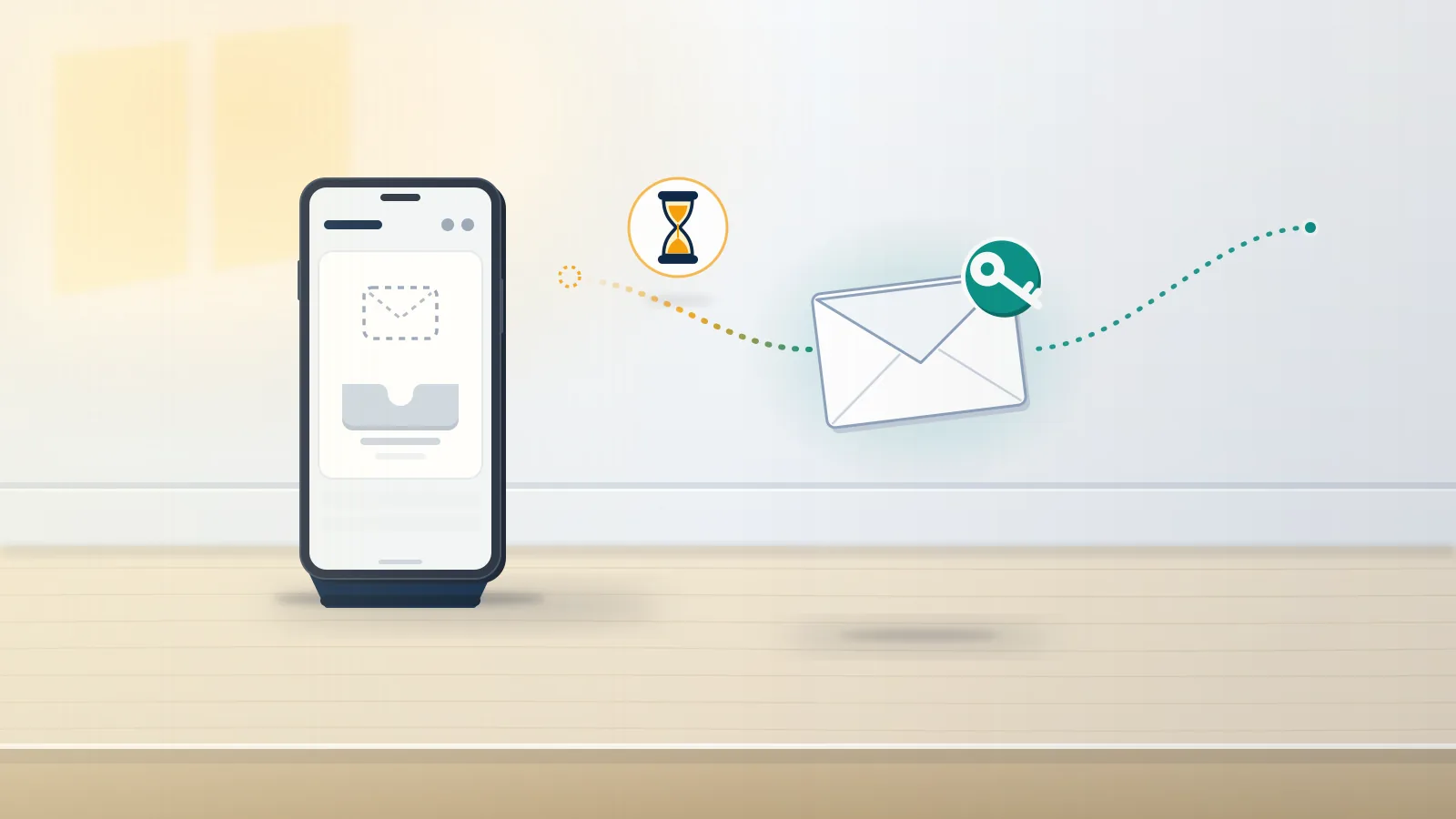
How does an Instagram password reset email work?
You request it on the login screen, and Instagram sends a link only to the email or phone already on the account.
Tap Forgot password?, enter a username, email or phone number, and Instagram sends a link to whichever contact it holds on file, according to its Recover your Instagram password article. That detail explains most failures. An instagram email password reset only reaches the address the account was registered with, so typing a newer Gmail into the form changes nothing. In a browser, the same form lives at instagram.com/accounts/password/reset/, which is the whole instagram password reset page. Mail arrives from [email protected], and the help pages say Instagram's emails come only from @mail.instagram.com, so a reset from any other domain deserves suspicion before a single tap. Inside sit two buttons: one resets the password, the other logs you straight in. As of October 2026, Meta is also moving people from Accounts Center to Meta Account settings, so menu names differ between phones. Whoever controls the inbox on file controls every email reset password instagram attempt.
A message you never asked for is a separate problem, covered in the guide to a password reset email you didn't request.
Official articles live in the insta help center, and the ig customer service guide explains why a human rarely answers. Your Reputation Solution is an account recovery firm that works through Instagram's own reset and hacked-account flows with people locked out of Meta accounts.
Instagram not sending password reset email, or is it in spam?
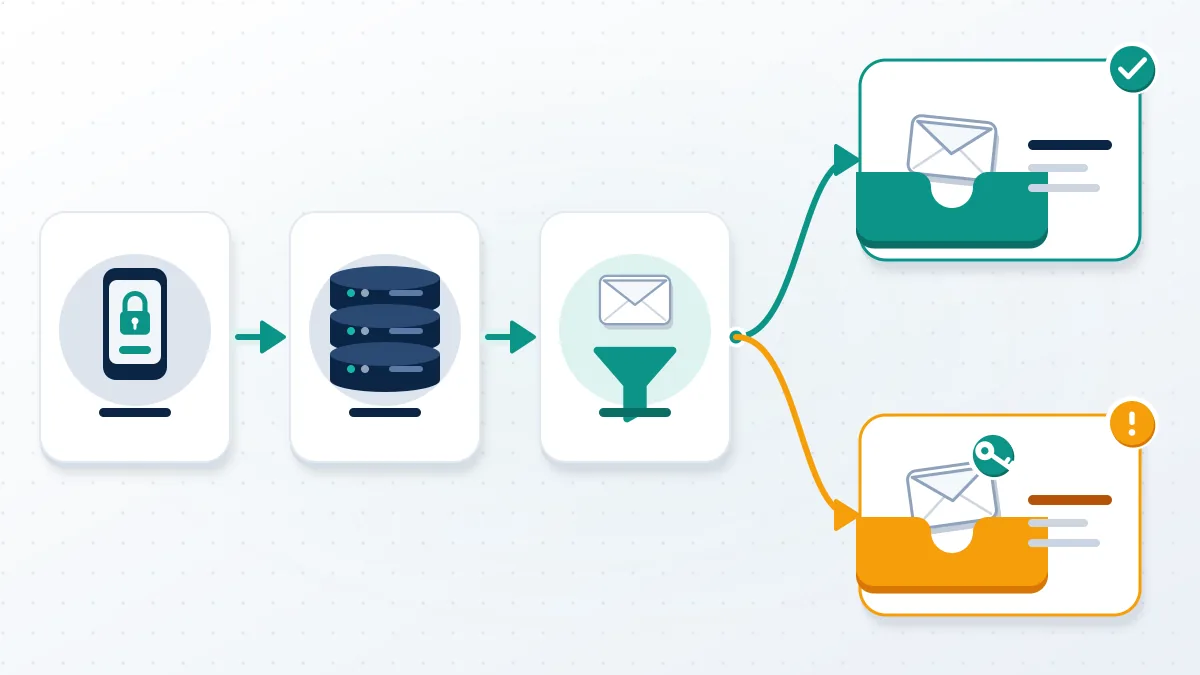
Usually it was sent and then filtered: Instagram names the spam folder as the first reason a requested reset never shows up.
Instagram's page on a password reset email you didn't receive lists two causes, spam filtering and an address mistyped at sign-up. It also lists three fixes: check spam, reset through Facebook when the accounts are linked, and ask your email provider whether mail from the @instagram.com domain is blocked. People typing "instagram reset password email not sending" into Google tend to skip that last one. Work and school inboxes often quarantine automated mail before it reaches any folder you can see. Search the whole mailbox, including Promotions, Updates and Archive, for "mail.instagram.com" rather than the word Instagram. Then add [email protected] to your contacts and request one new message. Should an ig password reset email still fail to land after both steps, the problem sits with the address on the account, not with the filter.
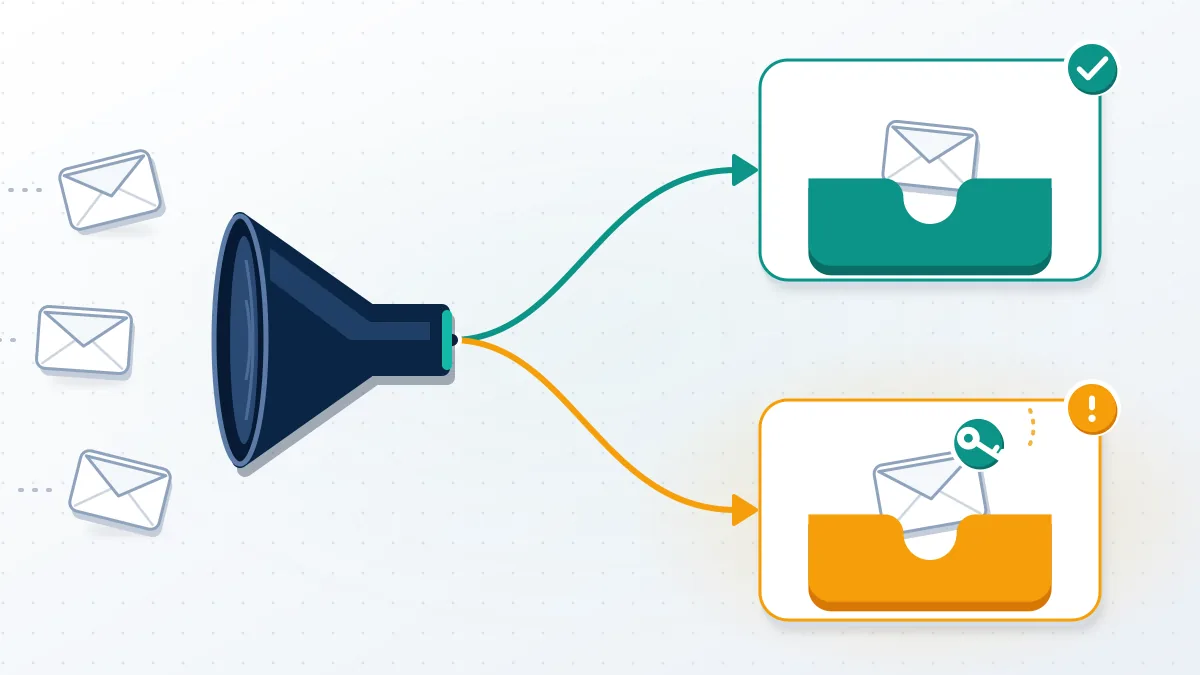
Codes from other apps hit the same filters, which is why steps on how to recover whatsapp account with email start in spam too. No best whatsapp recovery software list restores a message the filter already deleted.
Did you type the address the account was registered with?
An "email can't be found" error means the account was probably registered under another address, or with a typo. Your Reputation Solution sees this cause more than any other once spam is ruled out.
Instagram's article on an email address that can't be found gives two causes: you registered with a different email, or you mistyped it when signing up. One sister page covers a password reset email instagram sends for the wrong profile, which happens when one address sits on several accounts. Try every email, phone number and username you have ever used, one at a time, from the same Forgot password? screen. Username is the most forgiving, because Instagram then picks the contact itself. Here the news gets blunt. When the address was mistyped at sign-up and the account isn't linked to Facebook, Instagram says it is "not able to give you access to this account." No instagram reset password page or support form overrides that line, which makes typo accounts the hardest lockout on this list.
Forgot the username? An is this username taken on instagram search or an instagram name taken check shows if it exists.
Find it free when you check if ig handle is taken? It may be a deleted ig account.
Why is the Instagram reset password link not working?
Usually the link is old, or the login button was tapped instead of reset.
Instagram's page on password reset links that aren't working says the previous email may have expired and tells you to request a new one. That page also warns: choose the option to reset your Instagram password, and "Do not choose to login from the email." Tapping login skips the password step, so many an instagram reset password link not working complaint is a working link pressed in the wrong place. Instagram publishes no expiry time. Treat any instagram password reset link older than your latest request as dead, since each new email replaces the one before it. Open the ig reset password link on the phone that has the app, or in a private browser window when the app keeps bouncing you to the feed. Landing on a disabled-account notice points to a problem with the account itself.
Your Reputation Solution checks which notice a client sees before anything else, since an appeal and a reactivation never share a deadline.
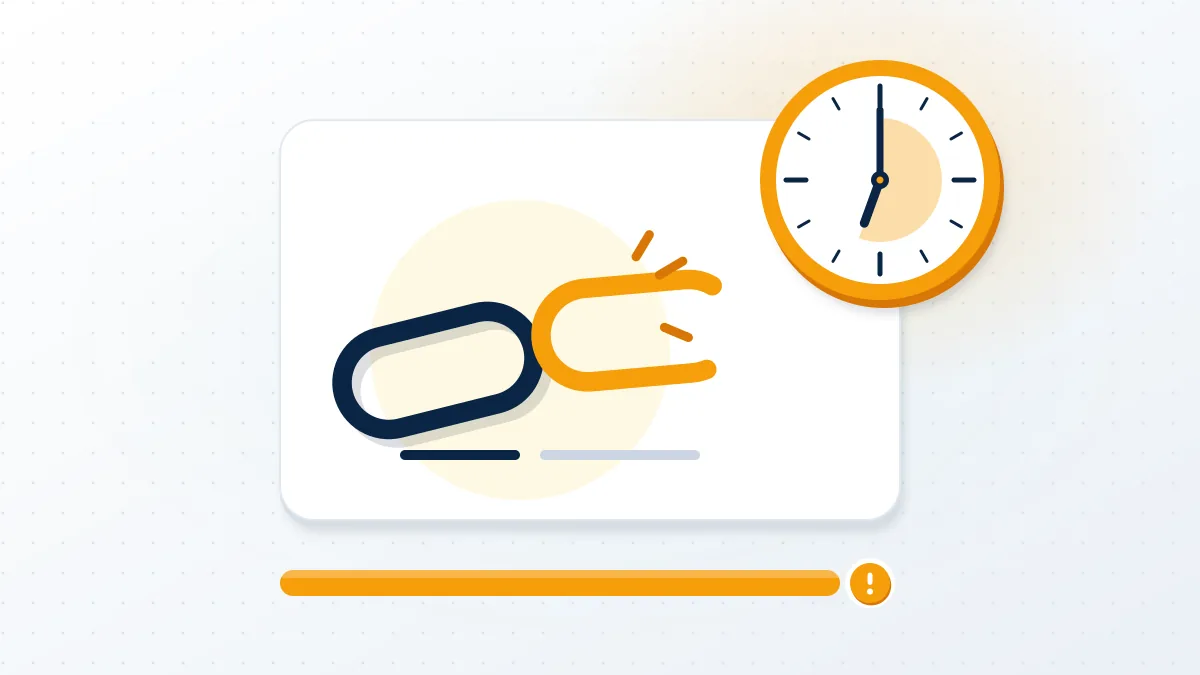
That notice has its own route in recover disabled instagram account appeal cases. Deleted accounts run on a clock: see how to recover permanently deleted instagram account before 30 days pass.
Requesting reset after reset only makes it worse
Five requests in a row give you five emails and one live link.
Every new request replaces the last link, so a burst of taps leaves an inbox full of dead buttons and no way to tell which is current. After many attempts from one device, Instagram can also show a try-again-later notice instead of sending anything. The fix is dull. Send one request, wait a quarter of an hour, then open only the newest email by its timestamp. Someone else hammering the form shows up as reset emails you never asked for, often aimed at short handles worth reselling. Attackers send those hoping you'll tap a login button inside a lookalike copy. Before acting on any message, open Recent emails in Accounts Center under Password and security, which lists genuine Instagram emails from the last 14 days. Anything missing from that list did not come from Instagram.
Rare handles draw most of this, because stolen names sell; see how to buy a username on instagram and the instagram username buy market.
Floods also get sold as harassment, beside ban service instagram offers and the whatsapp number ban service pitch.
Someone posing as you? Learn how to report impersonation on facebook and how to report a facebook post that exposes you.
Instagram password reset with email failing? Try phone, username or Facebook
Switch routes: Instagram offers a text message, a username lookup and Facebook verification from the same screen. On cases like these, Your Reputation Solution tests each route in that order.
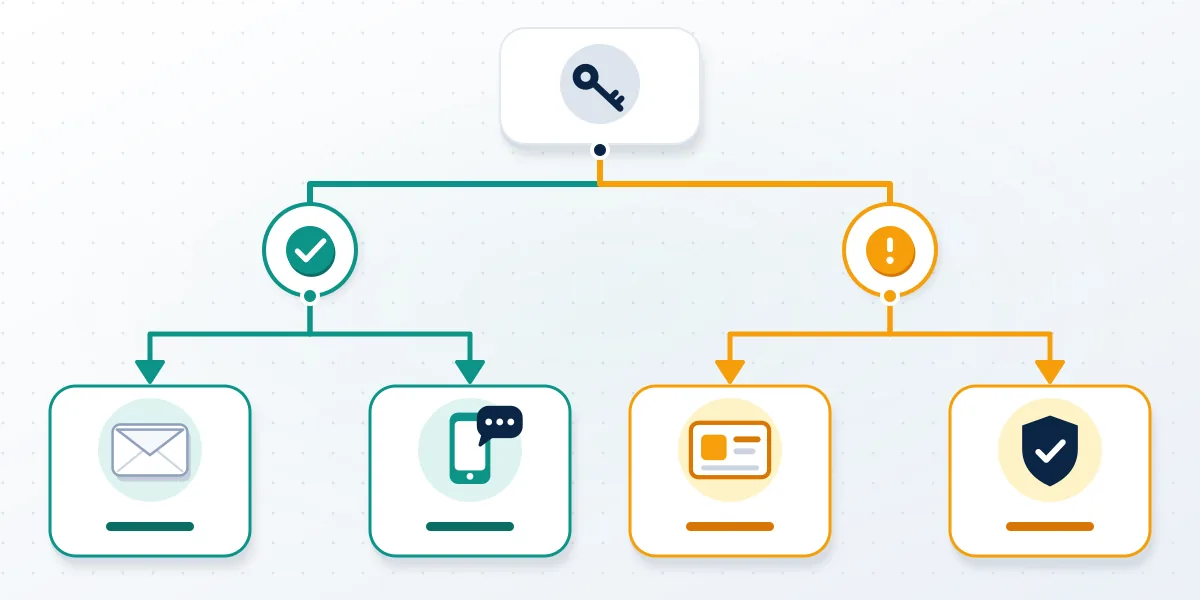
Three routes besides email appear in Instagram's help pages. A phone number on file gets the link by SMS. Entering a username lets Instagram pick the contact itself, which helps when you can't remember which address you used. Reset using Facebook works when the Instagram and Facebook accounts were linked through Accounts Center, because Facebook verification then stands in for the missing inbox. Anyone chasing an ig reset password email after losing that inbox should try these first. Each has its own failure point, though. Texts go to an old number when you changed carriers and never updated the profile. Facebook's route needs a working Facebook login, so a locked Facebook account blocks it as well. Once all three fail, the instagram password won't reset through self-serve tools, and the hacked-account flow below is the remaining door.
No email or phone? Read instagram account recovery without password, or why facebook account recovery doesn't work.
What if someone changed the email on the account?
Check your original inbox for Instagram's change notice; its link reverses the change.
When an account's email changes, Instagram sends a notice to the original address from [email protected], with a special link to undo it. Its article on lost access to email or phone adds that both the old and the new address receive requests to confirm or deny the change. Use that link before anything else; it restores your address and puts reset emails back in your hands. With no notice, open instagram.com/hacked in a phone or desktop browser and pick the matching option, such as my email was changed. Losing the email account itself is a separate job. Instagram says it "can't provide any assistance" getting you back into your email, so the provider's own recovery comes first, usually through a "Forgot password?" link on its sign-in page. Gmail, Outlook and Yahoo each run one.
Locked out with no reset email, no text and no Facebook link? Ask for a free case review and Your Reputation Solution will map which official route still applies. We never ask for your password or a login code.
Hijackers often hit WhatsApp next. See how to recover whatsapp account after hack or how to recover whatsapp account if banned.
Business numbers need how to recover whatsapp business account steps; a wiped app, how to recover deleted whatsapp account.
What should you do once the password finally resets?
Secure it within minutes: a unique new password, two-factor authentication, and a check of every email and phone listed.
Open Accounts Center, or Meta Account settings on updated phones, then Password and security. Change the password to one used nowhere else, add an authenticator app, not SMS, as the second factor, and remove any email or phone you don't recognise. Check Recent emails there to confirm which messages really came from Instagram, then end any login session on a device you can't place. Stakes are measurable: the FTC counted $2.1 billion in reported losses to scams that started on social media in 2025, about eight times the 2020 figure (FTC Data Spotlight, April 2026). Hijacked accounts messaging friends for money feed part of that total, which is why speed matters here. So an instagram email reset password success only opens the door again; locking it keeps the account yours, and takes about five minutes.
Anyone asking for your password or a login code to "speed up" a reset is running a scam; the disclaimer sets out what recovery help can't do.
Handle renamed, and now instagram keeps saying username not available? It may be gone. Buyers who buy ig handle names from hijackers lose them too.
Every lockout type sits in the guide to getting an Instagram account back, and a whatsapp account recovery service is a last step. Until every route fails, instagram password reset not working stays fixable.