Is [email protected] a real Instagram address?
Yes. [email protected] is a genuine Instagram sender, and it is the address behind most of the reset and email-change messages people later paste into a search bar as "security mail instagram com". Instagram's help article on unrequested resets, read on 15 October 2026, says "Emails from Instagram will only come from @mail.instagram.com" and warns that anything else "may be a phishing attempt" (Why you received a password reset email you didn't request). A separate Instagram page on Recent emails lists four more Meta sender domains, including @facebookmail.com and @support.instagram.com, so a Facebook-branded domain on a security notice is not proof of a fake by itself. Scammers copy the display name "Instagram" while sending from lookalike domains such as mail-instagram-security. Your mail app shows the display name first; tap it to see the full address before you judge the message.
Instagram has no inbox you can write back to for help. That is why instagram customer support runs through the Help Center and in-app reports instead.
Your Reputation Solution is an account recovery and reputation management firm that handles Instagram takeovers, impersonation and content reports through the platform's own forms.
Real reset email or phishing copy: five checks before you tap
An Instagram reset email is real when it shows up in the app's own email log, and fake when it does not.
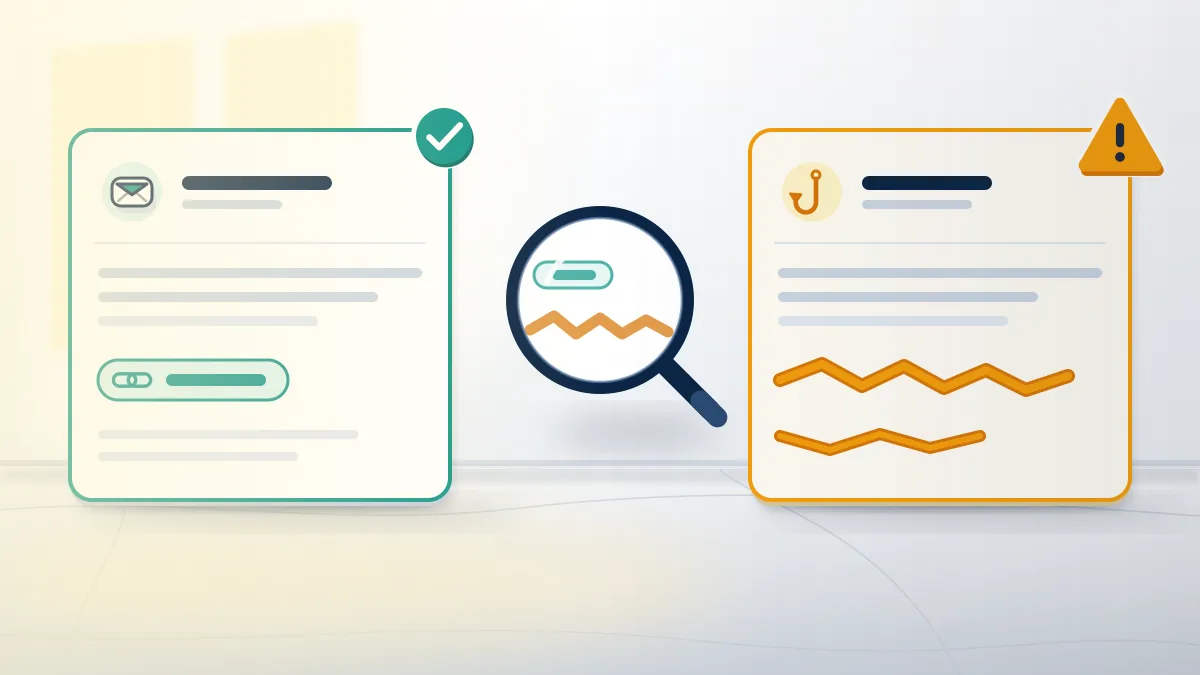
The genuine email from Instagram to reset password requests, as quoted by GAAR and Which? in January 2026, has the subject "Reset your password", opens with "We got a request to reset your Instagram password" and carries one blue Reset password button. Five checks separate it from an Instagram reset password email scam. First, the sender: the full address ends in @mail.instagram.com. Second, the log: go to Accounts Center, then Password and security, then Recent emails, which lists every security email Instagram sent in the last 14 days (Recent emails). Third, the link: a long-press should show an instagram.com address, never a misspelled one. Fourth, the ask: a real reset never wants your current password, a login code or a payment. Fifth, the tone: an Instagram reset your password email says ignoring it leaves the password unchanged, while fakes add a deadline.
Searchers also quote the line "we've made it easy to get back on Instagram". That exact wording could not be matched to an Instagram source, so judge it by sender and log alone.
Cloned notices copy every Meta template: a "photo broke the rules" mail may link to a fake guide on how to report instagram post content, and a "you were reported" mail borrows Facebook's what happens if you report a comment on facebook wording.
Genuine notices about facebook copyright strikes also show in Recent emails. Checking that log settles them too.
Why do Instagram password reset emails arrive when you didn't ask?
Someone typed your username, email address or phone number into the "Forgot password?" screen, and Instagram mailed the reset to you, not to them.
When we review these cases, Your Reputation Solution usually finds one pattern. Reset emails come first, then a fake "security" message days later, timed to land while the owner is already worried.
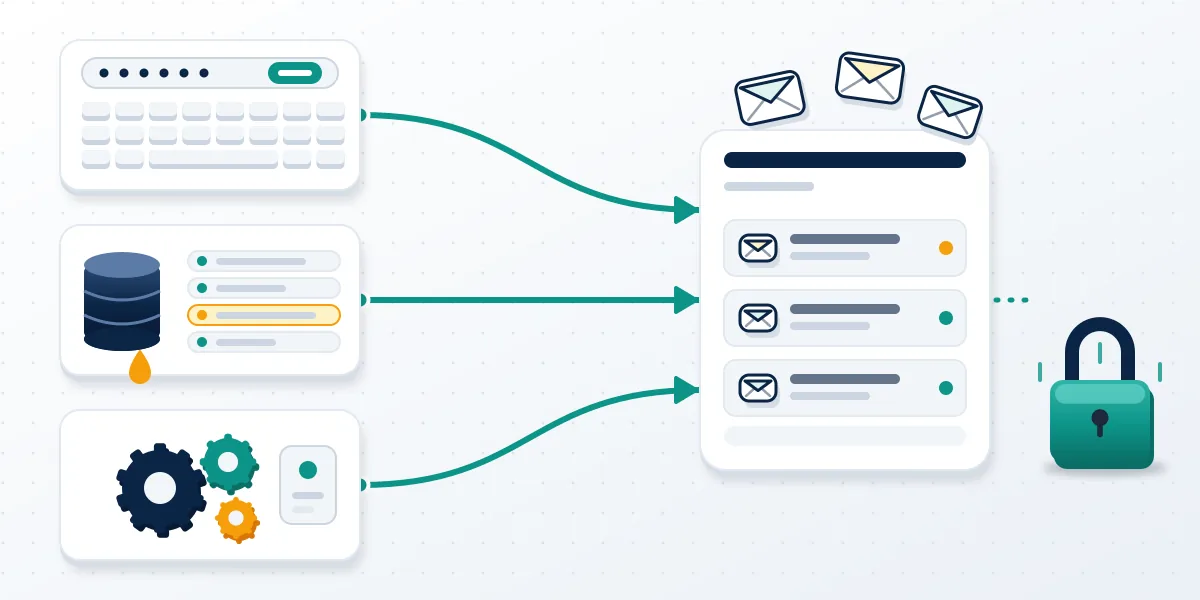
That person may be a stranger who mistyped their own username, which Instagram's help page names as the usual cause; only someone who knows your password or clicks the link can log in. A second cause is deliberate: anyone who knows your handle can trigger reset after reset, hoping you tap a fake copy later, and that is the "instagram password reset email i didn t request" search in most inboxes. A third came in January 2026. From about 8 January, users got waves of genuine resets, and Meta said it had "fixed an issue that let an external party request password reset emails for some people", with no breach (Help Net Security, 12 January 2026). Have I Been Pwned listed about 17 million scraped Instagram records that week, 6.2 million with an email address and none with passwords.
Short handles draw the most attempts, because a hijacked name sells. Sellers of rare instagram usernames for sale and instagram username purchase deals rarely disclose a name's origin.
Owners asking are there any 4 letter instagram usernames left hold the names resets target, and buyers asking can you buy instagram username may be bidding on a stolen one.
Tap to reset your Instagram password: the text-message version
Texts reading "Tap to reset your Instagram password" plus an ig.me link are the SMS form of the same reset, and they can be real.
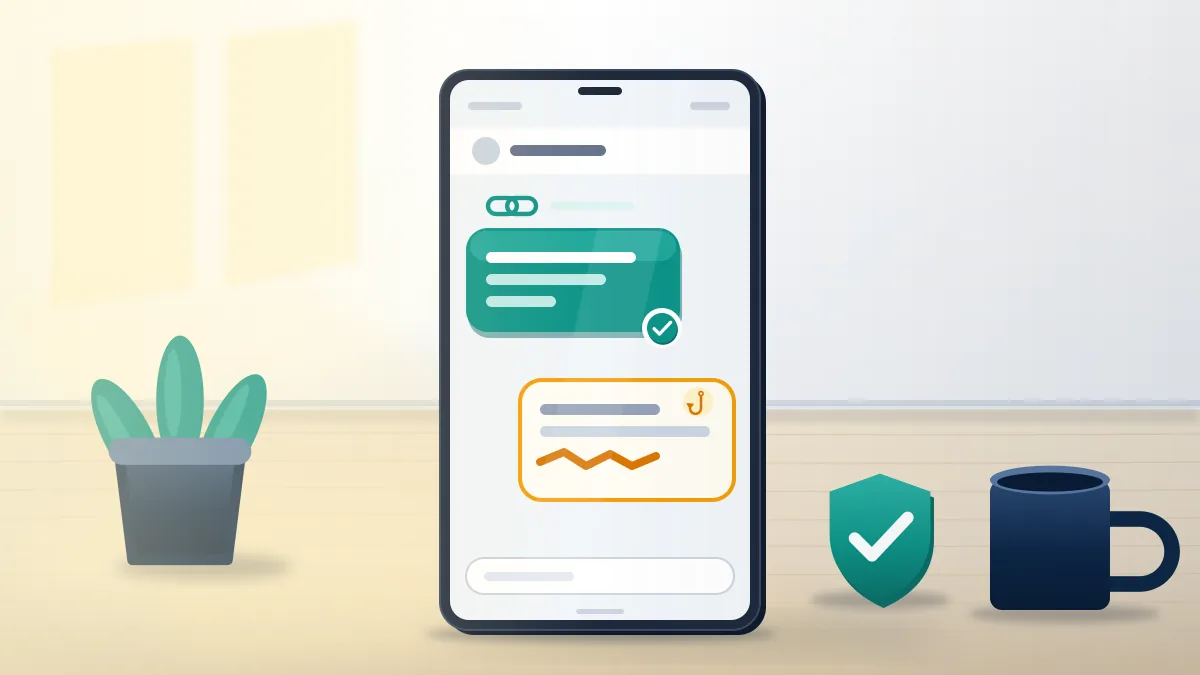
Instagram texts a reset when the request used a phone number, and ig.me is its own short-link domain, so the link proves nothing. What separates an Instagram reset password text from an Instagram password reset scam text is context. Did you ask? No? Then do not tap; open the app yourself. Fake texts add a deadline, ask you to reply with a six-digit code, or link to a domain that only resembles instagram.com. No Instagram sender short code has been published that we could verify, so Your Reputation Solution does not treat the sending number as a test. Any tap to reset instagram password text you ignore expires on its own; Instagram's help notes that an old reset link stops working once it lapses. For every instagram reset password scam, one rule holds: never type a code from a text into a page you reached from that text.
Texts arriving after your profile vanished signal a different problem: the instagram account not found screen.
Scammers also text people whose pictures they hold. If someone posted a photo of me on instagram is your real problem, the reset text is a side issue.
Someone keeps trying to reset my Instagram password: what actually stops it
Reset emails cannot open your account, so the fix is to make the next step impossible: a unique password plus two-factor authentication.
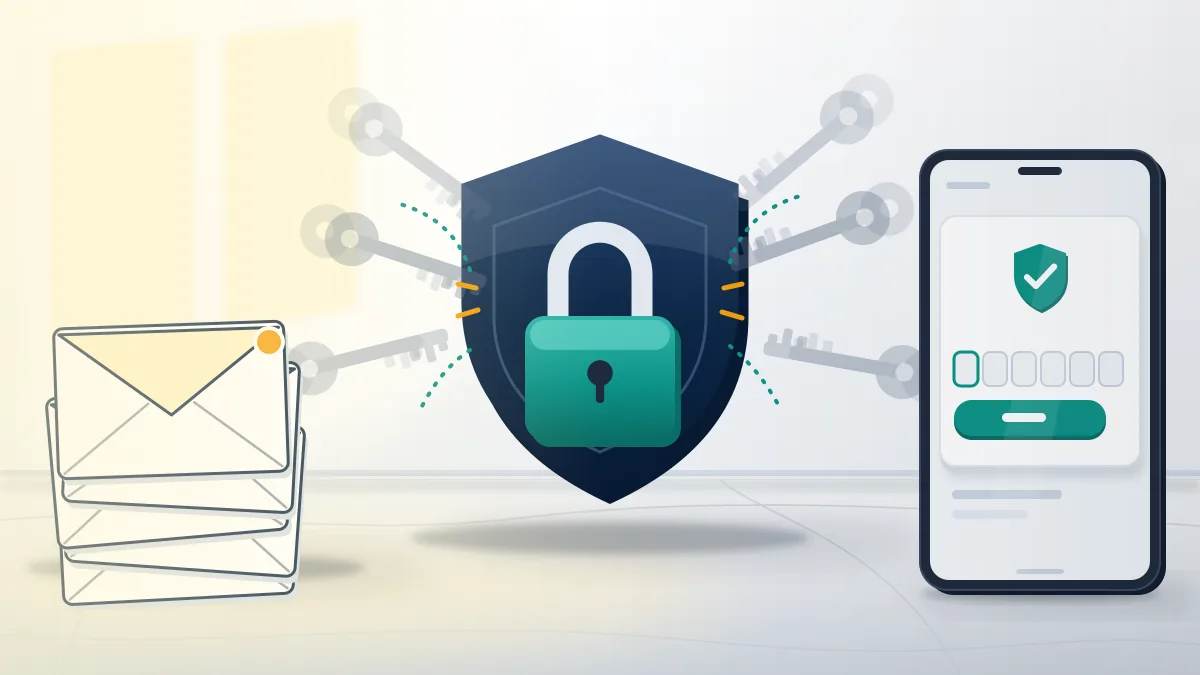
Instagram offers no setting that stops other people submitting your username on the reset form, so Instagram reset password email spam cannot be switched off. You can make it harmless. Change the password to one used nowhere else, then turn on two-factor authentication with an authentication app rather than SMS, because text codes can be redirected when a number is ported. Next, open Where you're logged in under Password and security and log out any device you do not recognise. With two-factor on, each Instagram login notification for an unrecognised device asks you to approve or deny the attempt, and denying it prompts a password reset, per the Help Center summary read on 15 October 2026. Check the email account too: an attacker who controls your inbox does not need Instagram's form. Expect the emails to continue for days.
Getting reset emails and not sure whether anyone got in? Your Reputation Solution reviews the emails and login activity, then tells you whether you face spam or a takeover. Passwords and login codes are never part of it. Get a free security review.
Renamed accounts are a warning sign: when your old handle now shows instagram this username isn't available, a takeover may have renamed it.
To confirm, check if instagram username is taken from a second account. Running an instagram name availability checker on the display name helps too.
Login alerts, "your email may not be secure" and other notices that look like a hack
One email is a genuine Instagram hacked email signal: the message saying your account's email address was changed.
Instagram's help page on email changes says the message to your original address "will come from [email protected] with a special link you can click to reverse the email change" (email changed help). Did you make that change? No? Use the link at once; it is the cleanest recovery route there is. An Instagram login notification about an unknown device is the other true alarm, and it needs a password change the same day. The Instagram your email may not be secure pop-up is different. Users reported it on 1 May 2026 as a screen that blocked the app and led to "Page is unavailable right now"; Meta gave no explanation, and nothing ties it to a breach. Fake Instagram hacked notification messages arrive by DM, and Instagram's help says it never contacts users about security through Direct Messaging.
Hijackers rename profiles fast, and instagram change username not available errors can then block the old name for a while. Clones built from a hacked account need a separate report, covered in how to delete someone fake account on instagram guidance.
Check instagram handle availability on the original name, and keep a list of instagram names not taken as a fallback.
Already clicked the link or lost the account? The first hour
Open the app directly, change the password, reverse any email change and turn on two-factor authentication, in that order. Past that point, Your Reputation Solution prepares appeals and evidence through Instagram's forms.
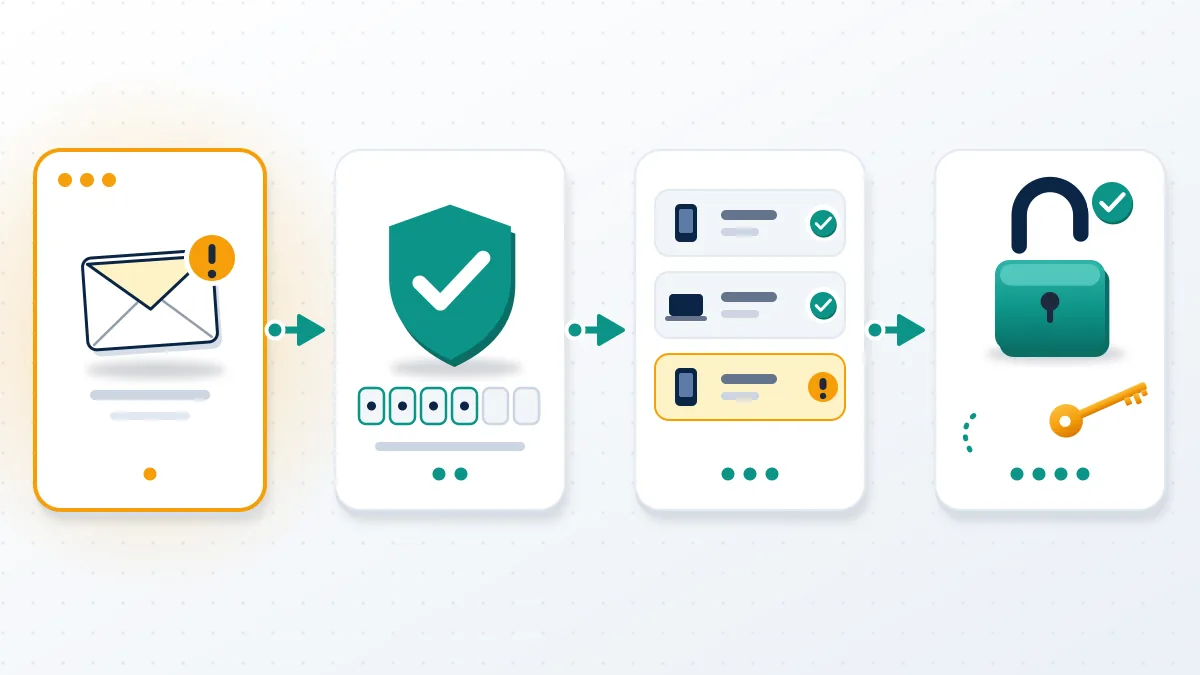
Clicking a genuine reset link does nothing harmful; typing your password into a fake copy does. Entered it? Assume the attacker has it. Change it from the app, not from any link, then check Recent emails for an email-change notice and use its reverse link. Locked out already? Go to instagram.com/hacked from a device you have used before and follow the login link it sends. Then remove unknown devices, revoke third-party app access and warn close contacts not to answer DMs "from you", because hijacked accounts run scams on followers. The FTC reported $2.1 billion lost in 2025 to scams that started on social media, eight times the 2020 figure (FTC Data Spotlight, April 2026). Speed matters because a hijacker's first moves are a new email, a new phone number and new two-factor settings, and each one makes the instagram password reset email i didn't request route useless to you.
Our guide on how to get your instagram account back from a hacker covers the video-selfie and appeal routes. Use it when instagram.com/hacked fails.
Some hijackers sell the name on an instagram handle marketplace; others threaten to leak DMs, where how to report extortion on facebook applies Meta-wide.
Lies posted from a stolen profile need a facebook defamation report or Instagram's equivalent, and fake "Meta security" ads belong in a how to report scam ad on facebook report.
Worried about retaliation? If you report someone on facebook will they know answers it.
Under the facebook inactive account policy, dormant profiles stay up, so report facebook profile as deceased for a relative before someone hijacks it.
We will not ask for your password or a login code, promise that a hijacked account comes back, or buy back a stolen handle from the person who took it. Those limits are in our disclaimer.