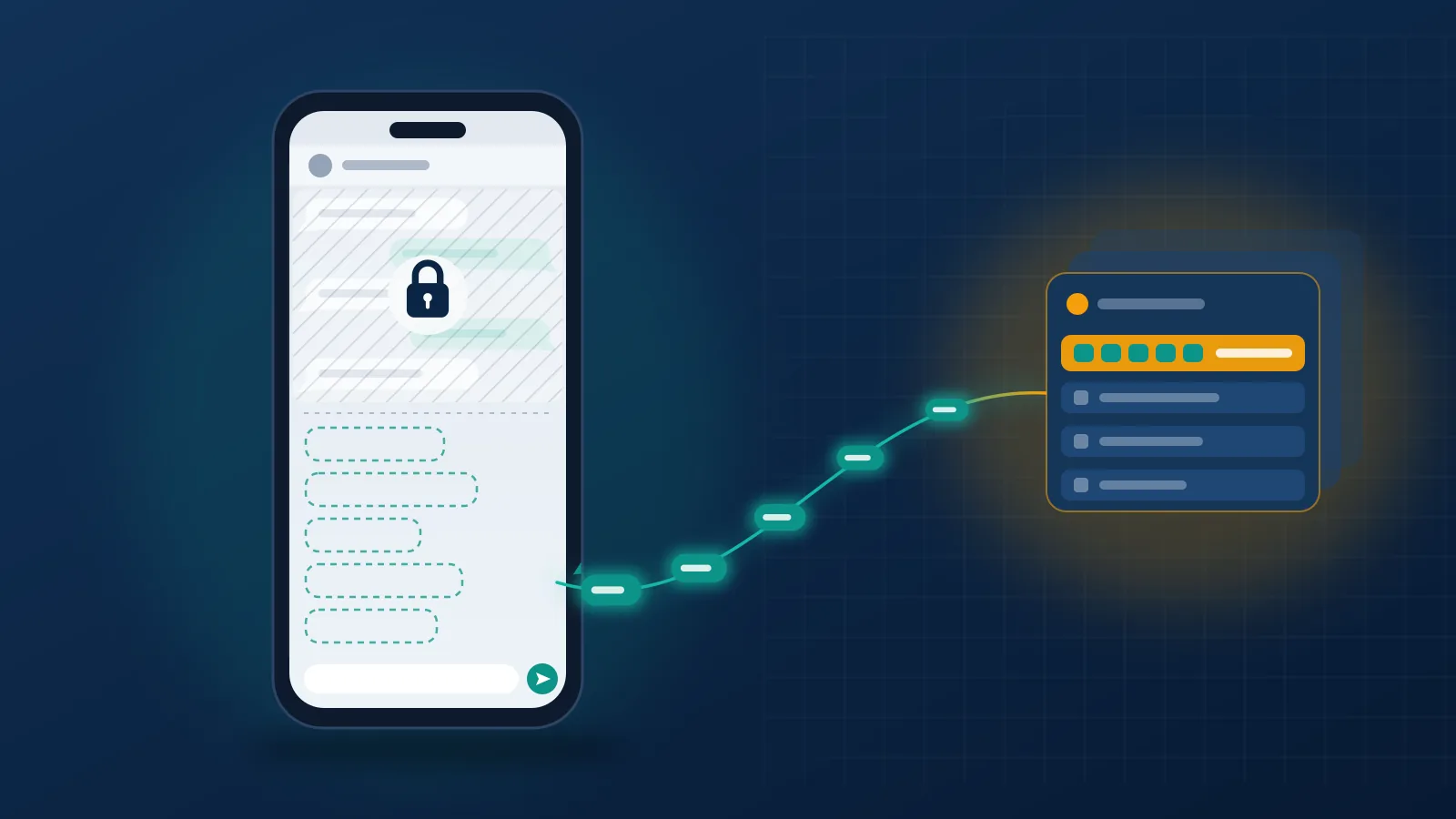
WhatsApp can't read your chats, and a report is the one exception
What happens if you report someone on WhatsApp comes down to one mechanical fact: WhatsApp cannot read your chats, so the report is the only moment it sees any part of them. Every personal message is end-to-end encrypted, which means the keys sit on the two phones in the conversation and nowhere else. Tapping Report opens a narrow window into one chat. Your phone forwards the last five messages that person sent you, together with their account ID, the time each one arrived and whether it was text, a photo, a video or a voice note, as the WhatsApp Help Center explains. Nothing older travels, and neither do your replies. A reviewer then weighs those five messages against what WhatsApp can already see without breaking encryption, which its guidance on detecting violations lists as automated signals, other users' reports and unencrypted data such as profile photos and group names.
That gap between expectation and mechanism is why people searching what happens when you report someone on WhatsApp usually picture far more than exists. There is no file on the person. No reviewer scrolls back through two years of chat, because WhatsApp never held those two years.
Your Reputation Solution is an account recovery and reputation management firm that helps people file platform reports that hold up, and get their own accounts back when enforcement lands on the wrong person. We start every WhatsApp case with the encryption detail because it decides which messages you report and what you need to keep on your own phone. Public platforms, where a reviewer can read everything an account ever posted, run on another logic, which is why what happens when you report someone on X plays out so differently.
What is report and block in WhatsApp, and how is it different from block?
Report and block is one action that sends the five-message report and blocks the contact in the same tap.
| Action | What WhatsApp receives | What changes for you | What the other person can notice |
|---|---|---|---|
| Report | The last 5 messages they sent you, their account ID, timestamps and message types | Nothing; the chat stays exactly as it was | Nothing |
| Block | No messages at all | Their calls and messages stop reaching you | Your last seen and profile-photo updates vanish for them, and their messages show a single tick |
| Report and block | Same as Report | Same as Block, and the app offers to delete the chat | Same as Block |
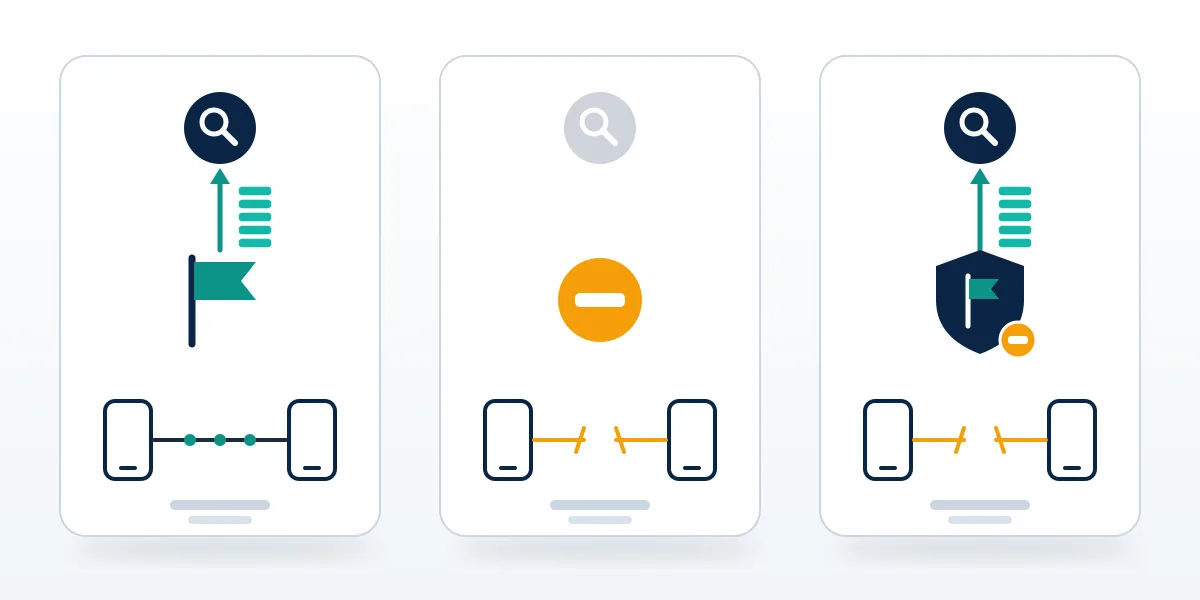
Here is what report and block in WhatsApp means once you pull the two halves apart. The report half is a one-off upload that happens the moment you confirm it and cannot be pulled back. The block half is a standing setting, reversible at any time from Settings, then Privacy, then Blocked contacts. So what happens when you report and block someone on WhatsApp is that Meta gets its evidence and the person loses their route to you, but the two outcomes run independently of each other. Blocking on its own sends WhatsApp no messages to review; reporting on its own blocks nobody. Trouble starts with scams and threats, where people block out of instinct, delete the chat to make it stop, and only later realise that the messages a reviewer needed went with it. Your Reputation Solution gives clients one rule for that moment: screenshot first, report second, and decide on the block and the delete last.
Neither half sends the other person an alert. What they can pick up on is the block: WhatsApp's page about being blocked lists the tells, from a profile photo that stops updating to messages stuck on one tick.
People search the phrase every way round, from report and block whatsapp to whatsapp report and block to in whatsapp report and block means, and the answer doesn't shift with the word order.
Will they know you reported them, and what happens next?
No: WhatsApp doesn't tell the reported person, and it doesn't send you a verdict either.
Can you report someone on WhatsApp without them knowing? Yes, by default, and no setting changes it. Anonymity is the norm on the big platforms, with a few edges worth understanding, which we covered in whether a platform tells people who reported them.
What follows the report is a review with a short menu of outcomes. The most common is nothing visible at all: the five messages break no rule, or break one too mildly to act on, and the case closes in silence. Next comes a restriction, which WhatsApp applies when an account looks like it is sending spam or bulk messages. A restricted account can keep talking to people it has chatted with before, but it can't start chats with new contacts, create groups or add members until a timer runs out. Above that sit temporary and permanent bans, where the person opens the app to a notice that their number is banned. WhatsApp publishes no report threshold, and its guidance describes reviews of content and behaviour rather than a vote count. Ten reports that forward the same five harmless messages give a reviewer nothing new to read.
Your Reputation Solution can't confirm whether a report went through when clients ask, and neither can anyone else outside WhatsApp. There's no status update to check, because WhatsApp keeps no list of the reports you have filed, which is the short answer to how to find reported number on WhatsApp. The nearest thing is your block list under Settings, then Privacy, then Blocked contacts, and it shows only the numbers you blocked, reported or not.
An accidental report can't be recalled. It can't hurt you much either: the person isn't told, and a reviewer reading five ordinary messages has nothing to act on.
Three ways to report someone on WhatsApp, and when to use each
To report someone on WhatsApp you need something they sent you, since the report is assembled from their messages. Which route you take depends on what you have.
- A chat, saved contact or not. Open the chat, tap the name or number at the top, scroll down and tap Report contact. The dialog lets you send the report alone or choose Report and block, and some older versions show a tick box for blocking and deleting the chat instead. This is also how to report a number on WhatsApp that isn't in your contacts: an unknown sender's chat opens with Block and Report options already on screen.
- One specific message. Long-press the message, open the menu and tap Report. WhatsApp asks you to confirm before anything is sent. Use it when the damaging message is older than the last five.
- An account that never messaged you. Anyone asking how to report a WhatsApp account that never contacted them hits a wall, because there is nothing to forward. If a number is impersonating you or your business, ask the people it did message to report it from their chats, and describe the impersonation to WhatsApp through Settings, then Help (Help and feedback on newer builds), then Contact us.
The pattern Your Reputation Solution sees most often in reports that went nowhere is timing, not severity. Someone sends a threat, the recipient freezes for a day, and by the time they tap Report the sender has piled on a run of filler, the "hello?" and "why are you ignoring me" kind. Those are now the last five messages, so those are what the reviewer reads, and read cold they look needy rather than dangerous. The threat itself never left the phone. Long-pressing the threatening message and reporting that one puts it in front of the reviewer, and it's worth doing even after you have reported the chat as a whole. View-once photos and voice notes are harder, since WhatsApp blocks screenshots of them and they can't be reopened, so write down when they arrived and what they showed while it's fresh.
Searches for how to report WhatsApp number spam almost always mean the first route above, an unknown sender in a chat you never started. There is no WhatsApp report number to call, either. Every route runs through the app or the Help Center.
How to report WhatsApp scam messages and the scammer behind them
A scam report goes through the same Report button, but the order of the steps around it decides whether it helps you.
Whether you type how to report scam on WhatsApp, how to report scam whatsapp or whatsapp report scammer into a search bar, you land on the same flow. This is the sequence Your Reputation Solution walks clients through:
- Stop replying, and never forward a code. A six-digit WhatsApp code that "a friend" asks you to send back is an account takeover attempt, not a mistake.
- Screenshot everything. Capture the profile, the number, any payment details or links, and every message that asked for money.
- Report the messages, then the chat. Long-press each message that asked for money and report it, then report the contact. Choose Report and block only once the screenshots are saved.
- Call your bank or payment app the same day. A ban on the scammer's number sends no money back; only the bank or payment provider can try to stop or reverse a transfer.
- File outside WhatsApp. In the US that means the FTC at ReportFraud.ftc.gov and, for losses or anything involving crypto, the FBI's Internet Crime Complaint Center.
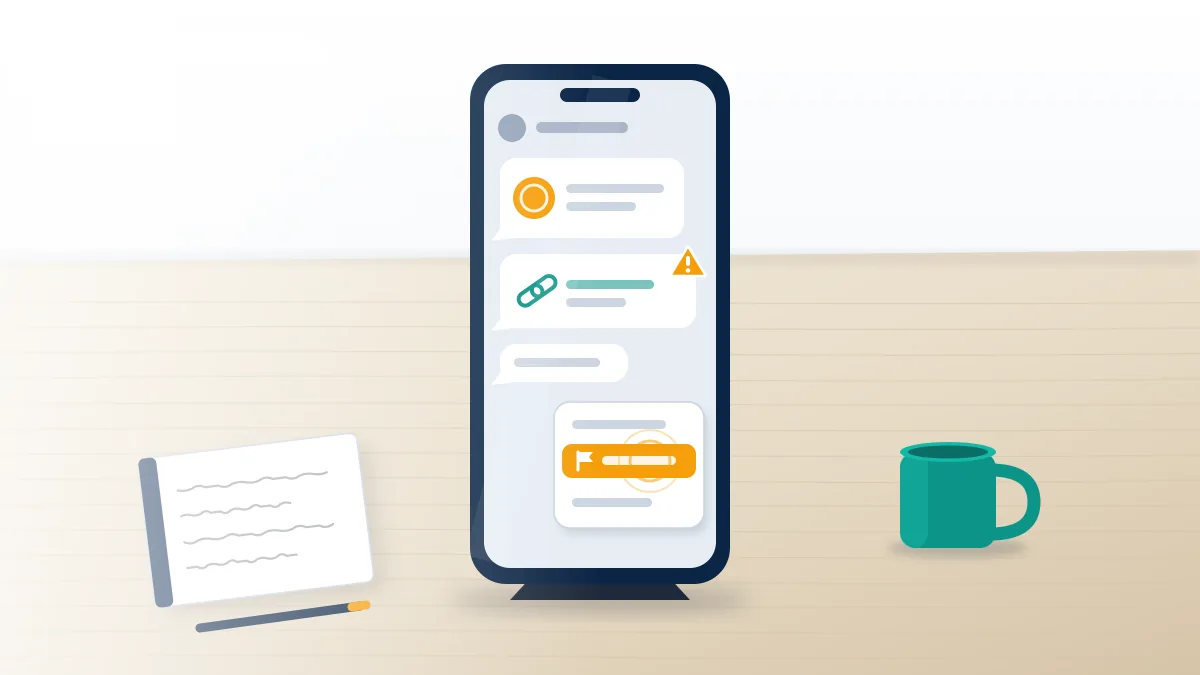
Most guides on how to report WhatsApp scammer accounts stop at step three.
Knowing how to report WhatsApp scams inside the app is only half the job, because the in-app report protects the next target more than it protects you. The scale of the problem explains why. Meta says WhatsApp banned more than 6.8 million accounts linked to organised scam centres in the first half of 2025 alone (AP via US News, August 2025), many of them running fake job offers and crypto "investment" schemes that open with a friendly message from an unknown number. Your report feeds that pipeline. Getting money back runs through different institutions entirely, which is why banks and regulators ask you to report WhatsApp scams to them directly and fast. Filings with the FTC and IC3 don't promise recovery, but they create the dated record that a bank dispute or a police report can point to later.
Your Reputation Solution runs a free case check for exactly this kind of situation. Tell us what happened, and we'll say which reports are worth filing and where no report will help.
WhatsApp keeps a running list of current patterns on its suspicious messages and scams page. Telegram scams follow the same outside-the-app logic, and our guide to where to file a Telegram scammer report covers that side.
How to report blackmail on WhatsApp, and why the app is only one step
When someone is blackmailing you, the in-app report is step three of five, not step one.
Sextortion follows a script. Someone builds trust over days or weeks, obtains an intimate image or claims to have one, then demands money and names the people they'll send it to. Paying rarely ends it, and the FBI's sextortion guidance warns that payment tends to bring more demands, not fewer. The order that protects you runs like this: stop engaging without deleting anything, screenshot the account, the number and every demand, report the messages in WhatsApp, report to law enforcement, and then use a hashing service. Under-18s, and anyone whose images were taken before they turned 18, can use NCMEC's Take It Down to stop those images spreading on participating platforms; adults can use StopNCII.org. Neither service can see inside WhatsApp chats, because those are encrypted, which is one more reason the report and the police file both matter.
Reporting blackmail through the app uses the same flow as any other report, so how to report blackmailing on WhatsApp comes down to which messages you include. Long-press the demand itself and the message that names your contacts, so both sit inside the report instead of hiding behind five later messages. Our sextortion reporting guide walks through the full sequence, including what to tell the police.
Your Reputation Solution works on the evidence and reporting side of these cases alongside law enforcement, never in place of it, and never negotiates with or pays the person making the threats.
How to report cyberbullying on WhatsApp
Repeated harassment runs into the same five-message ceiling, so report it as it happens instead of saving it up for one big report at the end. Each report carries only the latest five messages, and a reviewer can act only on what is in front of them. Block once the evidence is saved and leave any group the bully uses. If the messages include threats of violence or target a child, go to the police or the school too. The patterns carry across apps, and the reporting routes for harassment on Instagram map closely onto what works here.
How to report WhatsApp group chats and business accounts
Group reports work like contact reports, except the five messages come from the group.
To report a group, open it, tap the group name, scroll to the bottom and tap Report group. WhatsApp then receives up to the last five messages the group sent you, plus the group's ID and the time and type of each message, and the dialog offers to take you out of the group in the same step. A WhatsApp group report reviews the group as a unit. That makes it the right tool when the group's purpose is the problem, such as a scam "investment club" or a chat that exists to pass around someone's photos, and the wrong one when a single member is harassing you, in which case long-press that member's messages and report those. Strangers adding you to groups is one of the commonest openings for scams, and since 2025 WhatsApp shows a safety overview when someone outside your contacts adds you. You can also close the door: Settings, then Privacy, then Groups, then My contacts.
Telegram groups are a different case, since most aren't end-to-end encrypted, so reporting a Telegram group follows its own rules.
Your Reputation Solution applies the same evidence rules to business reports, and the steps for how to report WhatsApp Business account problems are close to identical. Open the business profile, tap Report business and tick the box to block the business and delete the chat's messages if you want both. Products in a catalogue carry their own Report product link. WhatsApp judges business reports against its Commerce Policy, so a shop selling counterfeits or a fake "support desk" posing as your bank fits; a business you had a bad experience with usually doesn't.
The flip side lands on business owners. A competitor or an angry customer can report a legitimate WhatsApp Business account, and when a restriction follows, the owner rarely knows what triggered it. The cause usually sits in the account's own sending pattern, because bulk messages to customers who never opted in trip spam signals whether or not anyone filed a report. Getting the account back runs through the Business app's own appeal, covered in our WhatsApp Business account recovery guide.
What if your own number is banned, and is there a support email?
Tap Request review in the app if it appears; that button is the appeal, and no support email outranks it.
How to fix WhatsApp banned number problems depends on the screen you're looking at. If the app says your number is banned and shows Request review, tap it, add a short factual explanation and submit; WhatsApp says most reviews finish within 24 hours and that it reviews one number per appeal. If there's no Request review option, the ban is final, and WhatsApp says contacting it outside that process won't change or speed up the decision. A temporary ban with a countdown timer is a different case entirely. It usually follows the use of an unofficial app such as GB WhatsApp or WhatsApp Plus, and the fix is to save your chats, install the official app and register again, as WhatsApp's page on unofficial apps describes. Keep using the modified app and a temporary ban can turn permanent.
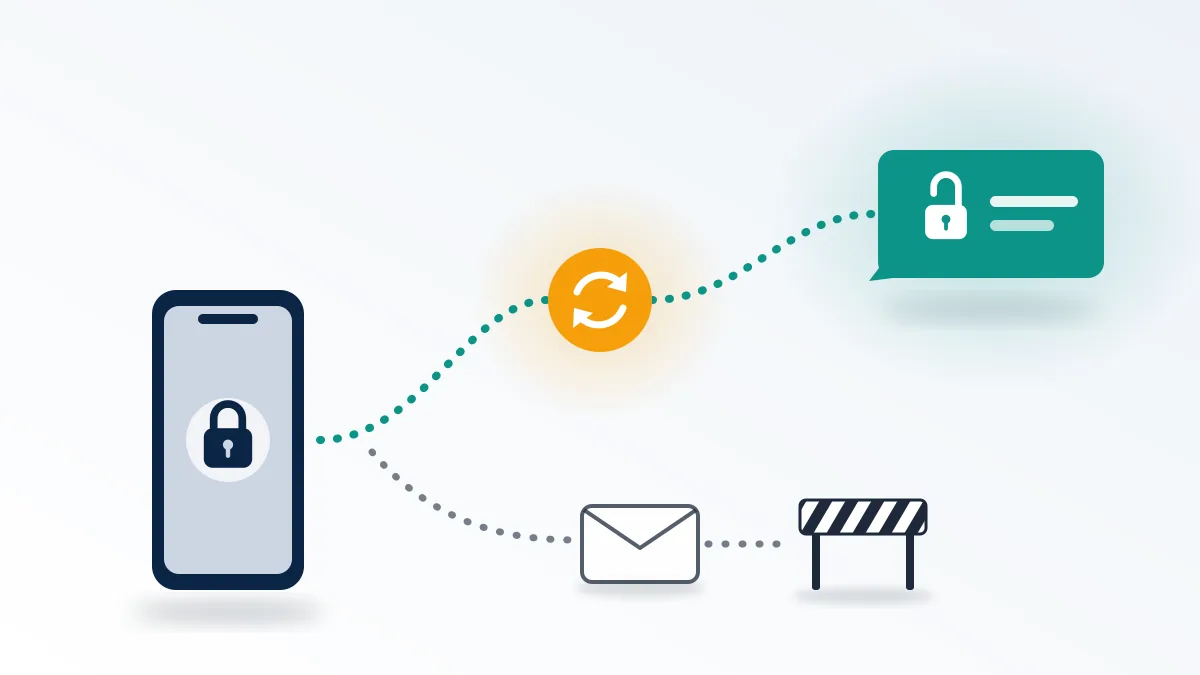
That settles the search for a WhatsApp support email for banned number appeals. Your Reputation Solution prepares the wording and the evidence for an appeal, you submit it from your own phone, and WhatsApp alone decides whether the number comes back. Companies messaging through the WhatsApp Business Platform are the one exception to the in-app route, with their own appeal process.
If you suspect someone reported you into the ban, their report only started a review; the decision rested on what the reviewer read. That's also why buying reports against someone else doesn't work the way sellers claim, as our look at the WhatsApp mass report bot shows. The full walkthrough lives in our guide to getting a banned WhatsApp number back, and the same review-button logic runs across Meta's other apps, from a disabled Facebook account to an Instagram account disabled for good.
Where our help stops, and what no one can promise
Your Reputation Solution will not help anyone turn reports against a lawful account, and it does not sell report volume or run report networks. People ask, and we explain why getting someone's WhatsApp banned is not something reporting delivers on command. We never ask for your password or your six-digit WhatsApp code, and anyone who does is running the takeover scam described above. We don't pay or negotiate with blackmailers. And we don't promise outcomes that belong to WhatsApp: nobody outside Meta can make a reported account get banned or a banned number come back, and a service quoting you a success rate for either is quoting a number it doesn't control. Our limits are written out on the disclaimer page. Where a case is real, our services start with a free review and a straight answer on whether reporting is the right tool at all.