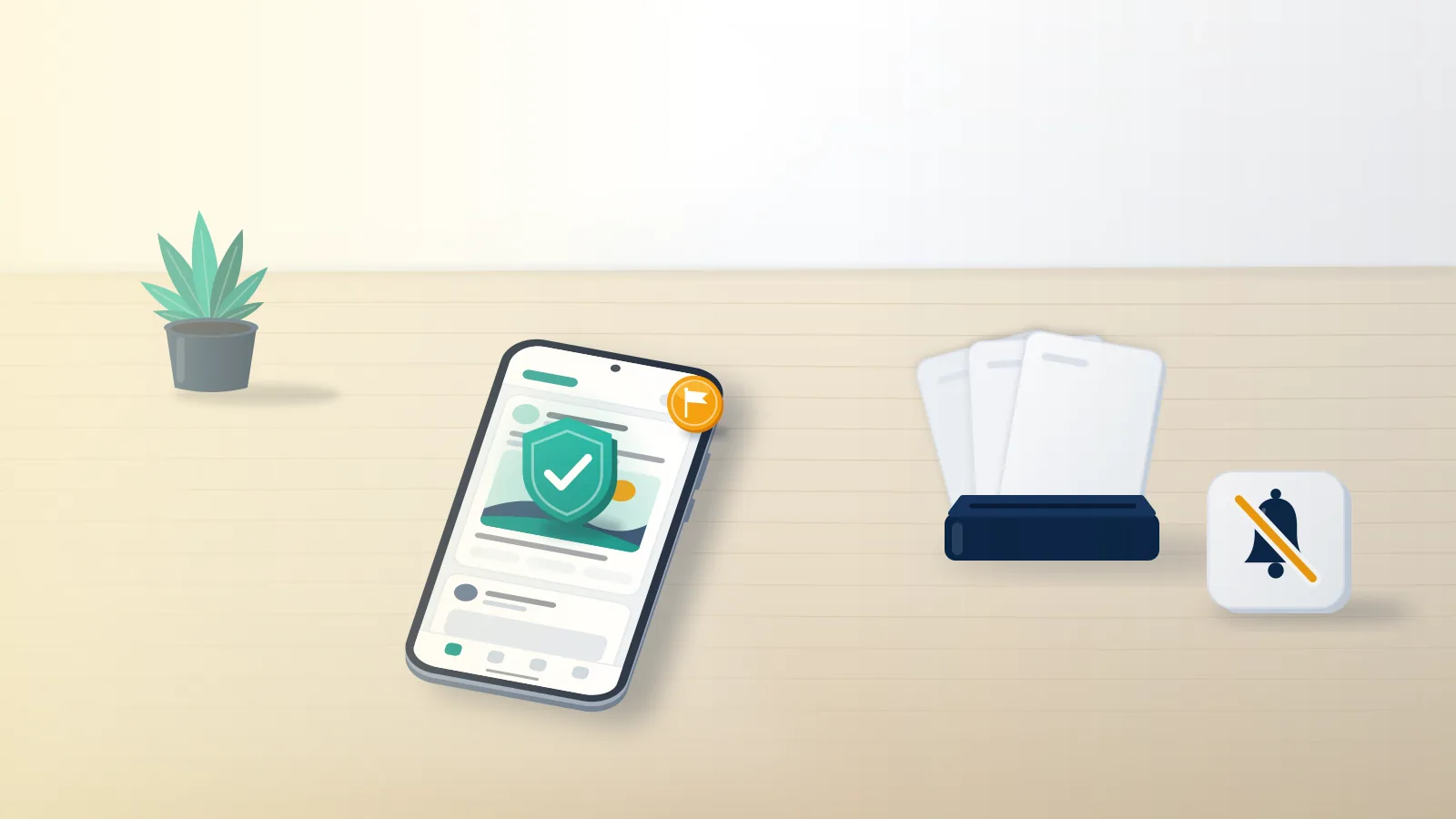
What happens when someone reports you on Facebook?
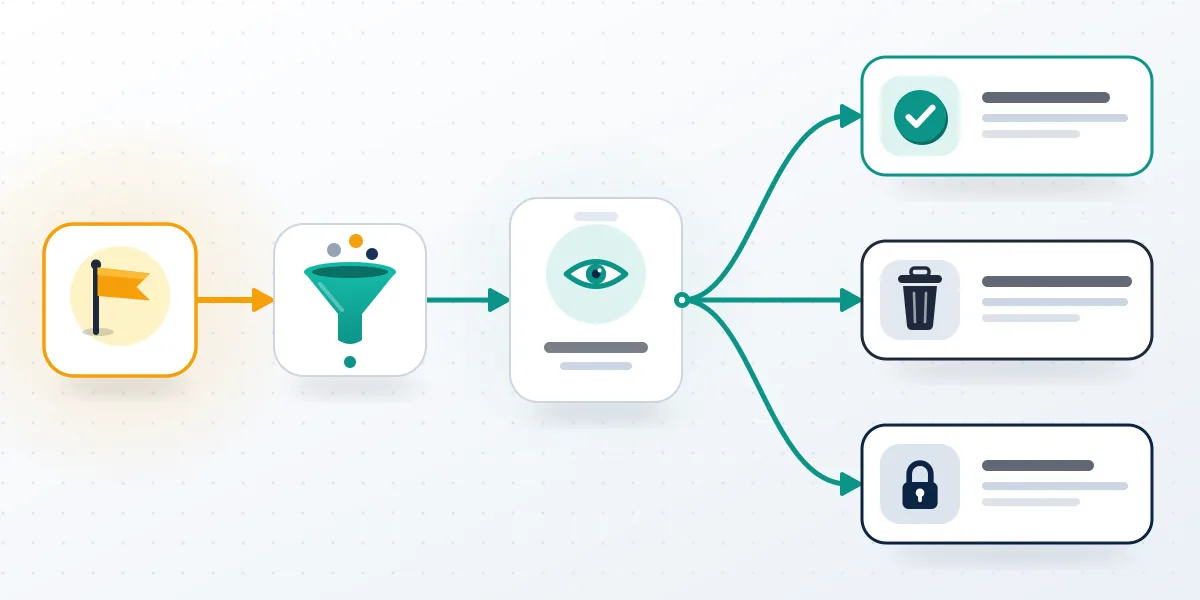
Nothing changes until a review finds a broken rule: a report alone doesn't hide your post, alert you or touch your account. A Facebook report is a request for review that sends one post, comment, photo, profile or message to Meta's automated systems and, in harder cases, to human reviewers, who check it against the Community Standards. If they find no violation, the content stays up, no strike is added and nobody tells you anything, which is why most reported people never learn a report existed. If they find one, Meta removes the item, notifies you and may add a strike based on the policy and your history. Volume doesn't decide it. Facebook says the number of reports does not determine removal (Facebook Help Center), so fifty reports against a compliant post still fail, and a facebook mass report service sells the one input reviewers ignore.
For the reporter, the question often arrives typed fast as "what happen if i report someone on facebook". The answer is shorter: your report and its decision sit in your Support Inbox, and your name never reaches the other person.
Your Reputation Solution is an account recovery and reputation management firm that reads Facebook enforcement notices with clients, drafts their appeals and works on restricted or disabled accounts after a report wave.
Other apps follow the same review-first rule, so an Instagram mass report bot or a TikTok mass report campaign changes nothing a reviewer weighs.
Is there a Facebook report notification when you're reported?
Only after a removal or restriction; a report that ends in no action sends you nothing. When Facebook does remove something, the notice usually appears in your Feed the next time you log in and is also filed in your Support Inbox (Facebook Help Center). It names the Community Standard involved and gives a brief reason, never the reporter. Warnings and restrictions are logged in Profile status, which you reach through your profile picture, your profile name, Options, then Profile status; older guides still call it Account Status. Those records expire one year after you receive them. No facebook report notification ever says "someone reported you," so any message promising to reveal the reporter is a guess or a phishing lure, and fake appeal emails asking for a password are its usual form. Strikes are where a removal becomes a limit, and Meta publishes the ladder.
| Strikes | What Facebook does |
|---|---|
| 1 | Warning, no other restriction |
| 2 to 6 | Specific features limited for a time, such as posting in groups |
| 7 | One-day block on posting, commenting and creating Pages |
| 8 | Three-day block on creating content |
| 9 | Seven-day block on creating content |
| 10 or more | 30-day block on creating content |
When Your Reputation Solution opens a Facebook case, we ask for that Profile status screen before the notice itself, because it lists every active warning, how long each limit runs and whether Request review is still offered.
Source: Meta's restricting accounts policy, updated November 12, 2024. Meta skips strikes for most content posted more than 90 days before it is actioned, and every strike expires after one year (counting strikes, April 23, 2025). Child sexual exploitation skips the ladder entirely and disables an account on the first occurrence.
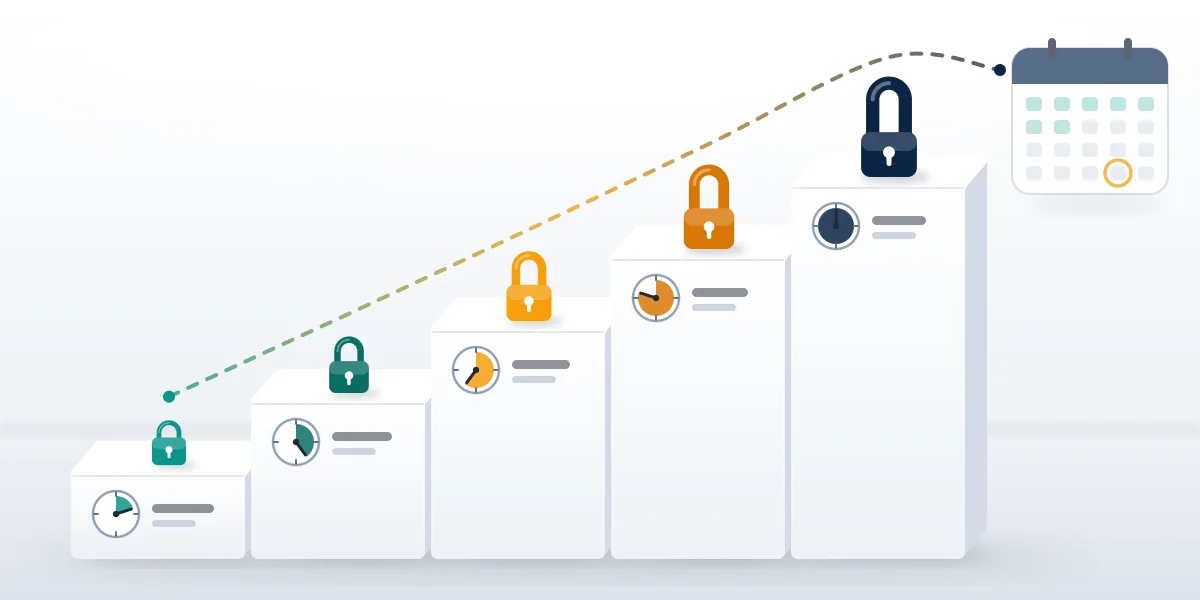
Repeated removals can end in a disabled profile, and disabled Facebook account recovery has its own form. Instagram counts strikes in the same system.
People already locked out there can start with permanently disabled Instagram account recovery or the shorter Instagram unban route.
Does it change for a post, comment, photo or picture?
Same rules, different scope: what changes is what gets judged and who handles it. What happens when you report a post on Facebook sets the pattern: the post is reviewed, its owner hears nothing unless it comes down, and you see the decision in your Support Inbox. Comments take the same path, so what happens when you report a comment on Facebook is that only that comment is judged, though a removal can still add a strike to its author. Repeats add nothing, which settles what happens if you report a comment on Facebook twice. Comments on your own profile can't be reported; hide or delete them. Photos split by reason. Nudity or violence gets ordinary review, which is what happens when you report a photo on Facebook in most cases, while what happens when you report a picture on Facebook for copyright runs through an intellectual property form whose notice can include the rights owner's name and email (Facebook Help Center).
Got a removal notice you think is wrong? Your Reputation Solution reviews your Profile status with you, explains the rule that was applied and helps you write the appeal. Ask for a free case review.
What happens when you report someone on Facebook for harassment?
Reviewers apply the bullying and harassment policy, which protects private people more than public figures. For some protections, private adults must report the content themselves, because self-reporting shows the target actually feels harassed (Meta Transparency Center). So what happens when you report someone on Facebook for bullying on a friend's behalf can be nothing, while the friend's own report succeeds.
WhatsApp gives reviewers far less context, which is why advice on how to ban someone on WhatsApp starts with the chat itself. Guides on getting someone banned from WhatsApp reach the same point.
Member-reported content: when group admins get the report
Choosing Report post to group admins sends nothing to Facebook. The report lands under Manage, then Member-reported content, where admins can keep or remove the post, remove, ban or suspend the member, or turn on post approval for them, and they can see who reported it (Facebook Help Center). Searches for "member-reported content facebook" mostly come from admins; for the member, those decisions stay inside the group and never reach Profile status.
Takedowns elsewhere hinge on the same line between rule-breaking and unwelcome, as getting an Instagram account taken down and how to get someone's TikTok taken down both show.
What changes on Marketplace and in Messenger?
Marketplace adds Commerce Policies and a separate access status, and Messenger reviews depend on what the reporter shares. What happens if someone reports you on Facebook Marketplace starts with the listing: a reported item can be rejected, repeated breaks put your access at risk, and Facebook warns you before it limits or suspends Marketplace (Facebook Help Center). For sellers, Your Reputation Solution checks one screen first: Profile status, then Marketplace below Extra features. First-time warnings can sometimes be cleared in the app with Fix it now, then Request review, though the listing behind it stays down. From the buyer's side, what happens when you report someone on Facebook Marketplace is a review of that listing or seller and an optional block; a report doesn't refund a payment. Sellers already cut off should read how to get unbanned from Facebook Marketplace before appealing.

What happens when someone reports you on Facebook Messenger depends on what the reporter hands over. Encrypted personal chats stay closed to Meta until someone in them reports and shares messages. Deleted messages remain reviewable if reported within 14 days of deletion, or 6 hours in an encrypted chat (Messenger Help Center). Upheld reports earn the same strikes as posts.
Telegram moderates with its own team, so a Telegram mass report bot earns the doubt a WhatsApp mass report tool does.
Any Telegram takedown is a decision, not a vote count, and an Instagram report spam bot only helps when the flagged accounts really are spam.
Can you undo a report, or reverse one against you?
Yes to both, within limits: an unreviewed report can be deleted, and a removal can usually be appealed. Facebook lets you cancel a report only while it still waits for review: open your Support Inbox, select the report and choose Delete report; after review, the option is gone (Facebook Help Center). That is the full answer to how to un report someone on Facebook. If you think "i accidentally reported a post on facebook" and the button has vanished, nothing follows for the poster unless the post really breaks a rule, because reviewers judge the content, not your intent, and a mistaken report leaves your own account untouched. Appeals run the other way: in Profile status, open the message about the removal and pick Request review if it appears. After that review, some decisions can go to the Oversight Board, which takes few cases.
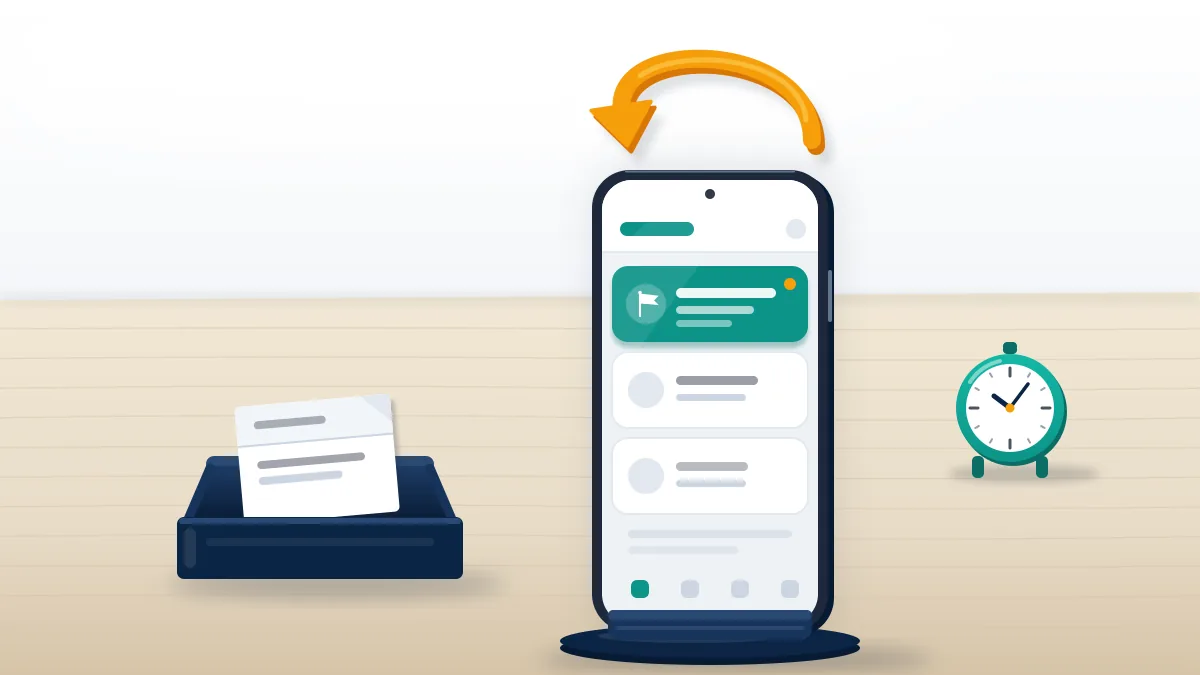
Your Reputation Solution prepares appeals and escalates documented cases, but Meta makes every final decision, so nobody can honestly promise a restored post or a cleared strike. We never ask for your password, we don't file false or coordinated reports, and our disclaimer page spells out the rest.
Every platform runs its own appeal desk, and the guides to recover a terminated YouTube channel and to appeal a suspended Twitter account cover the two that ask for the most detail.
Reduced reach on X is not a report outcome at all, and how to appeal a shadow ban on X explains why. Losing an account there also raises username questions under the inactive Twitter username rules.
Instagram keeps separate rules to claim an inactive Instagram username, while TikTok handles a suspended TikTok account apart from a permanent ban.
Permanent bans need banned TikTok account recovery, the slower path. On Telegram, a report-driven freeze calls for Telegram frozen account recovery.
A lost Telegram login needs the Telegram account recovery steps instead, and people who would rather hand that over can use the Telegram account recovery service.