
How do you report fake news on Facebook right now?
Open the three-dot Options menu beside the post, choose Report post, then pick Scam, fraud or false information. Facebook's own Mark a Facebook post as false news help page, read on November 10, 2026, lists the next tap as Sharing false information, followed by a choice of what kind of falsehood it is and a final Done. Computer, iPhone and Android show the same wording. No form opens. Nothing asks for proof, a link or an explanation. Your flag joins a pile of signals about that post, and the poster is not told who sent it. Anyone asking how do I report fake news on Facebook therefore gets a five-step answer that needs a handful of taps, although the harder question is what the flag accomplishes once it leaves your screen. Most of this guide deals with that second question.
- Tap or click the three dots (Options) on the post.
- Choose Report post.
- Select Scam, fraud or false information.
- Select Sharing false information and the type that fits.
- Press Done.
Searches such as "facebook report fake news", "facebook fake news report", "fake news report facebook", "facebook report false news" and "facebook report false information" all lead to this one menu. Longer questions do too: how do you report fake news to Facebook, how to report fake news to Facebook by email, "how to report fake news facebook" and how to report false information on Facebook share one answer, because no separate fake-news desk exists.
A post you flag on Facebook may sit beside a doctored clip on YouTube, where YouTube Content ID claims cover reused footage, and a cropped screenshot that raises another question: can you get copyrighted on Instagram for reposting it?
For context, Your Reputation Solution is a reputation management and account recovery firm that prepares platform reports, evidence files and appeals for people and businesses targeted by false posts; it cannot make Facebook's decision.

What happens after a Facebook false information report?
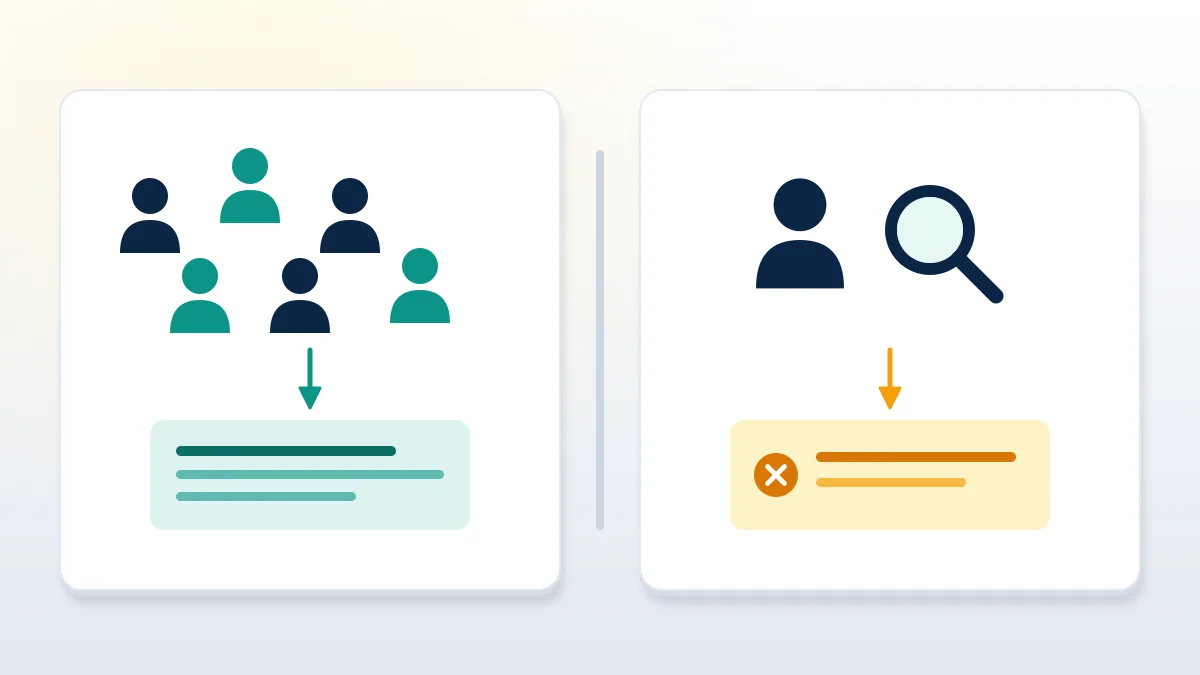
A Facebook false information report becomes a signal, not a verdict. Meta's misinformation policy says the company removes false claims only in narrow categories: content likely to contribute directly to imminent physical harm, harmful health misinformation such as specific vaccine falsehoods, and interference with political processes like voting. Everything else stays up, and Meta says it focuses on reducing how far such posts travel or on adding context. So reporting false information on Facebook rarely deletes the post you flagged. In the best case the post loses reach, picks up a note or a fact-check label depending on the country, and the account behind it accumulates a record; the policy adds that accounts which repeatedly share removable misinformation can face reduced distribution, advertising limits or removal. Review times are not published for these flags, so none is quoted here.
Waves of flags can also hit honest accounts. People wrongly reported during a pile-on end up reading about a banned account on Instagram or an X account suspended for inauthentic behavior.
On Meta's side, a wrongly restricted profile is appealed in-app. Other networks differ, from how to recover a permanently suspended Twitter account to the steps that recover a banned Telegram account.
When Your Reputation Solution prepares these reports for a client, the file notes the post URL, the selected reason and the date, because a later appeal or legal letter needs that trail.

Fact-checkers or Community Notes: who reviews the claim?
That depends on where you are. Meta ended its third-party fact-checking program in the United States in 2025, with policy change-log entries dated January 7 and April 7, and replaced it with Community Notes, where contributors write context and a note publishes only when people who previously disagreed both rate it helpful. The Community Notes page, updated September 9, 2026, says the feature is open to contributors based in the United States and is being tested in 16 Latin American countries, including Argentina, Mexico, Colombia and Chile. Outside the United States, the misinformation policy still says Meta partners with third-party fact-checking organizations that rate the most viral content. A US reader reporting false news on Facebook is therefore feeding a ranking and notes system, while a reader in Europe or Asia may still see a fact-check label appear on the same story.
Non-contributors have a second lever: the notes page lists a way to request a note on a post, which works alongside the report menu.
Group chats are where many rumors start. Admins who lose control of a group during a hoax often need to recover WhatsApp Business account access first, and a deleted profile raises its own question about WhatsApp account recovery after a delete.
Telegram is similar: channel owners locked out mid-rumor look up how to recover Telegram account with username or try to recover deleted Telegram account history before they can post a correction.
How to report AI videos on Facebook
Facebook lists no report reason named AI in the help article above as of November 2026. So the working answer to how to report AI on Facebook is the same false-information path, chosen for what the video claims and not for how it was made.
For clients facing a synthetic clip, Your Reputation Solution maps the video to the rule it breaks before anything is filed, since the wrong reason sends a strong case into the weakest queue.
Disclosure duties sit on the uploader, not the reporter. Under the misinformation policy, people must disclose, with Meta's AI-disclosure tool, photorealistic video or realistic-sounding audio that was digitally created or altered, and penalties may follow when they skip it. Meta announced in April 2024 that it would add AI info labels when it detects industry-standard AI signals or when the uploader discloses, and the policy allows a more prominent label for altered content that creates a particularly high risk of misleading people on a matter of public importance. Synthetic clips are not removed for being synthetic. They come down when they break another rule. Deepfakes of a real person are the clearest example: clips that put words in your mouth, use your face in an advert or pretend to be you can be reported as impersonation, fraud or a privacy violation, and those reasons are judged against rules that do provide for removal.

When the false post is about you, a stronger report exists
Falsehood alone is the weakest ground Facebook offers. How to report misinformation on Facebook when it names you, then? Start with the specific rule, and keep the false-information reason as a backup.
Country matters here. Readers down under can compare the eSafety and defamation options in our guide to which negative content Australian law can force offline, while the broader map of ways to remove negative internet content covers publishers, hosts and search engines.
In every one of those routes, Your Reputation Solution files and escalates the report with the evidence attached; Meta's reviewers make the final decision, and no outside firm can overrule them.
Posts that lie about you usually break a rule that Meta enforces by removal: impersonation when a profile poses as you, harassment when it targets you repeatedly, privacy when it publishes your address or documents, fraud when it sells something in your name, and intellectual property when it lifts your photos or logo. Each has its own report reason or form, and each asks for specifics the false-news menu never requests. Outside the platform, a false statement of fact that damages your reputation may be defamation, which is a legal question decided by courts and not by a report button; a lawyer licensed in your jurisdiction can say whether a letter is worth sending. Search results are a separate track again, because a post removed from Facebook can linger in Google until the page is recrawled.
Old news is a common case. True-but-outdated arrest stories shared as current call for removing arrest records from Google, not a false-news flag.

Does reporting fake news on Facebook ever remove the post?
Sometimes, but only when the claim falls inside a removal category. The policy lists them: misinformation or unverifiable rumors that expert partners judge likely to contribute to imminent violence or physical harm, harmful health misinformation including named vaccine claims, and falsehoods about voting or the census that interfere with political processes. Lies about a celebrity, a miracle diet or a local business usually sit outside all three. There the realistic outcomes are reduced distribution, a note or label, or nothing visible at all. People who ask how to report false news on Facebook and expect deletion are often disappointed for this reason, not because the report failed to send. One accurate report with the right reason does more than many copies of the wrong one. Coordinated inauthentic behavior is also prohibited under Meta's standards, so organized false flagging can backfire on the accounts doing it.
False post about you or your business? Your Reputation Solution reviews the post, picks the report route that fits and tells you plainly when nothing can be done. Get a free report review.
That temptation to mass-flag shows up on every network. Guides promising how to get someone banned on Twitter describe the same dead end, and the people targeted end up learning how to unlock a Twitter account locked for age or some other mistaken restriction.
Locked-out users on X also ask how to recover Twitter account if you forgot username, and YouTube creators hit by false strikes look for ways to recover YouTube account without Google sign-in.
What should you save before reporting false information on Facebook?
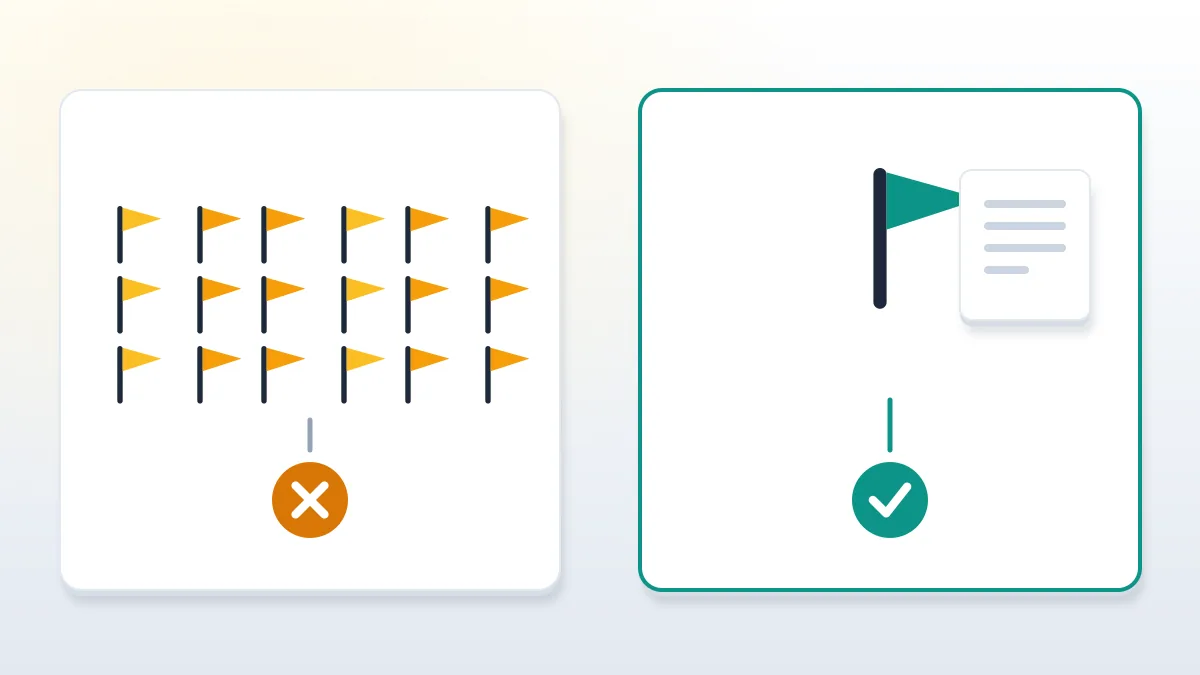
Save the post's link, a full screenshot with the date and account name, and any copies on other platforms before you report. Evidence disappears fast. Posters delete, edit or restrict a post once it draws attention, and a report filed without a saved URL cannot be followed up later. Capture the permalink from the post's timestamp, a screenshot showing the account name and date, the profile URL of the poster, and the names of any groups or pages where it was shared. Note which reason you selected and when. If the post concerns a business, record lost bookings, hostile messages or customer questions that arrived after it spread, because platforms, lawyers and regulators all ask what harm followed. Reporting fake news on Facebook takes seconds; proving later what the post said can take weeks if nothing was saved.

Where does paid help fit, and where does it stop?
Paid help fits when the post harms you and a specific rule or law applies; it ends at the platform's decision. Before any engagement starts, Your Reputation Solution states what it refuses: no mass reports, no false copyright or impersonation claims, no requests for login details and no payment to make a truthful post vanish. Be careful who you hire. Sellers who promise guaranteed removal of a Facebook post, offer bulk reporting from fake accounts or ask for your password are describing either a scam or a violation of Meta's rules, and both can cost you the account you are trying to protect. What a legitimate service can do is narrower: identify the rule a post breaks, assemble evidence, file through official forms and track the response. Outcomes depend on Meta's reviewers and local law, as the disclaimer explains.
Pricing deserves the same skepticism. This breakdown of what it costs to recover a YouTube channel shows how to read a quote, and a person leaving a platform over a hoax should read about a Telegram account delete request before pressing the button.
Scam deepfakes often push viewers to hijacked profiles, and recovery fraud follows. Victims then search how do I recover my TikTok account or find they can't recover a TikTok account that was renamed to promote the same clip.
Live video adds one more route, since a creator punished over someone else's fake stream can file a TikTok live access appeal, and people trying to recover an old TikTok account should secure it before impostors reuse the handle.
Secure your own accounts as well, since angry posters sometimes retaliate. Know the Instagram account recovery support phone number myths before you need help, and learn how to recover banned WhatsApp account access if a counter-report lands.