Does Instagram have customer service?
Yes, Instagram has customer service, but almost none of it is a person you can ring. Meta's phone support page, read on 14 October 2026, states that Meta, including Instagram, "does not have a general public phone number available for customer service". What exists instead is a stack of self-serve tools. Help Center articles answer how-to questions. In-app reports and appeal buttons feed review queues. Since 19 March 2026 the Meta AI support assistant has handled chat-style questions inside the app and the Help Center. Human agents sit behind three narrower doors: Meta Verified support for paying subscribers, Meta Business Support Home for advertisers, and the email thread that opens when a form or report gets a reply. So when someone asks whether customer service for Instagram is real, the accurate reply is that the service is real and the call centre is not. Which door you can use depends on your account type and your problem.
People look for it under a dozen names. "Customer service Instagram", "IG customer service", "Insta customer service" and "customer care Instagram" all describe one thing: someone at Meta who will read your case.
Most of those searches start with a lost account. Different lockouts use different queues, so how to get a hacked Instagram account back is a separate route from the disabled Instagram account recovery form.
Suspensions add a third queue with its own clock, the Instagram suspended account recovery form, and a rejected first review leads to the steps that follow an Instagram appeal denied notice.
Your Reputation Solution is an account recovery and online reputation firm that prepares support cases for people and businesses locked out of their profiles. Recovery-only channels have their own guide, how to contact Instagram for account recovery; this page covers support as a whole.
Instagram customer support channels, ranked by who answers
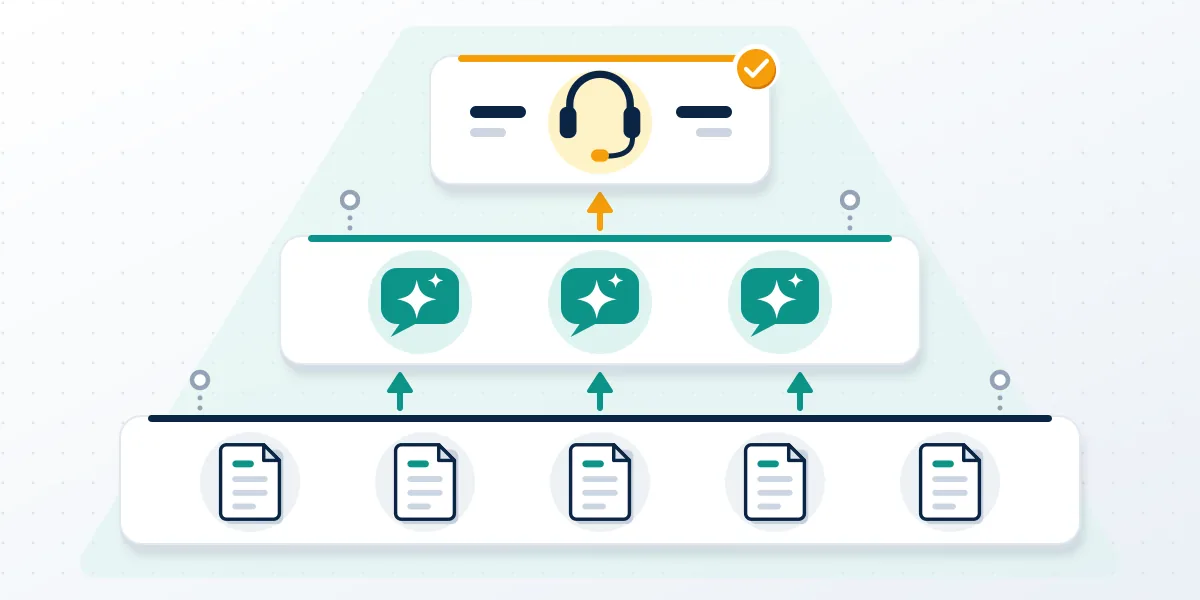
Five channels make up Instagram customer support as of October 2026, and only some of them put a person on your case. The Help Center is the starting point Meta recommends: its contact page says that "for most issues, the Help Center is the easiest way to get support". In-app reporting covers posts, profiles and messages, and each report lands in a review queue that mixes automation with reviewers you never speak to. Meta's AI assistant answers in chat, can check your account status and can walk you through an appeal. Meta Verified support adds email and chat with an agent for active subscribers. Advertisers get Meta Business Support Home. One more door opens only in the European Union, where a routing form sends an automated email that can include a unique reporting number. Keep that number. Replies to that email reach the team handling your report.
| Channel | Who can use it | Who answers |
|---|---|---|
| Help Center and in-app reports | Every account | Automated review, plus reviewers you cannot message |
| Meta AI support assistant | Logged-in accounts where Meta AI is offered | Software, within seconds |
| Meta Verified support | Active subscribers | A person, by email or in-app chat |
| Meta Business Support Home | Advertisers | A person, for ad and business account issues |
| EU routing form and case emails | People in the EU, or anyone with an open case | A person, by email reply |
When Your Reputation Solution prepares a case, the first job is matching the problem to one of these five rows, because a request sent to the wrong queue tends to earn an automated answer that moves nothing.
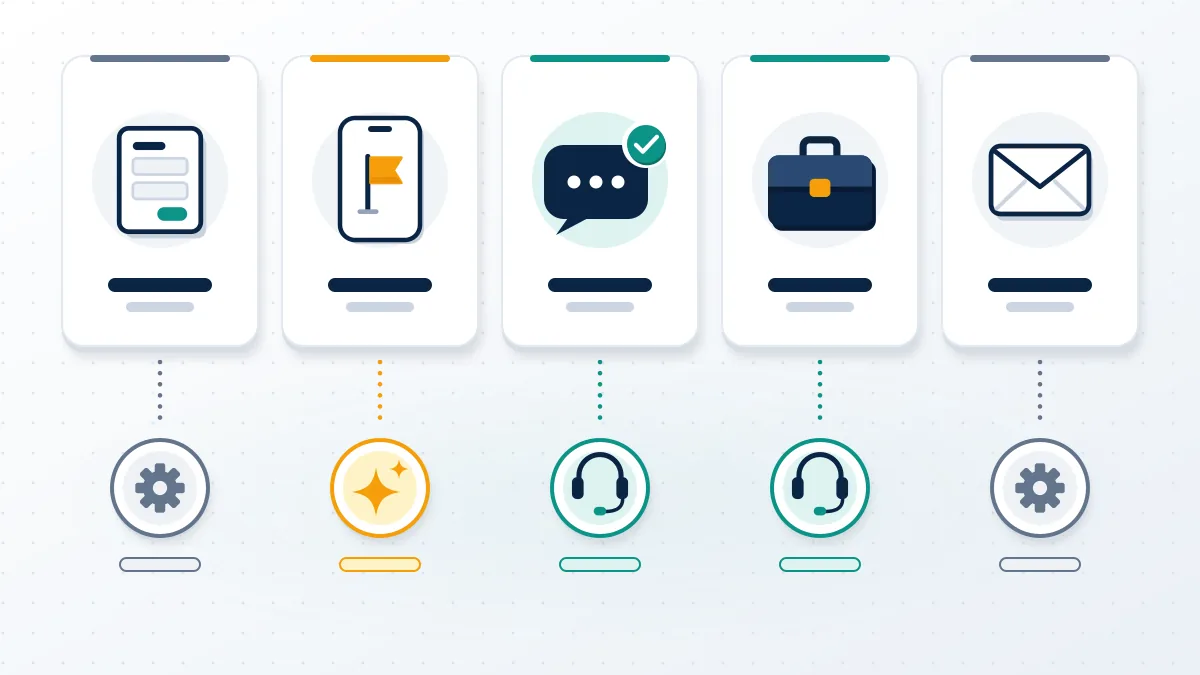
That table is the honest answer to searches for an Instagram support agent, an Instagram support live agent, IG customer support or Insta customer support: the agent exists, behind a subscription, an ad account or a case number. Searches for customer support for Instagram and "customer support Instagram" end at those five rows too.
Reports never needed an agent in the first place: steps to report Instagram account for harassment sit in the profile menu, and reporting a post on Instagram takes a few taps.
Scam accounts follow that path as well, and our guide on how to report fraudulent Instagram account activity lists who else to tell. A mistaken report cannot be recalled by an agent either; how to check report on Instagram covers what you can still see.
How to contact Instagram customer service from the app
Free support starts inside the app, and it works best when you write the request the way a reviewer needs to read it. Nowhere do Meta's support pages list an email address or phone number for general use, so how to contact Instagram customer service comes down to four in-app steps and one rule: one problem per request. Reviewers and the AI assistant both work from what you type and attach, and neither can ask a follow-up question the way a phone agent would. A report that names the account, the date the problem started, the device and the exact error text can be acted on. One line saying the account "stopped working" cannot. If you are logged out, the login screen's help link and the hacked-account page replace step one, and the remaining steps stay as they are. Screenshots matter more than adjectives.
Before a request goes in, Your Reputation Solution checks it against the wording of the policy involved, since a reviewer decides on what the message proves, not on how upset it sounds.
- Open your profile, tap the menu in the top right and scroll to Help.
- Choose Report a problem and describe one issue, with the username, dates and error wording.
- Attach screenshots, then send.
- Look under Help for your reports (the app labels this area Reports and violations, the website Support Requests) and answer any Instagram email inside its own thread.
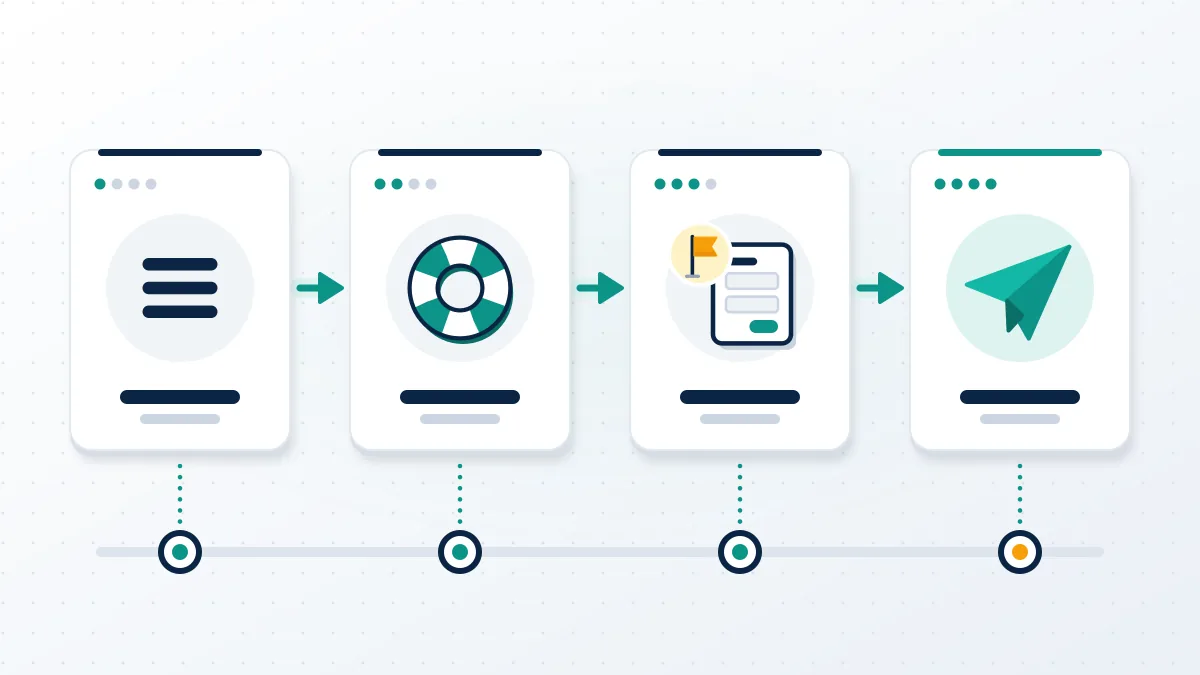
Whether you typed "how do I contact Instagram customer service", "how can I contact Instagram customer service" or "how to contact IG customer service", the steps are these four. Guides promising a hidden way for how to get in touch with Instagram customer service are describing this form.
There is no separate Instagram customer service contact page to find: to contact Instagram customer support you use the Help menu, and anything sold as Instagram help customer service by phone is not Meta.
Legal complaints skip this form entirely. Rights holders dealing with copyright videos on Instagram use Meta's intellectual property form, and brand owners file an Instagram trademark takedown through a separate one.
Content you want gone has its own routes, covered in our notes on Instagram reels removal. And if a warning triggered your message, read how to avoid an Instagram account ban before you send a second request.
Once a request is sent, Your Reputation Solution follows the thread and escalates where a formal route exists; Instagram's reviewers make the final decision.
How do you talk to a human at Instagram?
You talk to a human at Instagram through Meta Verified support, Meta Business Support Home or a reply to an open case email. On Meta's help page for Meta Verified support, read on 14 October 2026, the listed channels are chat and email with an agent, plus a requested call from an agent on the Premium and Max plans. Email support runs 24/7. Chat is offered only in the Instagram and Facebook mobile apps, not on a computer, and its hours appear when you pick the channel. Topics the page names include billing and refunds for the subscription, verification status and "general profile access or security issues". Two limits matter before you pay. Support is tied to an active subscription, so it cannot be bought for an account that is already disabled. And an agent can explain a decision or pass a case along, but the review team still decides.
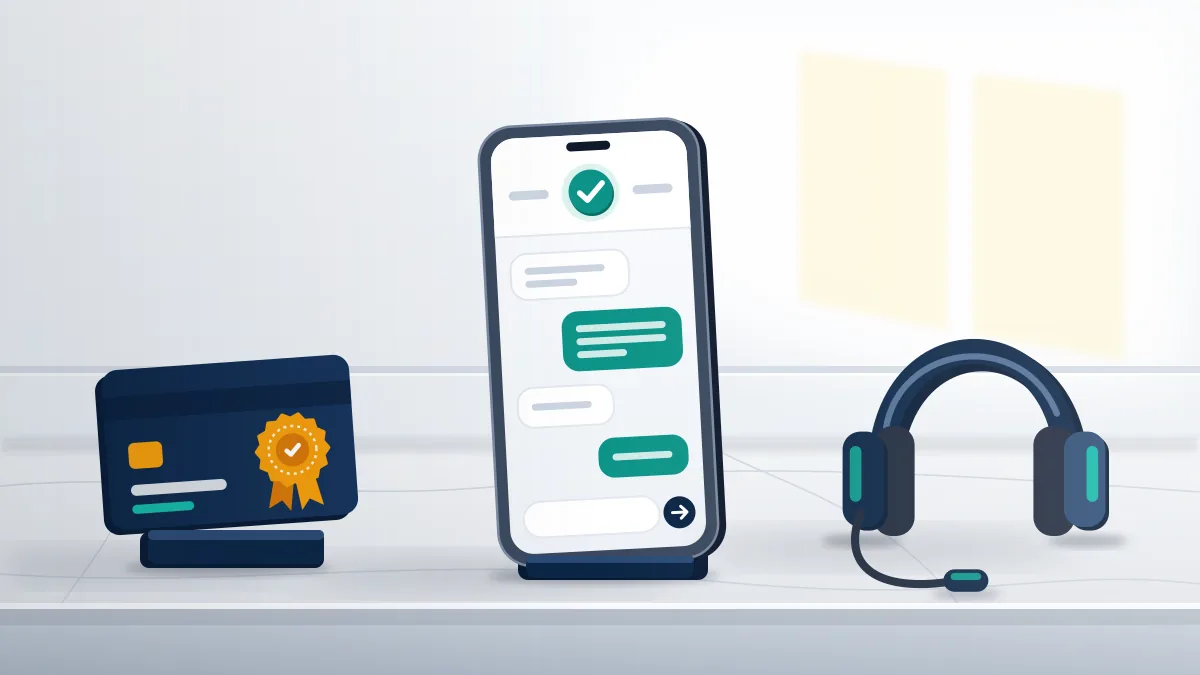
That is the whole answer to how to talk to a human at Instagram or how to talk to someone at Instagram. An Instagram customer service human exists, and "Instagram help real person" searches end at a subscription page, an ad account or a case thread. Pricing is shown in the app and varies by platform and country.
What an Instagram support human will not do is bend the rules. Anyone looking for an Instagram support real person to release a name or reverse a ban on request is asking for something the job does not include.
Agents do not hand out usernames: when Instagram says username isn't available, the cause is a rule or a holder, and knowing how to check if Instagram username is taken saves a wasted chat.
Availability tools sit outside support altogether. An Instagram name availability check or an Instagram handle availability checker reads public pages only, and no agent will confirm what those tools guess.
Nobody legitimate sells access to Meta staff, and Your Reputation Solution does not either: the firm writes the case, picks the channel and keeps the thread alive.
Instagram customer service hours and reply times
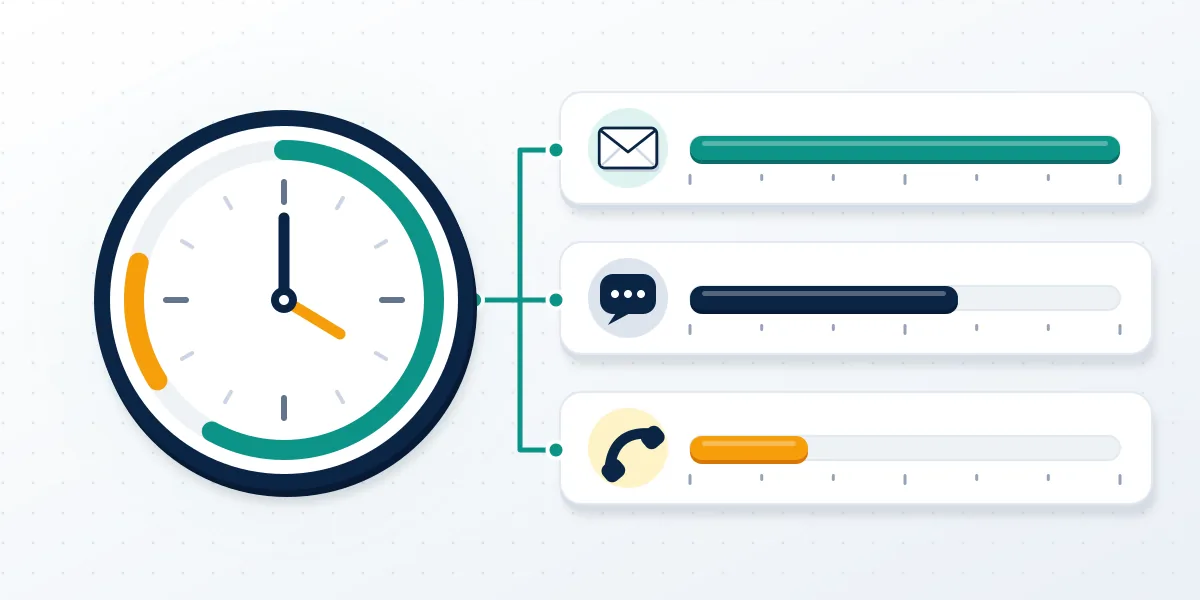
No Instagram customer service hours are published for free accounts, because the free channels are forms and software that run all day. Three time facts are official. Meta Verified email support is available 24/7, while chat and phone hours "may vary" and are displayed inside the app when you choose a channel. Speed is the assistant's selling point: the company's newsroom post on the support hub says it "can respond to requests in under five seconds". That same post, published in December 2025, describes the hub as a step toward 24/7 account support on iOS and Android. Reply times for reports and appeals are a different matter. No service-level promise is published for them, and a fast automated answer is not a decision on your case. In the cases we see, a review takes days, not minutes. Keep the confirmation email.
Regional wording changes nothing here. "Customer services Instagram", "Instagram customer services", "IG customer services" and "customer service IG" lead to the channels above and to the same missing timetable.
Some requests never get a reply because support does not handle them. Running an Instagram username check is self-serve, and so is the search to find available Instagram usernames.
Short names are the usual example: no agent will explain how to get a rare username on Instagram or say which of the 4 letter Instagram usernames available today are real.
Each case at Your Reputation Solution is tracked by its confirmation email and report number, which is the only reliable way to tell a queue that is moving from one that has gone quiet.
Is that Instagram support number real?
No. Any phone number claiming to be Instagram support should be treated as a scam until you have proof otherwise. Meta's own wording is blunt: "Phone numbers claiming to be for Meta customer support are potentially scams and should be avoided." Fake agents work the gap this article describes. Someone locked out searches for a number, finds one in an ad, a forum reply or a comment, and reaches a caller who asks for a login code, a password or a fee to "unlock" the account. Real support never needs your password, and a code sent to your phone is for you alone. The same trick runs through direct messages from accounts with "support" or "help center" in the name. Genuine help is something you open from the Help menu; it does not arrive as a message telling you to act within hours. Hang up, close the chat and go back to the app.
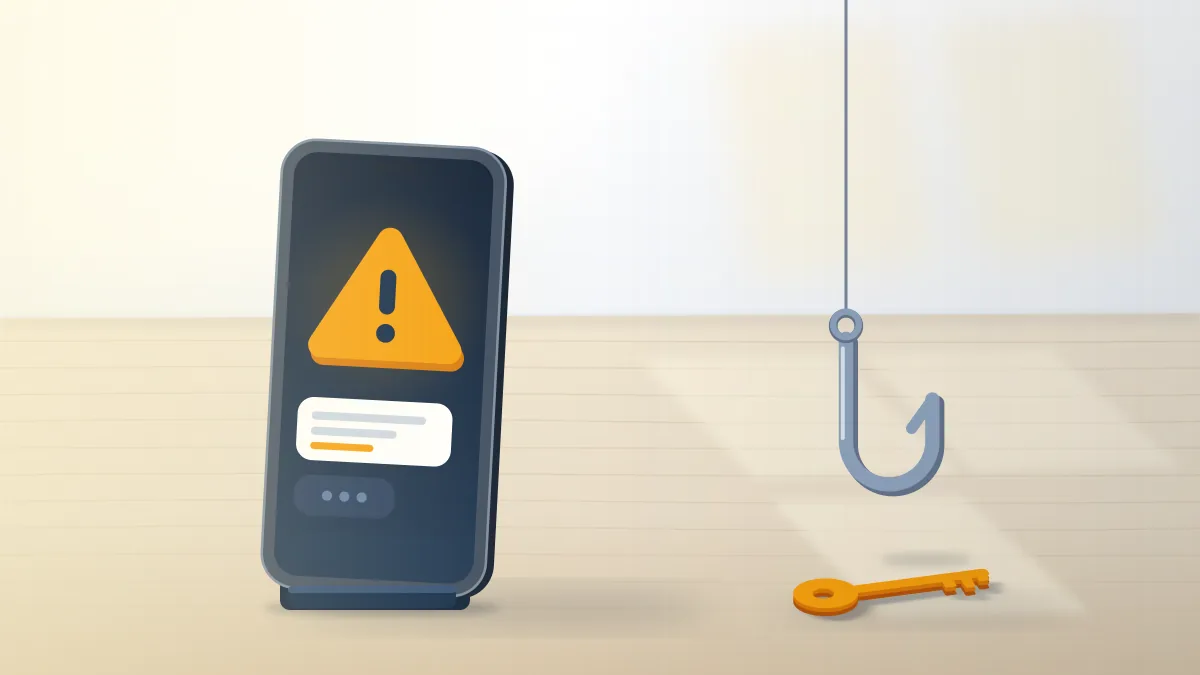
These calls belong to the wider pattern of scamming on Instagram, next to sellers of an Instagram account ban service who claim insider contacts.
Username brokers use that pitch too. Offers to buy rare Instagram username stock or Instagram handles for sale through a "support contact" describe a transfer no agent can approve.
Our answer to can you buy Instagram usernames starts from Instagram's terms, not from a broker's promise.
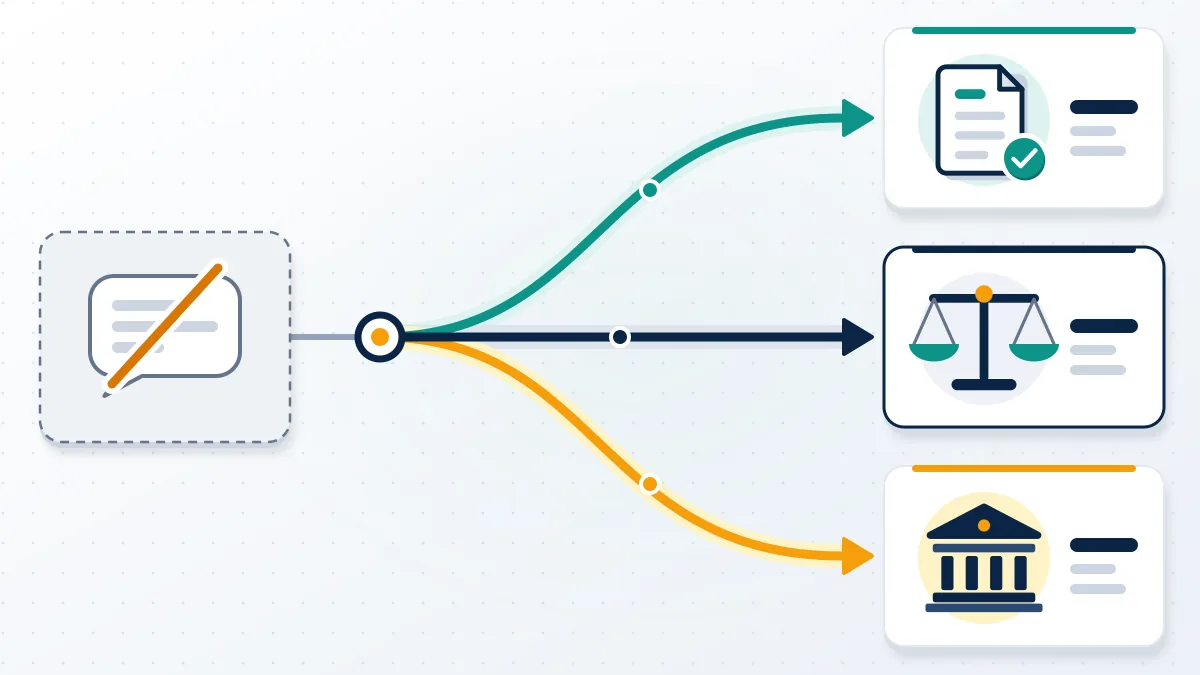
When official support goes quiet, the next steps are formal, not secret. Reply on the existing case email. Use the appeal button in Account Status. In the EU, Meta's contact page points to a form for appeals under Article 20 of the Digital Services Act and gives a postal address in Dublin for written complaints.
Stuck between a form and a bot? Your Reputation Solution reviews what you have already sent, tells you which channel fits and prepares the next request. Passwords and login codes are never part of it. Ask for a free case review.
We will not ask for your password, promise a restored account or pay anyone for a shortcut. Those limits are set out in our disclaimer on recovery limits.
One last check before you send anything: write down the date, the channel and the reference you received. Such a three-line log is what lets a later appeal, a paid agent or a written complaint pick up where the last request ended, so the next reviewer is not starting cold.