The IG Help Center is a library with a search box, not a call center
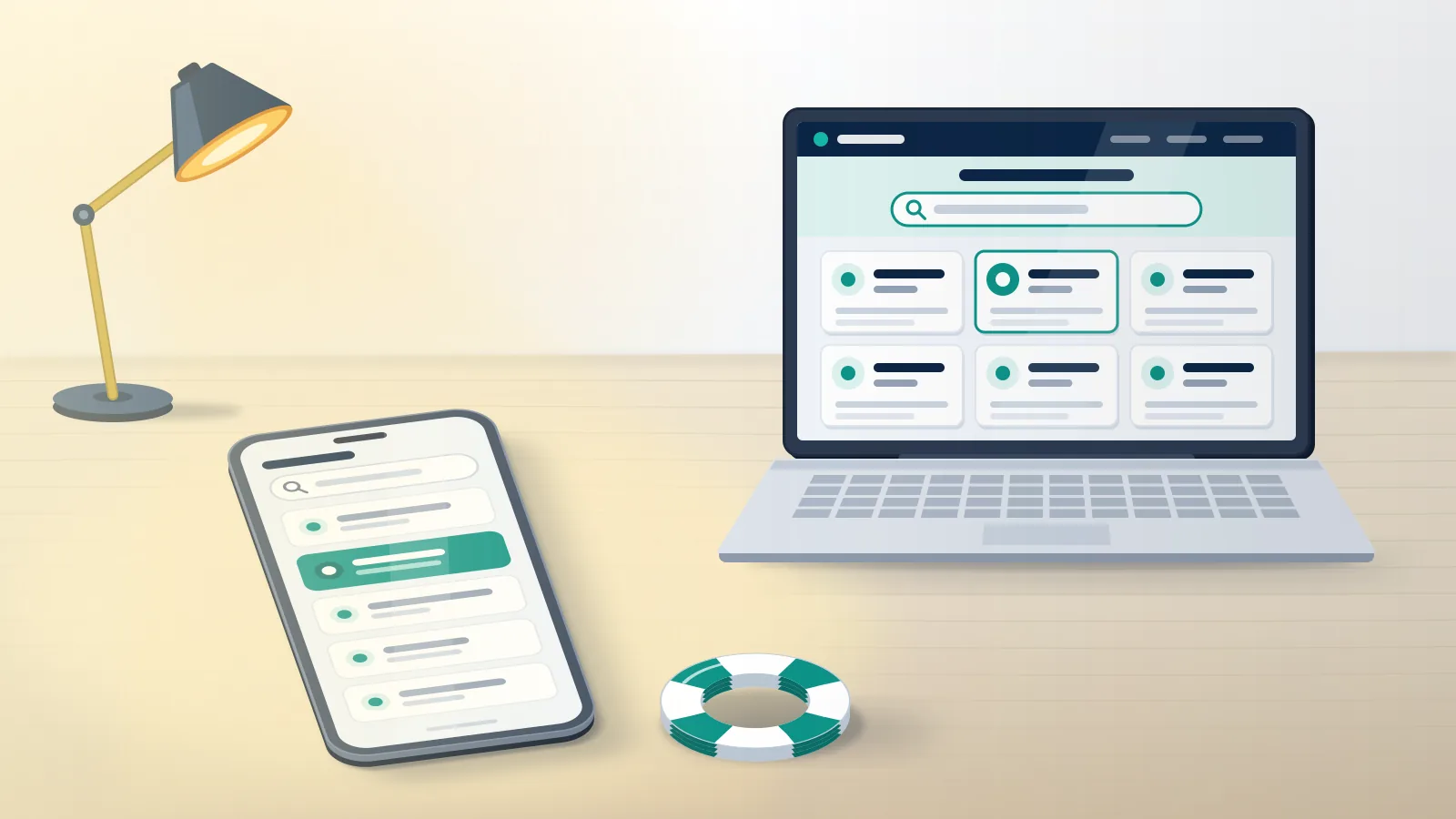
The IG Help Center is Instagram's self-serve support site at help.instagram.com, and nobody answers there in person. Loaded on 14 October 2026, its home page asked "How can we help you?" above a search box, six featured topics and a link to chat with the Meta AI support assistant (Instagram Help Center). Seven sections sit behind the navigation menu: Instagram Features; Login, Recovery and Security; Manage Your Account; Staying Safe; Privacy and Reporting; Terms and Policies; and Threads. A test query for "emails from Instagram" returned 26 articles under an AI-written summary. Instagram's contact page describes the arrangement: the Help Center "provides self-serve support and advice", and "for most issues, the Help Center is the easiest way to get support". Some people call it the Insta Help Center, others the Instagram Help Centre, its UK spelling.
Searches like "ig com help" and "instagram com help" point at one address: typing instagram.com/help redirected to help.instagram.com when tested. Any other Instagram help link or Instagram help website asking for a login belongs to somebody else.
Your Reputation Solution is an account recovery and reputation management firm that prepares appeals, reports and removal requests through these same official routes. Our case files start with the article or form that matches the problem, such as how to get a hacked Instagram account back or how to delete an Instagram account.
Where is the Instagram help page inside the app?
The Instagram help page sits two taps below your profile: tap your profile picture, tap Menu, then scroll to More info and support.
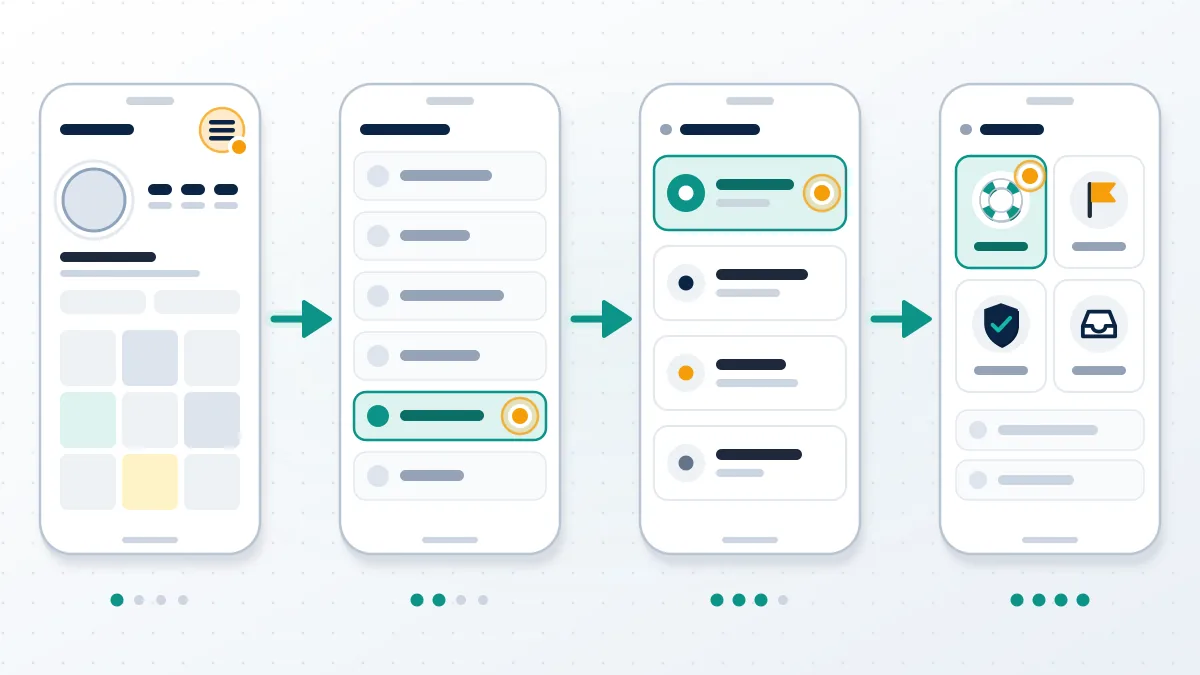
Three entries in that section matter. Help opens the same articles as the website, plus Report a Problem, where the app offers to let you "shake your phone to report the issue" or tap Report problem without shaking; device details travel with it (Report a technical problem). Reports and violations lists what you have reported and what was decided (Support Requests in a browser). Account Status shows removed content and whether a review can be requested. Since December 2025, the menu also carries the Meta AI support assistant, which Instagram's help page says can troubleshoot settings, walk through an appeal and check account status. Two caveats come from that page: "AI can make mistakes", and the assistant reads general account information such as status, recent activity and device type (About the Meta AI support assistant).
Anyone asking can you un-report someone on Instagram will find the answer under Reports and violations, and the steps to report a fake Instagram account begin on the profile itself.
Signed out, the website still works. Insta help for a locked-out owner means the browser pages, including Instagram account recovery without phone number access and the answer to when does Instagram delete inactive accounts.
Before any appeal goes in, Your Reputation Solution checks Account Status and the Reports and violations list, because both screens show what Instagram has already decided.
Is there an Instagram Help Center email you can write to?
No public inbox exists. Instagram lists no Instagram Help Center email on its contact page, and the Help Center's AI assistant answered that Instagram "does not provide a direct customer support email address for general issues".
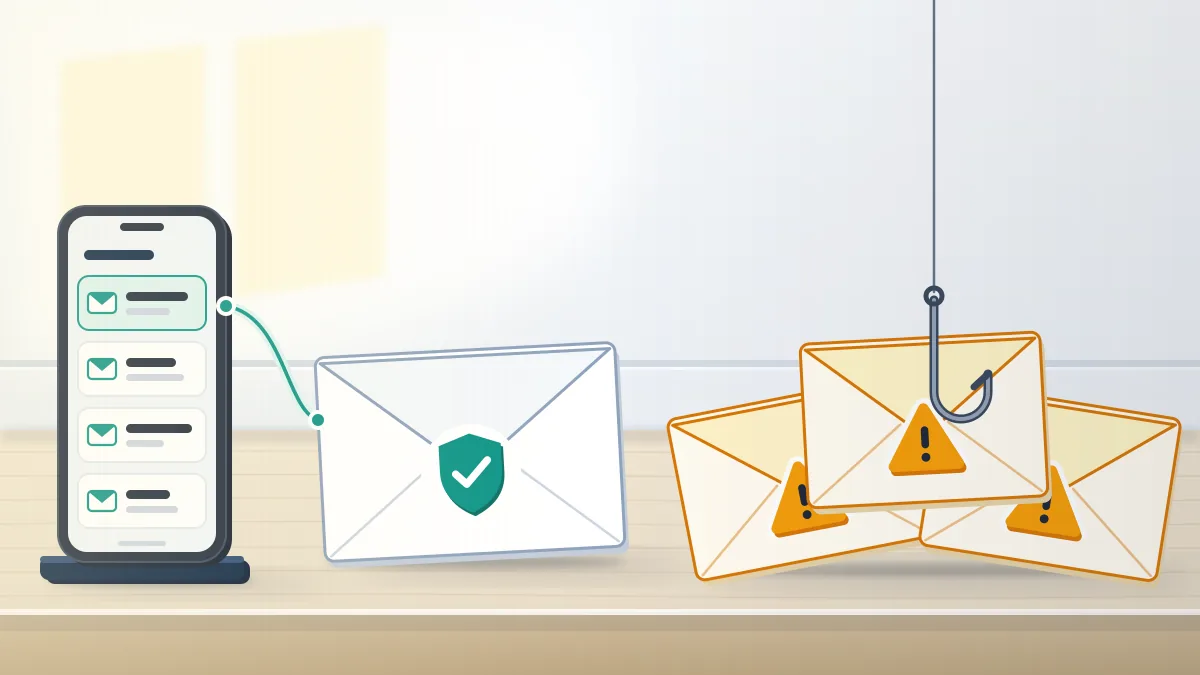
Email does run in the other direction. Five sender domains carry official security messages, according to Instagram's help page: @mail.instagram.com, @support.instagram.com, @support.facebook.com, @facebookmail.com and @global.metamail.com (Review recent emails sent from Instagram). Sender names prove little, so check the app. On a computer, go to More, Settings, Meta Account (or Accounts Center), Login and security, then Recent emails, where everything Instagram sent in the last 14 days is filed under Security or Other. Messages missing from that list did not come from Instagram. That page adds that Instagram "will never reach out to you about profile security through Direct Messaging". Replies work in one case only: when a report produces an email from the support team, Instagram asks you to "respond directly to that email". Suspicious messages can be forwarded to [email protected], a reporting address, not a help desk.
Searches for an "IG Help Center email", an "Instagram help desk email" or a way to "email Instagram Help Center" staff end at forms, and British users trying to email Instagram Help Centre agents meet that wall too. One paid exception exists: "Meta Verified subscribers get access to email and chat support", per Instagram's phone-support article.
Forms replace the inbox, and some confirm by email. An intellectual property filing returns an Instagram report number, which is why an Instagram copyright complaint leaves a paper trail that an in-app report does not.
On the filing side, Your Reputation Solution drafts those forms and tracks the reply thread; Instagram's reviewers make the final decision, and no outside firm changes that.
Is there an Instagram Help Center number to call?
No Instagram Help Center number exists for the public. Meta's wording leaves little room.
Meta, including Instagram, "does not have a general public phone number available for customer service", and "phone numbers claiming to be for Meta customer support are potentially scams and should be avoided" (Phone support availability on Instagram). One note qualifies it: Meta "may offer specialized phone support in certain jurisdictions or with certain products or features". Nothing on the page gives ordinary account holders a line to dial. Scammers fill that gap. A sponsored result or a forum post advertises an "IG Help Center number" or an "Insta Help Center number", a friendly voice answers, and within minutes the caller is reading out a login code or paying a "release fee". Losses are large. People reported losing $3.5 billion to imposter scams in 2025, nearly $1 billion of it to business impersonators (FTC, 15 June 2026).
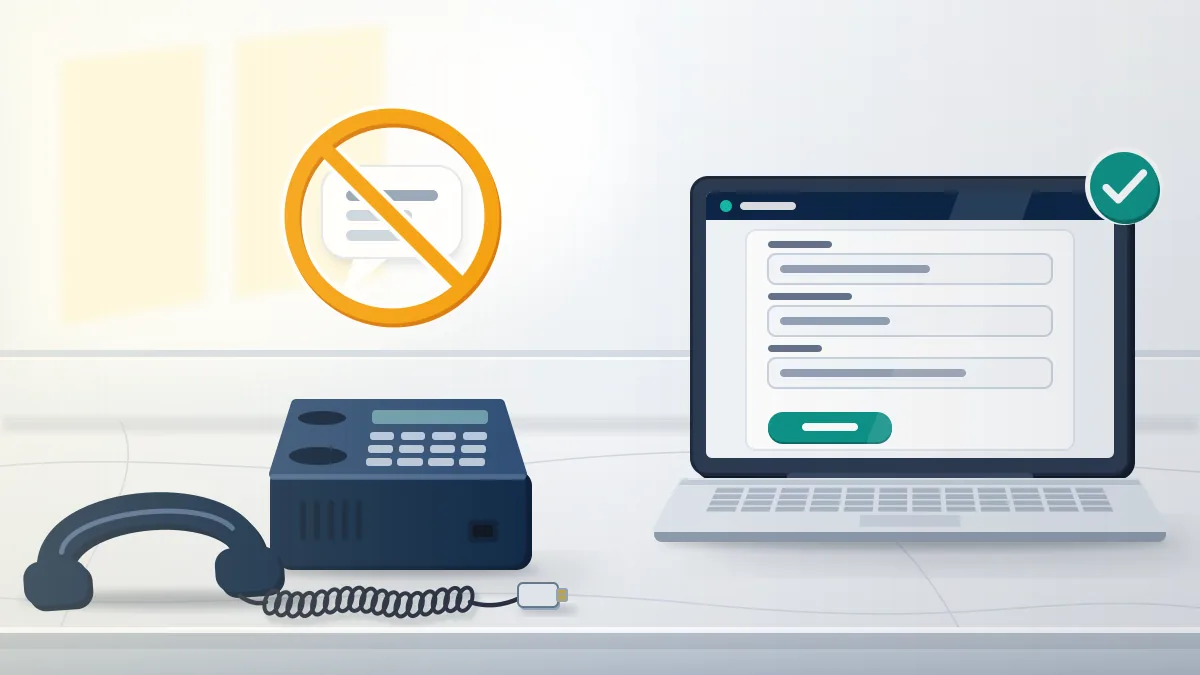
An "Instagram help desk number" printed on a web page deserves the same suspicion. Scripts are listed in the guide to scams on Instagram, and how to report blackmail on Instagram covers callers who turn to threats.
Fake numbers also outlive the pages behind them in search results; when one names your business, a request to remove link from Google search results handles the listing while Instagram handles the account.
Which Help Center route fits which problem
To contact Instagram Help Center teams about a case, pick the route first. Whatever goes into the search bar ("instagram contact help", "help instagram contact"), the answer is a form or a report. Each problem has its own door.
Stuck between forms? Your Reputation Solution reviews the notice, the route and the evidence, then says which door fits before anything is filed. Ask for a free route review.
| Problem | Official route | What comes back |
|---|---|---|
| Hacked or locked out | Login screen, "Forgot password?" | Login link or identity check |
| Disabled account | Appeal on the login notice | Review decision |
| Abusive post or profile | Report on the item itself | Entry in Reports and violations |
| Copyright or trademark | Meta's IP reporting form | Email with a report number |
| Impersonation | Impersonation form | Email follow-up |
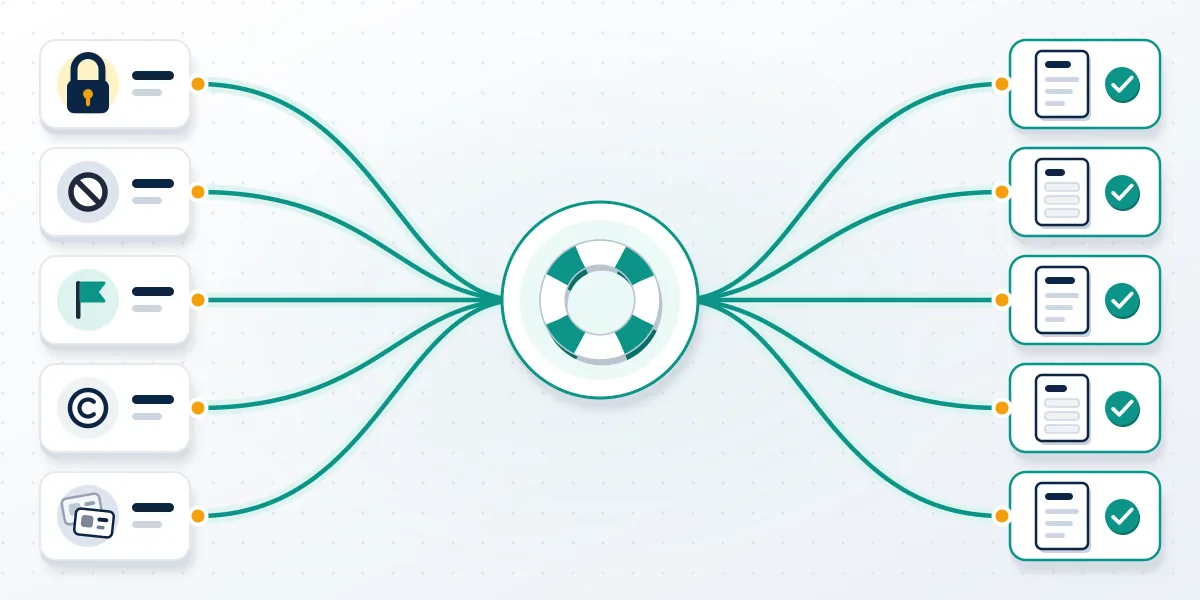
How you contact Instagram for help depends on whether you can still sign in. Signed in, start from the item itself: the three dots on a post, the menu on a profile, or the notice on your own content. Without a login, the sign-in screen and the browser Help Center carry the load, and a disabled-account notice is the only place its appeal can be opened. European Union users have one more option. Instagram's phone-support page describes a form that routes a problem and sends "an automated email with information about your report, including, in some cases, a unique reporting number". Save that number: the contact page says to keep it "in case you need to contact us about your report", and it is the closest thing to a ticket that any Instagram help contact produces.
Steps for how to delete your old Instagram account differ from an appeal, and an Instagram unban service can prepare that appeal, never decide it.
Identity and content problems split too: read how to report an Instagram account impersonating you before filing, and check the rules on copyright for Instagram Reels before claiming a clip.
Usernames fill a corner of Manage Your Account. Start with how to see if Instagram username is taken, then see why an Instagram username isn't available when no profile shows.
An Instagram name checker reads public pages only, and so does any attempt to check Instagram handle availability.
The Instagram help desk that messages you first is fake
No Instagram help desk writes to you first. Neither does a legitimate recovery firm.
Your Reputation Solution never asks for a password or a login code, never sells a phone line to Instagram, and sets out what we will not take on before any work begins.
Instagram's phishing page tells users not to trust "messages demanding money, offering gifts or threatening to delete or ban your Instagram account", and its email page rules out security contact by direct message (Protect yourself from phishing on Instagram). Any account named like an IG help desk that slides into your inbox with a warning or a rescue offer is a stranger with a script. Usernames are a favorite hook. The fake agent claims that Instagram help online now includes releasing dormant handles or transferring a taken one for a fee, and asks for payment plus a login code to "verify ownership". Nothing in the Help Center supports that. Its username articles say only to pick an available variation, and the Terms of Use forbid buying, selling or transferring any part of an account, the username included.
That rule answers can you buy an Instagram username before any price is discussed, and it explains why offers to buy Instagram username rights arrive through DMs.
Sellers advertising an Instagram handle for sale work outside every platform protection, and short names draw the most bait, so test any promise of available 4 letter Instagram usernames against the facts.
Honest routes exist and cost nothing. You can look for unused Instagram usernames yourself, and the guide on how to get a rare Instagram username covers what is realistic.
Whoever contacts you, the test is the same: real Instagram help lives at one address, charges nothing and never needs your code.