What does hiding personal information online actually cover?
Hiding personal information online means controlling what new details get published and who can see what already exists. Removal is a separate job. Hiding works forward: you change who can view a profile, stop search engines from linking to it, and keep a home address, a personal phone number or a main email out of every new sign-up form. Removal works backward on pages that already exist, and it runs through different forms, which our guide on how to remove your name from Google search walks through. Most people researching how to hide personal information on internet profiles need both, in that order, because a page deleted today gets rebuilt next month from the same public sources if nothing upstream changes. Data brokers copy what sites expose. Search engines index what brokers publish. Close the source first, and every later removal lasts longer.
Someone who types "how do I hide my information on the internet" or "how to hide personal information online" into a search bar is usually asking for a map of where their details live, not for a single trick. Your Reputation Solution is an online reputation and account recovery firm that builds that map and shows which of those sources can still be closed.
How to hide personal information on internet accounts you already use
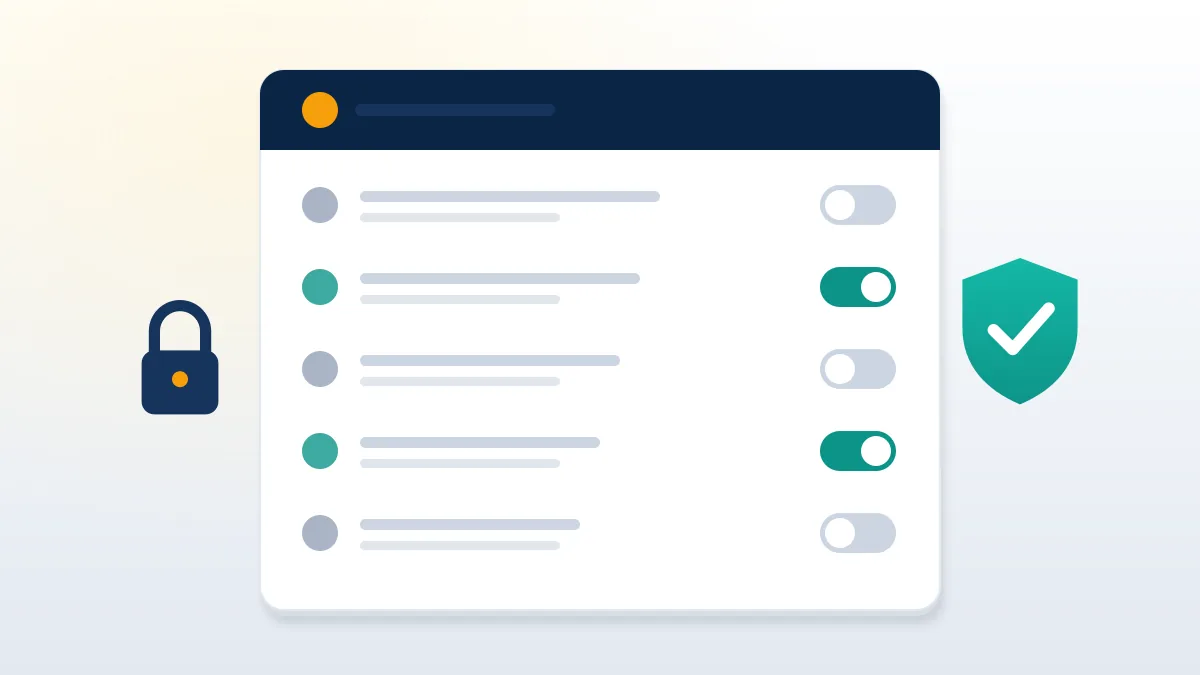
Start with the accounts that already carry your real name, because their settings decide what strangers, brokers and search engines can copy. Facebook lets you stop search engines outside Facebook from linking to your profile, although its help page admits it has no control over copies those engines already cached (Facebook Help). LinkedIn keeps a separate control, under Settings & Privacy and then Visibility, for who can see or download your email address (LinkedIn Help). Both Instagram and TikTok offer a private account switch. Discord has Streamer Mode, which hides personal details while you share a screen. Each change takes about a minute. Lookup settings are the harder part: these toggles let anyone who knows your phone number or email find the matching profile, so they quietly connect an anonymous username to a real identity.
Most people can follow this order:
- Set every personal profile to private.
- Switch off phone and email lookup.
- Delete birthday, employer and hometown fields.
- Check each profile from a logged-out browser.
This routine is how to hide your information online without quitting anything, the core of how to hide your personal information online, and how to block my information online too. Creators asking how do you hide your personal information online can split accounts; how to hide my personal information online, for them, means one public page and one private profile.
Recovery details deserve the same review. Reusing your public contact address as a recovery email links every account it protects, and the steps to recover Telegram account using email assume that address stays secret. If tightening privacy on X triggers a lockout, the Twitter help center form is the official way back in. At no point does Your Reputation Solution ask for a password during this review.
How do I hide my personal information on Google?
You cannot hide a page from Google unless you own it, but you can ask Google to drop certain results and watch for new ones. Results about you is the tool for the second part: you enter your name and contact details, and Google checks Search regularly and alerts you by email or app notification when a result shows them (Google Search Help). From the To review tab you can request removal of a matching result. That request hides the result from Search only. Google leaves the source page online, and says it generally will not remove contact details found on government, educational or news pages. Sites you control follow a different rule: a noindex tag in the page or an X-Robots-Tag header keeps it out of results, and Google's documentation says the page must stay crawlable for the rule to work (Google Search Central).
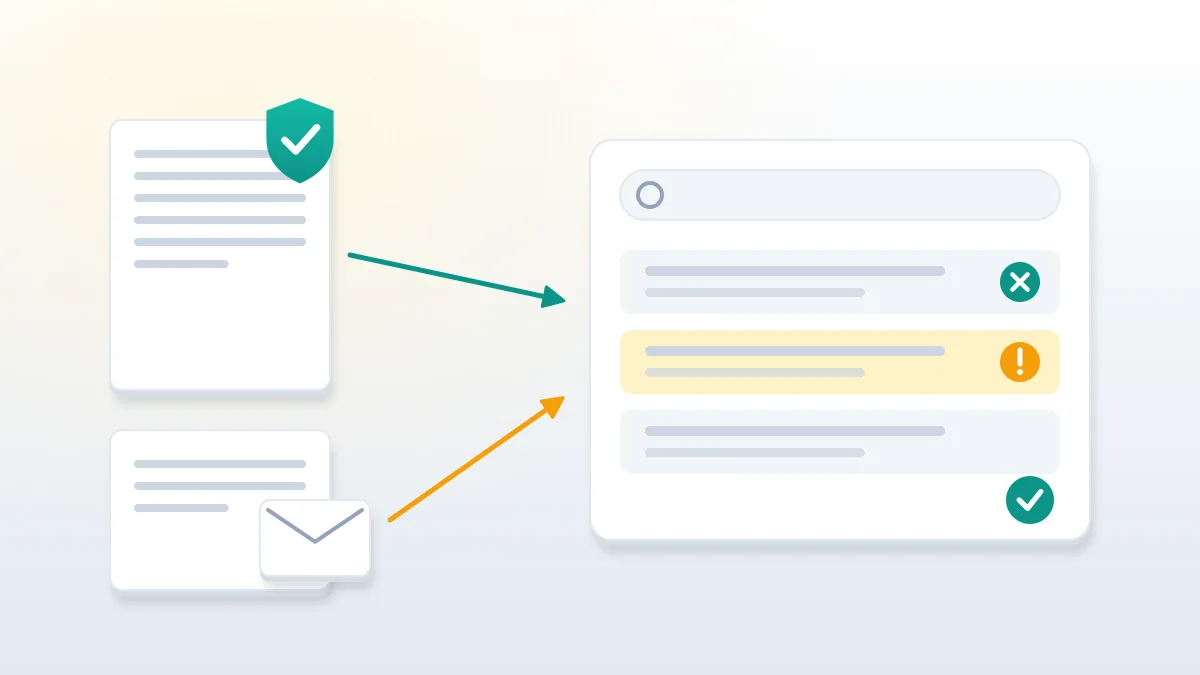
So how to hide personal information from Google search has two halves. Pages you own get noindex. Pages owned by others get a removal request, plus a note to the site owner, because Google cannot edit their copy.
Monitoring is the part most guides skip. Anyone asking how to block your personal information from Google is really asking for alerts, since no setting stops a stranger from publishing your address tomorrow. Results about you is the closest thing to how to block your information on Google in practice: it watches, flags and lets you file. People who look up how to hide your personal information on Google tend to expect a switch. What they get is a queue, and turning it on is still the first move in how to hide personal information on Google. Your Reputation Solution sets up those alerts first for every new privacy client.
How to block your information on the internet before brokers copy it
Data brokers and people-search sites assemble profiles from public records, old sign-ups and each other, so blocking them early saves months of repeat removals. Most large people-search sites publish an opt-out form: you find your listing, submit the form and confirm by email. The FTC has warned for years that these choices are hard to find, and that close matches of a name can keep appearing after an opt-out (FTC consumer guide). Residents of California now have one route for all of it. California's Delete Request and Opt-out Platform, called DROP, sends a single deletion request to every registered data broker, and from August 1, 2026 brokers must check it at least once every 45 days (California Privacy Protection Agency). Everywhere else the work stays manual, site by site. Use a dedicated email for confirmations, or each request hands a broker one more verified detail.
Someone typing "block my personal information internet" or "how do I block my personal information on the internet" often hopes for one switch that covers every site, and "how do I block my information on the internet" carries the same hope. None exists. How to block personal information on the internet, in practice, means three repeated jobs: opt out of brokers, lock the accounts you own, and monitor search results. For a parent, how to block your info on the internet is the same three jobs run with consent, and anyone asking how do you block your information on the internet for a whole family repeats them per person. Learning how to block your personal information on the internet is mostly learning to repeat. To block personal information on internet people-search pages for good, run the broker pass every few months.
Want to know where your details already appear? Your Reputation Solution runs a private exposure check across search results, data brokers and old accounts, then tells you which sources can still be closed. Book a free privacy assessment.
How can I keep my personal information off the internet from now on?
Give every new service a detail you can throw away, and keep the real one for banks, employers and family. Masked email is the easiest layer. Apple's Hide My Email, part of iCloud+, generates unique random addresses that forward to your real inbox, and each one can be deactivated when a site starts leaking or spamming (Apple Support). Other forwarding services do the same, which is how to block your information online at sign-up. A second number from a VoIP app covers delivery drivers, marketplace buyers and dating apps. Postal mail can go to a PO box, which keeps a home address off shipping forms that end up in marketing lists. Domain owners should confirm that the registrar's privacy service replaces their name in public lookups; ICANN's registration data lookup shows what a stranger sees. None of these tools erases older data. They stop the pile from growing.
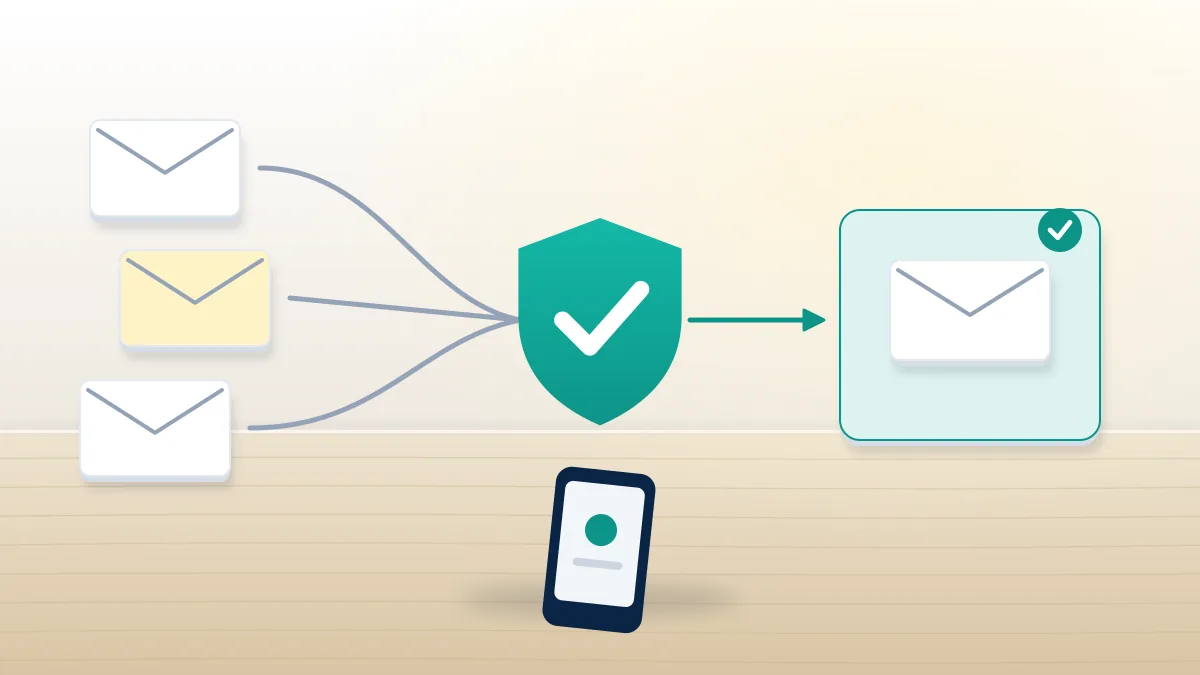
Stopping that growth is the whole point of how to keep personal information off the internet, and it is also how to block personal information online before any broker sees it. For anyone asking how do I keep my personal information off the internet, or how to keep my personal information off the internet after a move, the order stays the same: new address details go only to people and institutions that need them. Typing "how to stop personal information on internet" into a search bar mostly returns removal tools; prevention is the cheaper half.
Virtual numbers carry one trap. Messaging apps send login codes to the number on file, and a temporary number that expires takes your access with it, which is why people end up searching how to recover old Telegram account without phone number. As for how can I recover my Telegram account without verification, the honest answer is short: not easily. In recovery work, Your Reputation Solution sees privacy set up in a hurry lock its owner out later.
Why do old and deleted accounts still expose you?
Deleted accounts are often only deactivated, and abandoned ones keep whatever you posted years ago in public view. Instagram and X both run a waiting period between a deletion request and the actual removal, so a profile you think is gone can still answer to its username for weeks. Owners who ask whether they can recover Twitter account after 30 days are usually discovering that clock for the first time. Forgotten accounts are worse, because nobody watches them. An old photo album, a hometown field, a school name and a tagged friend list hand a stranger the answers to common security questions. Before hiding anything new, list every service you ever joined by searching an old inbox for words like "welcome" and "verify", then decide for each one whether to delete it, empty it or lock it. Even Instagram deleted accounts can look different to different visitors while that process runs.
Getting back into an abandoned account to delete it properly is often harder than the deletion itself. TikTok users stuck on a dead phone number end up trying to recover old TikTok account access only to clear old videos, and some learn they can't recover TikTok account data once the deletion window closes.
On Instagram the split is the same. Past its window, a profile falls into permanent delete account Instagram recovery after 1 year territory, where nothing comes back but cached copies elsewhere may remain.
Banned profiles behave differently again. On YouTube, a terminated channel can linger as a notice, as the YouTube ban account guide shows, and knowing what does a banned TikTok account look like helps you check whether an old account still shows your name or photo. Every privacy audit at Your Reputation Solution begins with that inventory.
How does a reused username undo your privacy settings?
A username repeated across sites works like a search key, linking a private profile to every public one that shares it. One handle you have used since school ties your accounts back together: paste it into a search engine and the results often list a forum profile, a gaming account, an old photo site and a current social profile in one column. That is how a locked Instagram gets connected to a public review account carrying a real first name. Usernames are the blind spot in most advice on how to hide your personal information on the internet. The fix is dull and effective. Give sensitive accounts a fresh handle that appears nowhere else, keep display names generic, and never reuse a handle from an account tied to your real name. Handles also trade on an open market. Listings for a Telegram username for sale and guides on how to get rare TikTok username show how much interest a short handle attracts.
Attention reaches the owner too. People who buy TikTok usernames or try to purchase Twitter handle names sometimes research the current holder first, and a handle linked to a real name invites pressure, phishing or a fake recovery request.
Telegram adds its own twist: a public username makes an account findable without a phone number, and the question does Telegram delete inactive accounts matters because a released name can be claimed by someone else, who then inherits every old link pointing to it. Even the steps to recover deleted Telegram account by username show the limit: a username alone rarely restores anything. When Your Reputation Solution reviews a client's exposure, the username search runs before the name search, since it usually finds more.
What should you do if hidden information is misused anyway?
Report the misuse on the platform where it happens, keep evidence, and escalate only through official channels. Prevention lowers the odds; it never makes exposure impossible. When someone copies your photos into a fake profile or posts your details to intimidate you, the platform's own report flow is the fastest legitimate route. TikTok has an impersonation category, and the steps for how to report an impersonation account on TikTok include the identity proof it asks for. X accepts reports from the person being copied, and the process to report Twitter account for impersonation follows the same pattern. Save screenshots with dates and URLs before you report, because a removed post takes its evidence with it. Write down what detail appeared, where, and since when. That record matters if the case reaches police, since the US has no comprehensive federal doxxing statute and stalking or harassment laws do the work instead (Cornell LII).
Harassment follows the same logic. Instagram routes these cases through its bullying categories, and our notes on how to report bullying on Instagram list the evidence that helps; on live platforms, the guide on how to report a Twitch streamer covers the clip-based reports Twitch prefers.
Fear of retaliation stops many people from reporting at all. For most report types, the answer to if I report a video on YouTube is it anonymous is yes. In cases like these Your Reputation Solution files and follows up on the reports with the client's evidence, and the platform makes the final decision.
What can a privacy service do, and what will it never do?
A privacy service can map exposure, file opt-outs and reports, and monitor results; it cannot erase lawful public records or promise permanent invisibility. The category draws scammers because the fear is real. Be wary of anyone selling a guaranteed wipe of your name, offering to take down a harasser's account for a fee, or asking for your passwords to "secure" your profiles. Offers like an X ban service or a WhatsApp number ban service promise to silence someone through mass false reports, which breaks platform rules and can backfire on the buyer's own accounts. Legitimate privacy work is slower and narrower: broker opt-outs, account lockdowns, search monitoring, and reports that match a written policy. Court records, news articles and government pages usually stay online even when Google drops a result. Anyone who promises otherwise is selling a feeling.
Sellers pitch an Instagram version too, branded as ban as a service Instagram, and the same warning applies. This site's disclaimer lists what legitimate work here excludes: no false reports, no paid takedowns of lawful content, no password requests and no promised timeline.