What does "artist remove music from Spotify" actually involve?
It means asking whoever delivered the release to withdraw it, because Spotify only removes what a distributor or a valid claim tells it to.
Artists searching "artist remove music from Spotify" usually expect a delete button inside Spotify for Artists, and there isn't one. Spotify's help page on removing your music from Spotify says to contact your label or distributor and ask them to issue a takedown request. That makes sense once you see the pipeline: DistroKid, CD Baby, TuneCore or a label's own feed delivers audio and metadata, and Spotify displays what that feed says. Once the feed sends a takedown, the release goes from every country it was delivered to. So the real task is a supply-chain request with a paper trail, whether the reason is a contract dispute, a bad mix, a rebrand or a release that should never have shipped. Expect at least 2 business days of processing once the distributor acts, and keep the confirmation email with its date.
Hosts act on rules or on whoever controls the record. This is why how to get something taken off the internet starts with ownership, and why remove negative content sorts routes by who decides.
Your Reputation Solution is a content-removal and reputation firm that maps who controls a piece of content, prepares the evidence and files through the official channel, for artists as much as for businesses.
How to remove songs from your Spotify artist page through a distributor
Log in to your distributor, open the release, choose its takedown or "remove from stores" option and confirm Spotify is included.
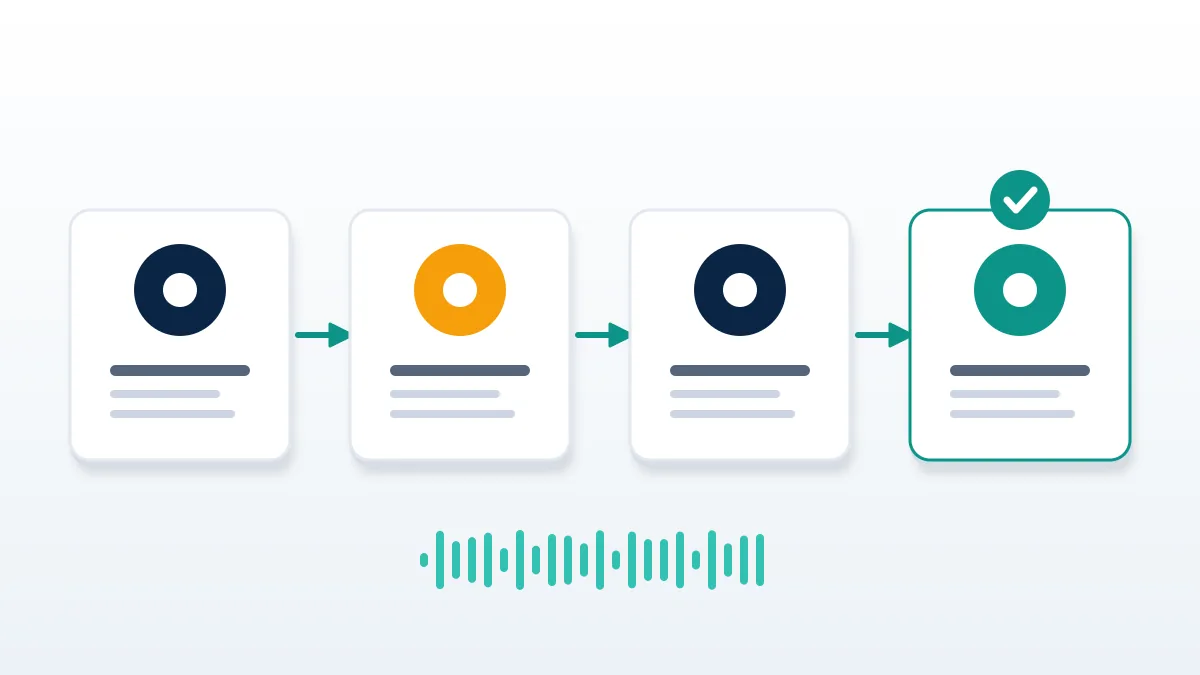
Here is how to remove songs from Spotify artist page listings in practice. First, identify which account delivered the track; artists who switched distributors often find an old upload still live under a former service. Second, request the takedown for the exact release, since a distributor removes whole singles or albums more readily than one track inside an album. Third, save the confirmation. Fourth, check Spotify after two business days. Anyone asking how to remove songs from my Spotify artist page after a label deal should know the label may hold the delivery rights, so the request goes through the label. To pull one wrong track from an album, the distributor usually has to redeliver the album without it, which can reset play counts. Weigh that before you remove song from Spotify artist pages one at a time.
Record-keeping matters everywhere: how to delete fake facebook account and how to remove a cloned facebook account rely on the same dated screenshots.
What if you can't reach your label or distributor?
Use Spotify's infringement form to claim the music and ask for removal, with proof that you own or control the rights.
Distributors close, labels stop answering, and some artists no longer know which service they signed with. For that case Spotify points to its copyright infringement form, which asks for contact details, the tracks and a statement that you hold the rights. When we file these for artists, Spotify usually wants the release links plus something tying the claimant to the master: a distribution agreement, an ISRC registration or a label contract. In those files, Your Reputation Solution prepares the ownership evidence and the claim text with the artist, and Spotify makes the final call on removal. The form is meant for rights holders, not for fans who dislike a song, and a claim that misstates ownership can carry legal liability in the United States. Keep the case number, and tell any distributor that resurfaces about the claim.
Ownership fights look similar elsewhere: businesses weigh remove online defamation routes, while hosts follow how to delete airbnb review rules.
Why does a removed track still show up?
Takedowns need at least 2 business days, and old links can keep showing gray, unplayable tracks after that.
Its page on music still live after a takedown explains the lag. Removed releases may still open from a direct link, gray and unplayable, unless another version of the same track is live in your country. That second version is the usual surprise: a compilation, a deluxe edition or a re-upload under another distributor carries its own Spotify URI, so the song keeps playing after your main release is gone. To check, open the desktop app, right-click the track, choose Share and hold Alt on Windows or Option on Mac to copy the URI, then compare it with the release you removed. If the track is still fully live after two business days, the distributor has to check its availability status and resend the takedown. As of November 2026, no Spotify tool shows artists the takedown queue.
Cached copies cause the same headache in how to remove photos from google my business and how to remove fake news from google.
Can an artist delete the Spotify artist profile itself?
No. Spotify says it can't delete artist profiles entirely, but a profile with no music stops appearing in Spotify search.
Unsure who delivered your catalog or what can be pulled? Your Reputation Solution reviews the releases, the distributor trail and the evidence first. Get a free case review before sending any request.
That answer surprises artists who rebrand or quit. Once every release is taken down, the profile still exists and opens from an old link, but it shows empty and drops out of search inside Spotify. It does not change Google results, press coverage or other streaming services, which each need their own requests. Artists who want a clean break usually take down every release, remove team members, and update the bio and images before the music goes, because an empty page with an old photo still turns up through shared links. Images and bio are edited in Spotify for Artists, not by the distributor. Where the catalog sits under a label contract, check whether the label owns the masters for a set term; ending a profile early can breach that deal. Anyone researching how to remove music from Spotify artist accounts for good should treat the profile as a shell that stays.
Search results follow other rules, as how to remove arrest records from google and how to remove house from google maps show.
How do you remove a song from your Spotify artist profile that isn't yours?
Report the mix-up through Spotify for Artists, then ask the uploader's distributor to redeliver it with the correct artist ID.
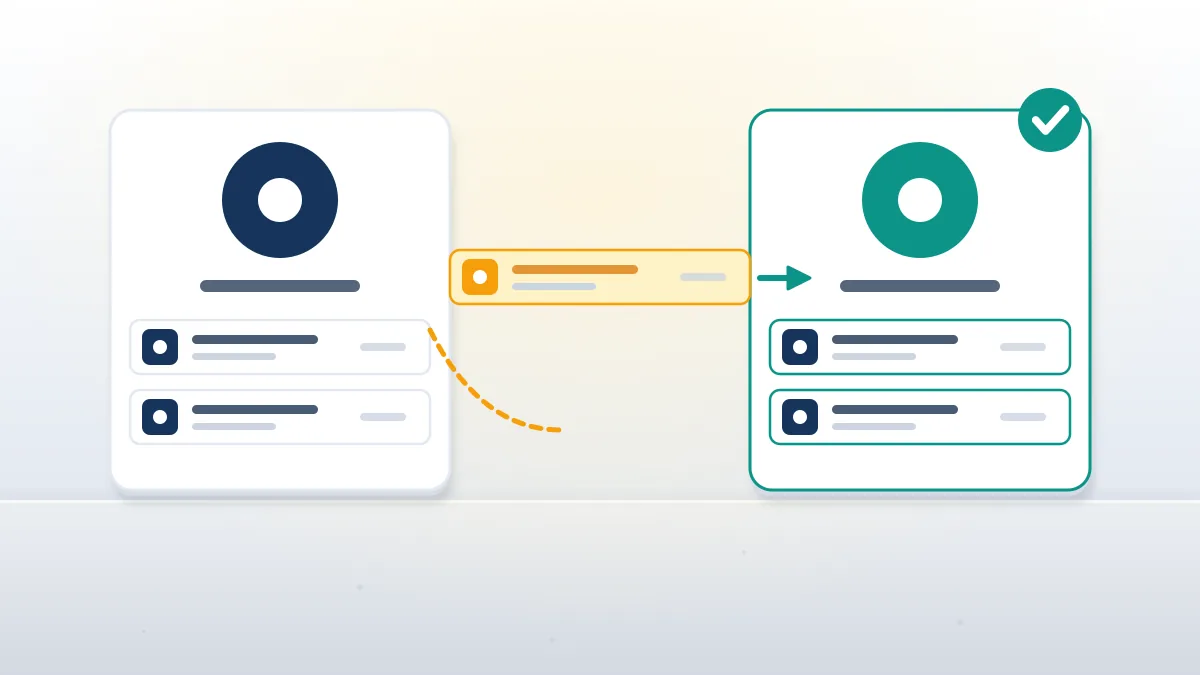
Name collisions cause most of these cases: two acts with one name, a featured credit spelled differently, or a distributor that picked the wrong profile ID. Spotify's help on music mixed up with another artist points to the content mismatch form in Spotify for Artists and to the distributor, which can deliver future releases with a specified artist ID. Before that report goes in, Your Reputation Solution matches the track's URI, credits and upload date so the evidence is clean. Spotify is also testing Artist Profile Protection, a beta that lets Admins and Editors review new releases under Music, then Review, and decline one. So how to remove a song from your Spotify artist profile, or how to remove a song from Spotify artist pages generally, depends on whose upload it is. A Spotify artist remove song request for a stranger's track is a metadata fix, not a takedown.
Impersonation is the same problem in another form, as facebook won't remove fake profile shows, and fan reports work like facebook report a comment: quick, with no status updates.
How to remove artist from Spotify for Artists teams
Only a Team Admin can: open manage.spotify.com/teams, pick the team, click the three dots beside the person and choose Remove.
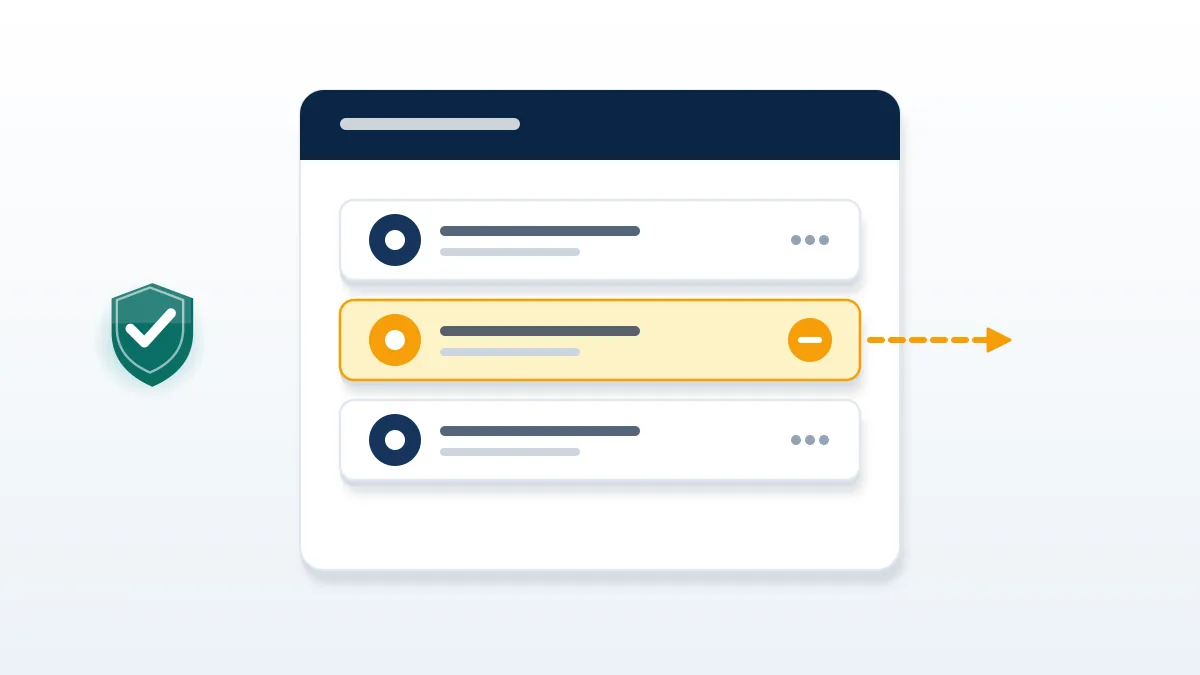
People who search how to remove artist from Spotify for Artists usually mean a former manager, producer or bandmate who still sees the profile and its stats. Spotify's guide to removing team members covers it: on the web, go to manage.spotify.com/teams, select the team and remove the member; in the app, tap your artist image, open Your teams under Manage and do the same. Only Team Admins can remove people, so a non-admin has to ask one. An ex-manager who is the only admin is a harder case that Spotify support untangles with proof of identity. Label rosters are the other meaning, and the label's admins change those listings. Either way, to remove artist from Spotify for Artists access cleanly, do it before any takedown, since an ex-member with edit rights can still change images and the bio mid-dispute.
Access fights often bring smears, handled in service to remove negative reddit post, while fake praise carries its own risk, per delete fake reviews service.
How do you spot and report a fake Spotify artist profile?
A fake Spotify artist profile uses a real artist's name, voice or image without permission, or exists only to farm streams.
Policy changed in September 2025. In that update, Your Reputation Solution's clients gained a clearer basis to report: Spotify said it had removed more than 75 million "spammy" tracks in the previous 12 months, according to Music Business Worldwide. The same announcement added an impersonation policy, under which vocal impersonation is allowed only when the impersonated artist has authorized it, and a spam filter aimed at mass uploads, duplicates, SEO tricks and very short tracks. A fake music artist Spotify listeners stumble on often shows dozens of releases in a few weeks, generic cover art, titles built from search phrases and no socials. Where the fake uses your name or voice, report it as impersonation through Spotify for Artists and ask your distributor to object too. Copying a style alone usually stays up, because style is not protected.
Compare how to report fake facebook account to cyber crime online and how to report fake amazon reviews.
What is the Spotify fake artist controversy about?
It covers alleged "ghost artists" on mood playlists, AI acts and fake artist farms.
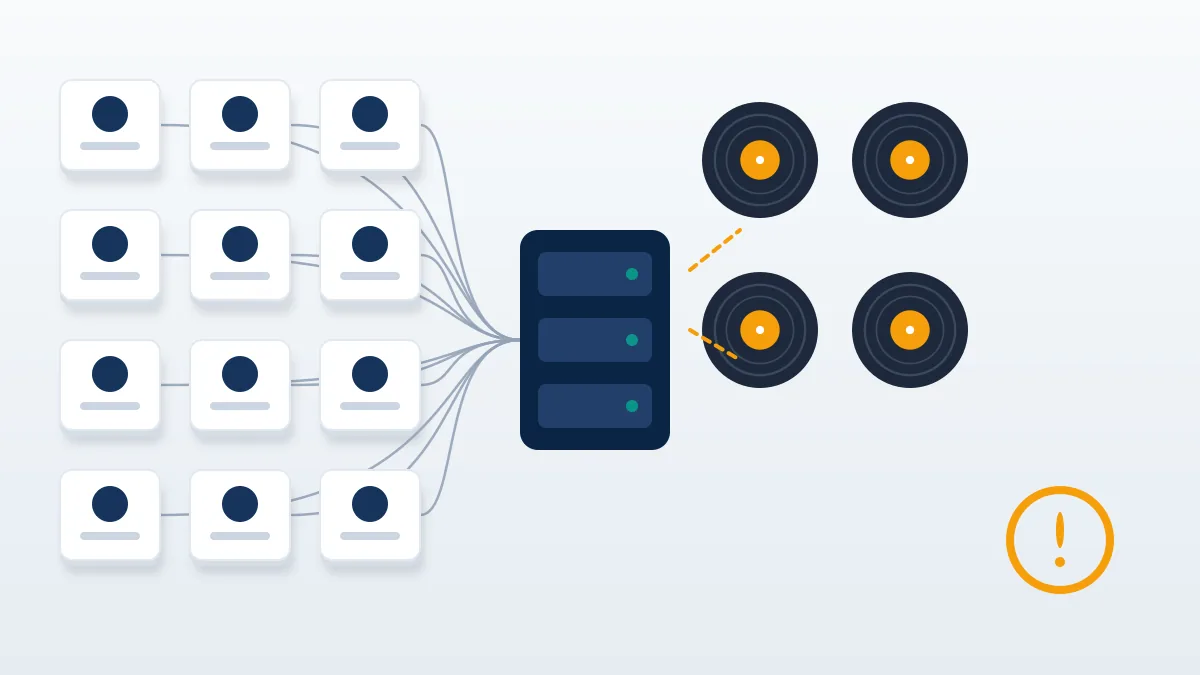
Three stories built the Spotify fake artist controversy. In December 2024, Liz Pelly's Harper's investigation, summarized by The FADER, alleged a program called Perfect Fit Content that filled playlists such as Deep Focus with cheap stock music under invented names; Spotify has denied the claims. By mid-2025, The Velvet Sundown gathered more than a million monthly listeners before its bio admitted it was a synthetic AI project, as Rolling Stone reported. Then Spotify fake artist farms reached criminal court: on March 20, 2026, Michael Smith pleaded guilty to conspiracy to commit wire fraud over bot-streamed AI songs that drew more than $10 million in streaming royalties over seven years, per Help Net Security. For working artists the cost is concrete: every stream a fake Spotify artist collects drains the same royalty pool real musicians are paid from.
See facebook report hate speech and reporting sex offenders on facebook.
What should artists avoid when removing music?
Avoid false claims, paid "removal" promises and mass-report tools.
Before any filing, Your Reputation Solution checks ownership, and it will not file a claim without proof, will not run mass reports, will not promise a removal date, and will never ask for your Spotify, distributor or email password; the limits are in our disclaimer. Every few months a new service promises to delete a rival's tracks for a fee or to flood Spotify with reports until a profile disappears. Neither works as sold. Spotify decides on rights and policy, not report volume, and a false ownership claim can bring a counter-notice and legal liability. Tools like auto FB report bots show the pattern on Facebook: accounts get flagged, the target stays up, and the reporter carries the risk. An artist remove songs from Spotify request still moves fastest through the artist's own distributor.
Reviews follow rules too: see how do i remove a facebook review and how to remove negative glassdoor reviews.
Buying deletions backfires, as pay to have google reviews removed explains. Honest options are in remove negative reviews.
Stalked artists should read how to avoid doxxing after removing fake reviews on google for their venues.