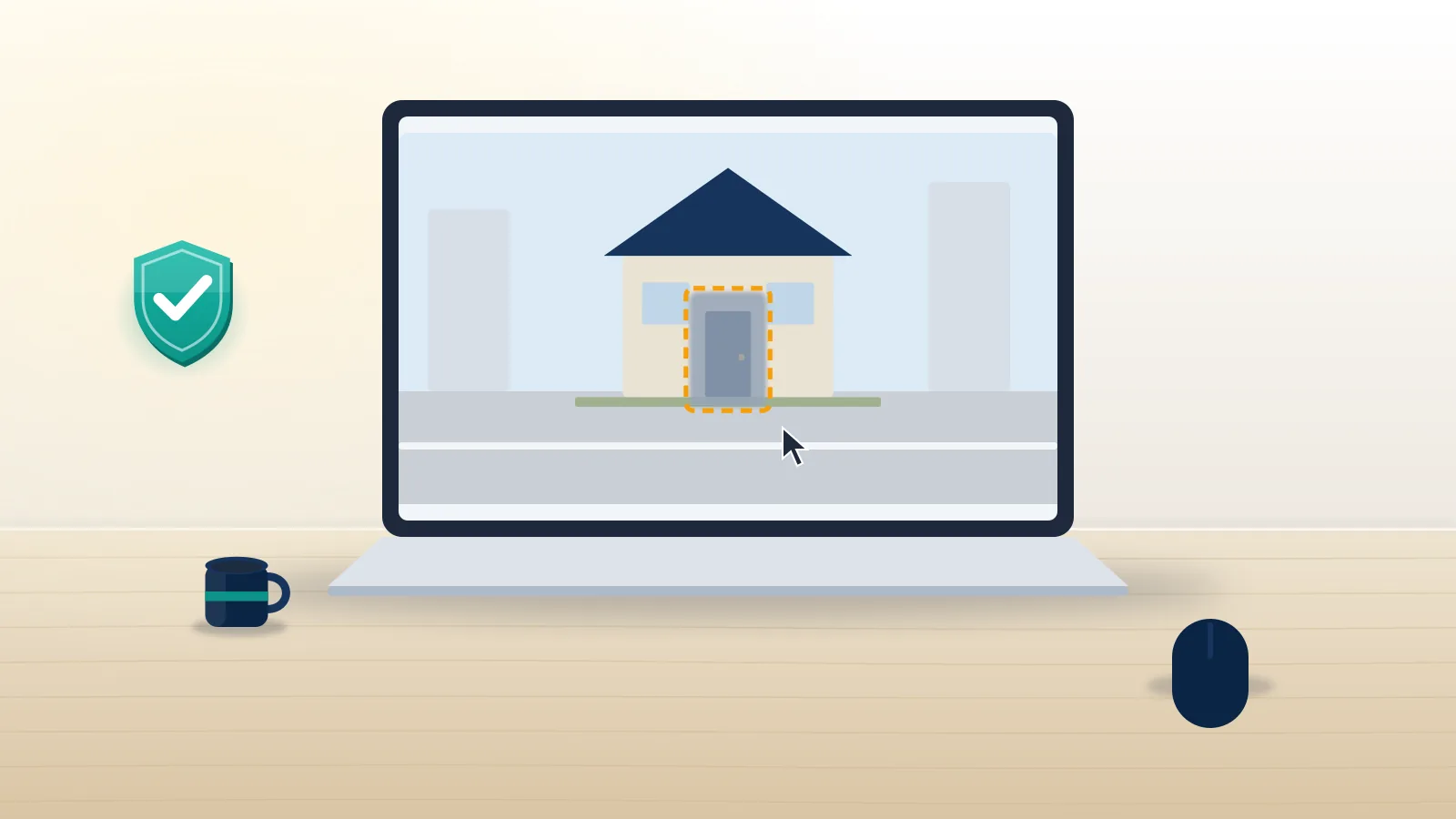
Can you actually remove your house from Google Maps?
You can hide it, but you cannot delete it. Google Maps is built from three different layers, and each one has its own rule. Street View photos can be blurred on request. Satellite and aerial tiles are bought from imagery providers and are almost never edited for one property. The map itself, meaning the street grid, the house number and the pin, is public address data that Google keeps because delivery drivers, ambulances and taxis rely on it.
It also explains why the search phrasing varies so much. "How to remove house from Google Maps", "remove house from Google Maps", "how do you remove your house from Google Maps" and "can you remove your house from Google Maps" are really asking about the Street View layer, and so are the newer searches for how to remove my home from Google Maps or how to remove your home from Google Maps. The answer to all of them is the blur request below. So when people ask "can I remove my house from Google Maps", the honest answer is a split one. Street View is the layer that shows your front door, your car and sometimes your kids' bikes on the lawn, and that is the layer Google lets you blur. It is also the layer most people mean. Requests to remove the satellite view or the address point rarely go anywhere unless there is a safety or legal reason behind them.
Your Reputation Solution is a content removal and account recovery service that files privacy and takedown requests with platforms for people who would rather not fight the forms alone. For a house on Street View, though, the request is free and you can send it yourself in about five minutes, so the steps below are written for doing exactly that.
How to remove your house from Google Street View, step by step
Here is the full blur request as Google runs it in November 2026. It works on a desktop browser; the Google Maps phone app can report a problem too, but the framing box is much easier to place with a mouse.
- Open Google Maps, type your address, and drag the yellow Pegman onto the street in front of your home.
- Turn the view until your house fills the middle of the screen.
- Click the three dots next to the address card (top left) or Report a problem in the bottom-right corner.
- Move and resize the red box so it covers your house, and only your house.
- Under "Why are you reporting this content?" choose My home. Pick A face or My car/license plate if those are the problem instead.
- Add a short note naming the house ("white two-storey house, number 41, behind the oak tree") so the reviewer does not blur the neighbour.
- Enter your email, complete the check, and click Submit.
If you were wondering how to remove my house from Google Maps without a computer, the app route is Street View → three dots → Report a problem; the steps are identical, only the box is fiddlier. The same flow is how to remove house from Google Street View, how to remove your home from Google Street View, and, for anyone asking how do I remove my house from Google Street View or how can I remove my house from Google Street View on a phone, it is also how to remove image from Google Street View that shows a face or plate rather than a building. That is how to get your house removed from Google Street View on Google's side. Google's own help page on reporting inappropriate Street View imagery says the blur is permanent once applied, and it cannot be reversed for a future buyer or for you. Think about that before you file: a blurred house is harder to show to someone you have given directions to, and some estate agents note it in listings.
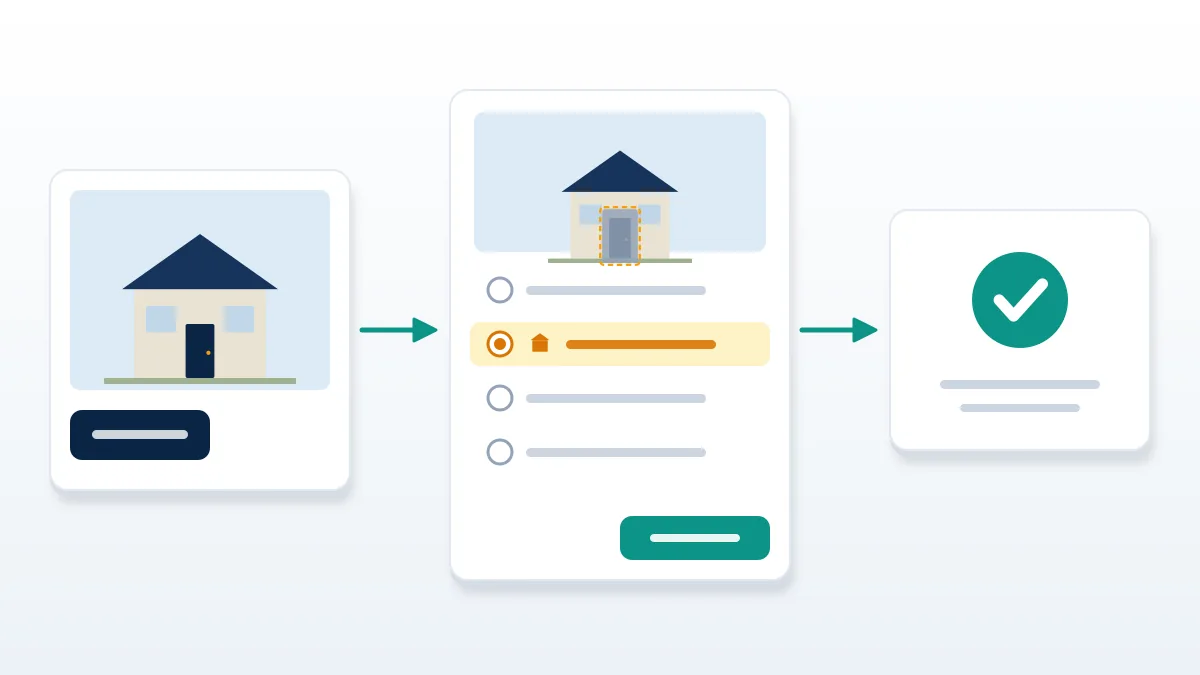
What happens after you press Submit
Google sends an automatic acknowledgement email and then goes quiet. There is no tracking number and no published deadline. In the requests our team has watched go through, the blur appeared anywhere from a few days to several weeks later, and the only way to confirm it is to reopen the same Street View spot in a private browser window. If a newer car has driven down your street, check every capture date under "See more dates", because older and newer panoramas are separate images and each one can need its own report.
Why some blur requests come back untouched
Most failed requests fail for boring reasons rather than because Google refused. The red box covered half the street, so the reviewer could not tell which house was meant. The reason picked was "Other" with no note. Or the report was filed on the 2019 capture while the 2025 capture, the one people actually see, was left alone. Refiling with a tight box, the My home reason and a one-line description fixes the large majority of these.
A smaller group are refused because the image is not of a home at all: a shop front, a church, a block of flats where only one unit wants the blur. For flats, a blur request still works, but the reviewer may blur only the window or door you mark rather than the whole building. If you run a business from that address and it shows on Maps as a listing, that is a different job, covered in our guide on how to remove a business from Google Maps, which also explains hiding a home address behind a service area.
When a request seems to vanish, wait three weeks, then file again from a different capture date. Repeated identical reports do not speed anything up, and there is no human queue you can phone. People often ask whether the same is true of other Google products; it is. Getting through to a person at YouTube is just as hard, which is why guides on how to recover a YouTube account spend most of their length on forms, not phone numbers.
How to remove house picture from Google Maps uploads by other people
Street View is not the only picture of your home on Maps. Visitors, delivery drivers and local guides upload their own photos, and those sit in the Photos tab of a place or pin. If you want to know how to remove house picture from Google Maps uploads that a stranger added, the blur tool will not help; you report the photo itself.
Open the photo, click the flag or three-dot menu, choose Report, and pick the closest reason, usually Privacy concern or Low quality / not relevant. Google removes user content that breaks its contributed-content policy, not photos that are merely unwelcome, which is why a clear privacy reason matters. The same logic applies to how to remove house image from Google Maps uploads that show a car plate or a person: name that detail in the report.
The process mirrors the way scam or abusive posts are handled on social apps. If you have ever had to learn how to report a scammer on Instagram, you already know the pattern: report under the exact policy, add evidence, and expect the platform rather than the uploader to decide. And no, Google does not tell the uploader who reported the photo, much like Instagram does not tell you who reported you.
Satellite view, Google Earth and the address pin
This is where expectations need resetting. If you are searching for how to remove your house from Google Earth, or remove my house from Google Earth's 3D view, Google's general position is that aerial imagery is not blurred on request for private homes. The tiles come from satellite and aircraft providers, are refreshed on their schedule, and are already low enough resolution that faces and plates are not readable. Exceptions exist for government sites, and occasionally for documented safety cases, but there is no public form for a single household.
How to remove address from Google Earth or the map pin is similar. A residential address is not a "listing" you own; it is part of the address database. You can correct a wrong pin through Suggest an edit, but you cannot make your house number disappear from the map. What you can remove is your address tied to your name in Google Search, which is often the real worry. Google's Results about you tool accepts requests to drop search results that show your home address, phone or email, and our walkthrough on how to remove your name from Google search covers that tool in full.
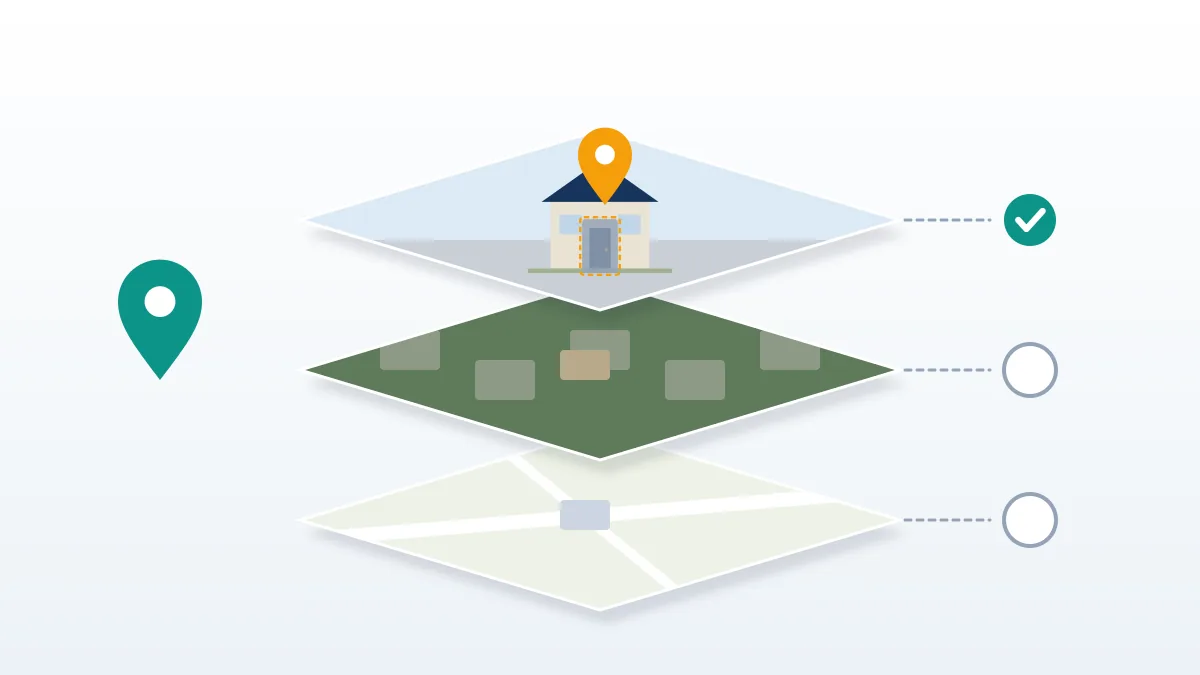
Which layer can you remove, and with what tool?
| What you see | Can it be removed? | Tool | Reversible? |
|---|---|---|---|
| House on Street View | Blurred, yes | Report a problem → My home | No, permanent |
| Face or plate on Street View | Blurred, yes | Report a problem → A face / plate | No |
| User photo of your home | Removed if it breaks policy | Report photo → Privacy concern | Uploader can repost |
| Satellite / Google Earth tile | Rarely | No public form | n/a |
| Address pin on the map | No (correctable) | Suggest an edit | n/a |
| Home address on a Business Profile | Hidden, yes | Profile → Business information → service area | Yes |
| Address in Google Search results | Often, yes | Results about you | Yes |
Read the table by row rather than column: how to remove your property from Google Maps is really four or five small jobs, and most people only need two of them.
When your address leaks through a hacked or fake account
A growing share of the people who ask us how to remove my address from Google Maps are not worried about Street View at all. Their address was posted by someone else, often after an account was taken over and private messages were read. In that situation the blur is the last step; the first is getting control of the account the leak came from.
If the leak started on a messaging app, the order matters. Learn how to recover a WhatsApp account first, then lock the SIM. When the attacker moved the number, WhatsApp account recovery without a SIM is possible through email-linked accounts, and when codes keep failing, the notes on WhatsApp account recovery verification codes explain why. Accounts that were also banned because the attacker spammed from them need the steps to recover a banned WhatsApp account, and anyone weighing outside help should compare what a WhatsApp account recovery service can and cannot do. Telegram has its own route in our Telegram hacked account recovery guide.
On Instagram, a common pattern is a disabled account after the attacker posted your address. The guide on how to recover a disabled Instagram account after an appeal covers the second-round appeal, and our Instagram unban service page explains what a professional escalation involves. Before paying anyone, read are Instagram account recovery services legit; the same caution applies to Meta generally, so ask whether a Facebook account recovery service is legit or a scam before handing over money. Business pages need Facebook business account recovery, and if a squatter grabbed your page name, see how to claim a Facebook username.
TikTok and YouTube follow the same order. Start with TikTok account password recovery; a brand profile needs TikTok business account recovery, a TikTok account recovery service is an option only when official routes fail, and a stolen handle can be reclaimed using how to claim a TikTok username. For video channels, compare a YouTube channel recovery service with the free route, check is YouTube recovery service legit before paying, and if the channel lost income, the YouTube monetization appeal is a separate step. Where a channel exists only to publish your address and photos of your home, reporting it under the harassment and privacy policies, the process in how to get someone's YouTube channel banned, is a legitimate response.
Worried your home is being shown on purpose? If an address, house photo or Street View link is being shared to target you, talk to Your Reputation Solution. We map every place it appears, file the platform and search requests in the right order, and tell you plainly which ones are unlikely to succeed.
What we will not do, and what no one can promise
Your Reputation Solution files and escalates requests; Google and the other platforms make every final decision. That limit is not modesty, it is how these systems work. Nobody outside Google can blur a Street View image, edit a satellite tile, or delete a house number from the map, and any seller who says they can "remove your house from Google in 24 hours" is describing something they do not control.
We will never ask for your Google password, your two-step codes, or remote access to your computer. A legitimate helper does not need them; the Street View form only asks for an email. We do not file fake ownership claims, invent legal threats, or misuse copyright notices to force a takedown. When we think the free self-service route is enough, which for a single Street View blur it usually is, we say so. The full list of limits sits on our disclaimer page.
Other map services and the legal route
Google is the biggest, not the only one. Apple Maps' Look Around accepts blur requests by email to [email protected], and Bing Streetside has a Report a privacy concern link inside its viewer. If your house appears on all three, file all three; they do not share requests.
Where a platform refuses and your safety is at stake, the law can add weight. In the EU and UK, Article 17 of the GDPR gives a right to erasure of personal data, and a photo that identifies you at your address can qualify. The precedent is real: before Street View launched in Germany in 2010, around 244,000 households asked for their homes to be blurred (Google, 2010), and Google honoured them. Outside Europe there is no equivalent general right, so documented threats and a police report carry more weight than a privacy argument alone.
How to remove yourself from Google Maps entirely is, in the end, not possible. You can remove the parts that identify you: your face, your plate, your front door, the photos strangers took, and the search results linking your name to the address. For most people that is enough, and the first blur request costs nothing.