How do you remove a review on Facebook if you run the Page?
You can't delete someone else's review from your own Page, because Facebook gives admins a report button and an off switch, not a delete key. That surprises most owners, who assume the admin role works like moderation in a Facebook group. Facebook renamed Page reviews "Recommendations" a few years ago, and the person who wrote one keeps control of it: they can edit it, narrow who sees it, or delete it.
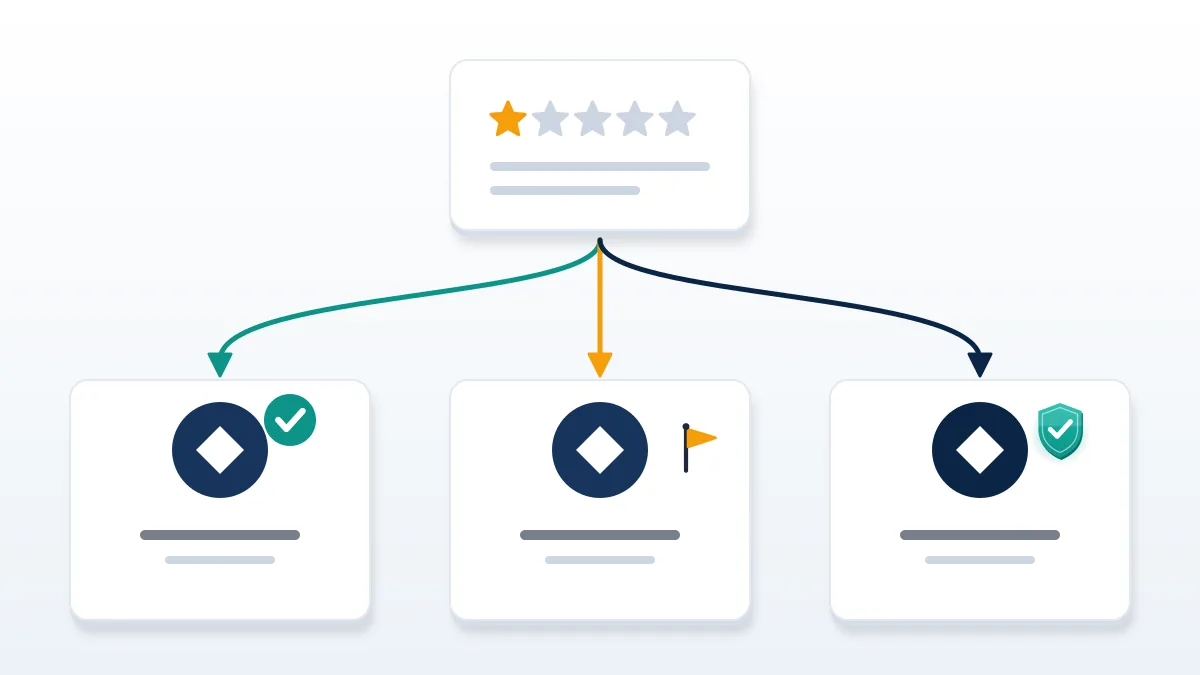
So how do you remove a review on Facebook when you are only the admin? There are three routes, and each ends somewhere different. First comes a report: Meta checks recommendations against its Community Standards and says it "may remove" the ones that break them, according to its help page on reporting a recommendation. Second is the reviewer, since only the author can delete the post itself, which makes a polite request after a fixed problem a real option. Third, there is a setting that turns reviews off for the whole Page, stripping every rating and recommendation from public view at once, the good ones included. Nothing else exists. Meta offers no admin delete button, no paid removal tier and no support line that edits a score. Anyone who claims otherwise is selling something, and that matters later in this guide.
Your Reputation Solution is an online reputation and account-recovery firm that helps businesses document, report and escalate harmful reviews through each platform's own channels, and a Facebook case starts by sorting which of those three routes fits.
Searches typed in a hurry, often from a phone minutes after the review appears, look different but mean the same thing. Phrasings like "how do i remove a facebook review", "how can i remove a review on facebook" and "how do you remove a facebook review" all lead to the same answer. So do how do you remove reviews on facebook, how do i remove a review on facebook and how do i remove a review from facebook. Can you remove a facebook review yourself? Only one you wrote, and the limit holds whether you phrase it as how do you remove a review from facebook or ask the blunter version, can you remove facebook reviews in bulk?
| Who | What they can do with a recommendation | Where it happens |
|---|---|---|
| The reviewer | Edit it, change its audience, or delete it | The menu on their own post |
| The Page admin | Report it, reply to it, or switch reviews off for the Page | Options, then Report post; Settings, then Page and tagging |
| Meta | Remove it when it breaks the Community Standards or spam rules | Its own review queue |
Every Facebook file opened at Your Reputation Solution begins with that table, since the honest answer to can you remove reviews on facebook depends on which row holds the power for that review.
How to remove a Facebook review by reporting it
Reporting is the only route that can take down a single review without the author's help. On desktop, as of November 2026, the steps are short:
- Open your Page and click Reviews under Details, below the cover photo.
- Click See all next to Recent reviews.
- Click Options in the top-right corner of the recommendation.
- Select Report post and follow the prompts.
This same Options flow covers how to report a post on facebook in general, so the menu will look familiar.
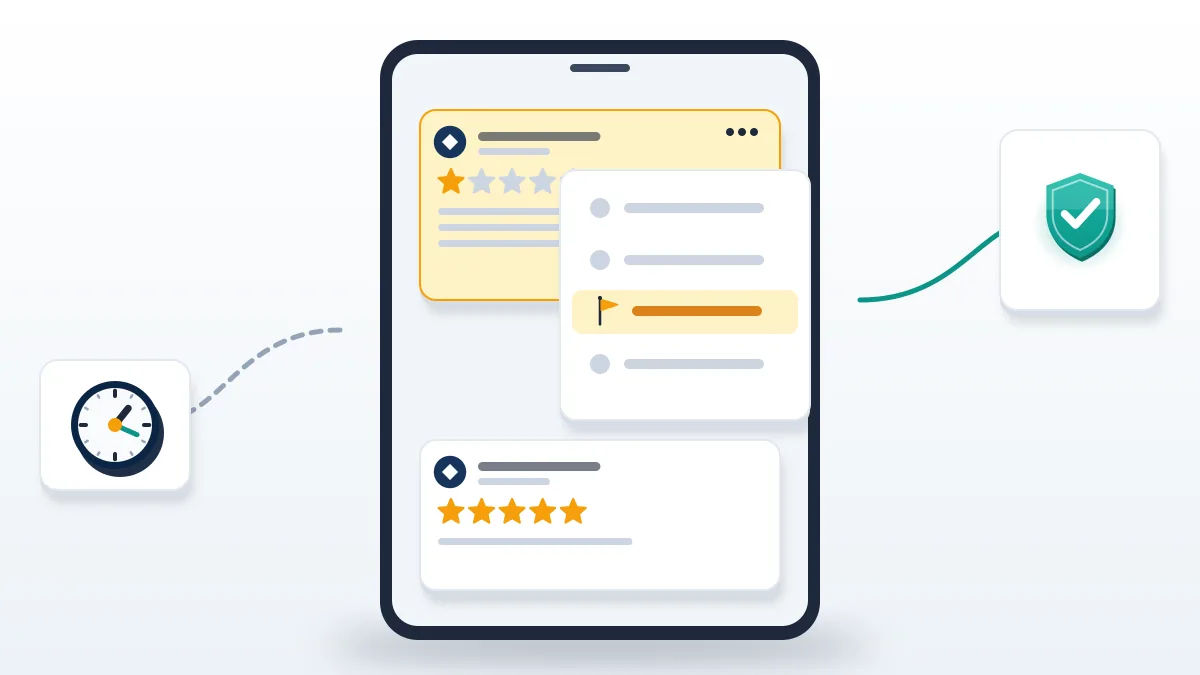
One rule catches owners out. Recommendations that only include a star rating can't be reported at all, so a bare one-star click with no text sits outside the report flow entirely. Written recommendations can be reported, and the strongest grounds are ones Meta's Community Standards already name: bullying and harassment, hate speech, spam, fake or inauthentic accounts, and private information posted about a person. Meta also says it removes Page reviews that break its spam policies, and that a Page's rating can shift once they go, which is the opening for a burst of identical one-line reviews from brand-new profiles. Merely angry recommendations, or ones wrong about your prices, are a different case. They describe an experience, Meta does not verify purchases, and a harsh opinion rarely counts as a violation. Report the review for the rule it breaks, never for how it makes you feel.
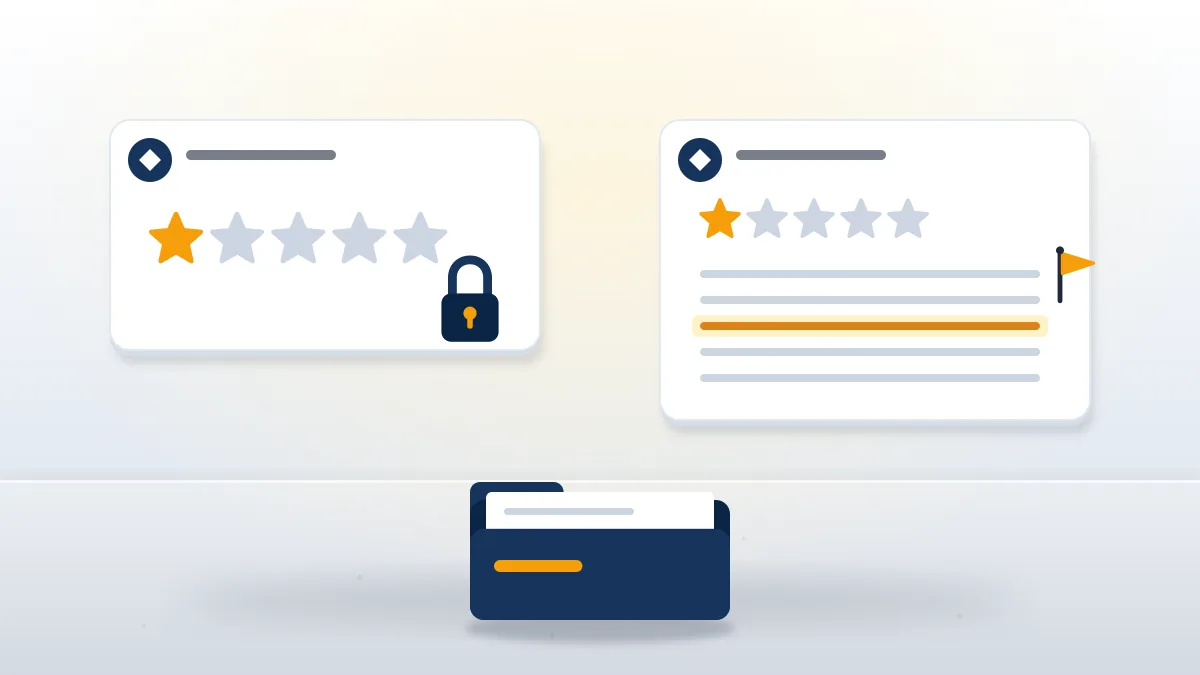
When Your Reputation Solution files these for a business, the reports that land point to one rule and one line: the slur, the home phone number, the profile created the morning the review appeared. Can you remove a review on facebook by reporting it? Only Meta can, after its own check; a vanished review may simply have a narrower audience now.
Owners who search how to remove page reviews on facebook often expect a bulk tool, and phrasings such as how to remove review facebook page or how to remove review in facebook page point the same way. There isn't one for single reviews. For one entry, how to remove a review from a facebook page is the report above. For all of them, the off switch below is how to remove the reviews from a facebook page entirely, and the only answer to how to remove a review on facebook page settings can give.
Can you remove reviews from Facebook by turning reviews off?
Yes, but it removes every review at once, praise included. Facebook's Turn Recommendations on or off article gives the current desktop path: switch into the Page from your profile photo, click the Page's profile photo, then Settings and privacy, Settings, and Page and tagging. The toggle there reads "Allow others to view and leave reviews on your Page?"
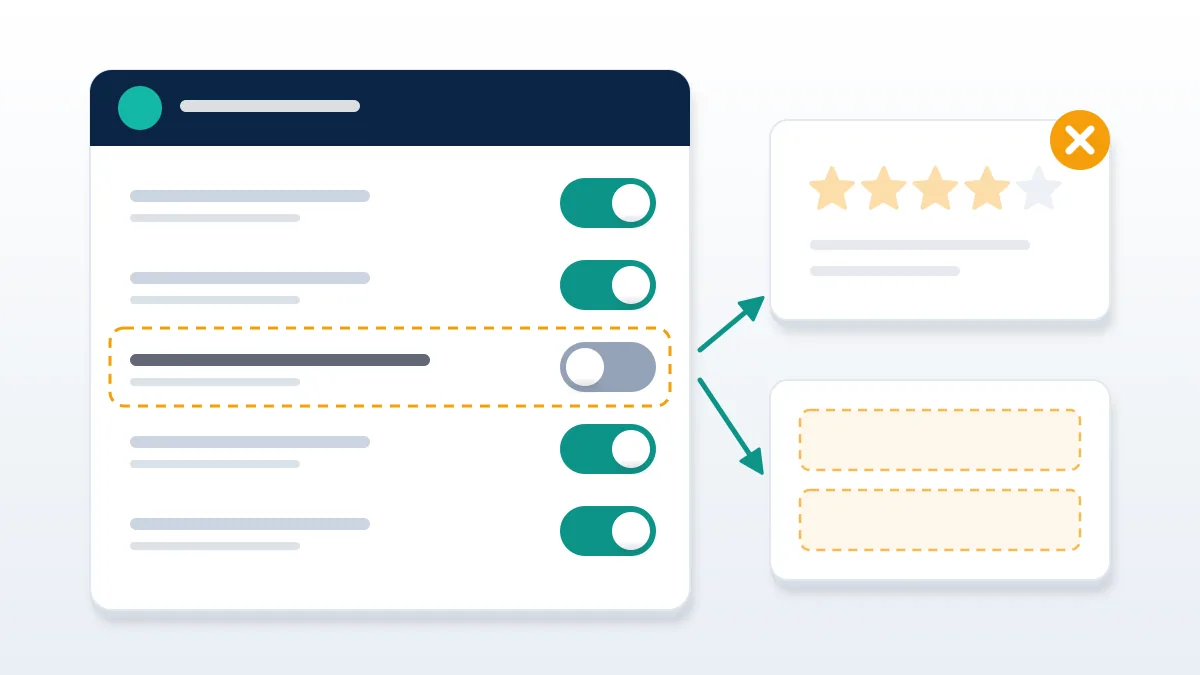
Switching it off is the honest answer to how to hide bad reviews on facebook, and also its price. Facebook says turning Recommendations off disables them and removes the rating and reviews from your Page, while turning them on lets anyone logged in publish a recommendation and may make the Page easier to find in Facebook search. Two details from Meta's rating rules shape the decision. A Page may show no rating until it has at least five reviews, and only recommendations shared publicly count toward the score, so a friends-only rant can be visible to the reviewer's circle without moving your number. Pages that had reviews in the past were switched to Recommendations automatically, which is why some owners never chose the setting at all. At Your Reputation Solution, the toggle counts as a temporary measure during a coordinated attack, not a fix, because a Page with no rating can look as though it has something to hide.
This covers how to remove reviews in facebook as a group. Anyone typing facebook how to remove reviews into a search bar usually wants something narrower, and the switch is blunt. To delete facebook reviews one at a time, the report route and the reviewer are still the only tools, and that holds for how to remove facebook reviews from page tabs in the mobile app too.
How do you remove a bad review on Facebook that breaks no rule?
You usually can't, so the work moves to the reviewer, your reply and the honest reviews around it. Start with the problem itself. If a refund was late or an order went wrong, fix it, then message the reviewer once, plainly, and ask whether they would update or delete the post. Many do.
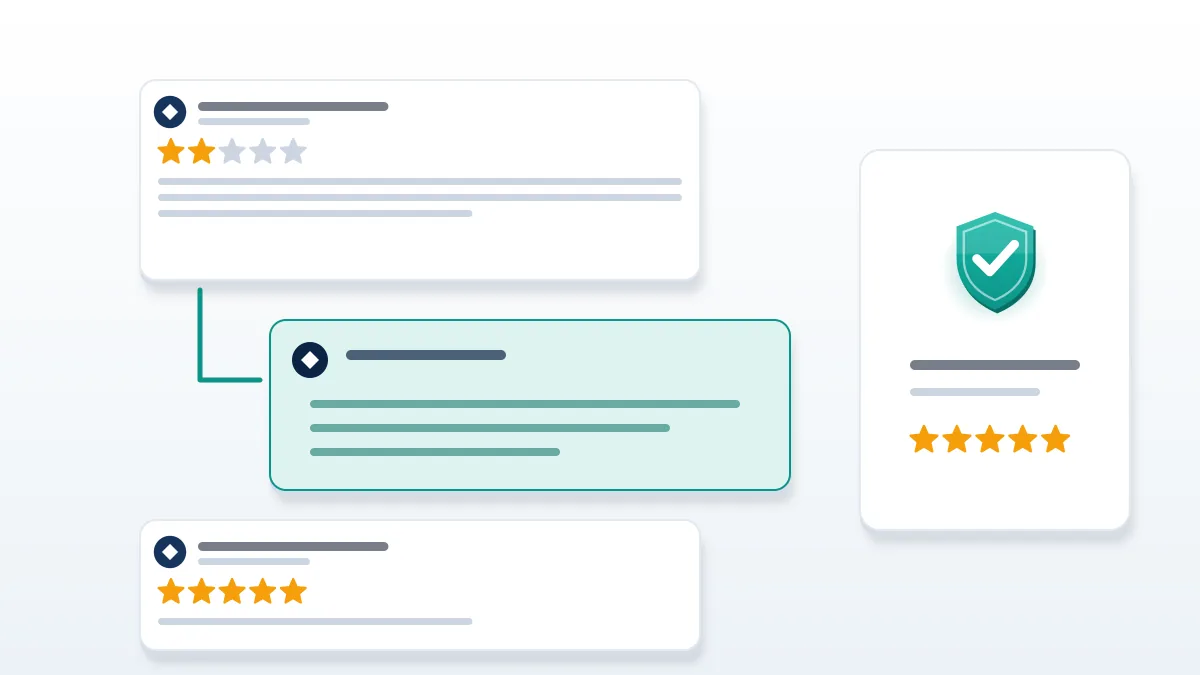
Never trade anything for the deletion. The FTC's Consumer Reviews and Testimonials Rule, in force since October 21, 2024, bars businesses from suppressing reviews through unfounded legal threats, intimidation or false accusations, and it bars incentives that depend on a review saying something positive. Offering a refund on condition that the review comes down sits close to that line. So how can i remove a bad review on facebook without breaking a rule myself? Reply publicly, briefly and without argument: name the fix, give a contact route, stop. Future customers read the reply as much as the complaint. Then ask happy customers to leave honest recommendations, all of them, with no filter for the ones you expect to be glowing, because selective asking is the review gating the same rule targets. One bad review among forty real ones reads very differently from one among three, which is why Your Reputation Solution pushes for volume rather than deals.
How do i remove a bad review on facebook when the customer will not budge? Leave it, answer it once, and let volume do its work. How do you remove a bad review from facebook when it contains a lie about a crime, a health code violation that never happened, or a named employee? That moves from opinion toward defamation, and a lawyer's letter to the reviewer, not to Meta, is the usual next step. Meta's report flow handles rule breaks, not factual disputes. Should it stay up, a measured reply is how to get rid of a bad facebook review's sting.
We will not buy counter-reviews, run report rings, threaten reviewers or pay anyone inside Meta, because each breaks platform rules or the FTC rule and can get your Page restricted. We never ask for your Facebook password; Page access is shared through Meta's own admin roles, and our disclaimer sets out what any report can and cannot achieve. People asking how do i remove a negative review on facebook through a paid "deletion" service are buying a promise nobody can keep, and the same goes for any offer to remove negative facebook reviews in bulk.
Stuck on one review that looks fake or abusive? Your Reputation Solution reads it against Meta's written rules and drafts the report, while Meta keeps the final decision. Get a free Facebook review case check before you file.
How do you delete a bad review on facebook that is plainly fake? Report it under spam or inauthentic accounts, with the evidence below. And how do you delete bad reviews on facebook in a wave? Exactly the same way, one report each, which is also how to delete bad reviews from facebook sent by a rival. Aim to remove bad reviews from facebook through Meta's queue, never around it. Handling how to remove a bad review on facebook from a competitor, then, is mostly documentation.
When a review is really harassment, a fake account or a scam
Some one-star reviews are the visible part of a bigger problem, and the report that works targets the account or the behavior. A reviewer whose profile is a week old, has no friends and copies another business's complaint word for word is a fake-account case first, so read how to report fake account on facebook before you flag the review itself; that order matters when you ask how can i remove reviews from facebook page attacks from throwaway profiles. Where the reviewer also floods your posts, messages staff or posts your home address, you have a harassment case, and the guide on how to report harassment on facebook business page covers that path.
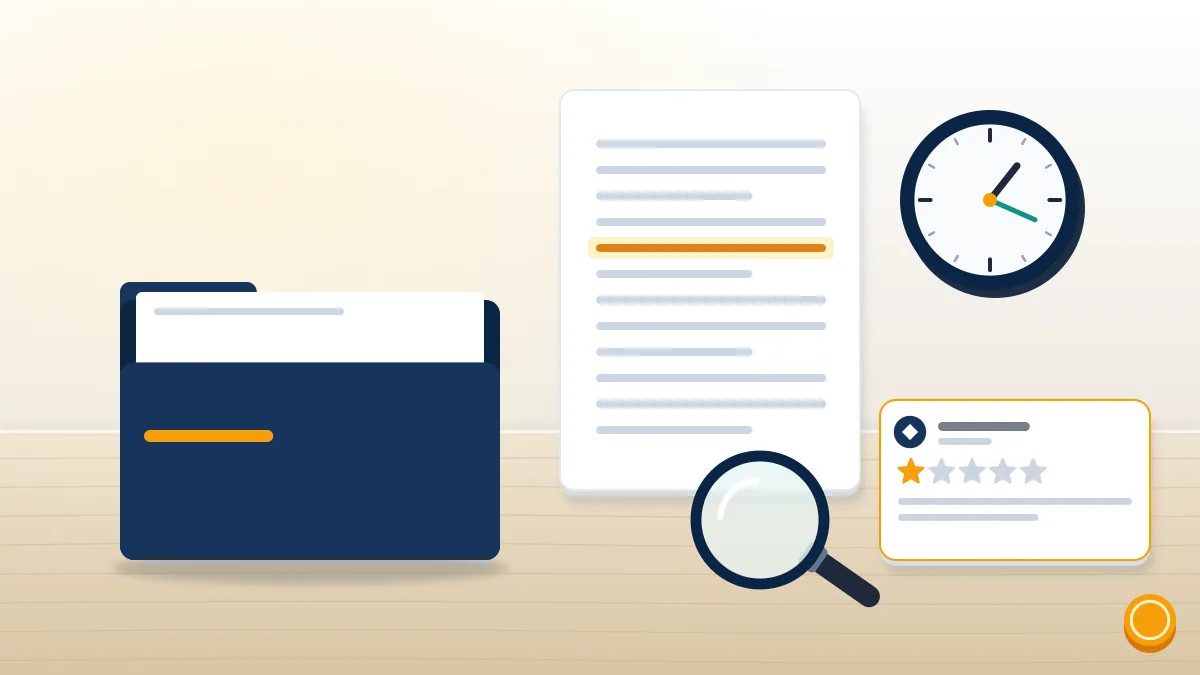
Evidence decides most of these cases, so build the file before anything changes. Screenshot each review with the reviewer's name, the date and the URL visible, then save the reviewer's profile page, because fake accounts often vanish once reported. Note whether the reviews arrived in a cluster, whether the wording repeats, and whether any reviewer ever messaged, bought from or visited you. That record answers how to remove reviews from facebook page attacks more reliably than any single report, since it lets you file each review under the right rule and, if the campaign continues, hand the same file to a lawyer. Our team at Your Reputation Solution asks every client for this log first, and it often shows that six "different" reviewers are two people. Reviews tied to a marketplace dispute belong with the facebook marketplace report scammer process instead.
Attacks rarely stay on one app. Someone who targets your Facebook Page may report your Instagram profile too, so it helps to know how to report instagram account abuse from your side.
Should the same person surface on X with a new handle after my twitter account was hacked style takeovers, treat the profile as compromised rather than as a real customer. Owners who think their replies have stopped showing can run a twitter shadow ban check on the brand account.
Snapchat sees the same pattern on a smaller scale. Mass reports from a review dispute can freeze a business account, and how long does snapchat lock your account depends on the lock type. Old reviews from long-silent profiles are another question: Meta's terms allow facebook inactive account deletion but set no clock, so a dormant reviewer's post can stay up for years. And can you remove a review from facebook once its author has gone quiet? You report the review itself, because nobody outside Meta can make it purge the account, and that is how do you remove reviews from facebook page profiles that no longer post.
How do you keep the Page admin account safe during a review fight?
Secure the admin account first, because a locked admin can't reply, report or change settings. Review fights tend to bring phishing with them. Messages claiming your Page will be "unpublished for review violations" are a common lure, and they lead to fake login pages that steal the very account that controls the Page.
Many businesses link Facebook and Instagram through Meta's Accounts Center, and in the review cases Your Reputation Solution handles, a problem on one often spills onto the other. If the reviewer's reports get your Instagram flagged and you see ig account disabled on login, the appeal runs through Instagram, not Facebook. Owners who ask why was my instagram account suspended after a review spat usually find a burst of reports behind it.
Contact routes are thin. Meta publishes no general help line, and the guide on how do you contact instagram lists the channels that answer. Lists of a customer service instagram email mostly bounce.
A paid listing for an instagram customer service number is a known scam route, and callers get asked for login codes. If a reviewer locks you out by triggering security checks, locked instagram account steps restore access without paying anyone.
Password resets you didn't start are a warning sign, especially when someone keeps trying to reset my instagram password becomes your daily problem. The opposite failure, where the instagram reset password email not sending blocks your own recovery, has its own fixes.
After pausing the account to wait out an attack, read how to reactivate account on instagram, which explains why login sometimes fails afterward.
Impersonation is the other risk. During a dispute someone may open a lookalike profile of your business and post fake replies to reviews, so it helps to know what an instagram account deactivated state shows visitors if you step away. Tools marketed as a username checker instagram won't always show whether a lookalike already exists.
An error reading the username is not available instagram can mean an impostor got there first, and sellers in the same circles advertise buy instagram account rare username bundles to fill that gap.
Lists of the most rare instagram usernames circulate in those groups too, and no purchase of that kind is covered by Meta's terms.
Treat this as part of the review case, because people who run organized review attacks sometimes squat handles they later try to sell, and a lookalike can sit unnoticed for months. Your Reputation Solution checks for lookalike accounts of a client's brand on Instagram and X as part of a review case, since a fake profile replying under your reviews can do more damage than the review itself. On X, x handles marketplace listings are the only sanctioned route to a taken handle, and a brand profile showing twitter account deactivated for 30 days can still be restored by its owner. Turn on two-factor authentication for every admin login, keep at least two trusted admins on the Page, and store backup codes offline, so the account that answers your reviews is still yours when the next one arrives, whatever it says. Recheck the admin list every quarter as well, because a former employee with lingering access can reply, report or switch reviews off without asking anyone.