Reactivate, restore or appeal: which one does your account need?
Only a self-deactivated account, or one with a deletion still pending, can be reactivated in the plain sense of logging back in. Everything else people call reactivation is really a recovery or an appeal, and the button you need is different.
Start with who switched the account off. If you chose Deactivate account in Accounts Center, the profile is parked, not removed, and the reactivation Instagram offers is a normal login. Choosing Delete account is different: Instagram keeps the profile hidden for a period and lets you cancel, after which nothing on your side brings it back, and the Instagram help page on deleting or deactivating says the removal can take up to 90 days to finish. An account Instagram itself switched off shows a notice about being disabled or suspended, and logging in only takes you to a review request. Your Reputation Solution is an account recovery and online reputation firm that sorts these cases for individuals and businesses, and the first line of every case note is which of the three states the account is in, because each state has its own clock and its own fix.
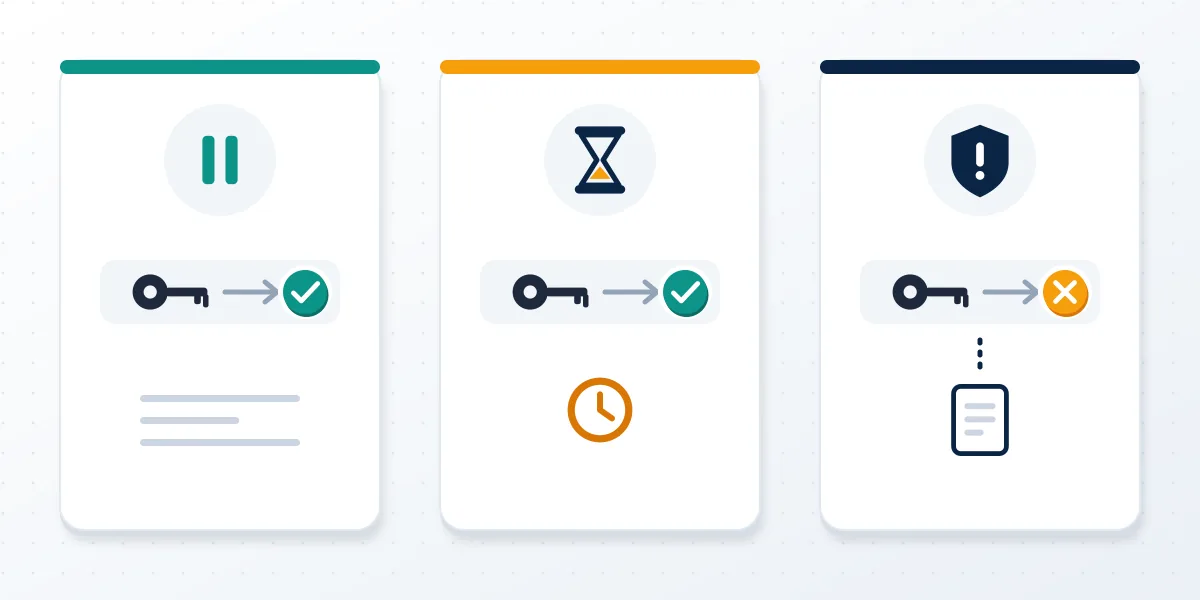
Can you reactivate Instagram if Meta disabled it? Not by logging in. Instagram account reactivation exists only for accounts their owners paused or scheduled for deletion.
Opening your profile link in a private browser window is a common first test, but every state shows the same "Profile isn't available" page. It does rule out a block, and the comparison of what deleted Instagram accounts look like to others explains why the screens overlap. Only your own login attempt gives a real diagnosis.
For the outside view, the guide to what others see while an account is deactivated covers profiles, messages and follower counts. This page covers getting back in.
How do you reactivate an Instagram account you deactivated?
You log in. On the app or the web, enter your username, email or phone number and your password, and the account comes back the moment the login succeeds.
Instagram's official temporary-deactivation article puts it in one line: your profile, photos, comments and likes stay hidden until you reactivate by logging back in. There is no reactivate button, no form and no waiting list. So how do you reactivate an Instagram account that the app seems to have forgotten? Open Instagram, tap Log in (not Create new account), type the same credentials you used before you left, and confirm any security code sent to your email or phone. On a phone where several profiles were saved, the deactivated one usually drops off the account switcher, which is why people think it vanished; adding it again through Add account → Log into existing account works. In practice, Your Reputation Solution sees most stalled returns hang at the code step, when the number on file is old. As of October 2026, returning to Instagram also restores Threads and Edits access, because those apps share the same login.
Here is how to reactivate an Instagram account step by step:
- Update the Instagram app, or use instagram.com in a browser.
- Choose Log in and enter your username, email or phone.
- Enter your password, or tap Forgot password? to get a reset link.
- Approve the security code if Instagram asks for one.
- Accept any updated terms screen; the profile is live once the feed loads.
These steps don't change between devices. Whether you are looking up how to reactivate IG account access on Android, how to reactivate my Instagram account on an iPhone, or how to reactivate an Insta account on a laptop, the login screen is the whole process. How do you reactivate your Instagram account if the app opens to a blank screen? Close it, clear its cache or reinstall it, then log in again; reinstalling deletes nothing on Instagram's side.
How to reactivate an IG account from a browser or a second phone
Instagram.com accepts the same login, and it is a useful fallback when the app keeps throwing "Something went wrong" from an outdated cached session. People who search "how to reactivate my IG account" from a borrowed laptop get the same result, and so does anyone working out how to reactivate Insta account access on a tablet. That makes a browser on a different device the sensible first retry before anyone starts resetting passwords, since the reset email itself becomes the next problem if the inbox is old.
Official versions of these steps sit in the Instagram help center. Long breaks raise one more question, covered in whether Instagram deletes inactive accounts.
Cancelling a deletion request is a reactivation with a deadline
Logging in before the cancellation window closes undoes a deletion request. After it closes, the account and its username are gone.
Instagram's wording matters here, and Your Reputation Solution logs the date of a deletion request at intake because a few days decide whether the case is a simple login or a closed file. The deletion page says the profile is permanently deleted after 30 days of the request, that "the number of days that you can cancel an account deletion varies by region", and that full removal can take up to 90 days. So the safe assumption is fewer days, not more. Anyone checking how to reactivate Instagram account access after pressing delete should log in immediately, and if a screen offers Keep account or Cancel deletion, choose it before doing anything else. Ignore any guide that promises a fixed 30-day grace period in every country; Instagram does not. Knowing how to reactivate account on Instagram after a deletion request mostly comes down to speed.
Still deciding and haven't deleted yet? Accounts Center's buttons are mapped in the guide to the deletion steps themselves.
Once the window has passed, the old handle returns to the public pool. The username field in a new sign-up is the quickest way to check if an Instagram username is available. An answer that the Instagram username is not available means someone else may already hold it.
Third-party tools add noise rather than certainty. One page on Instagram handle availability explains why a "free" result can still fail in the app, and the review of what an Instagram username checker misses covers the hidden holders those tools can't see.
If I reactivate Instagram, what happens to my posts and followers?
Everything you had comes back as it was: profile, posts, comments, likes, followers and message threads. Nothing is reset, and nobody gets a notification.
People ask "if I reactivate Instagram what happens to my old content" mostly because they are worried about something specific in it. That worry is reasonable, since reactivation restores old problems too. For this reason, Your Reputation Solution asks returning clients to list what they posted in the year before leaving. A Reel that drew a copyright strike on Instagram before you left still counts against the account, and strikes don't pause because the profile is hidden. Comments behave the same way: a heated post about a former employer or partner comes back word for word, and if anyone thought it amounted to libel on Facebook or Instagram, the risk returns with the post. Archive or delete anything you would not post today before your followers can see it again; the first few minutes after logging in are usually enough, because the feed reloads gradually.
Cross-posted clips carry their own history. Videos shared to a linked Facebook profile can still draw a Facebook copyright claim there, even while the Instagram copy sat hidden.
How can you reactivate your Instagram account without facing what drove you off it? Sometimes you can't. When someone posted a picture of you on Instagram without consent, file that report first, so the account you return to is not the one you left.
How long does it take to reactivate an Instagram account?
Reactivation is instant for a deactivated account once the login succeeds. The delays come from blocked logins, deletion windows and reviews, not from reactivation itself.
| Situation | What decides the timing | Realistic expectation |
|---|---|---|
| Deactivated by you, login works | Nothing; the login is the reactivation | Immediate; posts and followers can take minutes to show for others |
| Deactivated less than a day ago | Users report the app refusing the login | Try again after about 24 hours (users' observation, not an Instagram rule) |
| Deletion requested, window open | Your region's cancellation window | Immediate if you log in in time |
| Deletion window passed | Permanent removal, up to 90 days to finish | Not reversible |
| Disabled by Instagram | Meta's review queue | Varies; the notice shows your deadline |
Not sure which state your account is in? Your Reputation Solution reviews the login screens and emails with you and tells you whether the case is a reactivation, an appeal or a recovery, with no password ever requested. Describe your case.
So how long does it take to reactivate Instagram account access in practice? For a plain deactivation, seconds, measured from the moment the password and any security code are accepted. This one-day wait is worth knowing because it causes most "it doesn't work" reports on the first evening, and Instagram does not document it: the help pages only limit deactivation to once per week, which says nothing about coming back. Searches phrased "how reactivate Instagram account" spike in exactly that window. Treat the first 24 hours as a waiting period rather than a fault, and don't request repeated password resets during it, since a burst of resets in one hour can trigger a temporary login lock that lasts longer than the original wait. An Instagram account reactivate attempt made the next morning, once, from a browser, clears most of these cases.
"How do I reactivate my Instagram account if it still says try again later?" Wait another day. If the login is still failing after that, Instagram customer service has no phone line, so the in-app help routes are the only official channel. Linked Facebook profiles left switched off follow different rules, set out in whether Facebook deletes inactive accounts.
Can't reactivate Instagram account? Read the error first
When you can't reactivate an Instagram account, the error message names the cause in most cases. Match the screen before changing anything; here, Your Reputation Solution starts from a screenshot of that exact message, never from a login.
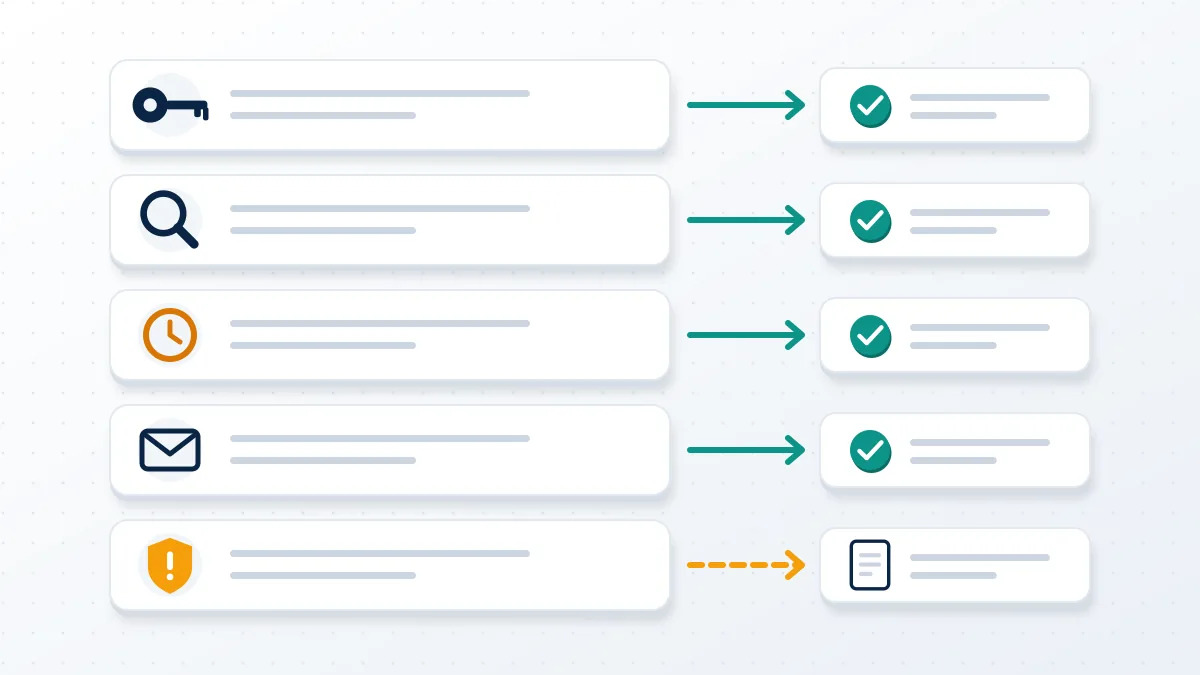
| What you see | Likely cause | What to do |
|---|---|---|
| "Sorry, your password was incorrect" | Old or changed password | Tap Forgot password? and use the reset email or SMS |
| "Username not found" | Account deleted, or username changed by someone else | Try logging in by email or phone; if both fail, treat it as deleted or hacked |
| "Try again later" | Too many attempts, or under 24 hours since deactivating | Stop for a day, then try once from a browser |
| Code never arrives | Old email or number on file | Use the Need more help option on the login screen |
| "Your account has been disabled" | Instagram enforcement, not deactivation | Request a review from that screen |
That last row is the one most people misread. A disabled notice usually follows reports or an automated detection, and Meta's page on what to do if your Instagram account is disabled says to log in and follow the on-screen steps to request a review. No Instagram reactivate account guide applies at that point, because the review is not reactivation, and repeating the reactivate account Instagram steps just loops you back to the notice. Account Status in Settings is the next check, because it lists the specific violations an account has received and often shows which post started the trouble. Screenshots of that page, the error and the latest email from Instagram are usually enough to tell a deactivation from an enforcement case, and they contain nothing a stranger can use to log in.
Reports usually start the process. Meta handles what happens when someone reports you in broadly the same way across its apps, and the reporter's identity is not revealed, as explained in whether a Facebook report is anonymous.
WhatsApp runs its own enforcement. Separate rules on report and block in WhatsApp explain why that account can be restricted independently of Instagram.
When reactivation is the wrong tool
Some accounts look deactivated but need a recovery instead: hacked profiles, disabled ones, impersonated names and accounts of people who have died.
In these cases Your Reputation Solution reads a login that fails with the right password, next to an email address you no longer recognise, as a takeover rather than a deactivation. Meta's account disabling policy also explains why an account can be switched off for repeated violations, which no login can undo. In either case the guide on how to get a disabled Instagram account back is the better starting point, because it handles hacked, locked and disabled accounts separately. One pattern comes up often enough to name it: a person deactivates during a hard period, a stranger opens a copy of the profile using their photos, and by the time the owner returns, friends have been messaging the fake for weeks. Reactivate first, then report the copy. Should it persist, the guide on how to delete a fake account using your name walks through the impersonation form.
Families sometimes ask how to reactivate an account on Instagram that belonged to someone who has died. They can't, and they shouldn't try with a guessed password; Instagram offers memorialization or removal through its own request forms instead. Facebook works much the same way, and the guide to close a Facebook account when someone dies covers the documents both services ask for.
Lost the old name for good? Starting fresh is often faster than chasing it. Lists of available usernames for Instagram show what kinds of names still open up and how to test them yourself.
Scams that promise to reactivate an Instagram account
Nobody outside Meta can reactivate, undelete or un-disable an Instagram account. Anyone selling that, especially for a fee paid in advance, is running a scam.
Offers arrive in DMs and comment replies within hours of someone posting about a lost account: "Instagram recovery agents", "Meta partners" or hackers who claim to reverse deletions. They ask for a password, a login code or a crypto payment, and some move to threats once they hold private photos, which is the pattern described in Facebook sextortion scams. Never send a code that Instagram texted you, because that code is the key to the account. Your Reputation Solution does not ask for passwords, does not take payment to "reactivate" anything, and says plainly when a deletion is final; the full list of limits sits in what the firm will not do. No stranger can explain how to reactivate your Instagram account better than the login screen already does. Messages that claim to come from Meta can be checked against the Recent emails list in your Instagram settings, which shows genuine security emails from the last 14 days.
A second wave targets usernames. When a deletion releases a handle, sellers claim they can get it back for you or sell you a similar one. Before paying, read can you buy an Instagram username, because Instagram's Terms forbid selling or transferring any part of an account, including the username.
Money changes hands in these deals more often than it should; the guide to what happens after you buy an IG handle covers handles that get pulled back weeks later.
Offers of rare Instagram usernames or short 4 letter Instagram usernames are where these schemes concentrate. Ask for a second opinion before replying to any of them.