
Telegram's rules never actually say "impersonation"
Open Telegram's Terms of Service and read the list of things you agree not to do. Send spam or scam users. Promote violence on public channels. Post illegal pornographic content publicly. Engage in activity recognised as illegal in most countries. That is the whole list. Impersonation is not on it. Neither is the phrase fake account.
That gap explains a rejection pattern which otherwise looks arbitrary. The in-app report menu does offer Fake account as a reason, and Telegram's FAQ does tell victims where to go. But the enforceable clause underneath both of those is the scam clause. A report saying someone is impersonating me on Telegram describes how it feels. A report showing that account asking strangers for money, wallet seed phrases or login codes while wearing your face describes a Terms breach. Same account, two different filings, and only one of them maps onto a rule a moderator can action.
So the strategy is settled before you press anything: document the deception, not the resemblance. Every route below gets stronger the more clearly your evidence shows a third party being defrauded.
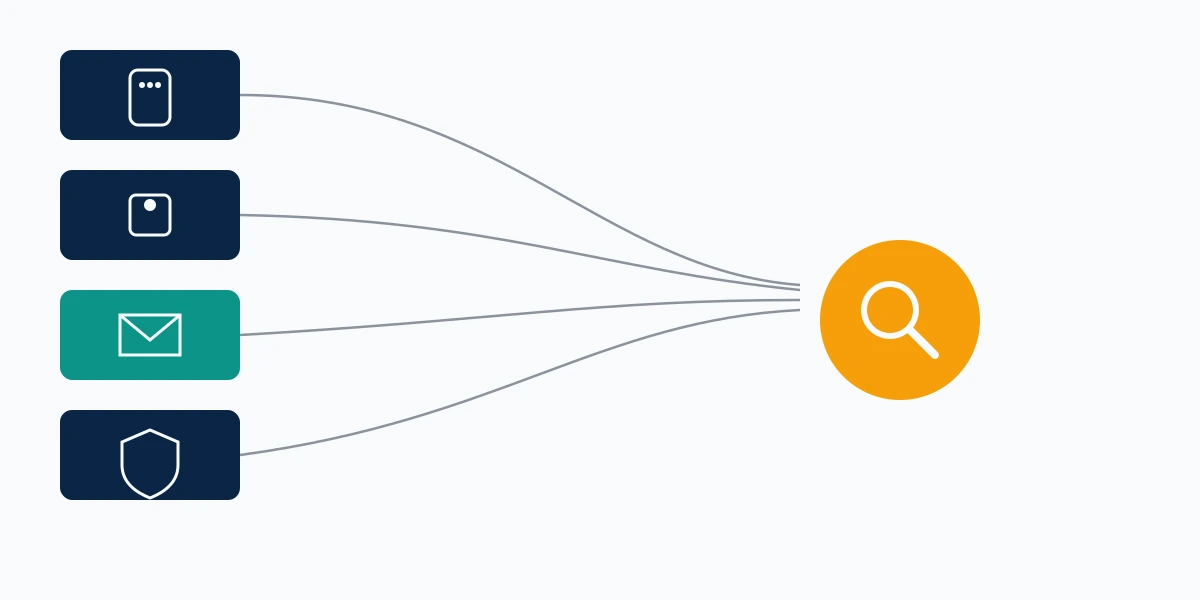
Phrasing scatters wildly here — how to report fake telegram account, report fake telegram profile, telegram fake account report, telegram impersonation report — and all of it lands on the same four routes. Three are well known. The fourth is barely mentioned anywhere and is often the one that works. Inside Telegram's system, how to report impersonation on Telegram and how to report a fake telegram account are one question with one answer, because both end at the same scam clause.
Is this impersonation, or did they take your account?
Sort this first, because the two problems go to opposite teams. Impersonation means a second account exists that pretends to be you while you still control your own. Account takeover means the original account is now theirs.
If you can still open Telegram and see your own chats, you have an impersonation case and this guide applies. If you have been logged out, if your number no longer receives the login code, or if a stranger is messaging your contacts from your real handle, stop reading and treat it as a compromise instead. Our walkthrough on how to recover a Telegram account when there is no recovery form covers the login-code and cloud-password paths, and whether a banned Telegram account can still come back covers the harder version where Telegram has already restricted the number. The same triage applies on other messengers; the first-day sequence in our guide to recovering a hacked WhatsApp account maps almost one-to-one onto Telegram.
One more distinction that changes which button you press. A clone that copies your photo and display name to run investment scams is a fraud case. A clone built to humiliate you is a harassment case. They get routed differently, and the fraud framing is faster, which is why the scam angle in our guide to reporting a scammer on Instagram transfers cleanly to Telegram even though the platforms share nothing else.
What to capture before you file anything
Evidence first. Impostor accounts get deleted by their own operators the moment they sense heat, and once the account is gone so is everything you needed to prove. Reviewers cannot act on a description of a profile that no longer resolves.

Capture six things, in one folder, named by date:
- The impostor's t.me link — every Telegram report route asks for links, and the FAQ says so explicitly for email takedowns.
- Their @username, plus the numeric user ID if you can pull it.
- A full-screen screenshot showing the display name, photo, bio and username together in one frame.
- Screenshots of the actual deception — the message asking for money, the payment address, the fake giveaway.
- Your own profile in the same frame style, so the copy is visible side by side.
- Any message from a real person telling you they were approached. This is the single most persuasive item you can attach.
Third-party statements do more work than anything you write yourself. One forwarded message from a colleague saying your account just asked me for a gift card converts an identity complaint into a fraud complaint, which is the conversion the whole exercise depends on.
Archive anything fragile before you report it, the same way you would for a leak — the capture discipline in our guide to reporting doxxing on Twitter is the closest analogue and the checklist there works unchanged here.
How to report a fake Telegram account from inside the app
The in-app route is the fastest to file and the weakest in isolation. File it anyway, because it timestamps your complaint and because volume on a single account does eventually matter.
- Open the impostor's profile, not the chat thread.
- Tap the three-dot menu in the top-right corner.
- Choose Report.
- Pick a reason. Fake account exists; Scam exists too, and if they have solicited money from anyone, Scam is the stronger selection.
- When prompted, select the specific messages that support the report rather than accepting the default.
- Add a short written note. Two sentences, factual, naming what the account is doing to other people.
Do not send more than one report from the same device on the same day. Repeat filings from one account read as noise to an automated triage layer, and they do nothing to raise priority.
People ask constantly whether the impostor finds out who filed. They do not — Telegram does not surface reporter identity to the reported account, which puts it in the same category as most major platforms. We wrote up the one exception that exists elsewhere in does Instagram tell you who reported you, and the underlying reasoning holds across messengers.
How to report a fake Telegram account on Android

The Android build hides one shortcut the other clients do not have. Long-press any individual message from the impostor and Report appears in the context menu directly, which lets you report the specific fraudulent message rather than the account in general. Telegram's FAQ documents this path for Android specifically.
Use both. Report the message for the content, then report the profile for the account. Two records, two reasons, one account. If you only want the profile route, it is identical to the list above: profile header, three dots, Report, reason, submit.
iOS and Telegram Desktop have no long-press equivalent. On Desktop, right-click the message and the report option sits in the same context menu. Search phrasing at this step splits between how to report impersonation on telegram app and how to report a fake telegram account on android, but the underlying flow is the same on every client and reporting from a second device adds nothing.
Reporting a fake channel or group instead of a person
If the impersonation is a channel trading on your name, the calculus changes in your favour. Telegram's Terms restrict scams, violence and illegal pornography specifically on publicly viewable channels and bots, which means public surfaces carry obligations private chats do not. Public channels are also indexable and searchable, so the harm is easier to evidence.
Report the channel from its profile the same way, and separately report the individual posts that carry the fraud. If the channel is reusing your logo, your photographs or your written material, you have a second and stronger route entirely: [email protected] handles copyright infringement on public bots, channels and sticker sets. Copyright notices run on legal deadlines rather than moderation queues. Never file one over material you do not own.
Where does @NoToScam fit, and why does Telegram send victims there?
This is the route Telegram itself names, and most write-ups skip it.
Telegram's FAQ contains a single, unambiguous instruction: if a scammer is pretending to be you, contact @NoToScam. That is not a community project or a third-party service. It is Telegram's own reporting bot for impersonation and scam accounts, and it is the only channel the company publicly designates for this exact problem.
To use it, search @NoToScam in Telegram and open the result carrying the verified badge — the handle attracts copycats, which is a grim irony nobody at Telegram seems to have addressed. Start the chat, then send one message containing the impostor's t.me link, their @username, a plain statement that the account is pretending to be you, and your evidence that a real person was targeted. Keep it under a paragraph. Follow with screenshots as separate messages.
In our casework the @NoToScam route behaves differently from the in-app queue in one important way: it produces a response. The in-app button usually returns silence, so you never learn whether anything happened. Reports through the bot tend to draw a human reply within roughly one to two weeks when the evidence shows fraud, and the accounts that do get removed after our filings are almost always the ones where a third party's loss was documented. Accounts that merely look like someone tend to survive.
That asymmetry is consistent across platforms. Our breakdowns of reporting Facebook impersonation and what happens when someone is impersonating you on Instagram show the same pattern: the resemblance complaint stalls, the fraud complaint moves. Meta operates a far larger review workforce than Telegram and still sorts cases the same way. ByteDance does too, and the routing logic in our guide to reporting a TikTok account for impersonation is the closest structural match to Telegram's, because both platforms lean on a scam framing rather than an identity one.
The telegram impersonation email route and what [email protected] accepts
When the bot goes quiet, the written notice is your escalation. Telegram publishes [email protected] as its takedown address, and the FAQ adds one hard requirement: include links in the form t.me/… or the message will not be actionable.
People arrive at this section searching report fake telegram account online, report fake telegram profile online or report impersonation telegram email, and all three want the same thing — a route that runs from a browser with no app open. The mailbox is it.
A telegram impersonation email that gets read has a specific shape. Subject line naming the handle and the violation. First paragraph stating who you are and that an account is presenting itself as you. Second paragraph listing the t.me links, one per line. Third paragraph describing what the account did to a third party, with the amount or the request quoted exactly. Attachments last. No legal threats, no paragraph about how distressing this has been, no more than roughly two hundred words before the links appear.
That restraint is not politeness. Moderation queues sort on extractable facts, and an email whose first screen is emotion buries the links a reviewer needs. The same discipline that makes an impersonation report on Twitter succeed applies here almost verbatim, and it is why we redraft nearly every notice a client brings us before it goes out.
Not sure whether your case reads as impersonation or as fraud? Talk to our team before you file. Reframing a notice costs nothing; refiling after a rejection costs weeks.
Two addresses people confuse: [email protected] for illegal content and takedowns, [email protected] for copyright on public channels, bots and sticker sets. Sending a copyright claim to the abuse address slows it down. If your case is genuinely a harassment campaign rather than a scam, the framing shifts again, in the direction our guide to reporting harassment on Instagram describes.
The EU notice route almost nobody uses
Here is the fourth route. If you are in the European Union, Telegram operates a statutory notice mechanism under the Digital Services Act, published on its own EU user guidance page, and it is a different queue from the abuse mailbox.
You submit an illegal-content notice through Telegram's DSA report form with your name, contact details and a clear explanation of why the content is illegal under law. Telegram names @EURegulation as its single user contact point, and lists a legal representative in Brussels reachable at [email protected]. Because this is a regulatory obligation rather than a courtesy, the notice has to be processed and answered rather than silently dropped.
Both caveats here are real ones. Telegram states it may suspend processing for anyone who repeatedly files unfounded or misleading reports, so this route punishes volume filing. And identity theft is only illegal content where your national law makes it so, which varies across member states — a notice that simply says fake telegram account in my name without citing a legal basis will not clear the bar. Name the statute if you can.
Worth knowing for context: as of August 2026 Telegram reports fewer than 45 million monthly recipients in the EU, keeping it below the very-large-platform threshold and under Belgian regulatory supervision rather than the European Commission's. Its moderation output looks correspondingly thin — roughly 12,000 decisions logged in the DSA Statement of Reasons database over the 180 days to 23 July 2026, against more than 194,000 for WhatsApp Channels over the same window (TechPolicy.Press, 2026). That is a sixteen-fold gap on a comparable surface, and it is the honest reason a single in-app tap so often produces nothing.
Why a telegram fake account report gets closed with no action
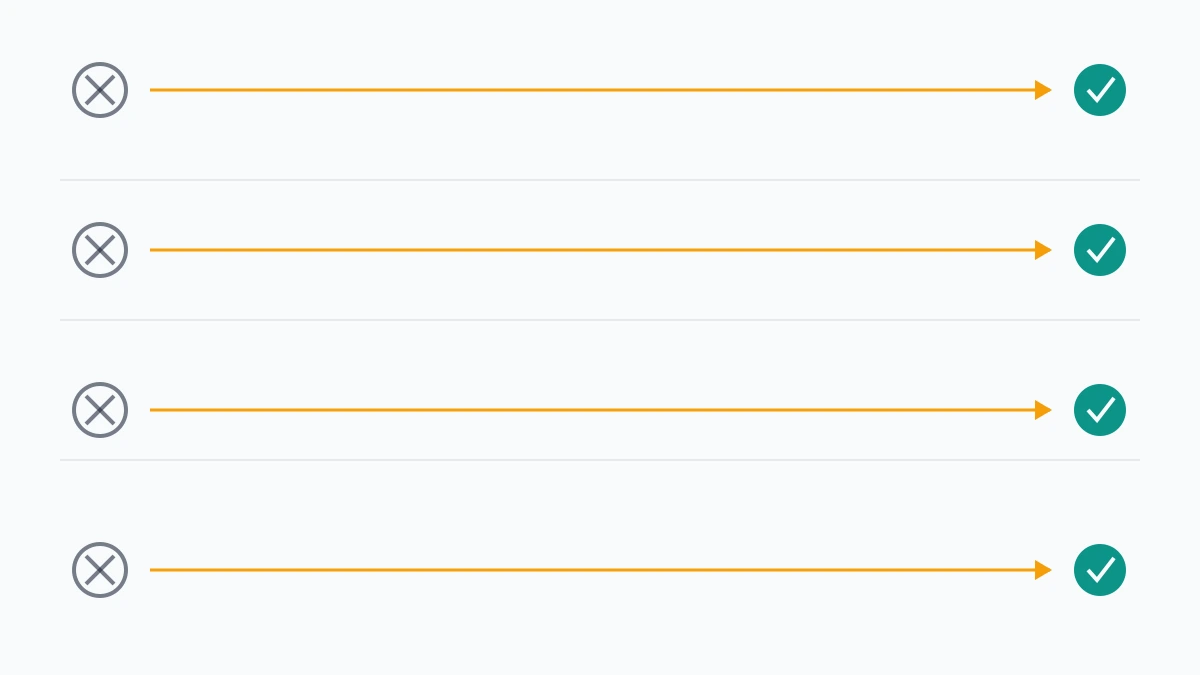
Four failure modes account for most of it, and each has a fix.
The report proves similarity, not harm. A profile using your name and photo is not, on its own, a Terms breach. Add a third party's account of being approached and it becomes one.
The evidence is a screenshot with no link. Telegram's own instructions ask for t.me links. A screenshot proves the message existed; the link proves the account exists now.
The complaint went to the wrong queue. Copyright to abuse@, EU notices to the ordinary mailbox, or account-recovery pleas sent to the impersonation route. Each misroute costs a full cycle.
Nothing was escalated. One in-app tap is a filing, not a campaign. The people who get results run the app route, the bot route and the written notice, in that order, over roughly three weeks.
Someone is impersonating me on Telegram and nothing happened
The forum consensus is bleak, and it is worth taking seriously. Search someone is impersonating me on Telegram reddit and you will find long threads describing the same experience: multiple Fake Account reports filed, several emails sent to both [email protected] and [email protected], no reply, no removal. That pattern is well documented and it is not a sign you filed badly.
When that happens, stop repeating the same notice. Re-file with standing attached instead — a copyright claim if they are using your images, a DSA notice if you are in the EU, a law-enforcement report reference if money moved. A notice that a company is obliged to answer replaces one it is free to ignore, and that substitution is the whole escalation.
Avoid two moves here. Do not mass-report from multiple accounts; coordinated reporting is itself actionable and we explain why in our guide to getting someone suspended on Twitter the legitimate way. And do not pay anyone promising a guaranteed removal — the economics of that promise are the same on every platform, which we break down in deleting someone else's TikTok account and what it really takes to remove a Facebook account.
Meanwhile, protect the surface. Set a public @username and tell your real contacts it is the only one, add a Telegram cloud password, and post a short pinned note in any channel you run naming your genuine handle. Impostors depend on ambiguity about which account is real. Remove the ambiguity and most of them move on to someone easier.
What a takedown service can and cannot do here
We will say plainly what we will not do, because this category is full of people who will not.
We do not guarantee removal of any Telegram account. Nobody can. Telegram is a small moderation operation relative to its user base, its Terms do not name impersonation, and no vendor has a private line into its review queue. Anyone quoting you a guaranteed ban or a twenty-four-hour takedown is selling you the in-app report button with a markup, and the reasoning behind that is the same everywhere — see our assessment of whether account recovery services are legitimate for how to price-test any of these offers.
We never ask for your password, your login code or your cloud password. No legitimate report route requires them, and a request for one is the clearest signal you are being scammed a second time.
What we do is narrower and more honest. We work out which of the four routes your facts actually qualify for, draft the notice so the extractable evidence sits where a reviewer will see it, file across routes in sequence rather than repeating one, and tell you early when a case does not meet a removable threshold so you can spend your effort on containment instead. Realistic timelines look like days to a few weeks for a documented fraud clone, considerably longer for a lookalike with no victim, and sometimes no removal at all. Our full limits, including what we decline to take on, sit in our service disclaimer.
If you want a second read on your evidence before you send anything, our Trust & Safety team will tell you which route fits and what is still missing. That conversation costs nothing and it is usually the difference between a notice that gets answered and one that does not.