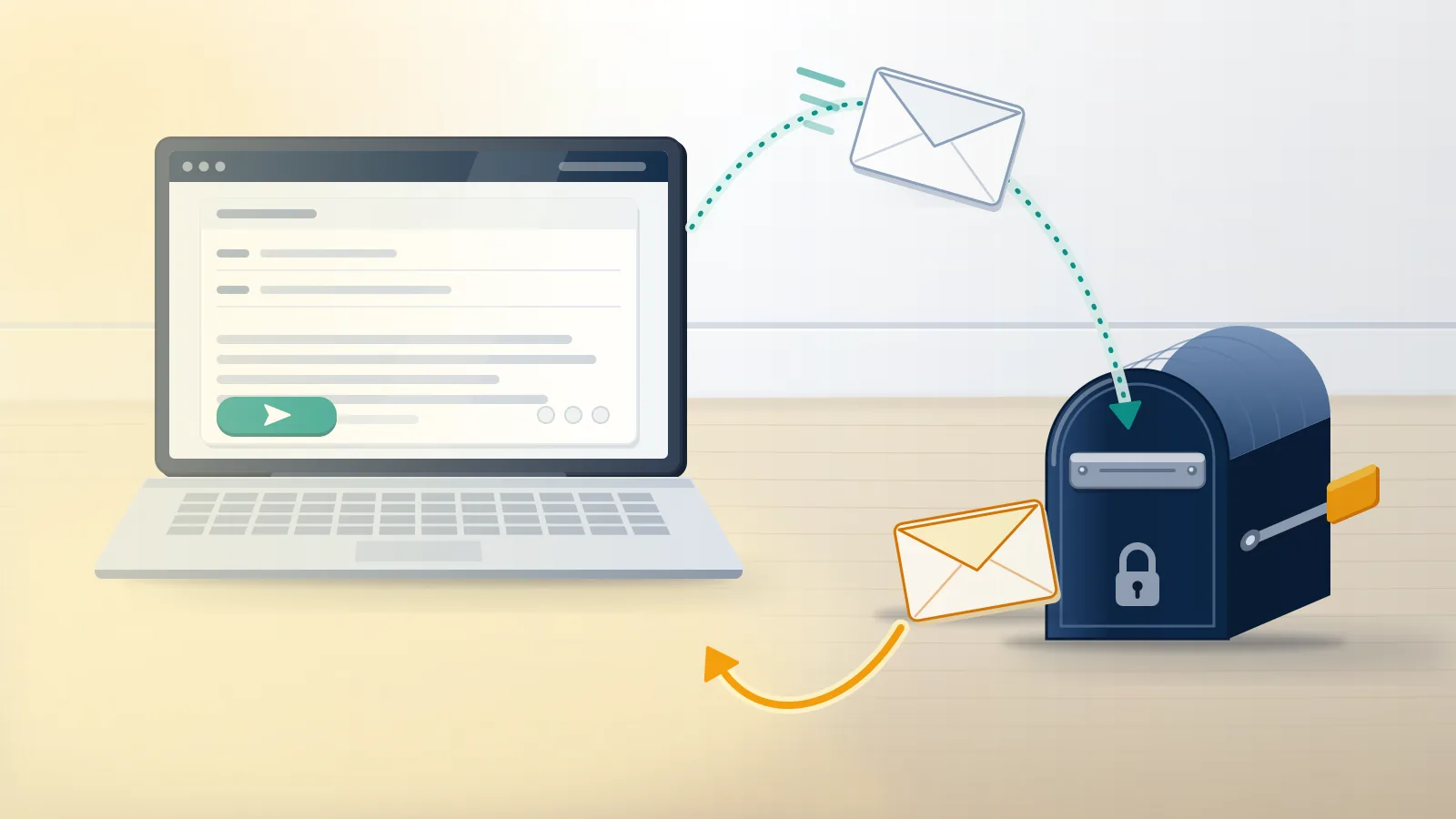
Is there an Instagram support team email that a person reads?
No. Instagram publishes no support inbox for account holders, and the old [email protected] address answers with an automatic redirect.
That redirect is the part most guides skip. German tech publisher heise, in a guide last updated on 3 June 2024, reports that [email protected] replies automatically to say the address is no longer used for support, and points writers to the Help Center; heise blames the volume of requests. Emailing instagram support there, or at any instagram support team email copied from a directory, opens no ticket. Meta's own pages match that picture. Its contact-points page calls the Help Center "the easiest way to get support" for most issues and lists a postal address in Dublin, with no inbox, and its phone page says Meta has no general public phone number for customer service. So every instagram support email address, instagram email address support listing, ig help email or insta help email you find on a third-party site is either that retired address or someone else's mailbox. An instagram help email does exist in one narrow sense: the messages Instagram sends to you, which you can answer.
Customer service follows the same rule. An instagram customer service email, an ig customer service email, a customer service instagram email in a search snippet, or a promise to email instagram customer service directly all end at the Help Center.
Most people who search this already tried to email instagram help center staff and found nothing to write to. If what you need is a human, our guide on how can i contact instagram customer service ranks the channels by who actually answers.
Check what happened to the account before you write anything. If the profile vanished, the instagram deleted my account symptoms need a different request from a restriction. These signs your instagram account is banned tell the two apart.
Your Reputation Solution is an account recovery and reputation firm that works through the same forms and email threads Instagram offers everyone, so it holds no private Meta inbox either.
Which Instagram email addresses are real, and what does each one do?
Very few. Real Instagram mail comes from five Meta sender domains, and [email protected] is the one address Meta asks you to write to.
| Address or sender | Real? | What it is for |
|---|---|---|
| [email protected] | Real domain, retired inbox | Auto-reply pointing to the Help Center |
| [email protected] | Real | Forwarding suspicious emails that claim to be Instagram |
| [email protected] | Real sender | Login codes, alerts, the link to undo an email change |
| @support.instagram.com, @facebookmail.com, @support.facebook.com, @global.metamail.com | Real senders | Replies, notices and support-ticket follow-ups |
| Any gmail.com, outlook.com or "instagramsupport" domain | Fake | Phishing and paid "recovery agents" |
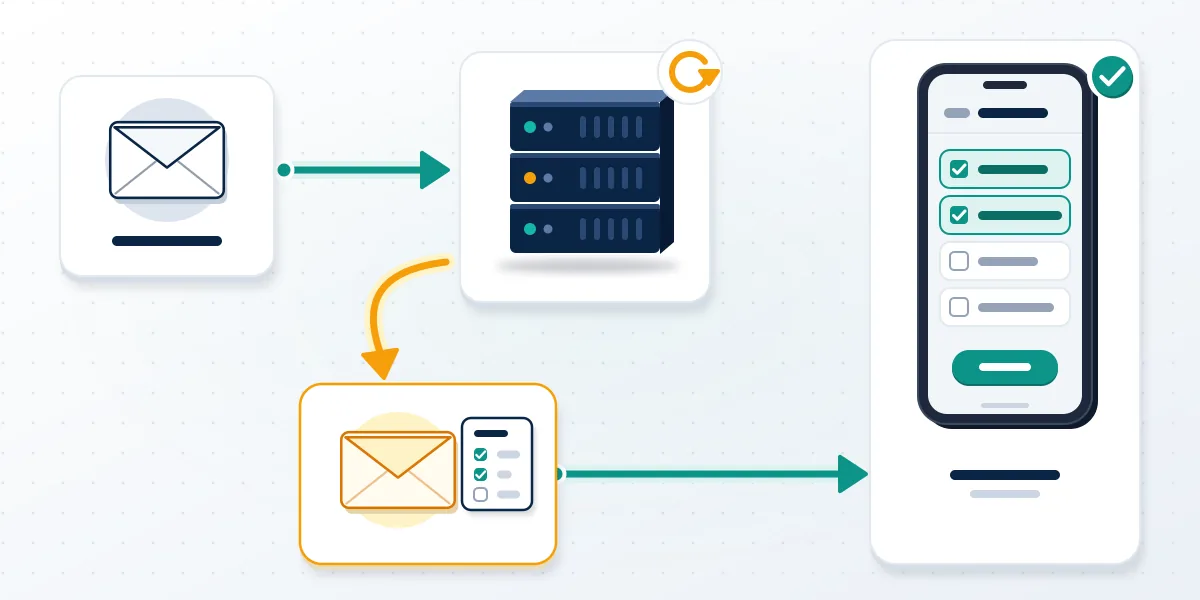
The difference between a sender and an inbox explains most of the confusion. Instagram's Recent emails help page lists @support.facebook.com, @support.instagram.com, @facebookmail.com, @mail.instagram.com and @global.metamail.com as the domains its messages use, and it shows every security and account email Instagram sent you in the last 14 days. Messages from those domains can be answered when they ask you to reply. Writing cold to the same domain is a different act, because no queue is reading it. Lookalikes swap letters, for example rn for m or a lowercase l for a capital I, so read each domain slowly. So an email address for instagram, an email address instagram uses to reach you, and a contact email for instagram that reaches a person are three separate things, and only the first two exist. Meta's phishing help page is the exception: it says you can always report strange emails to [email protected].
Typing support instagram com email into a search bar, or copying an ig email address from a forum, leads straight back to the first row of that table.
When clients forward Your Reputation Solution an "Instagram support" message, the first check is the text after the @ sign, and the second is whether the same message appears in the app's Recent emails list.
No address releases or reserves a username
People also email Instagram hoping to free up a name, and no inbox does that. Check instagram name availability yourself, or work through what usernames are available on instagram before contacting anyone.
A handle that looks free can still be held, which is why the steps to check if an instagram handle is available and an instagram username already exists error can disagree.
For a name that is already taken, our steps on how to fix username not available on instagram cover the trademark and impersonation routes, which use forms, not email.
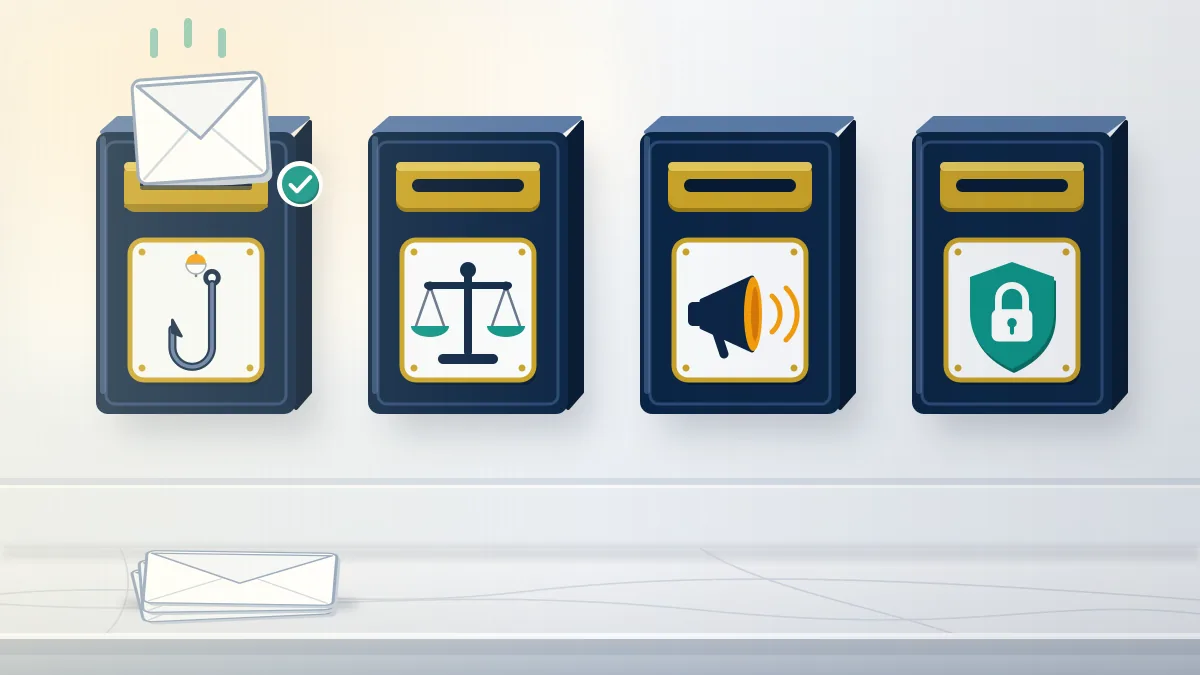
How to email Instagram support through the channels Meta opens
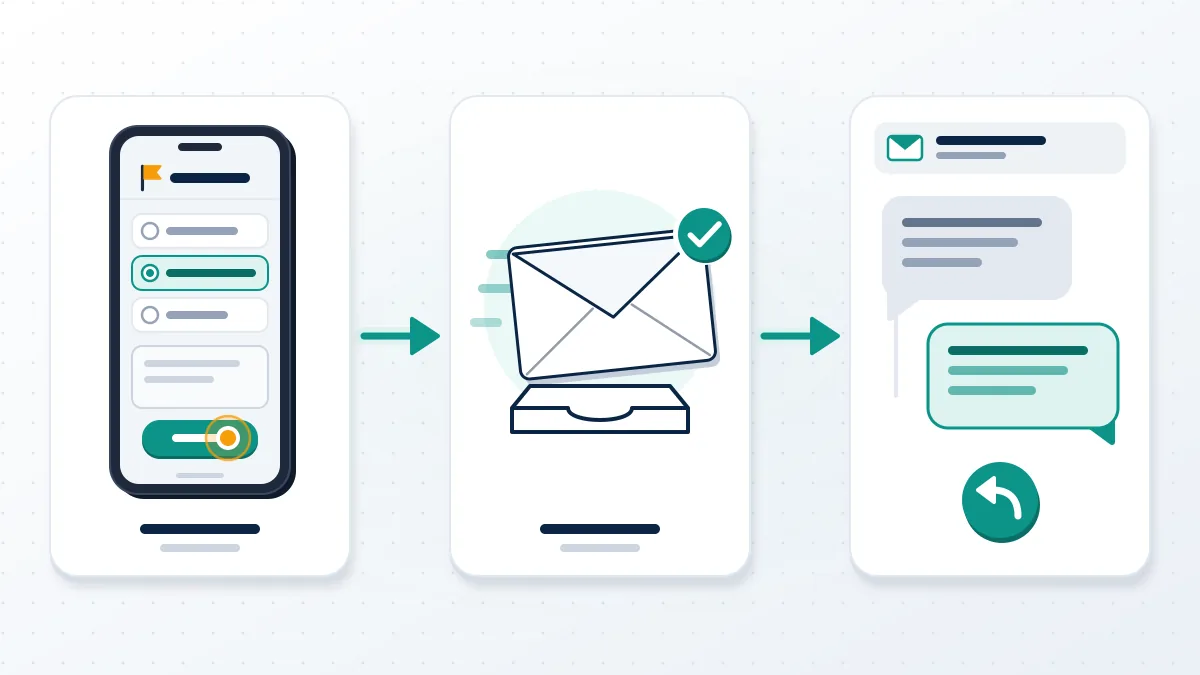
Start inside the app. Instagram opens the email thread itself once you file a report, a hacked-account request or an appeal, and you reply to that thread.
- Report a Problem. Profile, Menu, Help, Report a Problem; shake the phone or pick the option without shaking. Bugs and broken features go here.
- Hacked account. Use the login screen's help link or instagram.com/hacked. Its emails come from [email protected], including a link to reverse an email change.
- Disabled or suspended. Follow the notice in the app. When a follow-up email arrives, Meta's contact page says to respond directly to it.
- Meta Verified. Subscribers can contact instagram by email or chat through agent support, though Meta's Meta Verified page adds that it may not be available to all subscribers yet.
- EU users. The EU contact form sends an automated email and, in some cases, a unique reporting number.
Your Reputation Solution prepares the evidence and the wording for these requests, but Instagram's reviewers make every decision on the account.
Those five routes answer how do i email instagram support, how to email instagram support, how to email ig support and how to email instagram for any reason. Every working route begins with an action inside Instagram, and the email is what comes back. Meta reorganised these routes in December 2025, when TechCrunch reported a centralized support hub for Facebook and Instagram on iOS and Android, with an AI support assistant tested on Facebook first. Before replying to any thread, open Settings, then Accounts Center, Login and security, and Recent emails, and confirm the message is listed there. Mail missing from that list did not come from Instagram, whatever its signature says. Reply only inside the thread you were sent, keep your answer short, and attach only what the message asks for, such as a video selfie or an ID image requested through the form.
Searches for an instagram contact email, an instagram support contact email, an instagram email contact or a contact instagram support email all end at these five routes. In practice, how to contact instagram support email means starting one of them and answering what comes back.
Not sure which thread to answer, or whether an email is genuine? Send Your Reputation Solution the message and the account details for a free case review; we never ask for your password or login codes.
For a hijacked or suspended profile, read how to get a suspended instagram account back first. Lost the inbox too? Our page on instagram account recovery without gmail covers the selfie and form routes.
Deleted accounts follow a clock, so check the rules on instagram delete account recovery after 30 days before writing anywhere. A disabled business profile sometimes needs legit help with an Instagram unban to prepare the appeal file.
Facebook works the same way: even when facebook account recovery doesn't work, the fix runs through forms, and you can recover facebook account without email or phone number using ID checks.
WhatsApp, also owned by Meta, routes help through the app as well. Lost chats are a backup question covered in data recovery for whatsapp, and a removed number is covered in how to restore deleted whatsapp account access.
Instagram support gmail messages and other fake support emails
Any "Instagram Support Team" email from gmail.com, outlook.com or a lookalike domain is fake, because Instagram writes only from its own Meta domains.
The scam has a recognisable script. In March 2022, Malwarebytes documented a fake "Instagram Support" email that swapped the capital I for a lowercase l, came from an Outlook address and threatened deletion within 24 hours over a copyright complaint. KnowBe4 described a 2019 campaign with fake copyright notices that also asked victims for their email password. Copyright lures still lead the pack because they feel official and urgent. An instagram support gmail address follows the same pattern from the other side: a "support agent" or "Meta recovery team" who writes from a free mailbox, offers to restore a disabled account for a fee, and asks for your password, the six-digit code, or a crypto payment. Instagram does not sell recovery, does not contact you about profile security through Direct Messages, and never needs your password to review an appeal. Forward these messages to [email protected] and delete them.
Your Reputation Solution will not buy a handle for you, contact Meta staff privately, or ask for your password, and the disclaimer sets out the limits of what any recovery firm can promise.
Handle sellers use email too. Offers of instagram rare usernames for sale or 3 letter instagram usernames available from a "Meta partner" are not from Instagram.
Read the rules for an instagram username purchase before replying to one, and see what happens after you buy an instagram handle when the seller disappears.
Paid "agents" who write first are the same risk. Apply the instagram recovery services legit or scam test to their offers, and check whether a facebook account recovery email legit message is really from Meta.
Some emails offer the reverse: a promise to remove a rival. Our explainer on how to get someone banned from facebook shows why only reports, judged against policy, do that.
Fake notices that name the person who reported you are invented, because reporters stay private, as covered in does instagram show who reports you.
Three checks settle most cases. Read the domain after the @ sign letter by letter, find the message in Recent emails, and ask whether it wants a password, a code or money; genuine Instagram mail fails none of these. When one still looks borderline, Your Reputation Solution can read it with you before anyone replies.
Already replied to a fake? Change your password from inside the app, turn on two-factor authentication, and remove unknown devices under Accounts Center. If you can no longer log in, start at instagram.com/hacked rather than writing back to the scammer, and keep the fake email so you can forward it to [email protected]. Instagram's notice about an email change goes to the old address and carries a link to undo it, so search that inbox before anything else. Pick an authentication app over text messages for the second factor, since a code sent by SMS can be caught after a SIM swap, and recheck the linked Facebook account in Accounts Center as well.