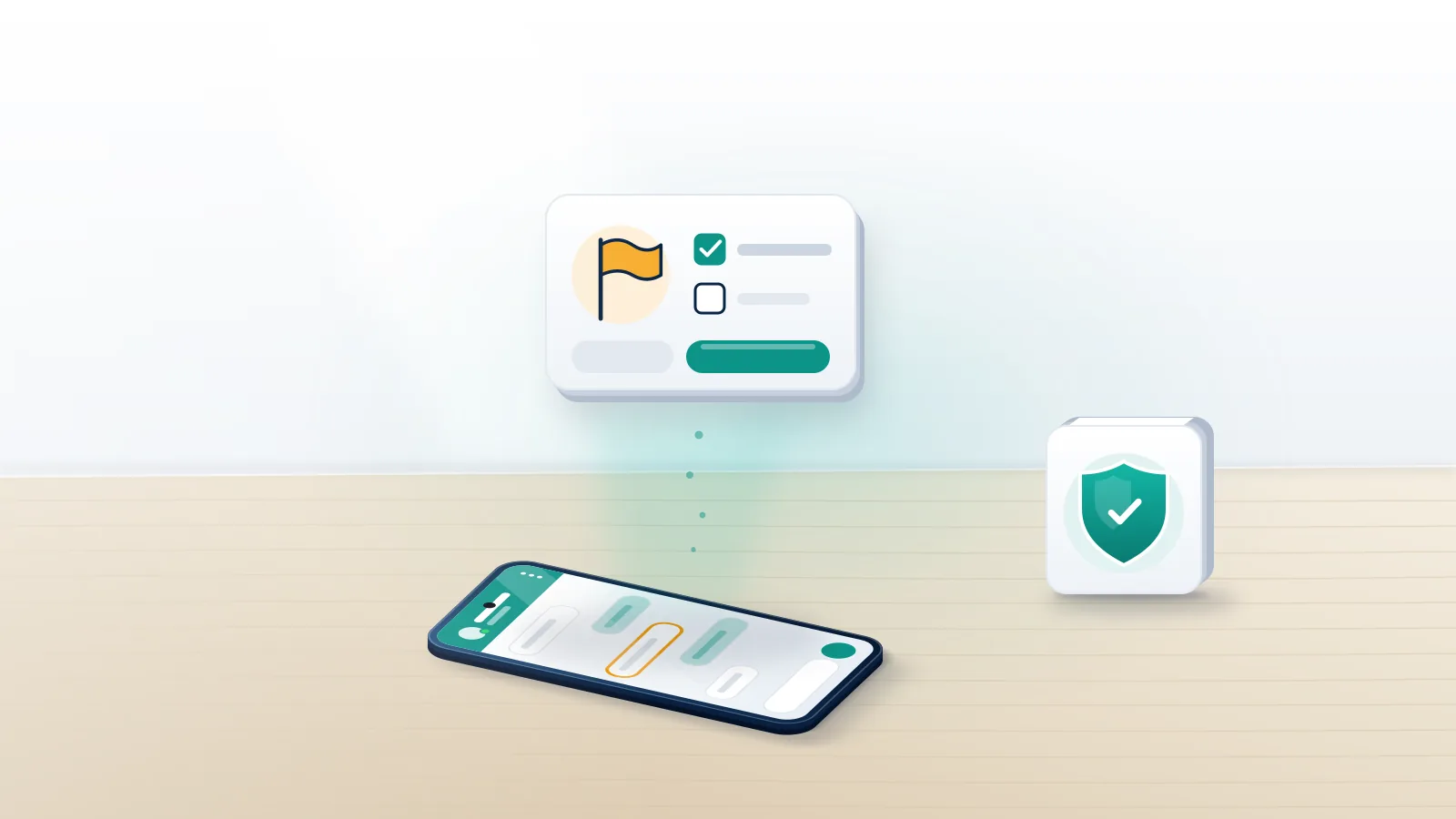
Where is the report button, and what does it send?
How to report someone on WhatsApp starts inside the chat you share with them and takes four taps. On Android, open the conversation, tap More options (the three dots), then More, then Report. On an iPhone, tap the person's name at the top of the chat, scroll to the bottom of the contact card and tap Report contact. Next comes a confirmation screen offering Report on its own or Report and block in one step.
Don't delete the chat yet.
One mechanical fact explains most outcomes. Personal chats on WhatsApp are end-to-end encrypted, so the company cannot read a conversation on its own initiative, and a report is the one moment it sees part of one. Your phone forwards up to the last five messages that account sent you, with its account ID, the time each message arrived and the message type, plus basic details of your last five calls with it, such as who called and for how long (WhatsApp Help Center). Nothing older travels with it, so tap Report while the threat or the fake payment link is still among the latest messages. Your Reputation Solution is an account recovery and reputation management firm that files reports through each platform's own channels and appeals bans that hit the wrong account, and every report pack it builds starts from that five-message limit.
Reporting on its own blocks nothing, and their messages keep arriving until you block. Keep the thread as evidence, screenshot it with dates visible, and read up on the WhatsApp controls you actually own before choosing between block, remove and report.
How to report a WhatsApp number that isn't saved in your contacts
Only one condition applies: the number must have messaged you. To report a WhatsApp number you never saved, open the chat it started and use the same menu, or tap the number at the top and choose Report contact (WhatsApp's blocking and reporting page). One older message can be reported alone: long-press it, open More, and tap Report.
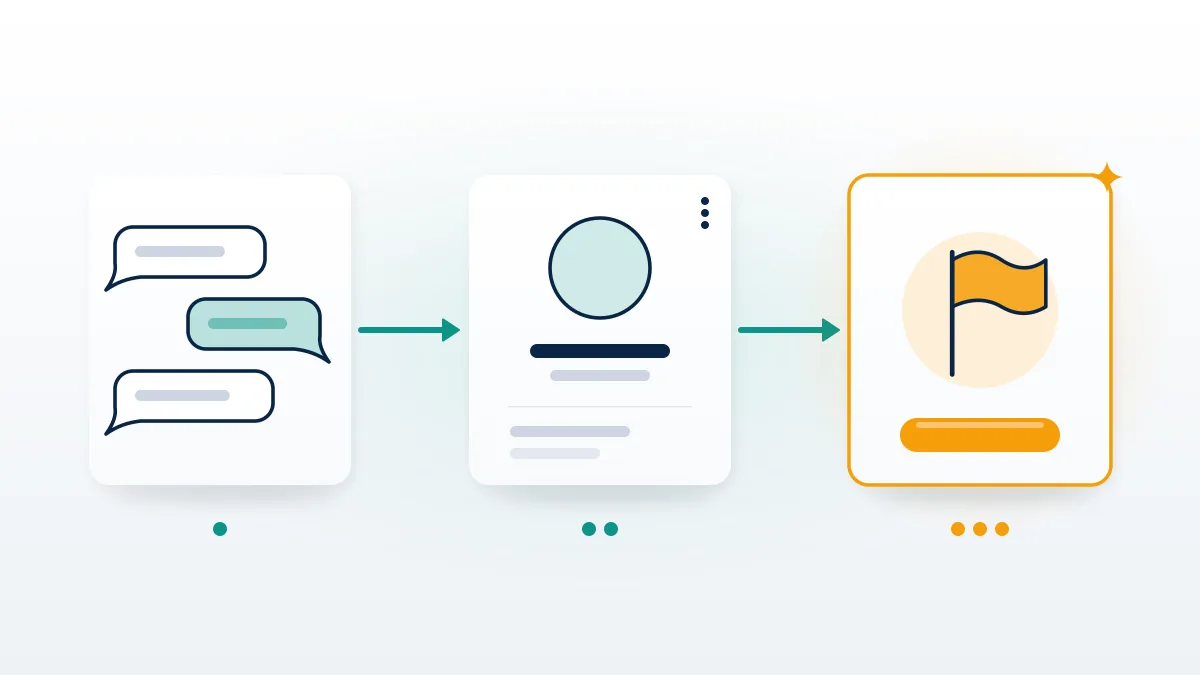
Reviewers read every report cold, with no chat history and no idea who you are. Five messages that include "pay the $2.99 redelivery fee here" and a lookalike courier link need no explanation. Five that say "ok", "?" and "call me" give a reviewer nothing to act on, however frightening the earlier conversation was, and that gap decides more cases than anything else in the packet. For that reason Your Reputation Solution puts the violating message inside the forwarded window before anything is sent. It also explains why you can't report a WhatsApp number from your own phone if it only ever wrote to someone else: your phone has nothing to forward. Ask the person who received those messages to report from their chat, and keep screenshots of what they show you. Content, not headcount, drives how WhatsApp weighs a reported number.
What happens when you report a WhatsApp number?
WhatsApp checks the forwarded messages against its Terms of Service, then does nothing, restricts the account, or bans it. Nobody tells the reported person.
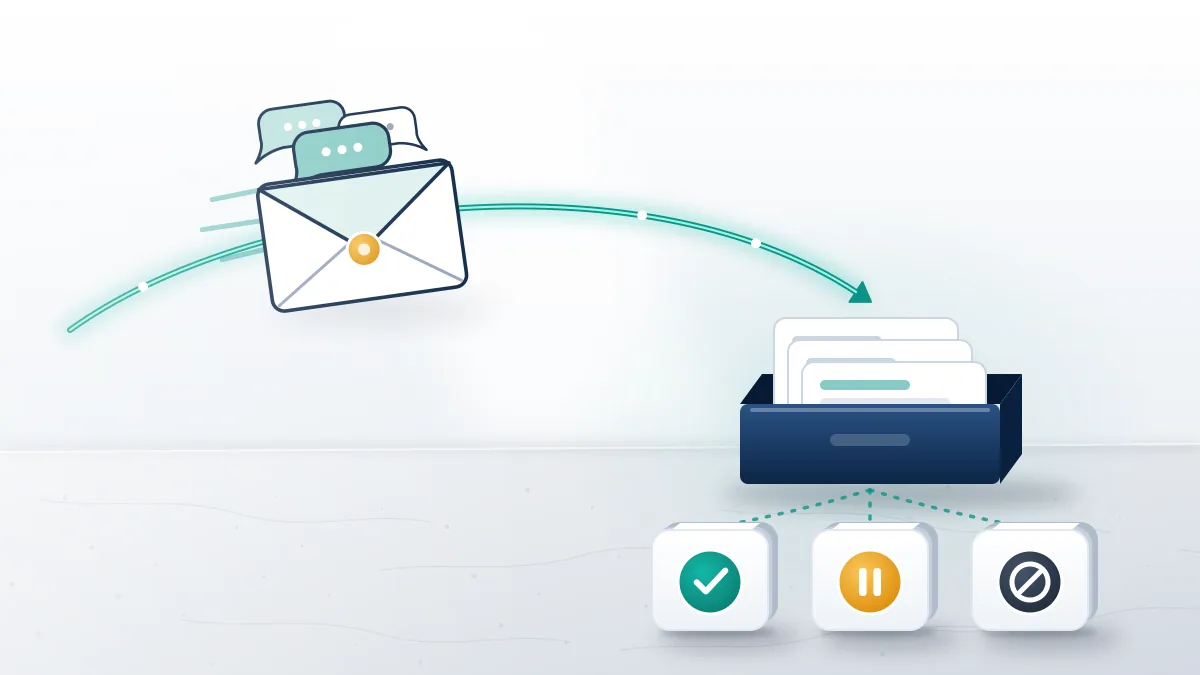
Silence is the most common result. If the five messages break no rule, or break one too mildly to act on, the case closes and you hear nothing. A restricted account can keep chatting with existing contacts but cannot start new chats for a set period, which is how WhatsApp handles accounts that look like bulk or unsolicited messaging. A ban removes the number from WhatsApp, and its owner sees a banned-number screen with a Request review option when the decision can be appealed. Bans run at a scale few people picture: WhatsApp's India compliance report for July 2026 counted 5.364 million Indian accounts banned that month, 1.79 million of them before any user had reported them (MediaNama, September 2026). So what happens if I report someone on WhatsApp and nothing seems to change? Usually the review found nothing actionable, and no verdict is ever sent.
Families and office teams often ask what happens when we report on WhatsApp together. Each report is judged on what it forwards, so ten reports carrying the same harmless messages add nothing one report lacked. Headcounts fail on Facebook too, per the test of whether mass reporting works on Facebook, and TikTok's paid mass report bot market fails for the same reason.
Our longer piece on what happens after you report and block covers the block half. In every case, Your Reputation Solution tells clients to judge a report by whether the messages stop.
Can you report someone on WhatsApp without them knowing?
Yes. WhatsApp never tells the reported person about a report or who filed it.
Discretion is about what you do around the report, and how to report someone on WhatsApp without them knowing comes down to timing. Blocking is the usual giveaway. After a block, your profile photo stops updating for them, your last seen disappears, and every message they send you shows a single tick. Leaving a group seconds after an argument is another tell, even though only admins see the exit notice, and so is being the only person an account has ever messaged: if it then gets restricted, its owner can guess the source without WhatsApp saying a word. So report first, leave the chat open for a day or two, save screenshots, and block later. Restrictions arrive without naming whoever triggered them, much like a visibility limit on X that lands with no explanation.
How to report a fake WhatsApp account or an impersonator
Impersonators rarely message the person they copy. They message that person's friends, clients or parents, which is why how to report a fake WhatsApp account splits into two jobs. Anyone the fake has contacted should report it from their own chat, since only they hold messages to forward, and it carries most weight when those messages show the pretence itself: "it's me, new number, send the money here". Job two is yours, and it answers how to report someone's WhatsApp account that never wrote to you. Go to Settings, then Help (Help and feedback on newer versions), then Contact us, and follow WhatsApp's page on someone pretending to be you, giving the fake number in international format with the + and country code. If the fake is a business profile, open it and tap Report business.
Searchers typing "report WhatsApp account" meet the same fake on Instagram, where an impersonation takedown needs an ID-checked form, or on X, where claiming an inactive handle follows other rules.
Impersonated on WhatsApp? Your Reputation Solution can assemble the evidence and draft the impersonation report for you to send from your own phone. Ask for a free case review. No password or verification code is ever requested.
Can reporting a WhatsApp account get it banned?
Yes, when the forwarded messages show a real violation. A report asks for a review; WhatsApp makes the ban decision.
Searches for how to report WhatsApp account and get it banned usually hope the button works as a vote. It doesn't. Bulk or automated messaging, scam and phishing links, illegal content, threats and harassment, and unofficial modified apps such as GB WhatsApp are what end in bans, so how to report whatsapp account behaviour well comes down to catching one of those inside the forwarded messages. Buying reports adds nothing to that. Sellers of a WhatsApp mass report bot promise that volume forces a ban, yet a hundred reports without a violation give a reviewer a hundred copies of nothing. Worse, a bank of accounts firing identical automated reports looks exactly like the bulk activity WhatsApp removes on its own. Instagram has the same pitch in mass report tools, and it fails there for identical reasons.
How to report a WhatsApp group, spam groups and illegal sales included
Open the group, tap its name, scroll to the bottom of group info and tap Report group. That is how to report a WhatsApp group on Android and iPhone alike, and the confirmation offers to take you out of the group in the same step.
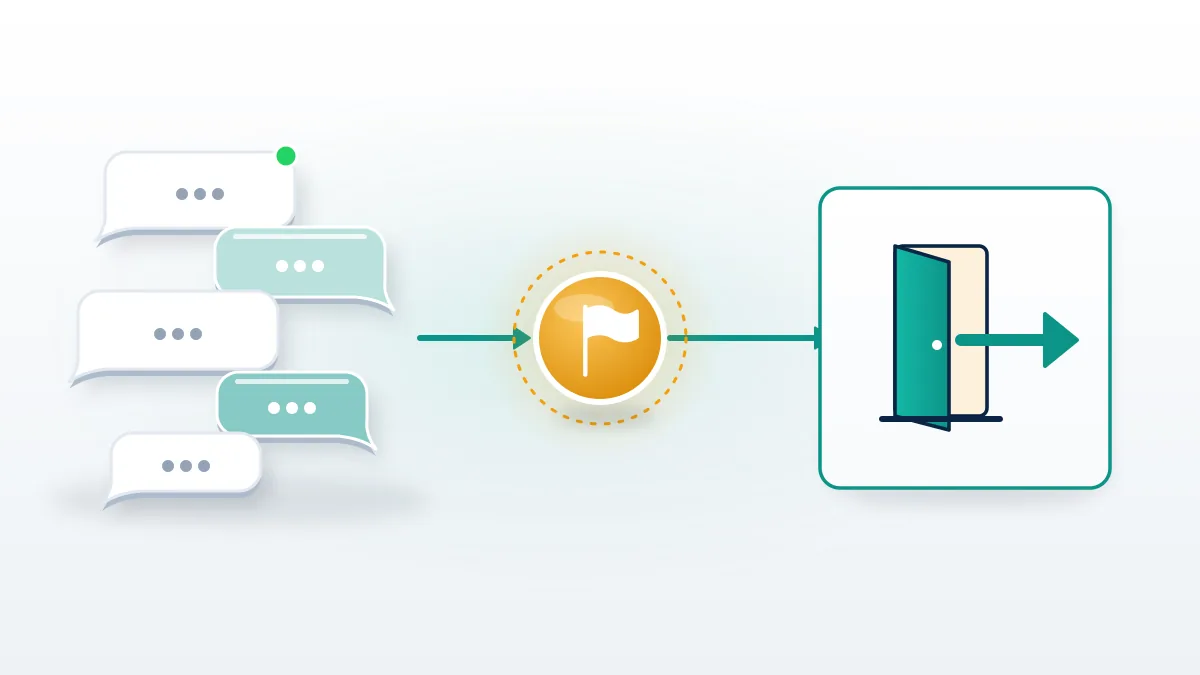
What happens when you report a WhatsApp group is a review of the group as a unit, built on up to the last five messages it sent you plus its group ID. Depending on what those messages show, WhatsApp can act against the accounts that posted the material or against the group itself, and no member or admin learns who reported. WhatsApp's own guidance draws a useful line: report a single member when one person keeps posting harmful content, and the group when it exists for illegal activity or coordinated harm. Before either, Your Reputation Solution has clients screenshot the member list, because admins' numbers are what police ask for later. To report spam group on WhatsApp after a stranger added you, report it, exit, then go to Settings, Privacy, Groups and change who can add you from Everyone to My contacts.
How to report a WhatsApp group for selling illegal products starts with the listing itself: long-press the post offering drugs, weapons or counterfeit goods and report that message before the group, so it survives later chatter. WhatsApp's Commerce Policy, updated 23 September 2026, bans selling illegal products through WhatsApp for Business, naming firearms, drugs and fraudulent goods. Weapons, drug or child-safety evidence belongs with the police first. Similar storefronts on Telegram go through a Telegram channel takedown, and TikTok has its own urgent takedown route.
How to report a scam on WhatsApp, and where fraud goes after the app
How to report a scam on WhatsApp has two halves. The in-app report protects the next target; the outside report protects you, because WhatsApp cannot freeze a transfer, open a police file or refund anything.
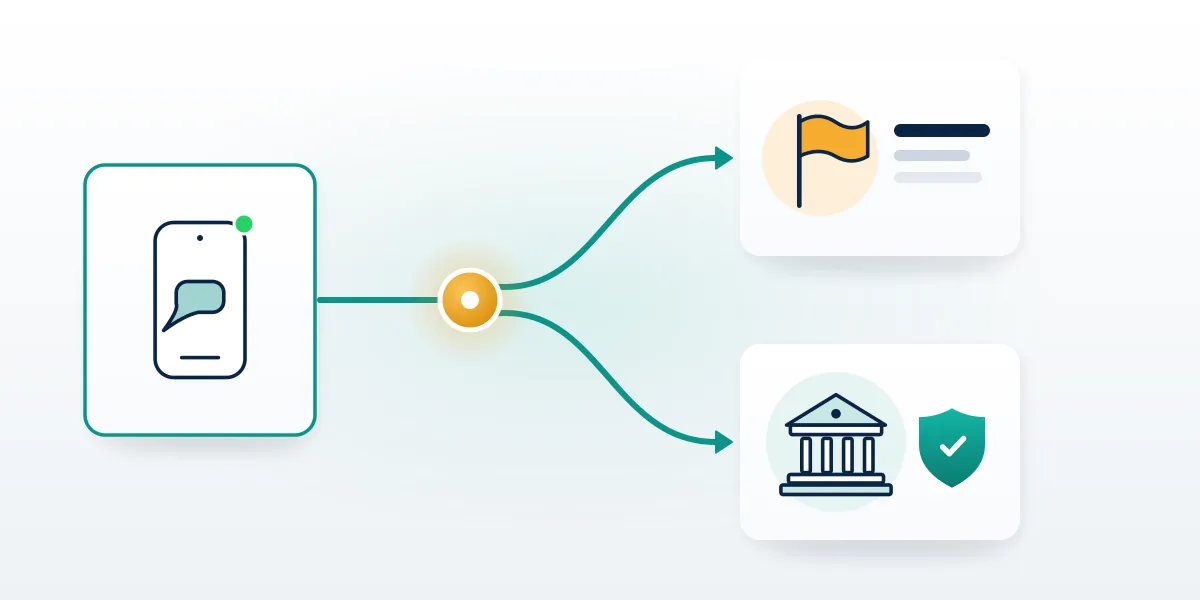
When money has moved, the order matters:
- Screenshot the chat, the sender's number and any payment details.
- Call your bank or card issuer and ask for a fraud freeze or recall. Hours count.
- Report and block the chat inside WhatsApp.
- Report WhatsApp number to cyber crime authorities, using the table below.
| Where you are | Where to report the WhatsApp number | When to use it |
|---|---|---|
| India | cybercrime.gov.in or helpline 1930 | Money already lost |
| India | Sanchar Saathi Chakshu | Suspected fraud message, no loss yet |
| United States | ReportFraud.ftc.gov and the FBI's IC3 | Any scam; IC3 for losses or crypto |
| United Kingdom | Report Fraud or 0300 123 2040; Police Scotland on 101 | Replaced Action Fraud on 4 December 2025 |
| Australia | Scamwatch, then ReportCyber | ReportCyber when money was lost |
Searches for a "report WhatsApp scam contact number" end at that table, since WhatsApp publishes no phone line for scam reports. Paperwork is where Your Reputation Solution helps: it turns the screenshots and timeline into one filing-ready document, though the filing goes in under your name. Its contact page lists web forms, the Help Center and a postal address in Menlo Park, California, and nothing you can dial, so any caller claiming to be WhatsApp support is running a scam of their own. Meta says WhatsApp banned more than 6.8 million accounts linked to organised scam centres in the first half of 2025 alone (AP via US News, August 2025), yet a ban does nothing for the person who already paid. Knowing how to report WhatsApp fraud that cost you money means ending with a police or regulator record, because only that record supports a bank dispute.
When scams arrive from a friend's real number, how to report scams on WhatsApp changes: the friend was probably hijacked through a stolen six-digit code, so call them and point them to locking a hijacker out of WhatsApp. Telegram takeovers use the same code trick, covered in Telegram account recovery.
Reported a WhatsApp chat by mistake? What you can still undo
The report itself can't be undone. WhatsApp offers no withdraw button and no support route that reverses one, so how to un report someone on WhatsApp has no answer inside the app. If your first thought was "I reported a WhatsApp by mistake", the damage is usually small: the other person isn't told, and a reviewer reading five ordinary messages between friends has nothing to act on. Unblock them from the chat or from Settings, then Privacy, then Blocked contacts. Ask a group admin to add you back if you left. Deleted chats are gone unless a backup still holds them, and restoring that backup replaces your current history. Being on the receiving end of a wrongful ban is a separate problem, and appealing a banned WhatsApp number walks through the Request review route.
Where outside help fits, and what it can't do
Outside help here means paperwork and escalation, never pressure on the platform. In practice, Your Reputation Solution drafts impersonation reports, assembles scam evidence for police and cyber crime filings, and prepares appeals for numbers banned by mistake; WhatsApp alone decides whether an account is restricted, banned or restored. Some requests are refused for every client: mass reports, false reports, packages promising a ban, and any request for your password, two-step PIN or six-digit code, which WhatsApp itself tells users never to share. The disclaimer states plainly that the firm is independent of Meta and cannot promise an outcome on any platform. Telegram lockouts get the same rules through a Telegram recovery case review. Refusing those requests protects clients too, since each one either breaks WhatsApp's terms or hands a stranger the account. Related guides by platform are below.
| Platform | Topic | Guide |
|---|---|---|
| Disabled account | Facebook disabled account recovery | |
| Marketplace restriction | Marketplace unban guide | |
| Permanently disabled | Permanently disabled Instagram accounts | |
| Banned or suspended | Instagram unban process | |
| Username taken by a copycat | Claiming a taken Instagram username | |
| Spam-clearing bots | Spam report bots, tested | |
| TikTok | Permanent ban | Permanent TikTok bans |
| TikTok | Suspension | TikTok suspension recovery |
| YouTube | Terminated channel | Terminated YouTube channels |
| X | Suspended account | Suspended X accounts |
| Telegram | Frozen account | Frozen Telegram accounts |
| Telegram | Report automation | How Telegram report bots work |