
A report is a request for review, not a delete button
Tapping Report asks TikTok to look at something. That button removes nothing by itself. It adds a signal to a queue TikTok's automated systems have usually already scanned, and the queue decides whether anything follows. People arrive expecting a control and find a suggestion box, and that gap swallows most of the disappointment that follows. Separating the request from the outcome is the thing our team explains most often, because Your Reputation Solution is a reputation and account-recovery firm that files and escalates platform reports for people and brands whose own attempts went nowhere.
Order matters here more than most guides admit. Above 90% of the videos TikTok takes down are caught by its own classifiers before any user flags them, according to TikTok's Community Guidelines Enforcement Report. Reporting is not the main road into enforcement. It is the side road for cases machines miss: context, history, an ex-partner's face, a scam that only reads as a scam once you know the backstory.
So the question worth asking before you tap anything is not how to report an account on tiktok, but which policy your case actually breaks. Reports naming a clear guideline breach get somewhere. Reports naming how angry you are do not, however justified the anger is.
How to report a TikTok account from the app
Open the profile, tap the share arrow at the top right, choose Report, then Report account, then the reason that fits. Confirm, and screenshot the confirmation screen.
Phrasing varies and the destination does not. Typed as how to report tiktok account, how to report account on tiktok, or how do i report a tiktok account, every query lands on that same share arrow, and so does the blunter tiktok report account. Plural changes nothing either, because how to report accounts on tiktok means repeating the single-profile flow one at a time, with no bulk submission open to ordinary users.
Two details decide whether the sequence is worth anything. Screenshot the account first, capturing handle, bio, follower count and the posts that matter, because a successful report makes the evidence vanish along with the profile, and a bank or an employer may want to see it next month. Report the specific thing rather than the whole person where you can. One video breaking one rule is an easier decision for a reviewer than a complaint about an account's general character.
Menu wording drifts. Labels moved twice in the past year, so before publishing a route Your Reputation Solution re-walks it on iOS and Android, most recently in September 2026. If your build differs, follow the branch naming the harm rather than the nearest generic option. Spam routes to a classifier. Harm routes to a person.
How do you report a post, comment, LIVE or message?
Every surface has its own entry point, and they do not all reach the same team. Long-press a video or use its share arrow, then Report. Long-press a comment for the comment report sheet. Livestreams are reported from inside the stream while it runs, which is the only moment their evidence exists, since nothing is left to point a reviewer at once the broadcast ends. Direct messages carry a report option inside the conversation itself.
Searchers asking how to report a page on tiktok almost always mean a profile, because TikTok has no Page object the way Facebook does, and a business presence is still an account reported through the route above. One genuine exception exists. TikTok LIVE and its viewers sit behind separate moderation controls that the ordinary flow never reaches, with their own bans that apply to a single broadcast.
Pick the narrowest surface containing the violation. How to report a post on tiktok is the right question far more often than people assume, and how do you report a post on tiktok tends to end better than how do you report a tiktok account, because one dated video with a clear breach beats a complaint against a profile whose worst material was deleted last week.
Can people see if you report them on TikTok?
No. TikTok does not tell the reported account who filed the report, and any notice it sends names a policy rather than a person. Can someone see if you report them on tiktok through a setting, a workaround, or a paid tool? None exists, and the reported user's notification carries no reporter field at all. Blocking the account afterwards is the practical answer to retaliation fear, and blocking does nothing to weaken the report already filed.
One exception is real and catches people out, and Your Reputation Solution keeps it in front of clients before anything gets filed. Copyright complaints are not Community Guidelines reports. They are legal notices, and US law requires the complainant to identify themselves, which is why TikTok forwards the notice with your name attached so the uploader can file a counter-notice.
Nothing in the app waives that, because the requirement sits in the DMCA's notice provisions rather than in platform policy. Where staying unnamed matters more than the takedown does, copyright takedowns run on a separate track and deserve weighing on their own.
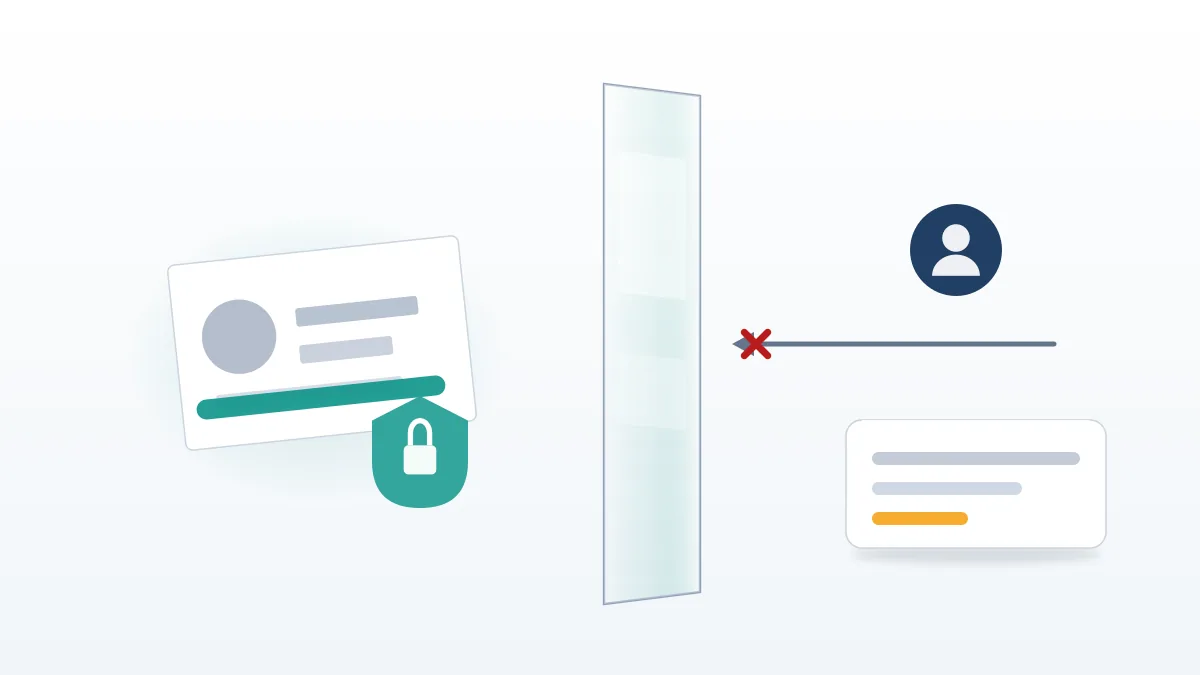
Can you report someone on TikTok without an account?
Yes, through the web forms rather than the app. TikTok's reporting pages accept submissions from anyone, logged in or not, which matters in two situations: your account was banned, or you never had one. Can you report a tiktok account with no login at all? Also yes, and those forms beat the in-app flow, because they let you attach files.
That is the entire difference. An in-app report sends a category. Web forms send a category plus evidence, meaning screenshots, URLs and an ID document, so a reviewer holding proof can decide what a reviewer holding a dropdown cannot. Impersonation is where the gap shows most. A tiktok impersonation report filed through the app is a category; the same case filed on the tiktok impersonation report form carries proof of who you are. The dedicated route for tiktok report impersonation cases sets out which documents each asks for.
Should the account be a clone rather than an impersonator, a tiktok report fake account submission follows its own checklist. Spelling changes nothing here. Searches for report tik tok account, how to report a tik tok account and how to report someone on tik tok reach identical screens. Pronouns likewise: how do you report someone on tiktok and how do i report someone on tiktok name one flow, not two.
Which reason should you choose?
Category choice routes your report to a policy team, and the wrong one sends a real case to a queue built to decide something else. Because that single choice does more work than anything else on the form, Your Reputation Solution maps the common ones before a client files. Current as of September 2026.
| What happened | Category to choose | What TikTok weighs | Where it can end |
|---|---|---|---|
| Someone copied your name, photo and bio | Pretending to be someone else | Whether the account deceives, not whether it resembles you | Removal, or a forced profile change |
| Threats, sustained abuse, pile-ons | Harassment and bullying | Whether it targets a person, and whether it repeats | Video removal, strike, or ban |
| Fake giveaways, investment pitches, payment requests | Fraud and scams | Financial harm and coordination patterns | Removal and account-level action |
| Your video reposted without permission | A copyright notice, not a guidelines report | Ownership evidence | Takedown, then counter-notice window |
| Account looks under 13 | Underage user | Age signals across the whole account | Account removal |
Two options deserve avoiding unless literally true. "I don't like this" exists and does almost nothing, being a feedback signal rather than an enforcement one. Filing scam content under harassment because that queue feels faster is the most common self-inflicted wound in cases arriving already reported. Evidence of financial loss carries real weight inside the route into scam enforcement and none whatsoever inside a bullying queue, so the misfiled case loses the one thing that would have decided it. Refiling under the correct category is possible, though the second submission inherits none of the first one's queue position.
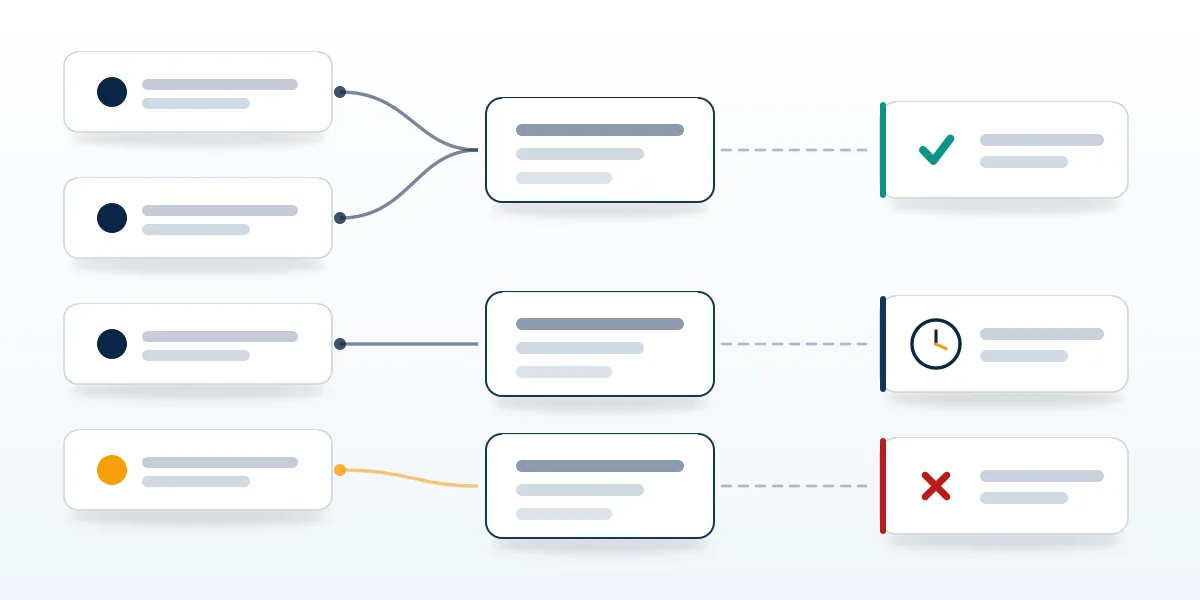
What happens after you report someone on TikTok
Your report enters automated triage, where a classifier compares the flagged content against the policy you named. Clear-cut matches get actioned there, with no human opening the case at all. Ambiguous ones, plus every category where context decides, reach a moderator who sees the content, the reason you chose, and the account's enforcement history, and who never sees your name.
Outcomes sit on a ladder whose rungs get confused constantly. A video removal takes down one post. A strike attaches to the account and later expires. Strikes accumulating inside one policy area trigger a temporary ban. Permanent bans follow either a severe single violation or enough accumulated strikes, and the reported user can appeal every rung, which in the EU means a written statement of reasons they are entitled to contest under the Digital Services Act. Almost none of that is visible to you. Reporters get a line in the app's report history at best, usually saying whether action was taken and never saying what action.
Reported an account, waited, and nothing moved? Your Reputation Solution reviews what was filed, identifies the route the case actually belonged in, and handles the escalation from there. Talk to our team about yours.
How long does a TikTok report take?
Anywhere between a few minutes and a few weeks, and the spread is a property of the category rather than of your patience. Automated decisions land almost immediately. Human review of an in-app report commonly resolves inside a few days. Evidence-backed web forms, impersonation submissions requiring ID checks above all, are the slow track, and guidance on those has long pointed at one to two weeks.
Here is where most published advice misleads. That flat "24 to 48 hours" circulating in guides describes the automated path only, and repeating it to somebody waiting on an impersonation case teaches them to read silence as rejection. Silence usually means queue. Check your report history rather than the reported profile, which stays visible for days after posts on it have been actioned. To make a removal move faster, the levers are evidence quality and route selection rather than volume, which is exactly what separates a TikTok video that comes down quickly from one sitting untouched for a fortnight.
Why two identical reports end differently
Because the report is only one input among several. Enforcement history is another, since a profile carrying prior strikes in the same policy area presents a different decision from a clean account posting its first borderline video. Follower count and verification status shift the review path too, as accounts above certain thresholds route to specialised teams instead of general moderation.
Content age matters, and people rarely account for it. For that reason Your Reputation Solution captures and dates evidence before a case opens, since video live for months has usually passed the classifier repeatedly, making a human reviewer slower to overturn it than on a fresh upload. Deleted content cannot be actioned at all, which is why reporting a screenshot of something already gone achieves nothing whatsoever. Reporting a tiktok account twice from the same login does not double its weight either, because TikTok deduplicates repeat flags from a single reporter.
Then comes the honest part. Moderation at TikTok's volume is a probabilistic system staffed by people applying policy under time pressure across dozens of languages, and two reviewers can read one borderline video differently. Anybody promising a predictable outcome from a report is selling certainty the system does not contain.
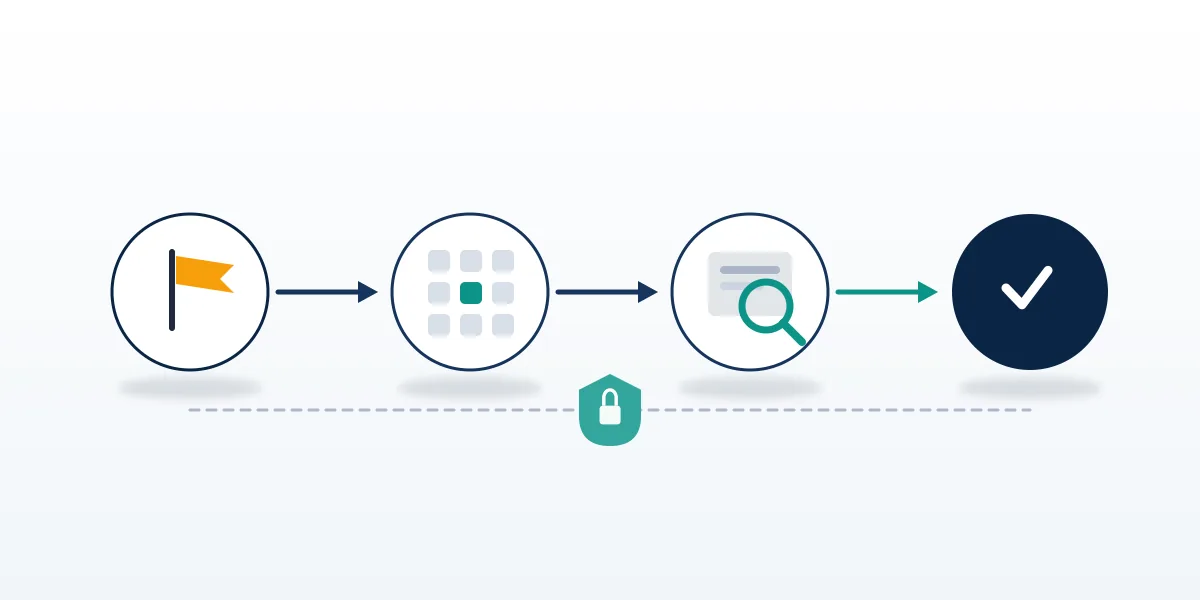
Do mass reports and TikTok report bots work?
No, and the risk they carry points the wrong way. TikTok evaluates whether content breaks a rule, not how many people objected, and coordinated flagging is itself a violation of the platform-manipulation section of the Community Guidelines. Volume creates no breach where none exists.
Searches for tiktok report bots mostly surface GitHub scripts and sellers advertising flags by the hundred for pennies. Those scripts fail against current rate limiting and device attestation, while the sellers charge for an outcome they cannot influence. Having taken apart what these mass-report tools actually do, Your Reputation Solution finds the pattern repeats reliably enough to state plainly: the buyer pays, the target stays, and the buyer's own account picks up a manipulation signal.
The phrase people actually type, how to banned a tiktok account, usually comes from somebody being harmed who wants the harm to stop. Legitimate goal, illegitimate shortcut. File the accurate report, use the evidence-backed form, escalate if it stalls; slower, and the only path surviving an appeal. Paid ban services promising a takedown are selling that shortcut, and it does not exist.
What a report can never do, and where to go next
Reports cannot compel a deletion, reveal who owns an account, recover your own hacked profile, reverse an enforcement decision, or substitute for a police report where a crime has occurred. Your Reputation Solution files and escalates reports and prepares the evidence they turn on, while TikTok makes every final decision, and no honest firm will tell you otherwise. We never ask for your password, never offer to pay for a removal, and never file a copyright claim over content we do not own. The full scope of what we decline is published for exactly this reason.
Several neighbouring problems sit outside reporting altogether. If your own account took the hit and you are searching how to delete a banned tiktok account, that is an appeal-and-recovery question rather than a reporting one, and recovering a TikTok account starts from the ban notice you received. Deleting the account first closes that door permanently, which is the single most expensive mistake available at this stage, because the appeal form needs the account it is appealing for.
Has a report of yours stalled? Then the next step is rarely another report. Go back to the category you picked, check it against the harm you can actually evidence, and refile through the form that accepts attachments. Where the case turns on identity or ownership, that means the web form rather than the app, whatever the app told you the first time. Better evidence, routed correctly, submitted once, and then left alone to work.