What is an Instagram spam report bot, and does it work?
The phrase covers two things: a tool that files automated Spam reports, and a spam bot account you want gone. The tool fails; reporting the bot works.
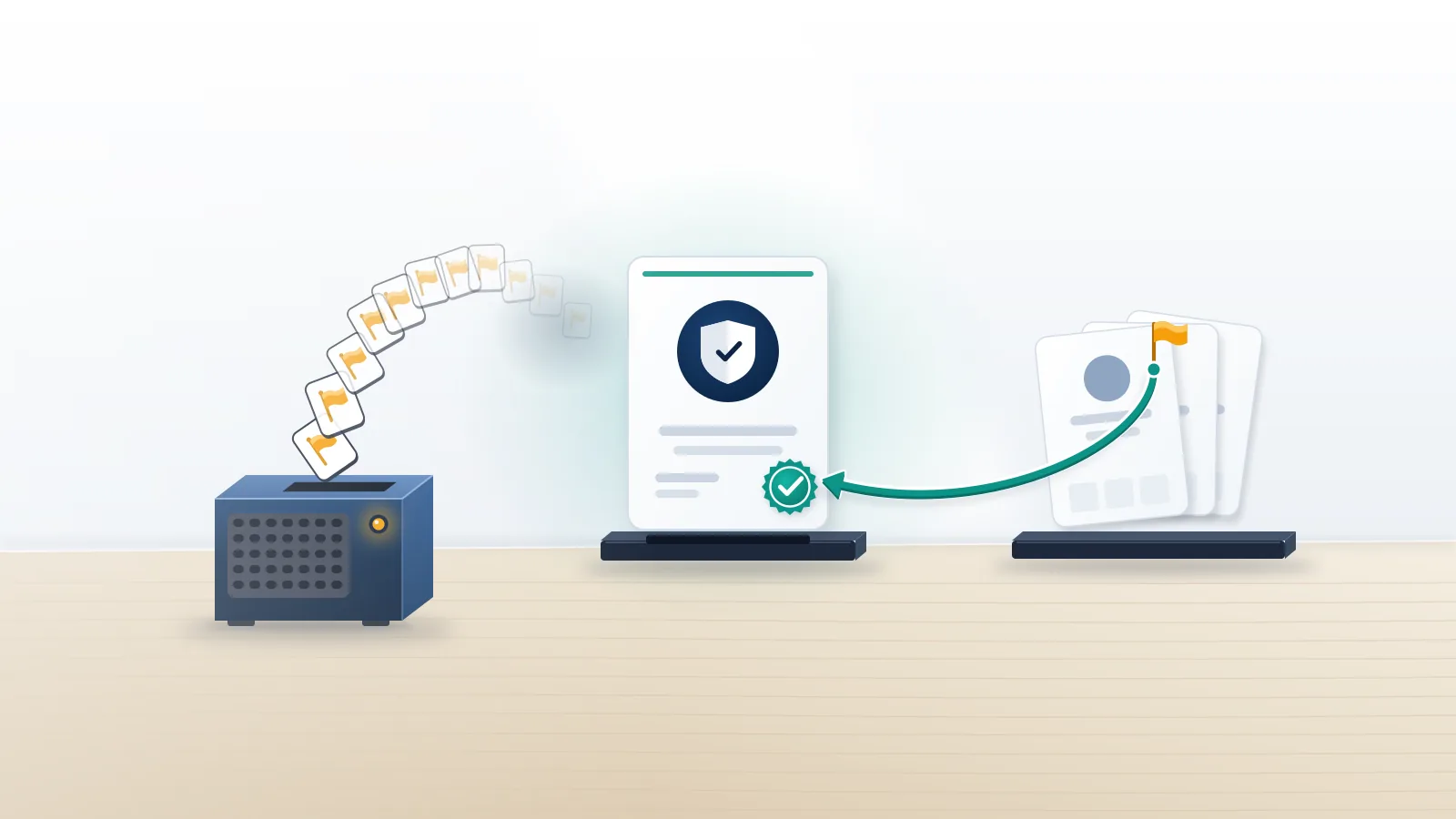
Start with the tool. An instagram spam report bot is a script, app or paid panel that presses the ordinary Report button from dozens or thousands of accounts and picks "Spam" every time. Instagram does not add those complaints up. Each one is checked against Meta's spam rules and against what the reported profile actually shows, and Meta's Help Center states the principle plainly: the number of times something is reported doesn't decide whether it's removed. An account that posts its own photos and messages nobody in bulk gives a reviewer nothing to confirm, so the reports close no matter how many arrive. The storefront side of that market, from GitHub scripts to Telegram panels, is dissected in our audit of Instagram mass report bots and tools.
The second meaning is the one most people have. Comments fill with "check my bio" links, crypto "mentors" slide into DMs, or three hundred empty profiles follow you overnight. Those accounts do break the rules, which is why one accurate report works where a bot's thousand fail.
Your Reputation Solution is an account recovery and online reputation firm that helps people report impersonators and spam networks through Instagram's official channels and recover accounts that were wrongly restricted. It does not sell or run report bots.
Which accounts count as spam under Meta's rules?
Spam means fake or bought engagement, automated or high-frequency activity, and deceptive links. It never means an account you simply dislike.
Instagram no longer keeps a separate rulebook; its guidelines point to Meta's shared Community Standards. Meta's spam policy targets content built to "deceive, mislead, or overwhelm users" and bans buying, selling or trading engagement such as likes, follows and clicks. In practice that covers the follower farms, the copy-pasted comment rings, the giveaway pages that harvest logins, and the DM accounts sending the same link to everyone. Scale matters here: Meta's fake accounts report estimates that fake accounts make up roughly 4% of Facebook's worldwide monthly active users, and it acts on hundreds of millions of them every quarter, most before any user reports them.
What the spam rules do not cover is just as useful. A critic posting honest reviews, a competitor with a better offer, or an ex posting lawful photos is not spam, and a Spam report against them closes as "doesn't go against our guidelines." Those situations either have their own route (impersonation, harassment, intellectual property) or no route at all.
How to report spam bot Instagram accounts on each surface
Report the account from its profile, then the comment or message that brought it to you. Each takes under a minute and stays anonymous.
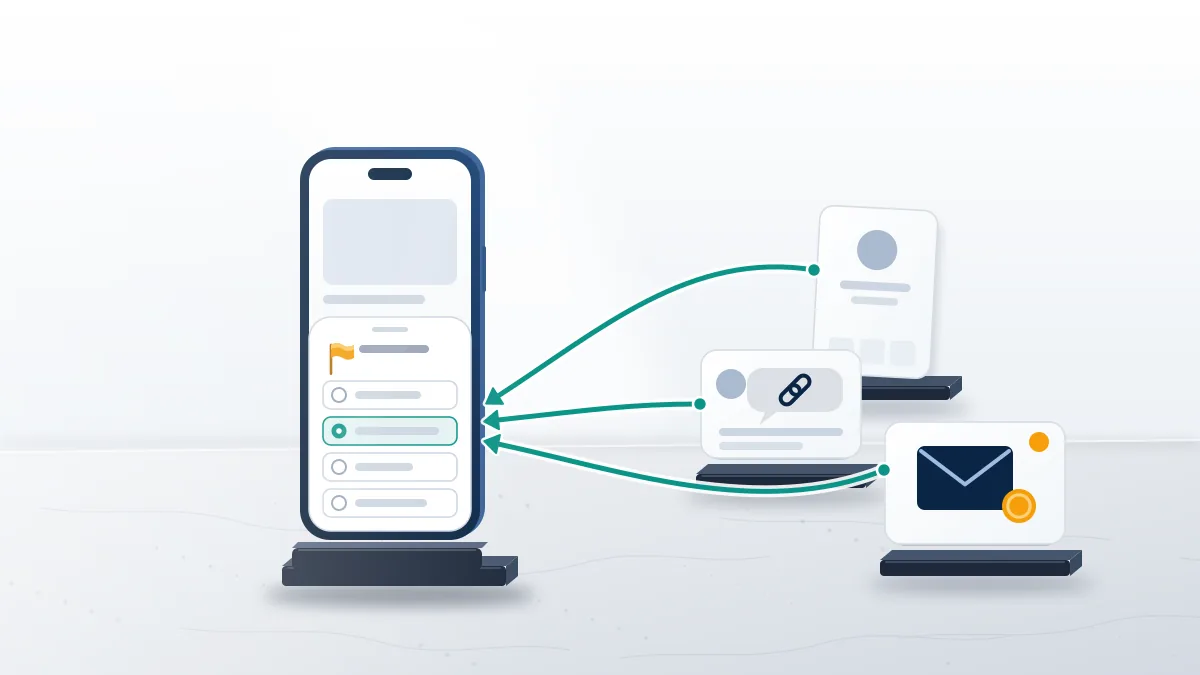
- Profile. Tap the three dots next to the username, choose Report, then Report account, and pick the spam option, as Instagram's reporting help page describes.
- Comment. Swipe or long-press the comment, tap the report icon, and choose Spam or Scam or fraud, whichever matches what the comment pushes.
- DM or message request. Press and hold the message, tap Report, and block from the same screen. Message requests can be reported without accepting them.
- Story reply or mention. Open the reply in your messages and report it there; a bot tagging you in junk stories is reported from the story itself.
- Block with the follow-up option. When you block, tick the box that also blocks new accounts the person may create, because bot operators rotate usernames.
Reports are anonymous apart from intellectual property claims, as covered in whether Instagram tells someone who reported them. An instagram spam bot report on fifty different accounts is not mass reporting, either: each report is about a separate account with its own evidence, which is the opposite of fifty reports piled on one target.
A spam bot instagram report is only as good as the account it points at. When Your Reputation Solution handles a bot-heavy case, the first thing we build is a list of usernames and profile links, each with a dated screenshot, before anything is filed. Operators rename accounts in the middle of a wave, and a report or form that names a stale handle sends the reviewer to a page that no longer exists. The list also shows the pattern when one operator runs forty profiles with the same bio and photo style. For every other report category, from harassment to self-harm content, our walkthrough on how to report someone on Instagram goes reason by reason.
How do you remove bot followers in bulk?
Use Instagram's own spam-follower filter for the bulk of them, then remove the stragglers by hand. No outside app is needed.
Open your profile, tap Followers, and look for the filtered list of accounts Instagram considers likely spam; depending on your app version it is labelled "Potential spam" or "Flagged." Instagram's help article describes an option there to remove all of those followers at once or review them one by one, and removed accounts are not notified. The filter switches on automatically for larger accounts, so a small personal profile may not see it.
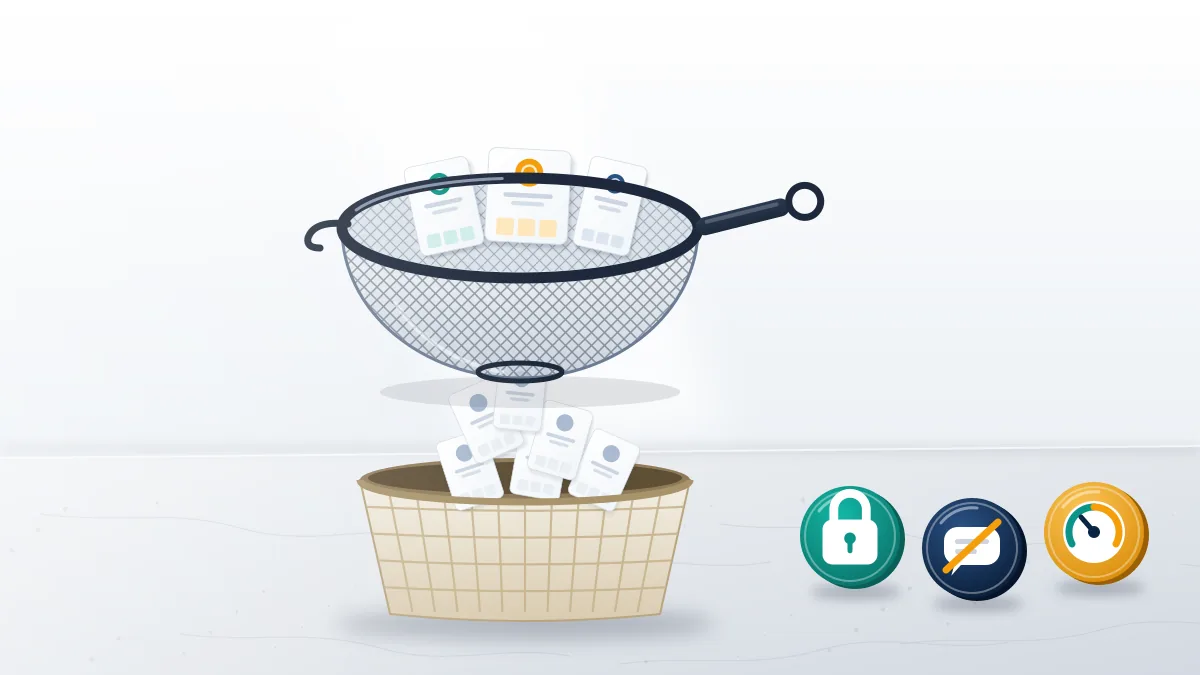
Bots that slip past the filter, the usual leftovers of a spam report instagram account bot wave, share a look: no posts or a few reposted images, a username ending in a run of digits, thousands of accounts followed against a few dozen followers, and a bio pushing a link, a giveaway or a trading "mentor." Remove each from your followers list. While a wave is running, three built-in settings hold it back. Limits hides comments and DM requests from accounts that don't follow you or only followed recently, which is exactly the profile of a bot swarm. Hidden Words filters spammy message requests and any phrases you add, and switching a personal account to private for a few days makes every new follower wait for approval.
Skip follower-cleaner apps that ask for your Instagram password. Instagram's Terms of Use bar accessing the service or collecting information through automated means without permission, so those apps put your own account at risk, and a stranger holding your login is how a spam problem turns into a hacked account. Your Reputation Solution never asks a client for a password either; nothing on this page needs one.
When is a spam report the wrong form?
When the bot is pretending to be you, scamming your customers or reusing your content. Those cases need a form that accepts proof.
A clone of a business can look tidy enough to pass a spam check, which is why customers' Spam reports against it rarely stick. The fix is to match the problem to the route built for it:
| What the bot account is doing | Route that fits | Evidence to attach |
|---|---|---|
| Following, liking and commenting in bulk | In-app Report → Spam | The profile itself |
| Messaging people a phishing or "investment" link | In-app Report → Scam or fraud | Screenshots of the messages |
| Using your name, photos or brand | Instagram's impersonation form | ID or business records, links to the real and fake accounts |
| Reposting your photos or logo | Intellectual property report | Proof you own the content or mark |
The impersonation form accepts reports only from the person being impersonated or an authorized representative, and the full field-by-field process is in our guide for when someone is impersonating you on Instagram. Bots pushing crypto or recovery scams belong in the steps for reporting a scammer on Instagram, which also covers what to do if you already paid.
Bot accounts copying your name or brand? Your Reputation Solution runs a free case check on the accounts and tells you which rule each one breaks and which Instagram form fits, before any fee is discussed.
Why buying an Instagram report spam bot backfires
It costs money, often your login, and sometimes your account. Meta treats misuse of its reporting tools as a violation in its own right.
Meta's inauthentic behavior policy lists misusing Meta's reporting systems to harass, intimidate or silence others as a violation, so the accounts running an Instagram report spam bot campaign are the ones exposed, not the target. A spam report instagram bot sold as a service gives itself away in the offer. Watch for a price per report or per "ban," a promised timeline, a success rate nobody can check, checkout only through Telegram or crypto, and a request to sign in with your Instagram so the tool can "report for you." That last step hands over your session. Free versions carry the same problem, as our security review of GitHub and free mass reporter tools shows: the code runs as your logged-in account.
Paid "ban services" on Telegram and Discord usually fail several of those tests at once, which is the subject of how Instagram ban services really work. If a seller already took your money, report it to the FTC at reportfraud.ftc.gov and to the FBI's IC3, then change your Instagram password.
Is a spam report bot aimed at your own account?
Check Account Status first. A report wave only matters if Instagram actually removed something or restricted the account.
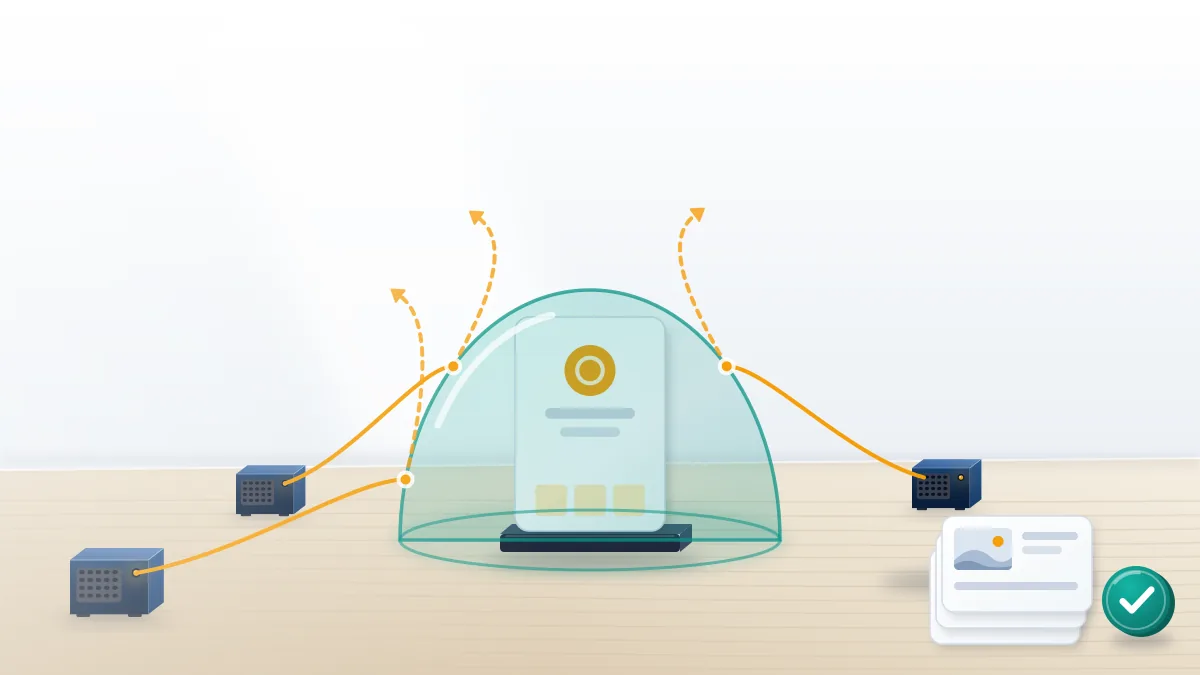
Account Status sits under Settings and activity and lists removed content, the policy cited, and whether the account is at risk; if it shows nothing, the reports have not touched you. A spam report bot Instagram discounts can still trip an automated first pass on a clean account, so if a report spam instagram bot campaign did restrict something, work in a fixed order. Screenshot the notice with its date, and any post or group chat announcing the raid. Request one review from Account Status and let it run, since duplicate appeals add noise to the same queue. Turn on two-factor authentication with an authenticator app, because report raids and takeover attempts often arrive together, and keep posting normally rather than deleting content an appeal may need.
If the review stalls or the account is disabled, the guide to recovering a suspended Instagram account covers the next steps, and hijacked accounts follow the Instagram hacked account recovery guide.
What Your Reputation Solution does and declines
Your Reputation Solution prepares evidence and files it through Instagram's own forms, while Instagram's reviewers make every final decision; nobody outside Meta can promise a removal. The case check is free, and any fee is quoted afterward.
Some requests are declined on sight: reports against an account that breaks no rule, automated or coordinated reporting of any kind, anything that needs your password or a login code, and impersonation or copyright claims the facts can't support. Critics, competitors and former partners who post lawful content are not removable, and the limits we hold on every case are published in writing. For locked or hijacked accounts, see how the Instagram account recovery service works.