What does "Instagram spam report bot" actually mean?
It means one of two things: software that fires automated Spam reports at an account, or a spam bot account you want reported. The software cannot remove an account that follows Instagram's rules. Against a real spam bot, one accurate report does the job Instagram built its free Spam option for.
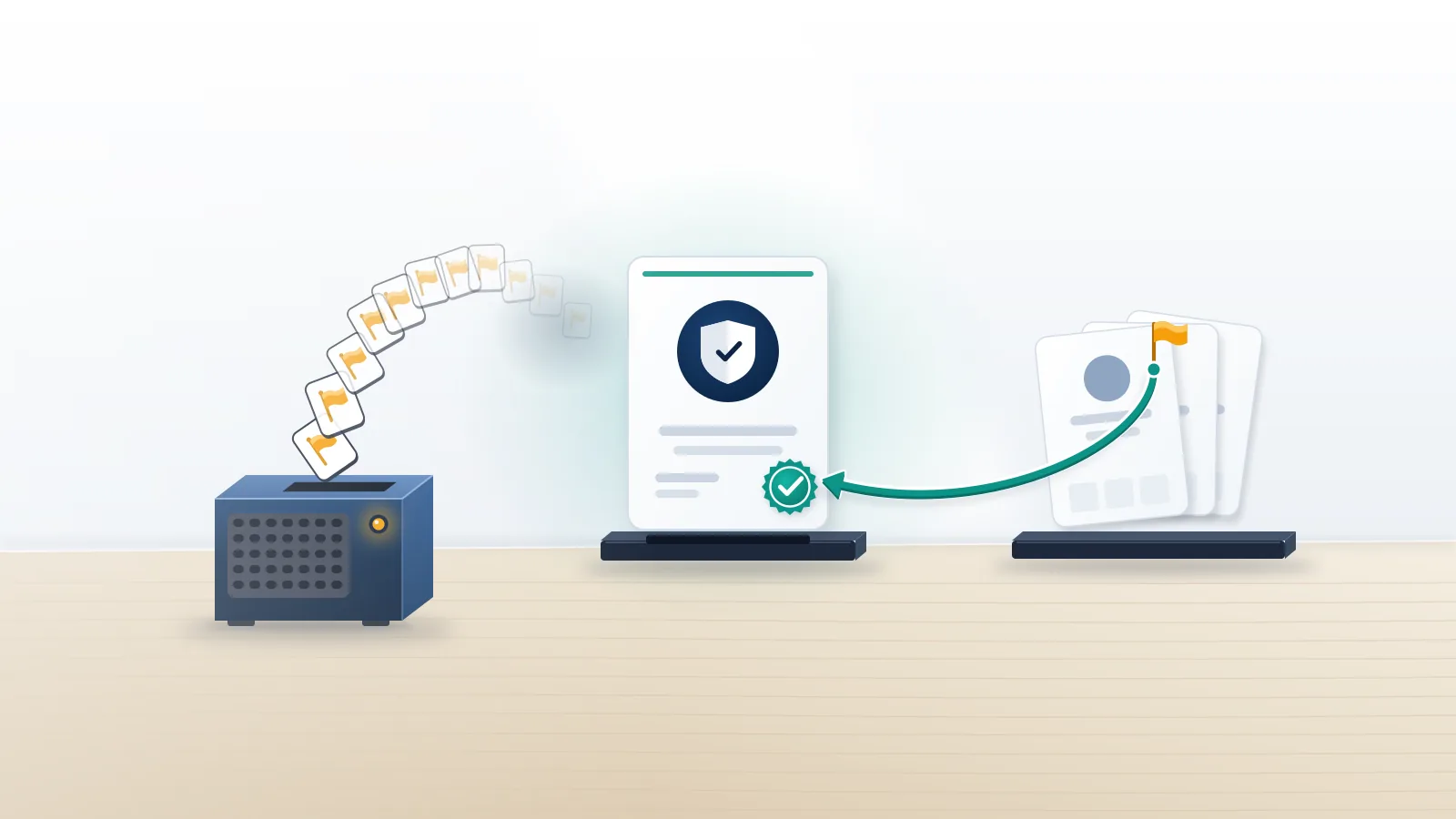
The tool version goes by many names, from a GitHub script or an APK to a Telegram panel selling report packages, yet each one automates the ordinary Report button and sends the same complaint from dozens or thousands of accounts. Instagram does not tally those complaints. Every report is checked against one named rule and against what the reported profile actually shows, and a burst of identical reports from new, empty accounts looks like coordination rather than evidence. Meta's Help Center states the principle for Facebook in one line: the number of times something is reported doesn't determine whether it's removed. Against an account that posts no spam, the bot hands reviewers nothing to confirm, and each spam report Instagram bots file from a throwaway profile adds close to nothing. Readers who want the storefront side can follow how Instagram mass report bots and panels are sold.
Many people typing "instagram spam report bot" have the second problem. Comments fill with link-in-bio spam, crypto "mentors" slide into DMs, or three hundred followers arrive overnight with no posts and no profile photo. Those accounts do break Meta's rules, which is why one accurate report works where a bot's thousand fail. Your Reputation Solution is an account recovery and online reputation firm that files evidence-backed reports and appeals through Instagram's official channels, and it neither sells nor runs report bots. This guide follows the order our team works in: name the rule, report each account, clear the followers, and escalate only what a Spam report can't reach.
What counts as spam on Instagram, and what never will?
Spam means fake or bought engagement, automated or high-frequency posting and deceptive links, not an account someone simply dislikes. Meta's spam policy, last updated June 26, 2024, describes content designed to "deceive, mislead, or overwhelm users" and bans buying, selling or exchanging engagement such as likes, follows and clicks. Instagram keeps no separate rulebook now: its old Community Guidelines address forwards to Meta's shared Community Standards (checked September 2026).
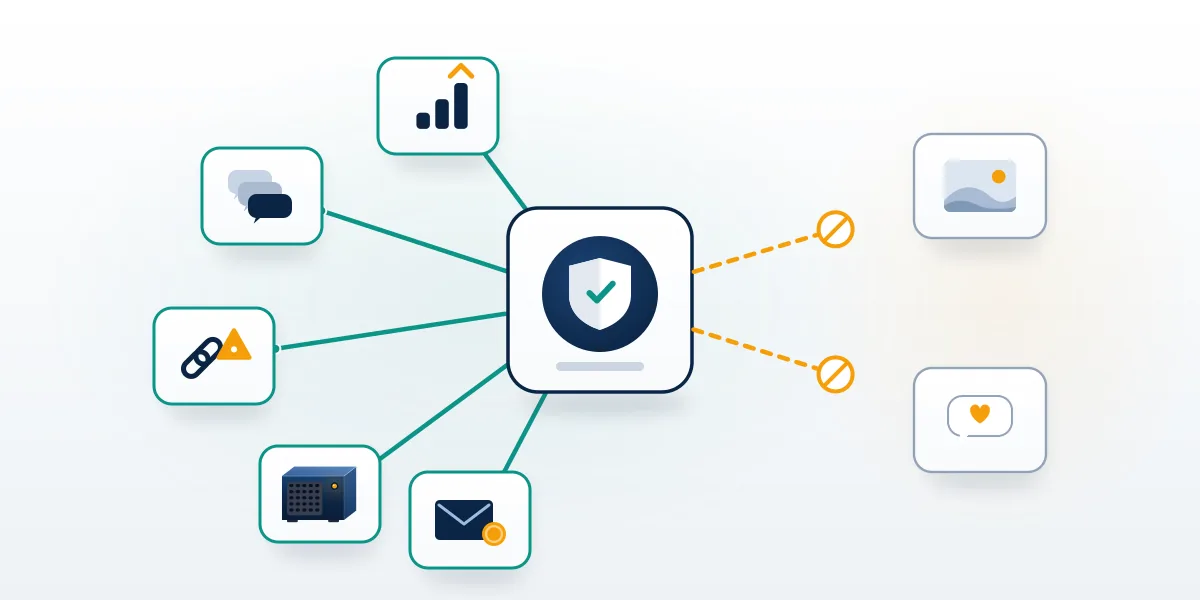
That definition explains why a Spam report fails against an ordinary account. The reason you pick decides which rulebook the reviewer opens, and the spam rulebook looks for bought or automated engagement, copy-pasted comments and posts, and disguised links. A profile that posts its own photos, follows a normal number of people and messages nobody in bulk shows none of that, so the report closes as not breaking the rules whether it arrived once or ten thousand times. Other harms have lanes of their own. Impersonation runs through a form that only the impersonated person or an authorized representative can file, intellectual property claims come from the rights owner, and harassment is judged on the specific posts or messages. A bot can't supply an ID, a trademark registration or a screenshot of abuse, and that gap is where automated campaigns die.
When Your Reputation Solution takes a removal case, the first question is which rule the target breaks, because the answer decides the form, the evidence and who is allowed to file. Meta's own rules explain why that question matters. Its Inauthentic Behavior policy, updated December 11, 2025, lists misusing Meta reporting systems "to harass, intimidate or silence others" as a violation in its own right, so the accounts running an Instagram spam report bot campaign are the exposed ones. No report count unlocks a ban either, whatever report apps that promise a ban threshold claim. For a genuine spam bot, that first question has a short answer: the Spam option, filed from your own account.
How do you file an Instagram spam bot report?
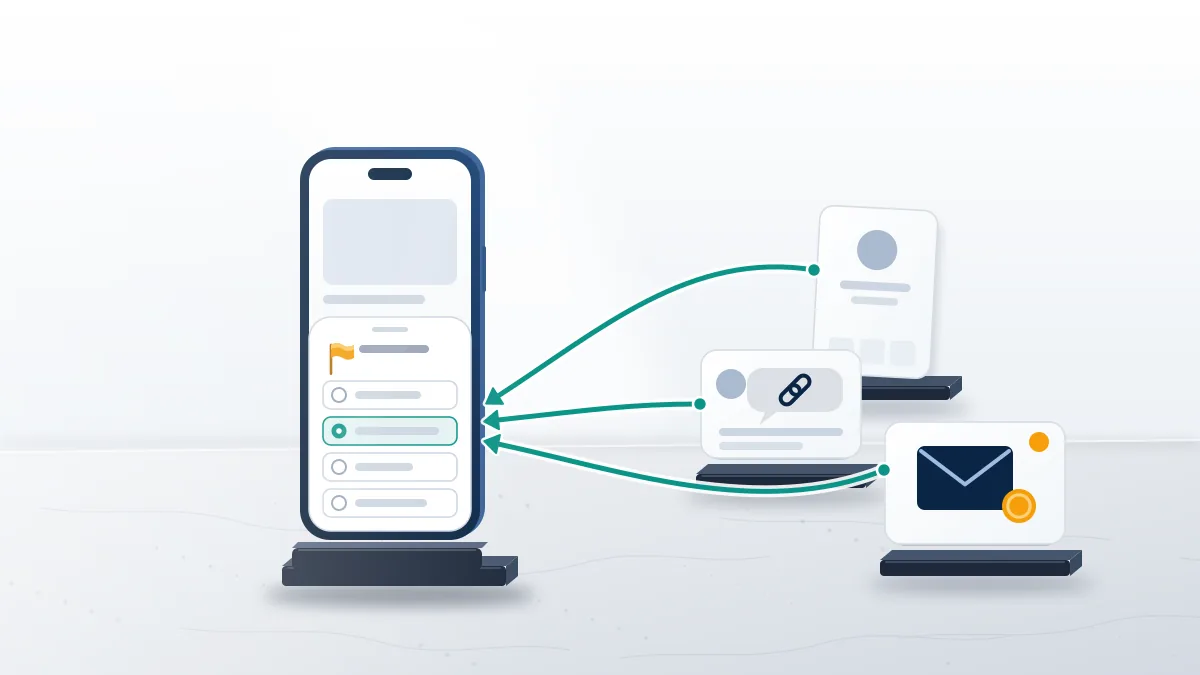
Tap the three dots on the bot's profile, choose Report, then Report Account, and pick the reason that matches what it does. An Instagram spam bot report takes under a minute, and comments and messages have their own buttons:
- On a profile, tap ⋯ next to the username, then Report and Report Account, as Instagram's help page describes, and choose spam.
- On a comment, open its menu, tap Report and choose Spam or Scam, the option Instagram's help center names for comments.
- In a DM, tap and hold the message itself and select Report; blocking from the same chat stops new messages.
- For a follow request from an obvious bot, delete the request instead of accepting it first.
Your report is anonymous, except for intellectual property claims, according to Instagram's Help Center, so a bot operator never learns who flagged the account. Reporting fifty bot accounts one by one is not mass reporting, since each report concerns a different account with its own evidence; volume stops mattering only when many reports pile onto one target. After reporting, block the account and tick the option that also blocks new accounts it may create, because operators rotate usernames. In bot-heavy cases, Your Reputation Solution logs each username and profile link with a dated screenshot before anything is filed, because operators rename accounts mid-campaign, and a form that names a stale username points a reviewer at a page that no longer exists. That list is also what shows a reviewer the pattern when one operator runs dozens of profiles. Skip reporting every like or comment a bot leaves on your posts; the profile report covers the account, and extra reports on its activity add nothing.
Other surfaces follow the same logic, and our full walkthrough of Instagram's report categories covers each one. To report spam bot Instagram accounts that return week after week, pair these reports with the follower controls below.
Can you clear out bot followers in bulk?
Partly: Instagram lets you remove every follower it has flagged as likely spam in one tap, and the rest come off one at a time. Open your profile, tap Followers and look for the Flagged folder, where Instagram's help article describes a Remove all button for accounts it considers potential spam, bots or irrelevant, plus a Delete all requests button for flagged follow requests. Removed followers aren't notified.
Some slip past the flag, and those tend to share a look: no posts or a few reposted images, a username ending in a string of digits, thousands of accounts followed against a few dozen followers, and a bio pushing a link, a giveaway or a crypto "mentor" (that last group belongs in reporting a crypto scam account on Instagram). Each one comes off with the Remove button in your followers list. During a heavy wave, switching a personal account to private for a few days means every new follower needs your approval; professional accounts can't go private, which is where Limits does the work. No part of this needs a password, and Your Reputation Solution never asks a client for one.
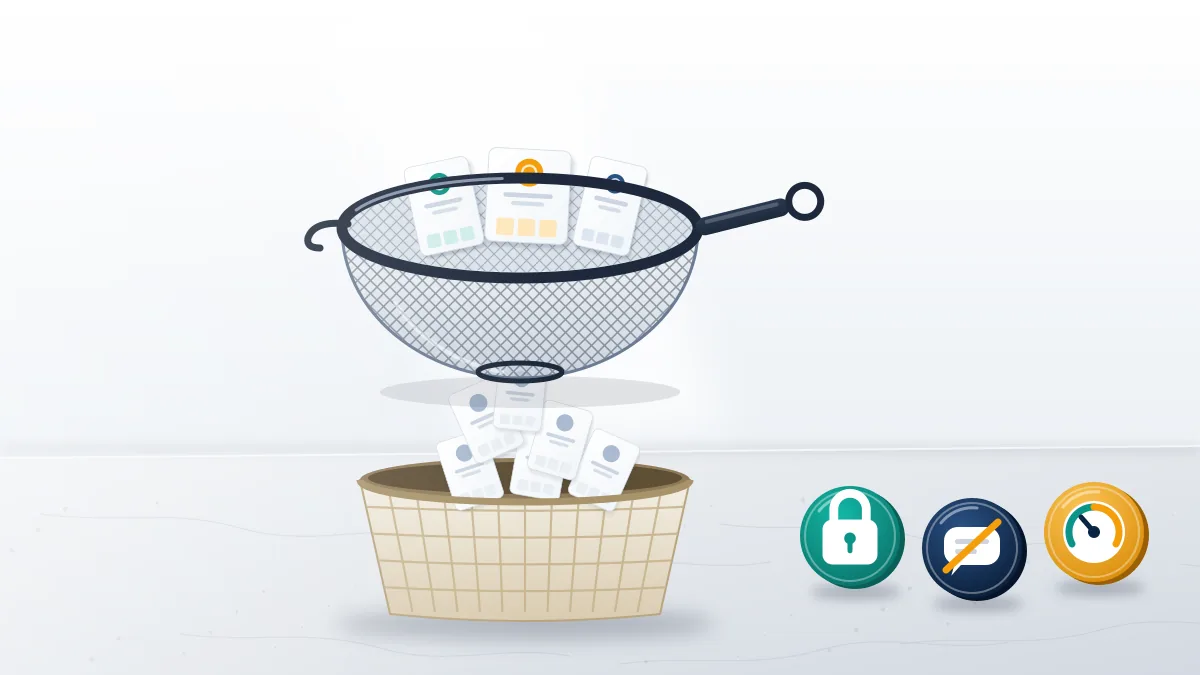
While you clean up, three built-in controls hold the swarm back. Limits automatically hides comments and DM requests from people who don't follow you or only recently followed you, which is exactly the profile of a bot wave. Hidden Words filters message requests that look spammy, along with any phrases you add, and Restrict leaves a commenter's remarks visible only to that commenter. Skip follower-cleaner apps that want your Instagram password: Instagram's Terms of Use bar accessing or collecting information in an automated way without permission, and handing a login to a stranger's app is how a bot problem becomes a hacked account. Whether the search was "spam report instagram account bot", "spam bot instagram report" or "report spam instagram bot", the fix is the same: report what breaks a rule, remove the rest, and keep your login to yourself.
Spam report bot, one report or an escalation: which removes a bot network?
An escalation does, when the network impersonates a real person or business, because Instagram's impersonation and IP routes accept proof a Spam report can't carry. For ordinary bot followers and comment spam, the in-app report is enough.
| Spam report bot | One in-app report | Documented escalation | |
|---|---|---|---|
| What Instagram reviews | One complaint, repeated | One account against the spam rules | A named rule, with proof of who is harmed |
| Who files | Throwaway or stolen accounts | You, from your own account | The person or business harmed, or a representative |
| Evidence attached | None | The profile itself | Profile URLs, dated screenshots, ID or business records |
| Risk to you | Your login, your money, your own account | None | None, when the claim is true |
| Right for | Nothing | Bot followers, spam comments, spam DMs | Impersonation rings, scam bots using your brand, stolen content |
Bot accounts copying your name or brand? Your Reputation Solution runs a free case check on the accounts and tells you which rule they break and which Instagram form fits, before any fee is discussed.
Business cases look different from a follower swarm. A typical pattern is a cluster of clones using a brand's name and photos, a fake "support" account messaging customers, or a giveaway page harvesting logins, and customers' Spam reports against them rarely stick, since a clone can be tidy enough to pass a spam check. Instagram's impersonation report form is the route that fits: it accepts reports only from the person being impersonated or an authorized representative and asks for identification, while stolen logos and product photos go through the intellectual property forms. Build the file once: a list of profile URLs, dated screenshots of each clone beside the real account, and proof that you own the name. Then file each account on the form that matches its violation and keep every confirmation. Reporting an account impersonating your business on Instagram walks through the form fields.
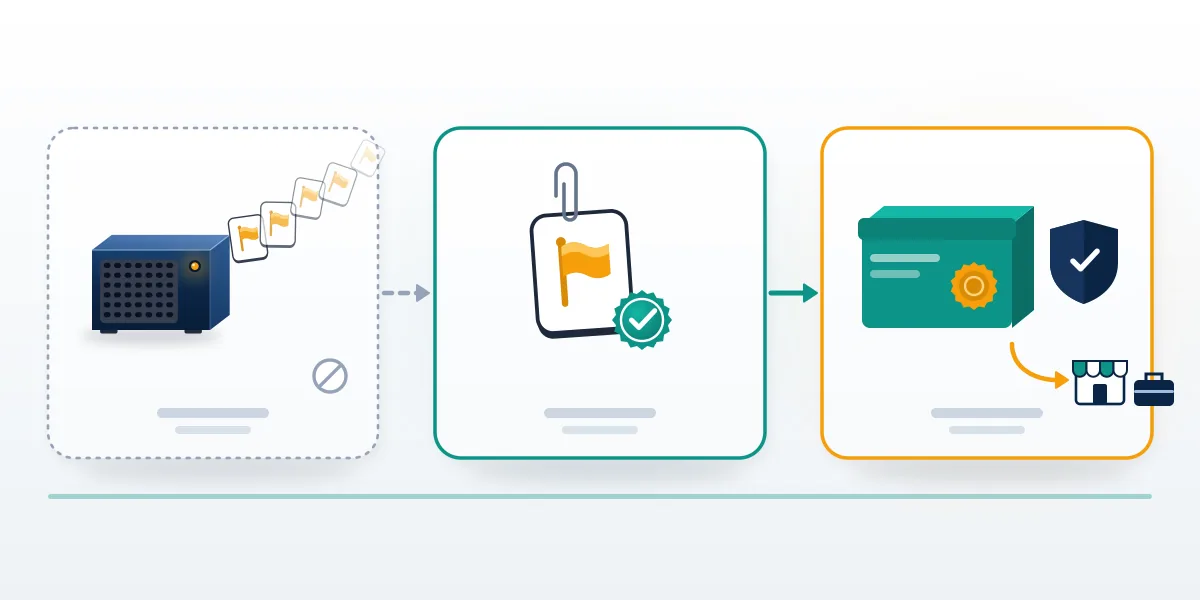
Bot sellers now borrow the language of legitimate escalation, so check the offer before paying anyone. An Instagram report spam bot dressed up as a service gives itself away in five ways: a price per report or per "ban," a promised timeline, a success rate nobody can verify, checkout only through Telegram or crypto, and a request for your Instagram login. Real escalation work prices the case, not the reports, and says in advance which accounts it will decline; the paid ban services sold on Telegram and Discord usually fail several of those tests at once. If a seller has already taken your money, report it to the FTC at reportfraud.ftc.gov and to the FBI's IC3.
In a filed case, Your Reputation Solution prepares the evidence and submits it through Instagram's own forms, while Instagram's reviewers make the final decision; nobody outside Meta can promise a removal. Case checks come first and cost nothing, and any fee is quoted afterward.
Some requests get declined on sight: a report against an account that breaks no rule, automated or coordinated reporting, anything that needs your password or a login code, and a copyright or impersonation claim that can't be supported. Critics, competitors and former partners who post lawful content are not removable, and the cases we decline before taking payment are published in writing.
What if a spam report bot is aimed at your account?
Check Account Status first, because a report wave only matters when Instagram has actually removed content or restricted the account. Account Status sits in your profile's settings and shows removed content and any restriction; if it shows nothing, the reports have not touched the account. Even a spam report bot Instagram has discounted can trip an automated check on a clean account, and a first-pass restriction does sometimes land before a person reviews it.
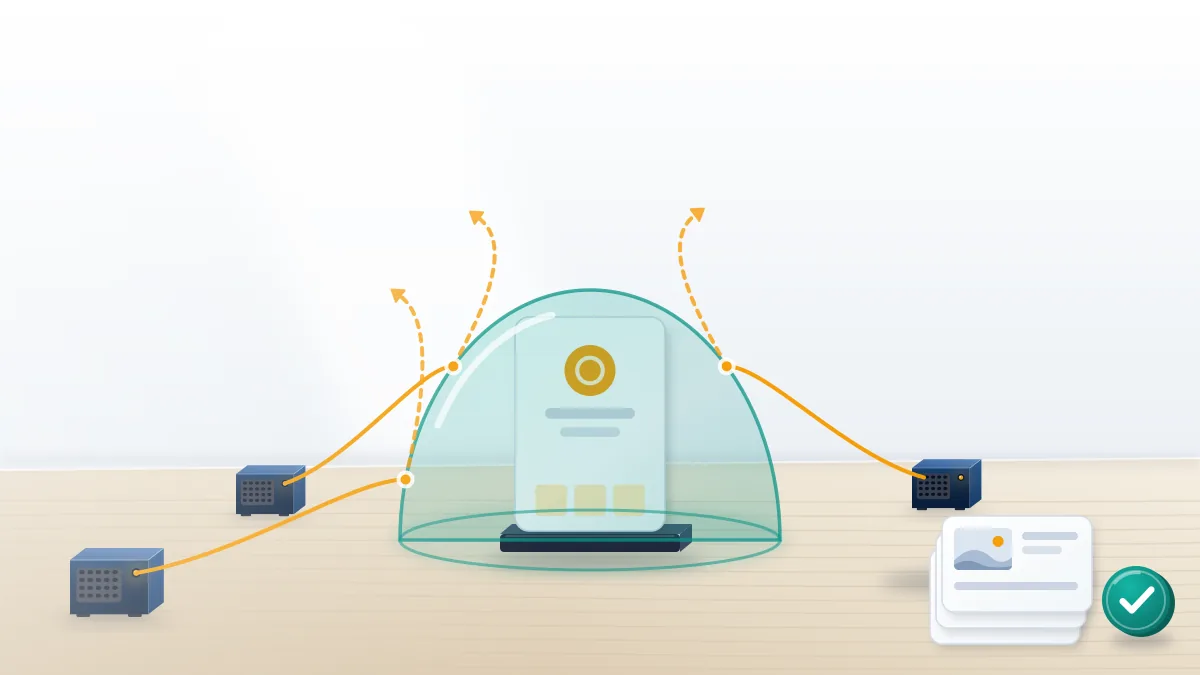
When Your Reputation Solution reviews one of these cases, the first job is separating what the reports did from what they only threatened. If something was restricted, work in a fixed order. Screenshot the notice with its date, plus any post or group chat where people announce the report raid, because that record is what later shows the wave was coordinated. Request one review from Account Status and let it run; stacking duplicate appeals only adds noise to the same queue. Turn on two-factor authentication with an authenticator app, since report raids and hacking attempts often arrive together, and never sign in to a "report protection" tool that promises to block the bots, which is the credential-harvesting pitch in reverse. Keep posting normally rather than deleting content, because deleted posts can't back up an appeal. Policy is on your side, too: Meta's rule against misusing reporting systems covers the people who hired the bot, not you.
If the review stalls or the account is disabled, recovering an account suspended after a report wave covers the next steps, and locked or hacked accounts go through the Instagram account recovery service. None of it requires your password, and none of it involves reporting anyone back. Keep the screenshots in one folder with dates in the file names, because a review or a case check moves faster when the timeline already exists.